
Can I DJ with Just My Laptop? Tips for Getting Started as a DJ
If you’ve ever wondered whether you can DJ with just your laptop, you’re not alone. Yes, you can absolutely DJ using only your laptop, and many beginners start this way. With the right software and a little know-how, your laptop can become your main tool for mixing music and creating an amazing experience for your audience.
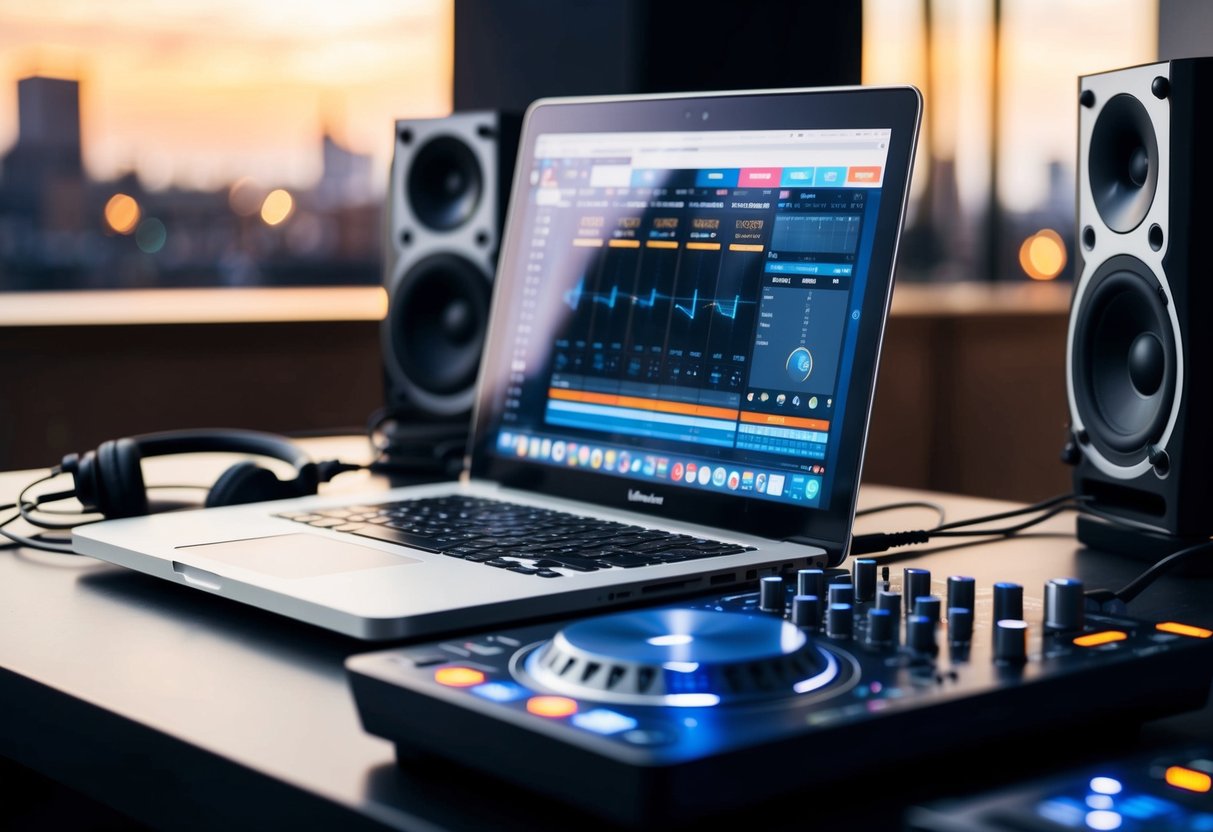
Getting started with laptop DJing is easier than you might think. There are plenty of free or low-cost software options available that allow you to mix tracks and create seamless transitions. As you learn the basics, you’ll discover how fun and rewarding it is to share your favorite music with others.
So, whether you’re planning a house party or just want to learn a new skill, you’ll find that a laptop is a great entry point into the world of DJing. Let’s explore how you can set everything up and start your DJ journey today!
Choosing the Right DJ Software
Selecting the right DJ software is crucial for your success as a laptop DJ. The software you choose not only affects your ability to mix tracks but also impacts your overall performance.
Popular Software Options
There are several DJ software options available, each with its own strengths. Virtual DJ is user-friendly and ideal for beginners. It offers great features like real-time track analysis and a large library of effects.
Serato DJ is a popular choice for professional DJs. It includes solid features for mixing and supports many controllers. If you’re looking for something advanced, check out Traktor Pro 3. It offers deep customization and exceptional audio quality.
For those seeking free options, Mixxx is a fantastic choice. It may lack some premium features, but it’s a solid start for anyone new to DJing. Rekordbox is also worth considering if you plan to perform with Pioneer equipment.
Features to Look For
When choosing DJ software, focus on a few key features. Make sure it supports performance mode, which allows you to manipulate tracks creatively during your sets.
Look for audio quality options that meet your needs. High-quality sound is essential for a great listening experience. The ability to sync tracks automatically will make mixing easier, especially for beginners.
Another important feature is the availability of built-in effects. Effects can enhance your mix and keep the audience engaged. Choose software that has a user-friendly interface, making it easy for you to navigate during performances.
Setting Up Your Music Library
A well-organized music library is key to successful DJing with just your laptop. This helps you quickly find and mix tracks, ensuring a smooth performance. You’ll want to focus on arranging your tracks, sourcing new music, and understanding file types for the best audio quality.
Organizing Your Tracks
Start by creating a folder structure for your music collection. You can set up folders by genre, mood, or even tempo. This way, you know exactly where to find the right track when you need it.
Consider using playlists within your DJ software. Name playlists according to the type of event, like “Club Mix” or “Chill Vibes.” This can help you stay organized during performances.
Additionally, tag your audio files with relevant information. Include the track title, artist, genre, and BPM (beats per minute). This will save you time while mixing and help you understand the flow of your set.
Finding Music Resources
To build a diverse music library, explore various resources. Many platforms offer legal downloads and streaming services. Websites like SoundCloud and Bandcamp are great for discovering new artists.
Another option is to use music stores that allow you to purchase high-quality audio files. Platforms such as Beatport and iTunes offer a wide range of tracks specifically for DJs.
Joining online communities or forums can also provide you with leads on where to find unique tracks. Engaging with other DJs can help you stay updated on new releases and remixes.
Music File Types and Quality
Understanding music file types is essential for ensuring sound quality in your mixes. Common audio formats include MP3, WAV, and AIFF.
- MP3: Highly compressed and takes up less space, but may lose some audio quality.
- WAV: Uncompressed and offers high-quality sound, ideal for professional use.
- AIFF: Similar to WAV, it delivers top sound quality but with larger file sizes.
Aim to use high-bitrate files (320 kbps for MP3s) for better sound during performances. Always check the quality of tracks you download to keep your music library sharp. This attention to detail will help elevate your DJ skills.
Mastering Essential DJ Skills
To be a successful DJ using just your laptop, there are specific skills you need to master. Two of the most important skills are beatmatching and using mixing techniques effectively. These skills will help you create seamless mixes that keep your audience engaged.
Learning to Beatmatch
Beatmatching is the core skill for any DJ. It involves aligning the beats of two tracks so they play in sync. To start, you’ll want to use your cue button to listen to the next track in your headphones without letting the audience hear it.
Here’s a simple process to follow:
- Choose Your Tracks: Pick songs that have a similar BPM (beats per minute) to make beatmatching easier.
- Listen Carefully: Use the cue button to listen for the beat. Count the beats in your head.
- Adjust Tempo: Use your DJ software to tweak the tempo of the incoming track.
- Sync the Beats: Gradually fade in the new track while keeping an eye on the waveforms.
Practicing this skill will help you develop a good ear for music and make your mixes much smoother.
Mixing and Audio Effects
Mixing involves blending two or more tracks to create a new sound. Using audio effects enhances this process and can really elevate your performance on a laptop.
Start by exploring your DJ software for mixing techniques. Here are a few key techniques to try:
- Crossfading: Use the crossfader to smoothly transition between tracks.
- EQing: Adjust the frequencies of each track to reduce clashing sounds.
- Adding Effects: Use effects like reverb, echo, or filters sparingly to create interest.
Experiment with these techniques and listen to your mixes. As a beginner DJ, developing your mixing skills will greatly improve your performance and make DJing more enjoyable.
Optimizing Your Laptop DJing Setup
To get the most out of DJing with just your laptop, it’s essential to focus on both hardware and software configurations. These elements will ensure smooth performance and high-quality sound output during your sets.
Hardware and Software Configuration
Start by ensuring your laptop meets the recommended specifications for DJing. Look for a device with at least 8GB of RAM and a multi-core processor. This setup helps reduce latency, which is crucial for live mixing.
Make sure your DJ software is compatible with your operating system. Popular options include Serato DJ and Virtual DJ. Install necessary updates to keep your software running smoothly.
Consider investing in a dedicated sound card or audio interface for better audio output quality. This step ensures cleaner sound and support for multiple audio outputs. Connect your laptop to external speakers through these devices for an enhanced listening experience.
Choosing the Right Hardware Accessories
Selecting the right DJ hardware accessories can make a significant difference. A DJ controller can enhance your mixing abilities. It allows you to control various aspects of your software more intuitively. Look for controllers that integrate seamlessly with your software.
Quality headphones are also critical. They help you cue tracks accurately and monitor your mixes without disturbing the audience. Choose closed-back headphones for better sound isolation.
If you plan to perform in larger venues, think about additional speakers. These will help reach your audience more effectively. Don’t forget cables and adapters, which are essential for connecting all your equipment properly.