
Can I DJ with Just My Phone? A Guide to Mixing on Mobile Devices
If you’ve ever wondered, “can I DJ with just my phone?” the answer is a definite yes! Your phone can become a powerful DJ tool with the right apps and accessories. Many DJ apps allow you to mix music, create playlists, and even perform live using just your device.
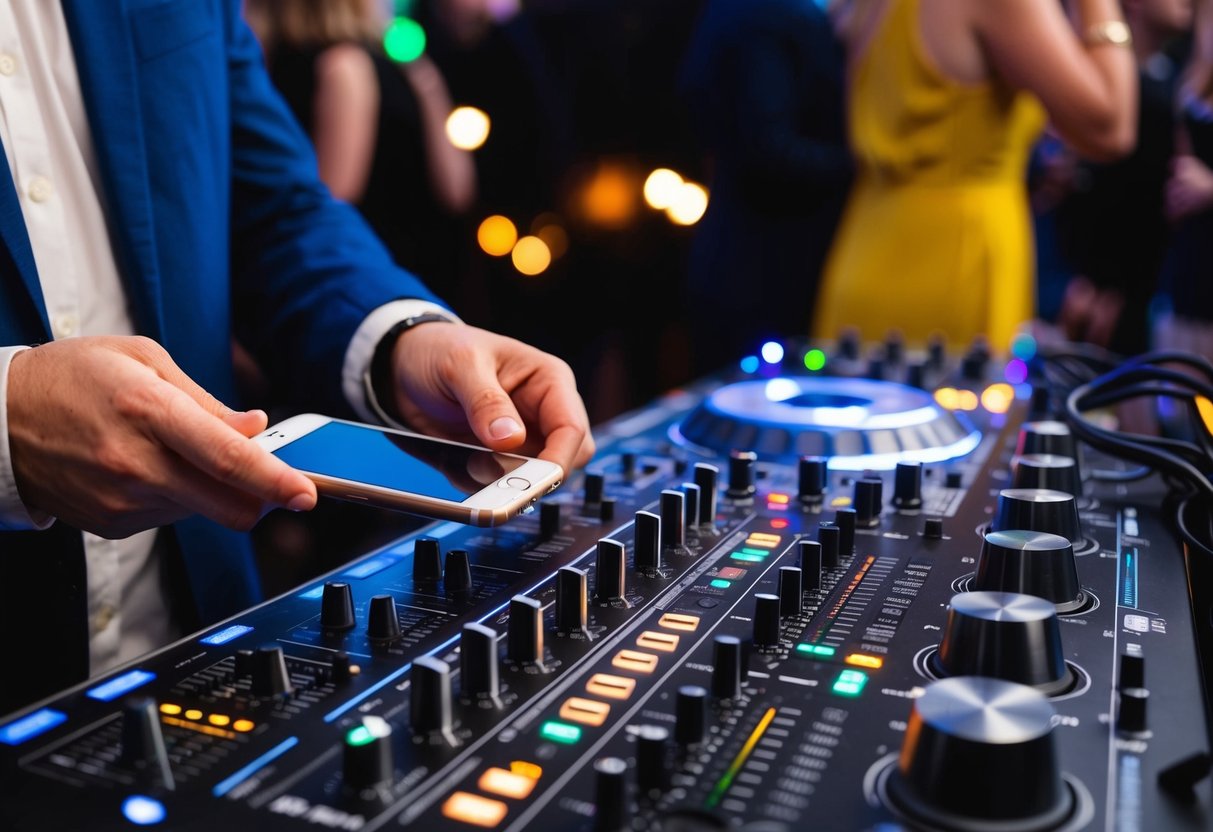
Learning to DJ has never been more accessible. You can explore different styles, practice basic skills, and develop your own sound right from your pocket.
Connecting your phone to a mixer or using built-in speakers can enhance your performance, giving you flexibility wherever you go.
Don’t let the thought of needing expensive equipment hold you back. Your phone can help you improve your DJ skills and find your unique style. It’s a great way to start your journey in the world of DJing.
Setting Up Your Phone as a DJ Platform
Setting up your phone as a DJ platform is a fun and convenient way to get started. You can easily find the right DJ app and connect your device to an audio output for great sound.
Choosing the Right DJ App
Selecting the right DJ app is important for a smooth experience. Popular options include djay by Algoriddim and edjing Mix.
djay by Algoriddim offers features like mixing, looping, and real-time effects. On the other hand, edjing Mix provides a user-friendly interface and a variety of sound effects.
When choosing an app, consider the device compatibility and features that match your style. Look for apps that allow you to integrate streaming services for access to more music. User ratings and reviews can help you find the best option for your needs.
How to Connect Your Phone to Audio Output
Connecting your phone to audio output is straightforward. Use an audio cable with a 3.5mm stereo jack on one end and RCA plugs on the other. This will connect your phone to a mixer or speaker.
If you’re using a DJ controller, check if it has an aux in port. An adaptor can help make arrangements easier.
For advanced setups, consider using an audio interface like the Presonus Audiobox iOne for better sound quality. This method adds power and clarity to your mixes while keeping your setup compact and mobile.
Mastering the Art of Mixing on a Phone
Mixing on a phone can be a fun and rewarding experience. With the right tools and techniques, you can create engaging sets that stand out. This section explores how to integrate your music library and use streaming services while creating seamless mixes, even with limited controls.
Integrating Music Libraries and Streaming Services
You have many options for building your music library right on your phone. Most major streaming services like Tidal, Apple Music, and SoundCloud have apps that let you access millions of tracks.
Using these services, you can explore different genres and find new songs. For example, Tidal offers high-quality audio that can elevate your mixes. Similarly, platforms like Beatsource and Beatport focus on DJ-friendly content.
To integrate these services with your DJ app, you may need to link your accounts or import playlists. This helps create a personalized music library that is easy to navigate. Remember, a well-organized library allows for quick access during live sets.
Creating Seamless Mixes with Limited Controls
Mixing on a phone often comes with limited buttons compared to traditional mixers. However, you can still create seamless mixes by practicing basic techniques.
Start by choosing tracks that have compatible tempos. Use a metronome app to help you get their beats in sync.
Loops and one-shots can be excellent tools to enhance your mixes. Loops allow you to repeat sections of a song, creating a rhythm that flows. Meanwhile, one-shots can add unique sounds and effects to keep your audience engaged.
Many DJ apps also include features like auto-mixing, which helps keep tracks blended smoothly. Take time to experiment with your phone’s capabilities to find the best settings for your style. With practice, you’ll be able to mix effectively, even on a small screen.
Advanced Techniques and Hardware Additions
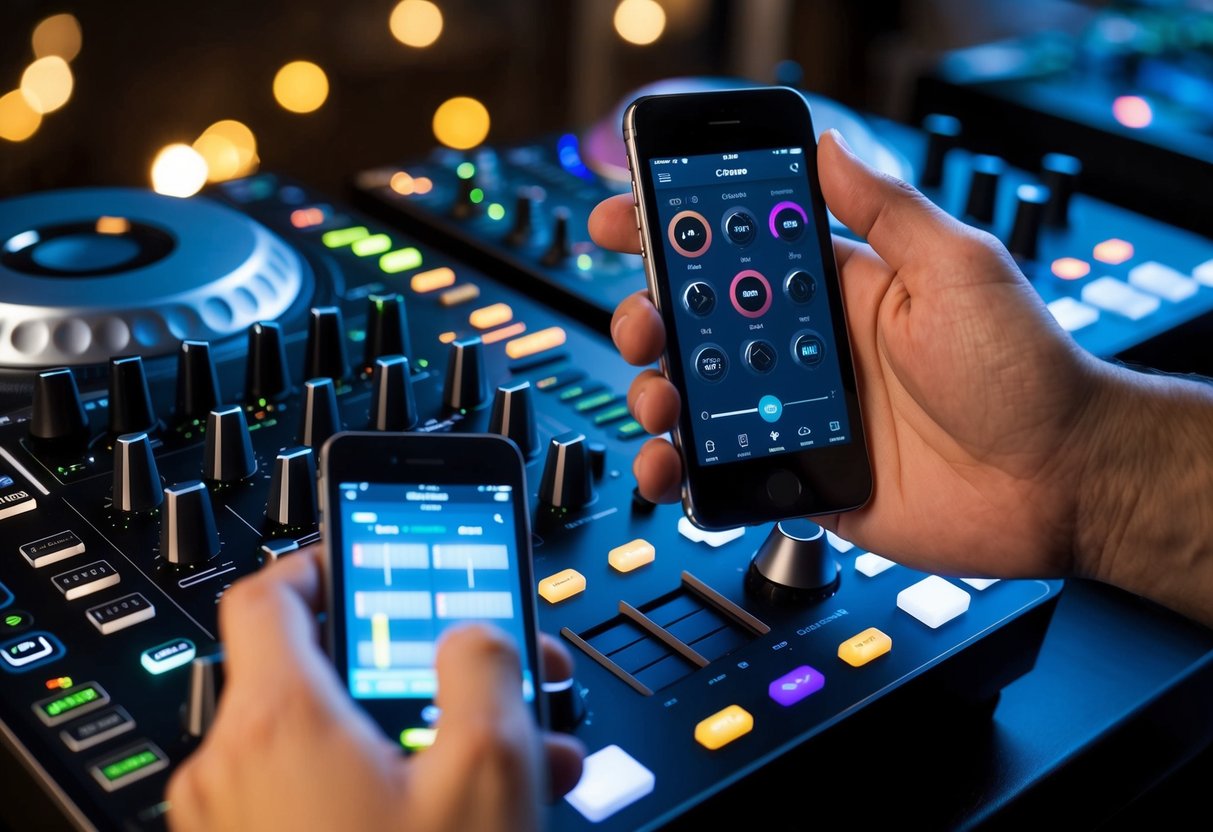
Using just your phone for DJing can be fun, but adding some hardware can really enhance your setup. DJ controllers and audio interfaces can open up more creative possibilities and improve sound quality.
Using DJ Controllers with Your Phone
A DJ controller like the Pioneer DDJ-200 can transform your phone into a powerful DJ setup. This controller connects via Bluetooth, allowing you to mix, scratch, and control your music with ease.
To get started, simply download a compatible app on your phone. Then, pair it with your DJ controller. This setup allows you to utilize features like beat matching and effects that are not possible with a phone alone.
Using a DJ controller also gives you physical knobs and sliders. This tactile interaction makes mixing more intuitive and enjoyable. It’s an excellent way to take your set to the next level.
Expanding Audio Options with External Interfaces
To improve sound quality, consider adding an audio interface to your setup. This device helps connect your phone to professional audio gear.
Look for interfaces with 3.5mm TRS jack sockets to ensure compatibility.
An audio interface allows you to output sound to external mixers or speakers. This can enhance your sound clarity, making your mixes more impressive.
Additionally, it can help reduce latency, allowing for smoother performance.
Using an audio interface also unlocks new possibilities for effects and routing audio. You can layer sounds and create richer mixes that stand out. With these additions, you can elevate your DJing experience right from your phone.
Performing Live
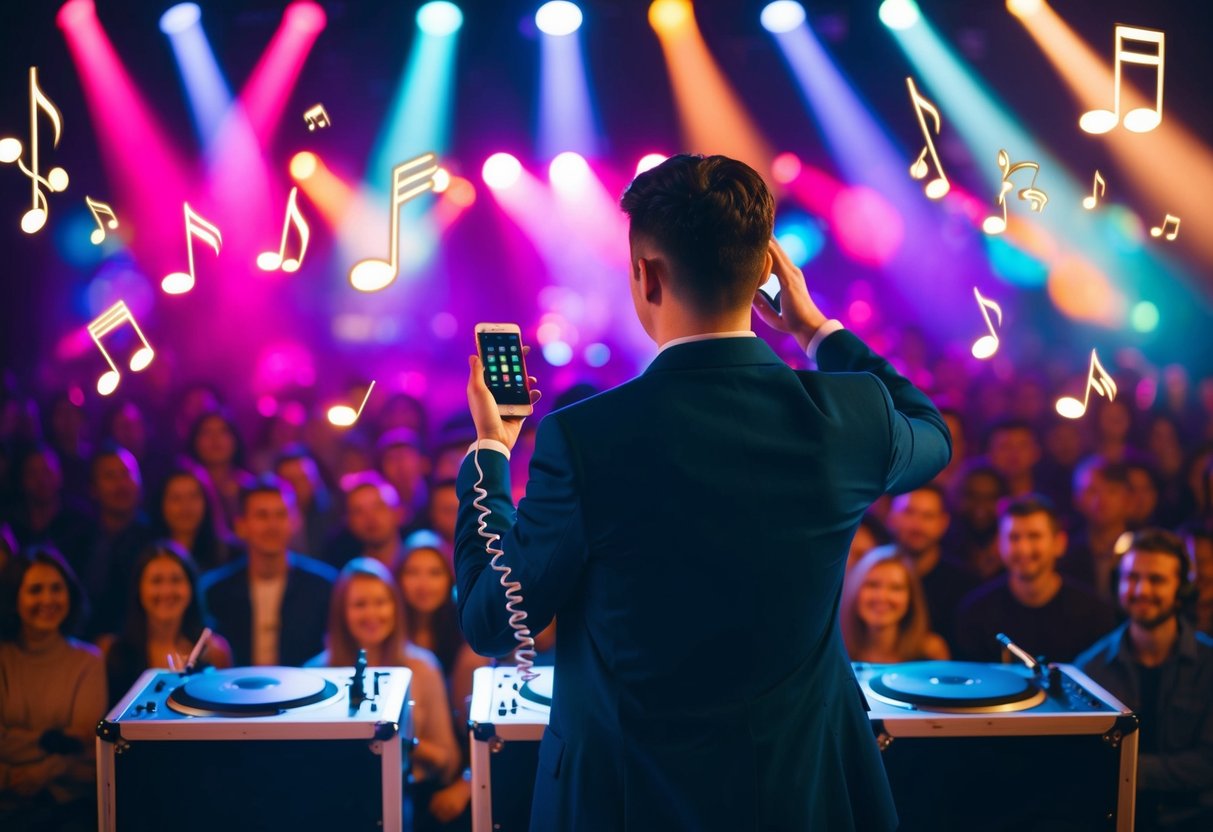
When you perform live using just your smartphone, it’s essential to meet the crowd’s expectations. Whether at a house party or a music event, the setup can impact how your audience receives your performance.
Handling Crowd Expectations with a Smartphone Setup
Using a smartphone to DJ can be exciting, but you need to be aware of what your audience expects.
First, make sure your music selection is tight and fits the vibe of the event. Try using apps like Cross DJ for easy access to your tracks and smooth transitions.
Ensure that your sound quality is good by connecting your phone directly to the speakers, avoiding the built-in mic.
It’s also helpful to have a few DJ idents or personal tracks to fill gaps.
Keep your energy up, engage with the crowd, and encourage requests. This personal touch will make your performance memorable.