
Can I Use Spotify to DJ? Tips and Tricks for Aspiring DJs
If you’ve ever wondered whether you can use Spotify to DJ, you’re not alone. Many people with a love for music and a passion for parties want to know if they can bring their favorite tracks to life behind the decks. The good news is that you can absolutely use Spotify to DJ, especially if you have a Spotify Premium account.

With Spotify’s extensive music library, you can easily access millions of songs and playlists to create the perfect set for any event. There are several ways to integrate Spotify into your DJ setup, whether you’re using an app or mixing with friends.
Curious about how to get started? From using special DJ software to taking advantage of Spotify’s built-in features, this article will guide you through the best options for DJing with your favorite streaming service.
Getting Started with Spotify DJing
If you’re looking to use Spotify for DJing, there are a few key steps to consider. Familiarizing yourself with the Spotify platform and making sure you have a Premium account is essential for a smooth experience.
Understanding the Spotify Platform
The Spotify app is designed to be user-friendly, which makes it a great option for DJs of all skill levels. You can create and organize playlists easily, enabling you to access your favorite tracks quickly during your set.
To DJ effectively, you need reliable internet for streaming music. Additionally, using Spotify’s DJ mode can help create seamless transitions between songs. Keep in mind that the Spotify integration with DJ software differs, so find one that works best with your setup.
Spotify also offers ad-free listening for Premium users, allowing you to focus entirely on your DJing without interruptions.
Setting Up Your Spotify Premium Account
To unlock all the features Spotify offers for DJing, you’ll need a Spotify Premium account. This subscription gives you the ability to listen offline, which is a game changer for events with limited internet access.
Getting a Premium account is simple. Just visit the Spotify website or the app, choose a premium plan, and follow the signup process. Your Spotify account will grant you access to a vast music library and allow you to create, manage, and share playlists effortlessly.
Plus, having a Premium account means you can enjoy the benefits of streaming music without any ads, enhancing your overall DJ experience.
Creating Your Ultimate DJ Playlists on Spotify
Creating the perfect DJ playlists on Spotify involves mixing diverse genres and collaborating with friends for fresh music ideas. With Spotify’s extensive music library, you can craft playlists that keep the energy high and the vibes right.
Crafting a Party Playlist with Diverse Selections
When crafting a party playlist, aim for a mix of different genres. Start by choosing upbeat songs that guests will recognize and love. Include tracks from pop, hip-hop, EDM, and classic hits to create a lively atmosphere.
You can use Spotify’s search feature to dive into different categories. Consider using filters like “Top Lists” and “New Releases” to find trendy tracks. Make sure to add songs with varying tempos to keep the energy flowing.
As you add songs, think about transitions. Keeping the beat consistent helps maintain enthusiasm. Once your playlist starts to take shape, listen through it to ensure it has a good flow. Adjust as needed for length and vibe.
Collaborative Playlist for Fresh Music Recommendations
A collaborative playlist can be a great way to gather music recommendations from friends. Invite them to contribute their favorite tracks. This not only diversifies your music selection but also makes your playlist feel personal.
To start, create a new playlist and toggle the “Collaborative Playlist” option. Share it with friends via social media or messaging apps. Encourage them to add songs that they love and think will fit the party vibe.
Keeping the playlist open for contributions creates a sense of excitement. You may even discover new songs you wouldn’t typically choose. Just remember to maintain a coherent theme throughout the playlist to keep it engaging for everyone.
Using this approach, you’ll have a dynamic party playlist ready to go in no time!
Mastering Spotify’s DJ Tools and Features
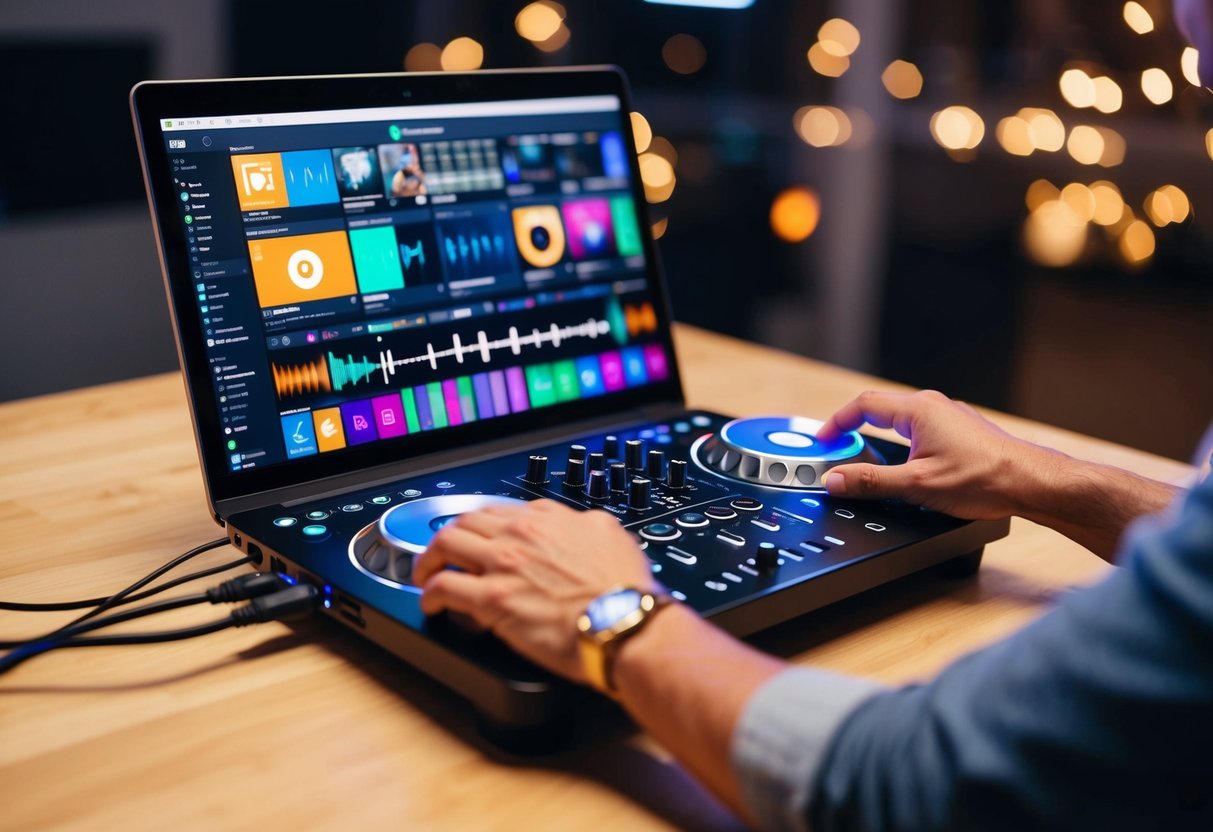
Using Spotify to DJ can be both fun and straightforward if you know how to take advantage of its built-in features. By mastering tools like DJ Mode and Automix, along with equalizer settings and crossfade options, you can create seamless mixes that keep everyone dancing at your party.
Using Spotify’s DJ Mode and Automix
DJ Mode on Spotify unlocks features that are perfect for keeping your audience engaged. Automix allows the app to automatically mix tracks for you. This means no awkward pauses between songs.
To activate DJ Mode, simply go to your settings and turn it on. Once activated, you can start a playlist, and Automix will choose the best transitions. This feature is excellent for beginners who are just learning to DJ with Spotify.
You can also curate your playlists with specific energy levels. Mixing high-energy tracks with mellow tunes helps manage the vibe of your space. If you want a hands-off approach, Automix makes it easy to focus on your audience rather than the mixing.
Leveraging Equalizer and Crossfade for Smooth Transitions
Adjusting the equalizer settings is essential for achieving the right sound. You can tailor the audio output to fit the mood of your party. Whether you want more bass or treble, these settings help you create the perfect sound profile.
The crossfade feature is another tool that enhances your DJ performance. By enabling crossfade, you can make transitions between songs more fluid. Instead of abrupt stops, tracks will blend into each other seamlessly, creating a more immersive experience for listeners.
To adjust crossfade settings, go to your Spotify settings and find the playback options. You can choose how many seconds before one song fades into the next. This level of control is crucial for smooth mixing and maintaining the energy on the dance floor.
These tools make DJing with Spotify much more enjoyable and professional, whether you’re using a DJ controller or simply your device.
Enhancing Your DJ Setup and Performance
To really make the most of DJing with Spotify, it’s essential to invest in the right equipment and software. Focus on enhancing your audio quality and ensure your setup can accommodate various mixing styles.
Choosing the Right DJ Equipment and Software
Selecting the right DJ equipment greatly influences your performance. Start with a reliable DJ mixer that suits your style. Consider popular software options like Serato DJ Pro or Algoriddim’s djay. These programs offer seamless integration with platforms like Spotify and Tidal.
Investing in high-quality headphones is crucial for beatmatching and cueing tracks accurately. Features like cushioned ear pads and a closed-back design help isolate sound. You might also want a Bluetooth speaker for casual gigs. This combination allows you to blend local files and streaming tracks smoothly.
Improving Audio Quality with the Best Output Options
To achieve high-quality sound, you need to focus on your audio output. Make sure to opt for a good audio system that can handle different venues. A professional audio interface can improve sound clarity by reducing latency.
Using high-quality cables ensures the best connection between your mixer and speakers. Also, if you’re using a Bluetooth speaker, check its audio specifications to make sure it delivers clear sound.
Experiment with your audio settings within the software to find the balance that works for you. This can lead to smoother transitions and a better overall listening experience. Quality audio gear not only boosts your performance but also enhances the audience’s experience.