
Can You RSVP on Paperless Post? A Quick Guide to Digital Invitations
When planning an event, you want everything to go smoothly, including guest responses. You can absolutely RSVP using Paperless Post, making it easy for your guests to confirm their attendance online. This platform offers a seamless way to send and receive invitations, and it tracks responses, so you can stay organized.
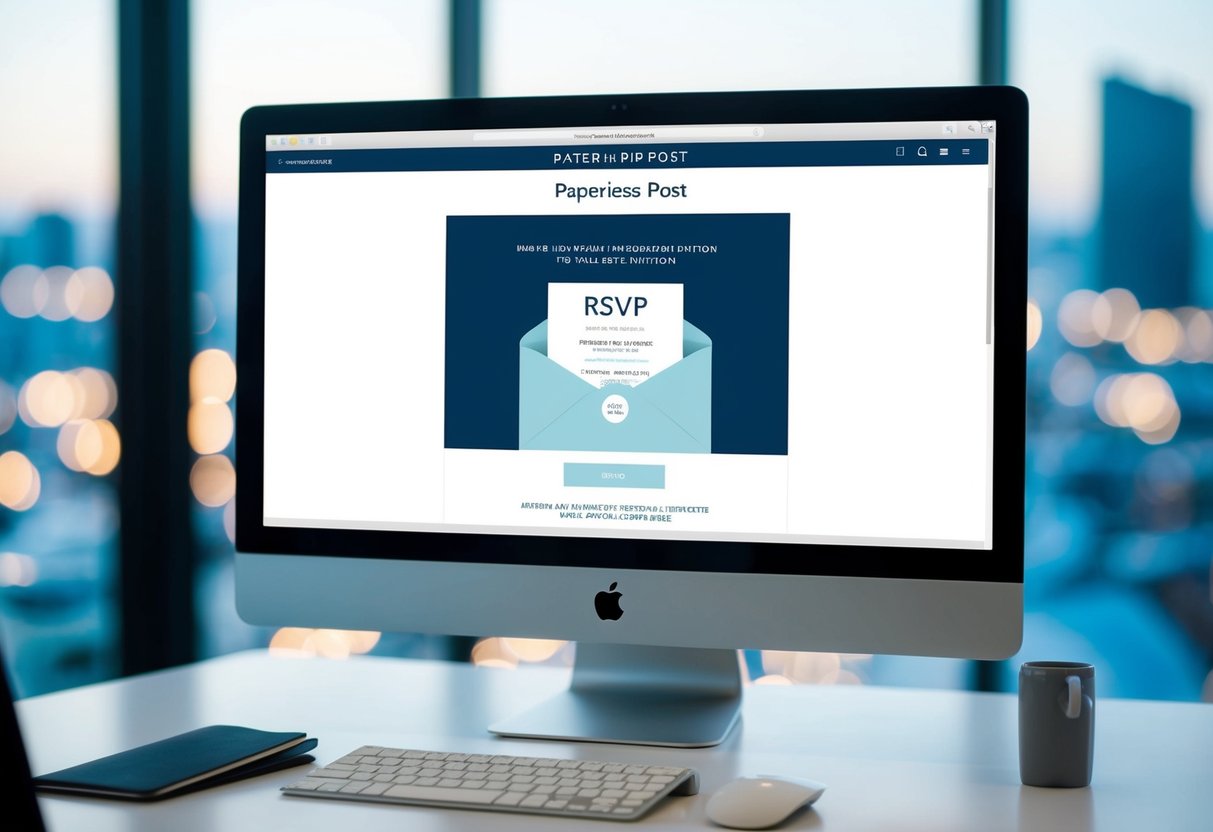
With Paperless Post, you’re not just sending out ordinary invitations; you’re using stylish online invitations that cater to your event’s needs. Guests appreciate the ease of letting you know whether they can attend, and you benefit from quickly gathering all the responses in one place. This modern approach takes the stress out of managing guest lists, allowing you to focus on planning a fantastic event.
If you’re looking to boost your event planning game, Paperless Post has you covered. From customizable designs to RSVP tracking, this platform transforms the way you invite people to your special occasions. Enjoy the convenience and style of online invitations while keeping your guest list in check!
Getting Started with Paperless Post
Getting started with Paperless Post is easy and fun. You’ll find a variety of templates, options for personalization, and a straightforward RSVP process. Here’s how to navigate the platform effectively.
Choosing Your Invitation Template
When you visit Paperless Post, you’ll see an array of invitation templates. These templates cater to various events, such as parties, weddings, and casual get-togethers. You can use the filters to narrow down your choices by occasion or style.
It’s important to select a template that matches the vibe of your event. Once you find the perfect one, you can preview it in different layouts. If you’re a Paperless Post Plus member, you’ll also have access to exclusive designs and extra stickers to enhance your invitations.
Personalizing Your Invitation
Customization is a breeze on Paperless Post. After selecting your template, you’ll be taken to the personalization screen. Here, you can modify text such as the event name, date, time, and location.
You can also choose colors and fonts that reflect your style. If you want something more unique, consider using personal design services for tailored options. Adding images or stickers can make your invite pop too!
Remember, a well-designed invitation not only conveys the necessary details but also sets the mood for the occasion.
Understanding the RSVP Process
The RSVP process with Paperless Post is simple and efficient. After sending out your invitations, you can easily track who has responded. Guests will receive a link to RSVP directly from their emails.
You can customize your settings to ask specific questions if needed. For instance, you could inquire about meal preferences or guest numbers. This helps you plan better.
Paperless Post’s system allows you to send reminders to those who haven’t responded yet, ensuring everyone has a chance to confirm their attendance. This way, managing your guest list becomes hassle-free!
Sending Out Your Invitations
Getting your invitations sent out smoothly is important for any event. You can easily schedule broadcasts and manage your mailing list to make the process easier. Let’s look at how you can handle these tasks effectively.
Scheduling and Broadcasting
When you’re ready to send your invitations, scheduling is key. You can set a specific date and time for your invitations to go out, which helps you plan ahead.
Using the broadcast feature, you can send a friendly reminder to your guests. This option allows you to personalize the message with a greeting that includes your sender name.
- Choose your mailing type, such as an invitation or reminder.
- Set the date and time.
- Select the recipient list.
This way, your guests receive your invitation exactly when you want them to.
Managing Your Mailing List and Tags
Keeping track of your guests makes sending invitations easier. Using guest tags helps you organize your mailing list. You can categorize guests as family, friends, or colleagues to tailor your invitations.
To manage your list:
- Add guests to your mailing list.
- Use tags for easy identification.
- Update your list as needed.
You can also personalize your invitations based on these tags. This helps create a warm atmosphere for your event. By managing your mailing list well, you ensure that every guest feels included and valued.
Tracking and Managing RSVPs
When you send out invitations through Paperless Post, tracking and managing RSVPs is both easy and efficient. You have access to several tools that help ensure you know who is attending your event, making your planning much smoother.
The RSVP Tracking Page
Your main tool for tracking RSVPs is the RSVP Tracking Page. This page allows you to see everyone who has received your invitation and their current response status.
- Delivery Status: You can check if your invitation was delivered and opened.
- RSVP Responses: See who has responded with a yes, no, or maybe.
- Guest Actions: If someone changes their RSVP, you will be notified immediately.
This real-time monitoring helps you keep track of your headcount and adjust your plans as needed.
Guest Management Features
With Paperless Post, managing guests is straightforward. You can organize your guest list using features that simplify communication and tracking.
- Guest Tags: Use tags to categorize guests, which makes it easier to manage your list.
- RSVP Reminders: Send friendly reminders to guests who haven’t responded yet. This way, you encourage them to RSVP without feeling pushy.
- Status Changes: If you need to change someone’s RSVP status manually, you can do that quickly on your Manage Tracking Page.
These features help you maintain a clear picture of who is coming and make your networking easier.
Setting Maximum Event Capacity
Knowing your maximum event capacity is crucial for effective planning. Paperless Post allows you to set and track this limit.
- Capacity Management: You can adjust your guest list according to the venue’s space.
- Headcounts: As RSVPs come in, your RSVP Tracking Page updates automatically, showing how many spots are left.
This feature is essential for making sure you don’t exceed your venue’s capacity, keeping your event comfortable and enjoyable for everyone.
Enhancing Your Event Page
Creating an engaging event page is essential for inviting guests and ensuring they have all the information they need. You can add creative elements that reflect your style and enhance guest interaction.
Adding Registries and Event Details
Adding a registry to your event page is a great way to streamline gift-giving. You can link to registries from popular stores, making it easy for your guests to find what you love.
Don’t forget to include key event details like the date, time, and location. Make sure these are clear and easy to find. Adding a ‘Save the Date’ option can help guests mark their calendars early.
Consider using a checklist format for activities leading up to your event. This approach allows guests to stay informed and excited as the date approaches.
Customization Options
Personalizing your event page can really make it stand out. Choose from various page styles to match the theme of your celebration. You can select colors, fonts, and layouts that reflect your personality.
Advanced customization options allow you to upload your own images or graphics. This is especially useful for weddings, where you can add personal touches like family photos.
Don’t miss the chance to create a unique atmosphere by incorporating a coin system for guests to interact or engage. This adds a fun element that can enhance the overall experience.
Engaging Guests with Multimedia
Multimedia can make your event page much more engaging. For example, you can include gifs that capture the theme of your event, making the page lively and fun.
Adding videos can also bring your invites to life. Consider a short message or a video montage that tells your story and builds excitement.
Interactive elements, like polls or a comment wall, allow guests to engage before the event even starts. This fosters a sense of community and connection, making your celebration even more memorable.