
Can You Send Save the Date on WhatsApp? Here’s How to Do It Effortlessly!
Sending save the dates has become an essential part of planning events like weddings, reunions, and birthday celebrations. Yes, you can definitely send save the dates on WhatsApp, making it a quick and easy way to inform your guests.
With the convenience of messaging apps, you can reach your friends and family instantly, whether it’s for a baby shower, engagement, or anniversary party.
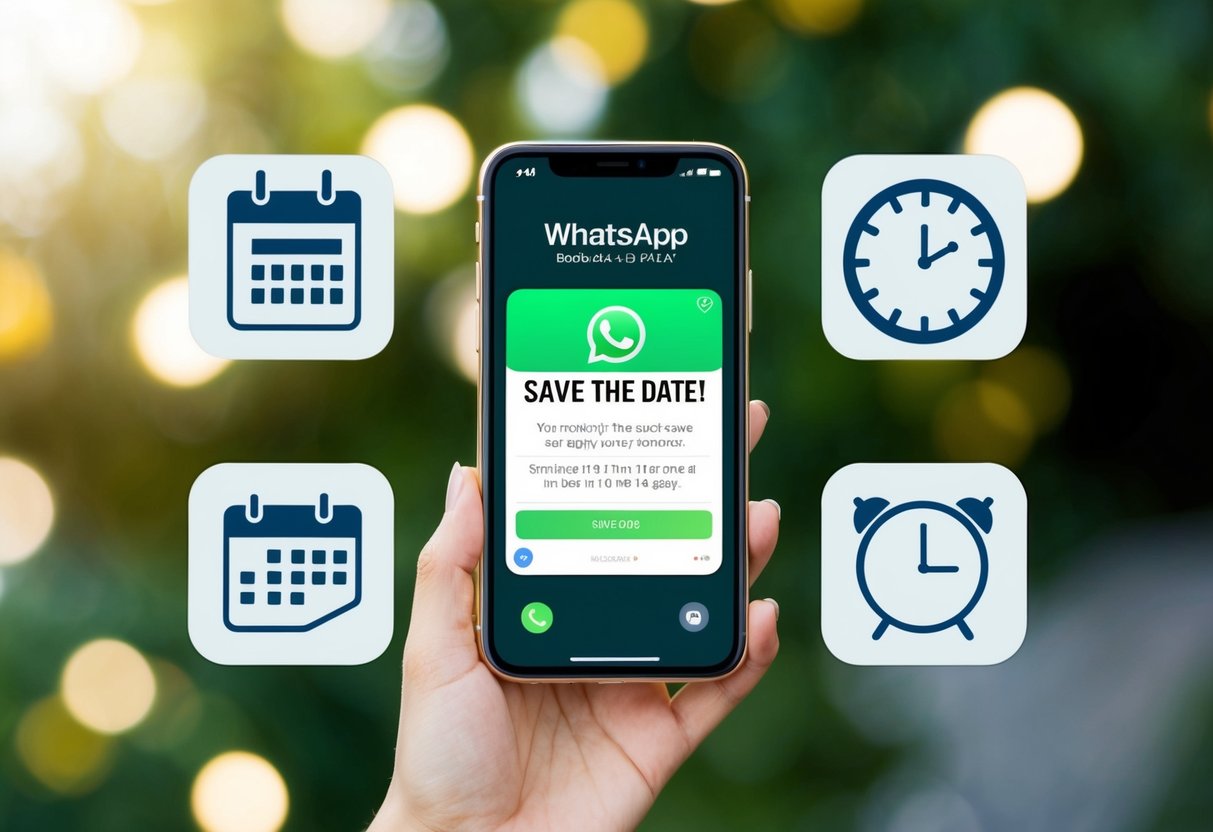
Using WhatsApp for your save the dates allows you to add a personal touch. You can share exciting details about your upcoming celebration, such as the date and location, while also including photos or even a fun video message.
This method not only saves time but also makes it easier for guests to RSVP right away.
Whether you’re planning a graduation ceremony or a casual get-together, sharing your save the date via WhatsApp ensures your news spreads quickly. This modern approach helps you connect with your loved ones effectively while still keeping the excitement alive for your special occasion.
Getting Started with WhatsApp Save the Dates

Sending save the dates via WhatsApp is a fun and modern way to let your friends and family know about your upcoming event. You can choose stylish templates and create your event quickly, making the process simple and effective.
Choosing the Right Save the Date Template
When selecting a save the date template, consider your event’s theme and your personal style. There are many options for digital save the dates, including formal, casual, or even quirky designs.
Websites like Utterly Printable offer a variety of WhatsApp save the date templates that are easy to customize.
Make sure your template includes essential details like the date, time, and location of your event. You can also add a personal touch with a fun message or image.
Keep in mind that a clear and eye-catching design will grab attention and ensure your guests remember the date.
Creating Your Event on WhatsApp
To create your event on WhatsApp, start by gathering the key information. You’ll need the date, time, and location of your event, along with any special instructions for your guests. Make it clear why this event is special to you!
Once you have everything ready, use a WhatsApp group chat for easy communication. You can send a direct message to each guest or use a group to share your save the date.
For a more polished look, consider sending your save the date as a digital design that you can create online.
Ensure you follow up with a formal wedding invitation later, but this initial message is a fun way to let everyone know to mark their calendars!
Sending Your Save the Date

When you decide to send your save the date via WhatsApp, it can be a fun and engaging way to inform guests. It’s quick and allows for a personal touch. Here’s how to make the most of this method.
How to Send a WhatsApp Invitation
First, create a WhatsApp group for your wedding guests. This makes it easy to share updates and communicate easily. If you prefer individual messages, you can send personalized invites instead.
Design your invitation image as a JPG file, which can be easily shared. Include essential details like the date and location.
With WhatsApp, you can send the image along with a friendly message to make it more inviting.
You might also want to ask guests to confirm their attendance by replying to your message. This helps you keep track of who is coming and makes planning easier.
Crafting the Perfect Message
Your message sets the tone for your wedding celebration. Start with a warm greeting to make your guests feel special.
Example:
“Hi everyone! We’re excited to share that we’re getting married on [Date]! Please save the date!”
Be clear and concise. Include the key details: the wedding date and venue. If you have a wedding website, add a link for more information.
Feel free to use emojis for a playful touch, but keep it tasteful. This can make your message feel more personal.
Ask for RSVPs in a friendly manner, such as “Let us know if you can make it!” This helps you gauge who is attending and creates engagement among your guests.
Managing RSVPs and Event Details
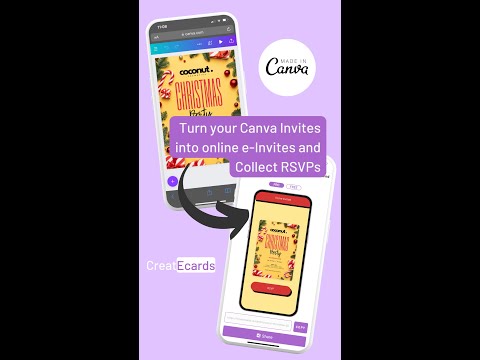
When planning an event, managing RSVPs and keeping track of event details is crucial. Using WhatsApp as a tool makes this process smoother and more organized. Here are some important steps to effectively handle RSVPs and manage your guest list.
Setting Up an RSVP System with WhatsApp
To streamline your RSVP process, you can create a unique link for your event. This link can direct guests to an online registration form, allowing them to RSVP easily. You can also share details about the event, such as the date, location, and time.
Encourage guests to RSVP by WhatsApp, which allows for quick replies and helps you keep track of who is coming.
You can send a polite reminder in your WhatsApp groups as the event date approaches. This follow-up will keep your guests informed and ensure everyone stays on the same page regarding any updates.
Organizing Your Guest List
Keeping your guest list organized is essential.
Start by creating a list of everyone you want to invite. You can use a spreadsheet to help you track invites, RSVPs, and any special requests from your guests.
As RSVPs come in, mark down who has confirmed.
You can color-code responses for easy reference: green for attending, yellow for maybe, and red for not attending. This way, you can quickly see your numbers as your event date approaches.
Sharing your guest list with any co-hosts can also help everyone stay updated on who is coming and what arrangements need to be made.