
Can You Use Spotify at a Wedding? Tips for a Perfect Playlist
If you’re planning a wedding and want to skip the traditional DJ, you might be wondering about using Spotify for your music needs. Yes, you can definitely use Spotify at your wedding! With a little preparation, you can create an enjoyable atmosphere without breaking the bank on a professional DJ.

Using Spotify allows you the freedom to choose your favorite songs and make personalized playlists. You can set the mood for different parts of your wedding, from the ceremony to the reception, all while keeping costs low. Just remember that you’ll need a reliable sound system and the premium version of Spotify to avoid interruptions.
As weddings evolve, many couples are embracing simpler setups, making playlists a popular choice for smaller gatherings. If you’re considering this option, you’ll find it not only fun but also a great way to reflect your unique style on your special day!
Understanding Spotify for Weddings
Using Spotify at your wedding can be a fun and cost-effective way to manage music. You can choose between a free account or upgrade to Spotify Premium. Knowing how to create the perfect wedding playlist with Spotify can help you and your guests enjoy the special day.
Spotify Premium vs. Free Accounts
When planning your wedding music, you need to consider which Spotify account to use. A Spotify Free account allows you to listen to music with ads. You have access to playlists, but you can’t offline save music or skip songs as freely.
In contrast, a Spotify Premium account costs about $9.99 per month. With this, you can create as many playlists as you like without interruptions. You’ll also have the ability to save songs for offline listening. This can be very useful if Wi-Fi is unreliable at your venue.
Using a Premium account lets you control your music preferences more easily. You avoid ads, which is great during important moments, like toasts or first dances. Plus, you can share your playlist with others. If you’re serious about your wedding music, Premium is a better choice.
Creating the Perfect Wedding Playlist
Creating an engaging wedding playlist should be a fun task. Start by thinking about the atmosphere you want. Do you prefer upbeat songs for dancing or romantic ballads for the ceremony?
Consider including a mix of genres to cater to different guest preferences. Popular song choices include classics, current hits, and songs that have personal meanings for you and your partner.
To create your playlist, simply open Spotify and choose “Create Playlist.” Add songs that fit your theme, and be sure to include key moments, like your first dance and the cake cutting. You might want to have a few backup songs ready in case the vibe shifts.
Share the playlist with your friends for their input! They might suggest songs that get everyone dancing.
Pros and Cons of Spotify for Your Wedding
Using Spotify for your wedding has both advantages and disadvantages.
Pros:
- Cost-effective: Using Spotify can save you money compared to hiring a DJ.
- Playlist Control: You have complete control over song selection and timing.
- Flexibility: You can change songs quickly to match how the event unfolds.
Cons:
- Reliability: You need a stable internet connection, especially for free accounts.
- Management: If you’re busy with wedding activities, you may miss key moments.
- No professional experience: A DJ has skills in reading the crowd and transitioning songs.
By weighing these pros and cons, you can decide if Spotify fits your wedding music needs.
Technical Aspects of Using Spotify at a Wedding
Using Spotify for your wedding can be exciting, but it does require some technical setup. You need to have the right gear and a solid plan for smooth playback. By understanding the essentials, you can ensure your music runs seamlessly during the event.
Required DJ Gear and Sound Equipment
First, you’ll need specific DJ gear and sound equipment to get started. Make sure to have a laptop or tablet with a strong internet connection. This allows you to stream music efficiently.
You’ll also need a reliable sound system, which typically includes DJ speakers. Consider getting a DJ controller for easy access to your playlists and transitions. A mixer is useful for blending tracks smoothly.
Don’t forget headphones! They help you cue up songs and make adjustments without the audience hearing. The right setup ensures your music sounds great and keeps the energy high throughout the celebration.
Setting Up for Smooth Playback
To avoid interruptions, careful setup is critical for smooth playback. Start by testing your internet connection. You don’t want to lose your music right when the dance floor picks up.
Place your laptop or tablet close to the sound system to reduce cable clutter. Ensure all connections are secure. It’s also a good idea to have backup equipment, like extra cables or speakers, just in case.
Using crossfading features in Spotify can enhance the flow between songs, making transitions feel seamless. Plan the song order ahead of time to make set changes easy and efficient.
Leveraging Spotify’s DJ Mode
Using Spotify’s DJ mode can help you optimize the experience. This feature allows you to manage playlists and transitions better. You can keep the vibe on point by selecting songs that flow together well.
During your reception, consider creating dynamic playlists that include all your event’s parts, from dinner music to dance tracks. Make sure you have a variety of genres for all guests.
If using Spotify’s DJ mode, familiarize yourself with the settings before the wedding. Test the crossfading options and practice quick song changes. This preparation can elevate your wedding’s music and provide a great experience for everyone.
Hiring Professional Help vs. DIY DJing
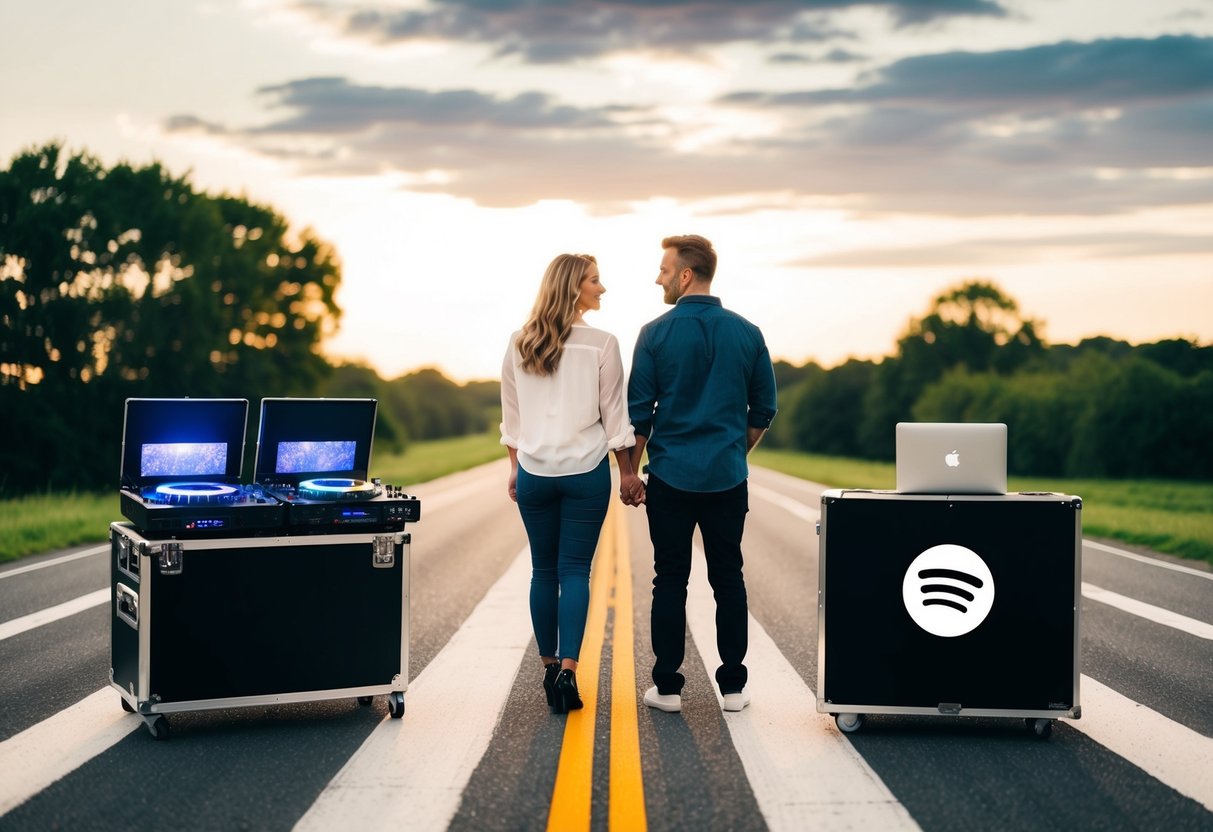
Choosing between a professional DJ or live band and DJing your own wedding can be a tough decision. Each option has its own benefits and challenges. Understanding what each choice can offer helps you tailor the music experience to your special day.
Benefits of Hiring a Professional DJ or Live Band
Hiring a professional DJ can bring expertise and entertainment to your wedding. They know how to read the crowd and keep the energy high. A skilled DJ can create a smooth flow between songs and handle requests seamlessly.
A live band adds a unique and personal touch to your celebration. They can play specific songs and engage guests in a way that recorded music may not.
Both options save you the hassle of planning the soundtrack. Plus, you get peace of mind knowing that the music is in capable hands, allowing you to enjoy the moment.
How to DJ Your Own Wedding Effectively
If you choose to DJ your own wedding, planning is key. Start by creating playlists that fit different parts of the day. Include songs for the ceremony, dinner, and dance portion.
You can use platforms like Spotify to curate your music easily. Look for popular wedding playlists for inspiration.
Make sure to have backup plans in place. Always have extra equipment like a portable speaker and charging cables.
Also, practice your transitions between songs to keep the mood going. Consider creating a schedule to help you stay organized.
This preparation can make your DIY wedding DJing experience enjoyable and fun for everyone.