
Do Photographers Edit Wedding Photos? What to Expect
Yes, photographers edit wedding photos before delivering them. Professional wedding photography includes post-processing that corrects light and color, creates a consistent look, and prepares your images for digital galleries or print.
Your photographer also reviews the full set and selects the strongest frames, so your gallery tells the story of the day without repeated shots, missed focus, or closed eyes.
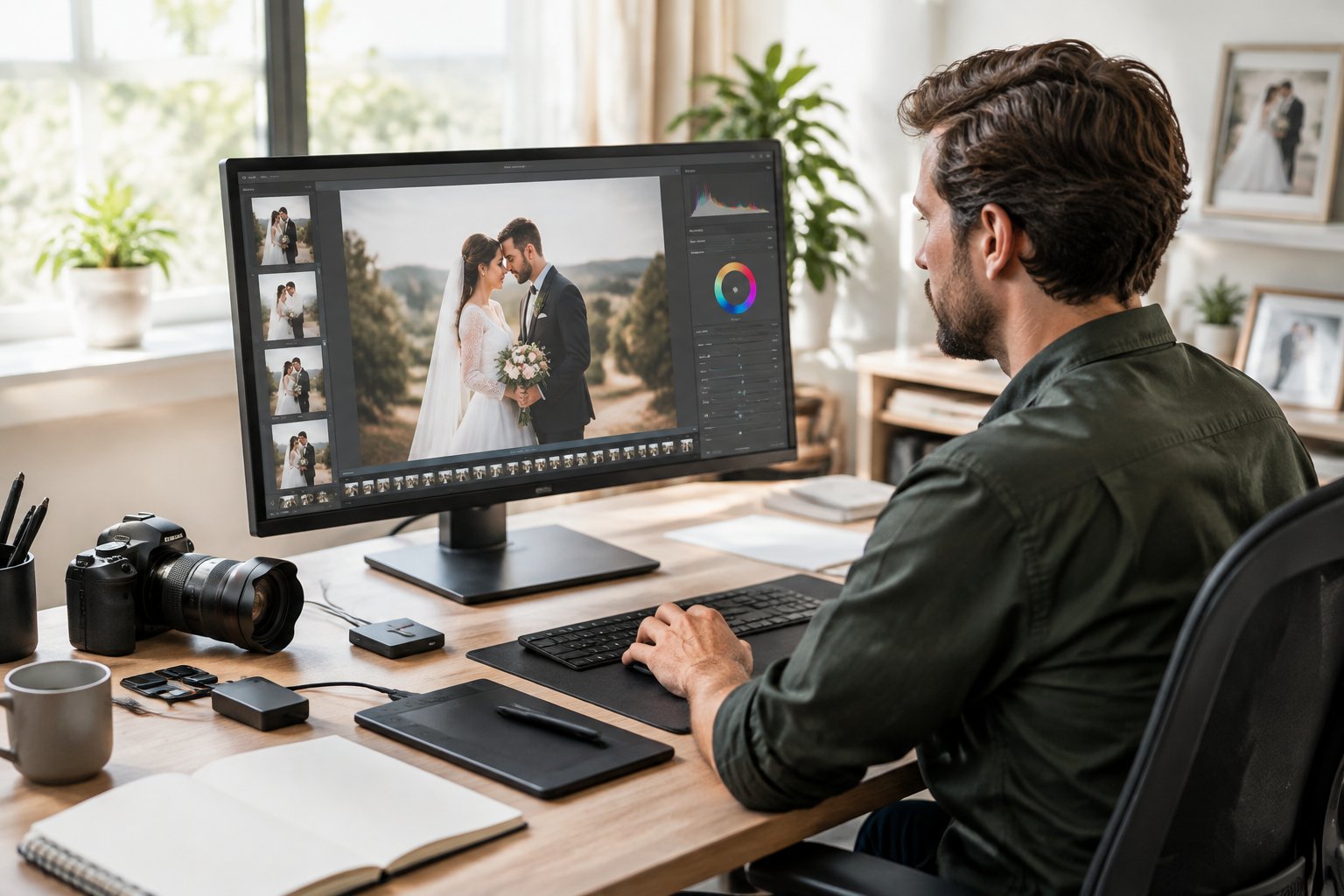
Editing does not always mean heavy retouching. Most wedding photographers apply standard adjustments to every delivered image, while a smaller group of portrait favorites receives closer attention.
Your contract should explain which editing services are included, how many photos you receive, and when gallery delivery happens.
Ask to see a full wedding gallery and discuss your preferred editing style before booking. That conversation gives you a clear picture of the finished photographs you will receive.
What Is Usually Included in Wedding Photo Editing?
Standard wedding photo editing covers global adjustments such as exposure, white balance, color correction, cropping, and sharpening across the delivered gallery. These edits improve technical quality while preserving the people, details, and atmosphere captured on your wedding day.
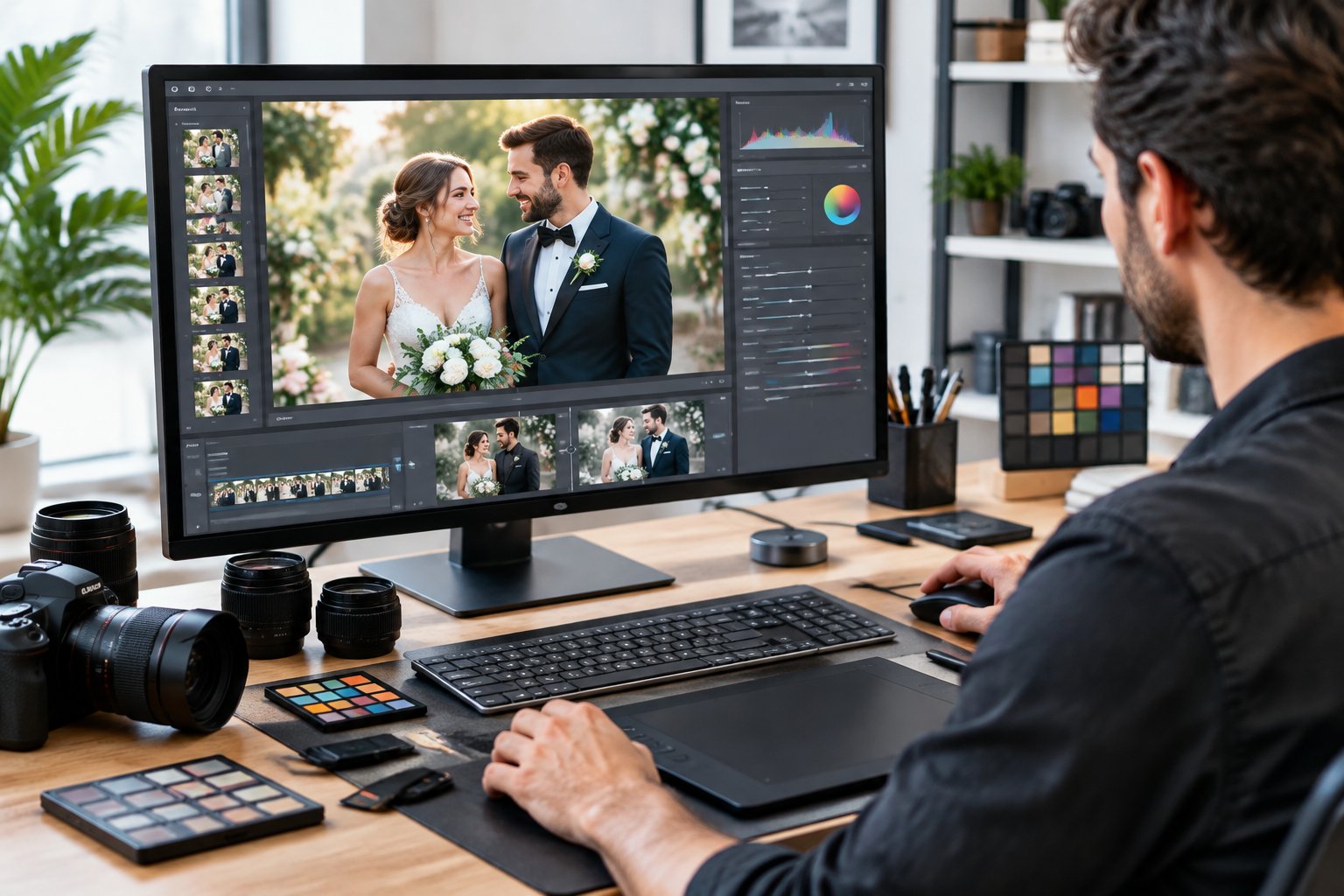
The Standard Adjustments Applied to Delivered Images
Photo editing begins with the way each image looks as a whole. Your photographer may apply:
- Exposure adjustment: Brightening dark images or reducing overly bright highlights
- White balance adjustment: Correcting warm, cool, or mixed lighting
- Color correction: Bringing skin tones and important details closer to their natural appearance
- Contrast, brightness, and saturation: Shaping the image’s depth and color strength
- Color grading: Applying the photographer’s creative style through tones, shadows, and highlights
- Cropping and straightening: Improving composition and correcting tilted horizons
- Sharpening and noise reduction: Refining detail and reducing grain in low-light photos
Photographers may use color presets as a starting point, then adjust individual images to account for changes in sunlight, indoor lighting, and flash. Black-and-white conversions or other artistic effects may appear on selected images when they support the story.
These steps form the basic editing included in many professional wedding photography packages. They take place during post-processing and apply to the images chosen for your final gallery.
Why Cohesive Color and Light Matter Across a Gallery
A wedding moves through many lighting conditions. Getting-ready rooms, outdoor portraits, ceremony spaces, and reception halls all create different color and brightness challenges.
Your photographer uses global adjustments to give the full gallery a connected appearance. The dress should remain consistent in color, skin tones should feel natural, and images from the same part of the day should sit well together in a wedding album.
A cohesive finish also supports storytelling. When one image is bright and warm while the next is dark and green, the sequence feels distracting. Consistent exposure balancing and color grading help your gallery feel like one complete record of your celebration.
Editing vs. Retouching: What Is the Difference?
Photo editing changes the image as a whole, while retouching makes targeted changes to specific details or people. Standard editing applies to most delivered images, while wedding photo retouching usually focuses on selected portraits or hero images.
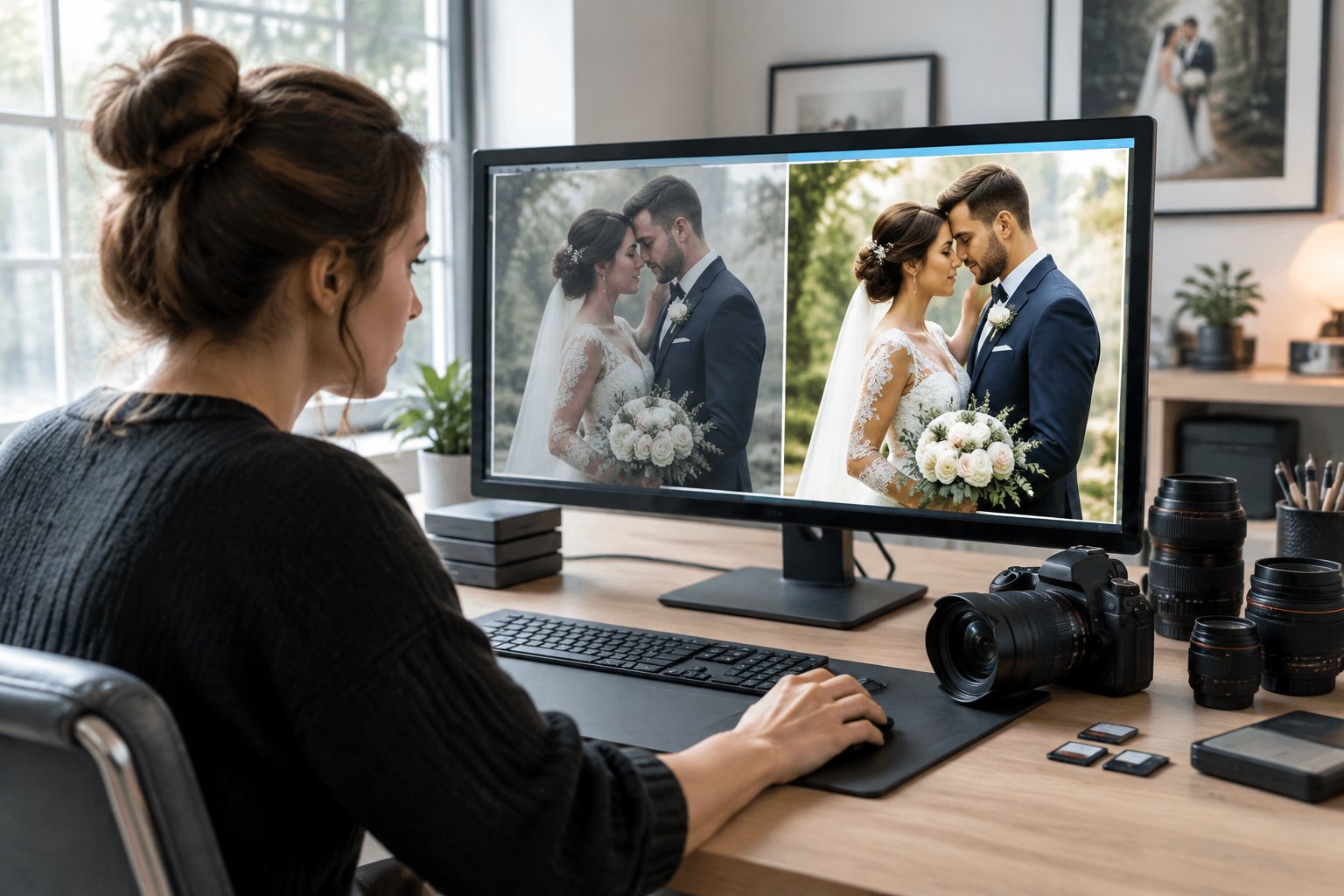
Editing includes exposure, color, crop, contrast, and sharpening adjustments. Retouching works at a closer level and may include skin retouching, blemish removal, stray hair cleanup, or removing a small distraction from the background.
When Selective Retouching Is Appropriate
Selective retouching suits images you plan to print, frame, or feature in an album. Your photographer might refine a couple’s main portrait, remove a temporary blemish, soften a distracting flyaway hair, or clean up an object that pulls attention from the moment.
Natural wedding photo retouching keeps skin texture visible. Light skin smoothing can reduce temporary redness while preserving the features that make you look like yourself.
Your photographer may also make small corrections to clothing, reflections, or background clutter when those details distract from the couple.
Tell your photographer what feels comfortable before editing begins. Some couples prefer a polished finish, while others want every image to retain a documentary feel.
What Counts as Extensive Retouching?
Extensive retouching requires more time and focused work on an image. Examples include:
- Removing several people or large objects
- Rebuilding parts of a background
- Heavy skin smoothing or reshaping
- Correcting complex reflections
- Performing a head swap
- Changing clothing details
- Replacing the sky
- Creating composite images
- Applying strong artistic effects or cinematic tones
These requests may be priced separately from basic edits because each image needs detailed work in Photoshop or another advanced editing tool. A package may include a set number of retouched portraits, with additional images available for an extra fee.
Ask whether advanced retouching, extensive editing, body reshaping, or background changes appear in your package. Clear terms prevent surprises when you choose images for your album.
How Does the Wedding Photo Editing Process Work?
The photo editing process moves from file protection and image selection to global adjustments, detailed refinements, export, and gallery delivery. The workflow helps your photographer handle thousands of captures while keeping the finished collection consistent.
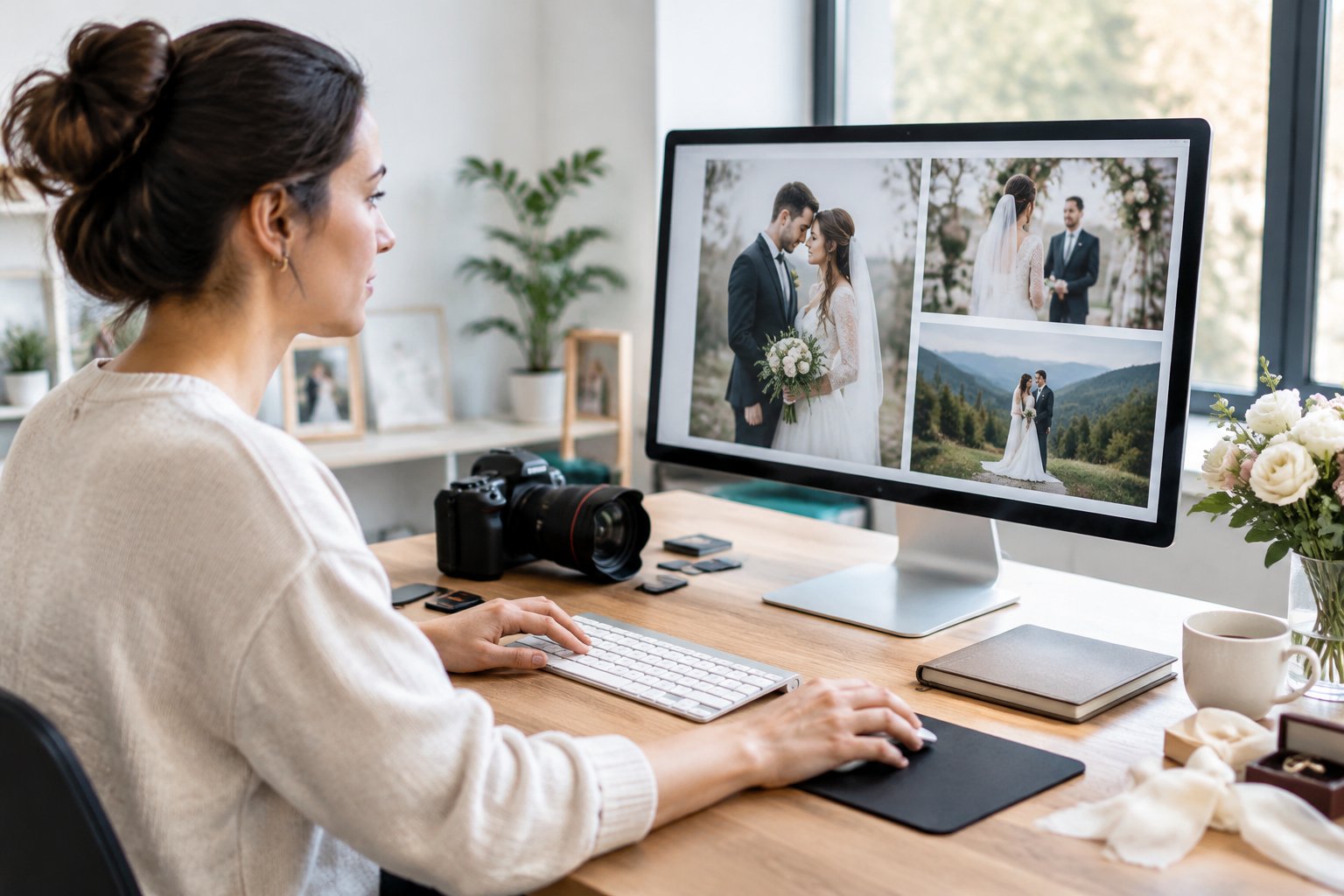
Why Photographers Cull Images Before Editing
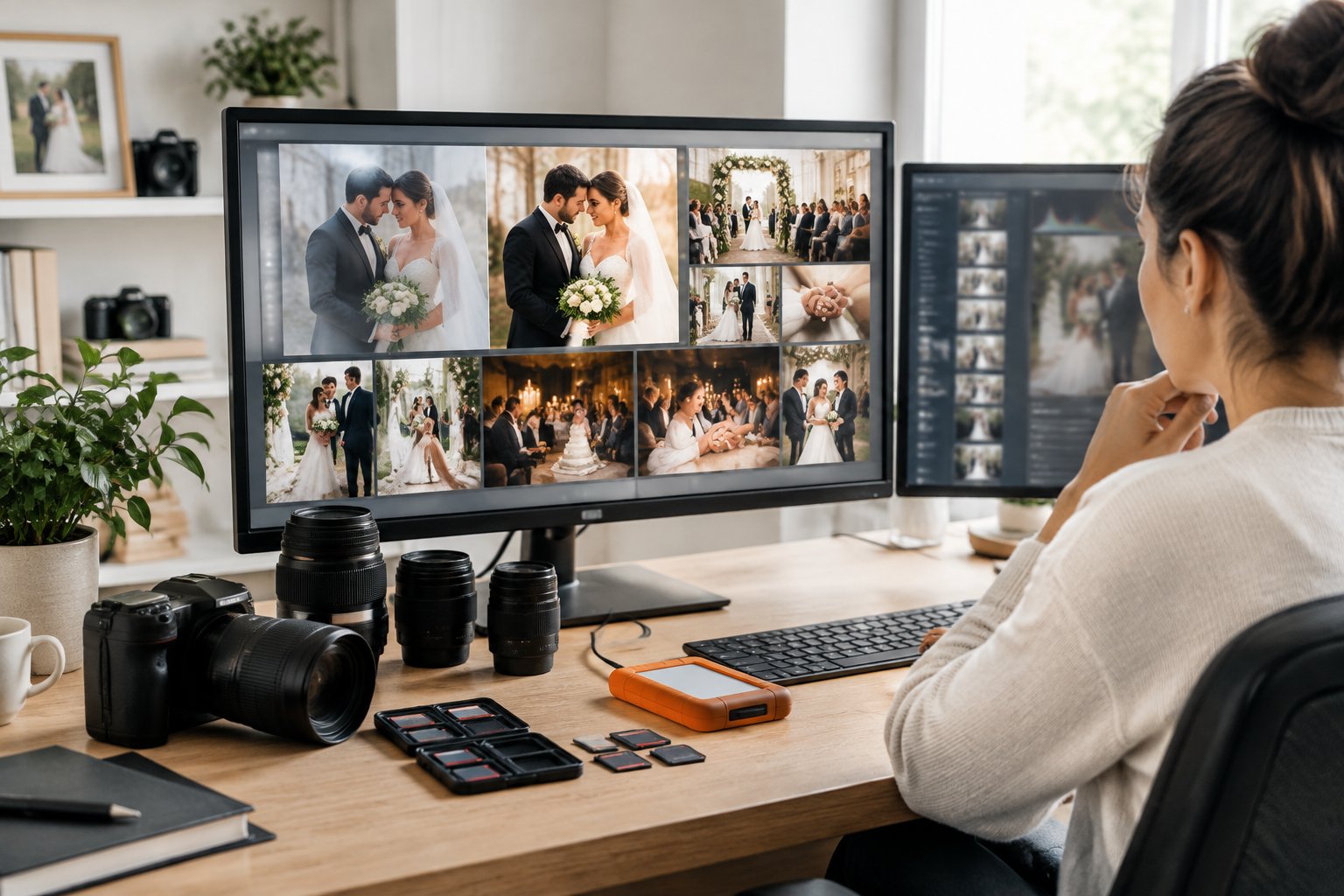
Wedding photographers may return with thousands of raw images. Culling means reviewing those raw files and choosing the frames that deserve editing and delivery.
During image selection, your photographer removes duplicates, missed focus, closed eyes, accidental frames, and weak expressions. The remaining images form a curated full wedding gallery with enough variety to show the day without overwhelming you with near-identical photos.
Culling also protects editing time. A photographer can give more care to meaningful moments when they are not processing every frame captured during a fast-moving ceremony or reception.
How Software Supports a Consistent Finish
Adobe Lightroom is widely used for organizing, selecting, and editing wedding images. Photographers may also use Adobe Photoshop for detailed retouching, Photo Mechanic for fast file review, or Aftershoot for assisted culling and batch editing.
Presets create a starting point for exposure, color, and tone. Your photographer still reviews the images and adjusts settings for different lighting conditions.
Hero images receive more individual attention when they are intended for large prints, album spreads, or prominent gallery placement.
The result is a group of edited files that shares the photographer’s visual style while allowing important images to receive extra care.
How Files Are Protected and Delivered
A careful workflow begins with backups of the raw photos. Photographers may keep copies on a working drive, an external drive, and cloud backup services such as Backblaze.
This layered approach helps protect irreplaceable files during post-production.
After editing and quality checks, your photographer exports delivery-ready files and uploads them to a wedding gallery. Platforms such as Pixieset provide online gallery delivery, downloads, and sharing features.
Your contract should state the expected delivery date, file type, download access, and storage period.
Will You Receive Every Photo or the RAW Files?
You will usually receive a curated set of edited files, while raw images and every frame captured during the wedding remain with the photographer. Your photography contract controls the exact number of images, file formats, and ownership terms.
Why a Curated Gallery Tells the Stronger Story
A full wedding gallery includes the photographs that best represent your day. Your photographer selects emotional moments, useful details, family connections, portraits, and reception energy while removing duplicates and frames with technical problems.
Receiving every capture would add test images, near-identical sequences, accidental shots, and moments with unflattering expressions. A thoughtful image selection gives you a gallery that feels easier to view and more meaningful to revisit.
If you want a clearer idea of delivery counts, review whether wedding photographers give all photos. Ask each photographer how many edited images their package includes per hour of coverage.
What to Expect From Final Files and Album Selections
Your final files may arrive as high-resolution JPEGs for printing and smaller copies for online sharing. The gallery may include color images, selected black-and-white images, and a separate group of favorites for an album.
Raw files contain unprocessed camera data. They require the photographer’s software, color decisions, and workflow to become finished images, so many professional wedding photography packages deliver edited JPEGs instead.
Album design may include a separate image selection step. You and your photographer choose the photographs that create a balanced sequence across the pages, with a mix of wide scenes, close portraits, details, and candid moments.
Confirm whether album design, printing, and revisions appear in your package.
How to Set Editing and Retouching Expectations Before Booking
You can prevent editing surprises by reviewing full galleries, reading the photography contract, and asking direct questions about retouching requests and delivery. Your photographer’s editing style forms part of the service you are booking.
Questions to Ask When Comparing Wedding Photography Packages
Ask these questions before signing:
- What editing services are included in the package?
- Does every delivered image receive color and exposure correction?
- How many edited files should you expect?
- How many portraits receive retouching?
- Are object removal and advanced retouching included?
- What is the gallery delivery timeline?
- Are high-resolution files included for printing?
- Does the package include an album, album design, or only digital files?
- How are extra retouching requests priced?
- Can you review a complete wedding gallery from the photographer’s recent work?
Compare full galleries instead of relying on a handful of portfolio images. A full set shows how the photographer handles dark receptions, mixed light, family groups, candid moments, and changing outdoor conditions.
How to Make Respectful Retouching Requests
Describe the result you want in clear, specific language. You might request removal of a temporary blemish, cleanup of a small background distraction, or a natural adjustment to a selected portrait.
Treat permanent features and body changes as personal choices. Ask what your photographer considers basic retouching, advanced retouching, or extensive retouching before requesting work across a large gallery.
Many photographers reserve detailed edits for a limited number of album or hero images.
Put agreed requests in writing through your photography contract or planning notes. Include the image numbers, requested changes, and any added fee.
How Preparation Can Reduce the Need for Major Edits
Professional hair and makeup can help you feel camera-ready, while a realistic timeline gives your photographer time to find clean backgrounds and flattering light. Build enough time for portraits, touch-ups, and family photos into your wedding schedule.
You can also share details that affect photography, such as venue restrictions, sensitive family situations, or a preference for natural skin texture. A wedding day photo checklist helps you organize group combinations and important moments before the event.
When your photographer knows your priorities in advance, the editing process has clear direction. Confirm the final editing services, retouching requests, and gallery delivery date in your contract before booking.