
Honeymoon QR Code Sign: Create and Display Yours
A honeymoon QR code sign gives your guests a quick way to open your registry or contribution page with a phone camera. Once you link the code to the right destination, a clear message helps guests understand what they can do.
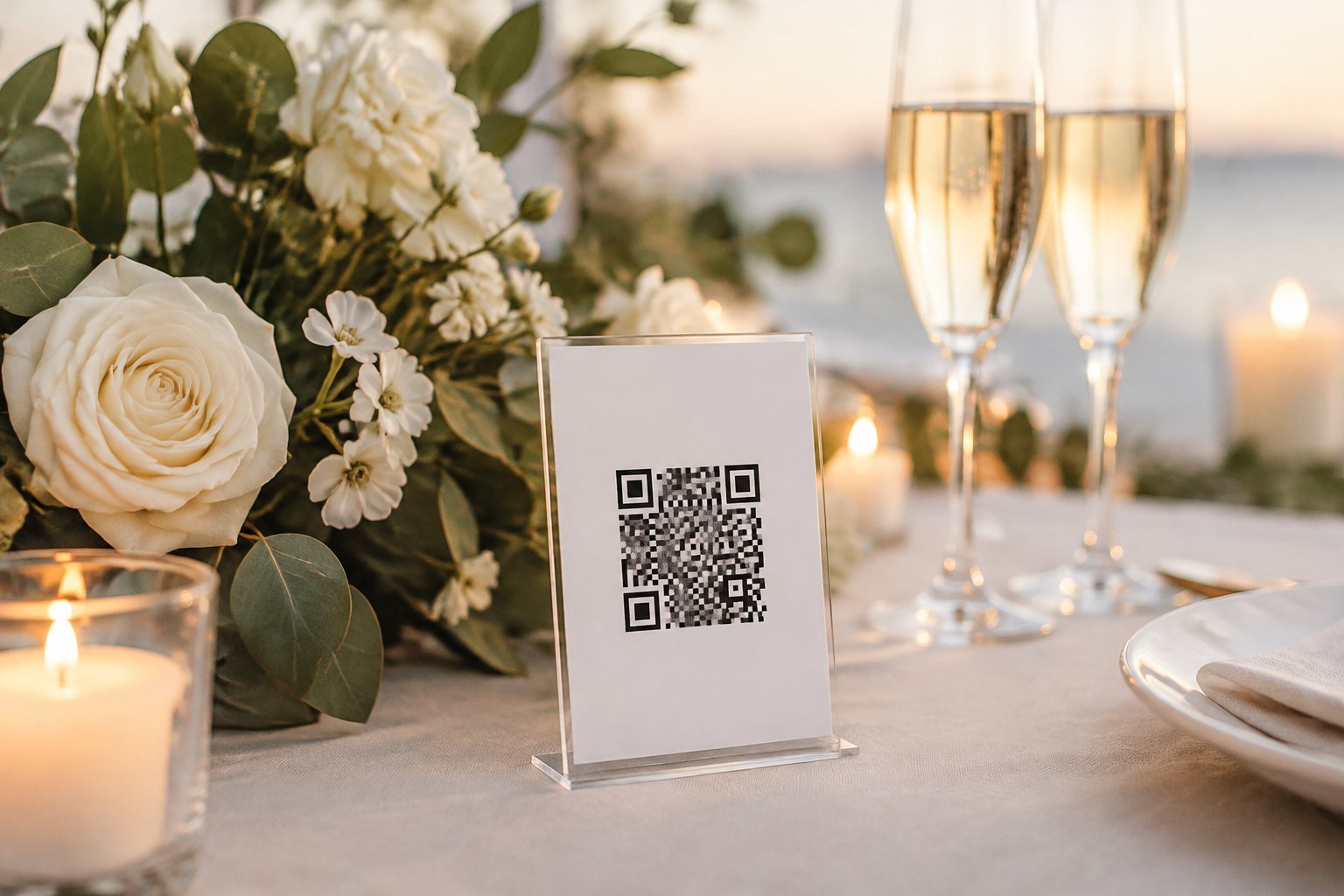
Choose wording that feels warm and comfortable for you, then invite guests to scan the sign if they would like to celebrate your trip with a gift. You can start by choosing the page you want guests to visit and building your sign around it.
How Does a Honeymoon QR Code Sign Work?
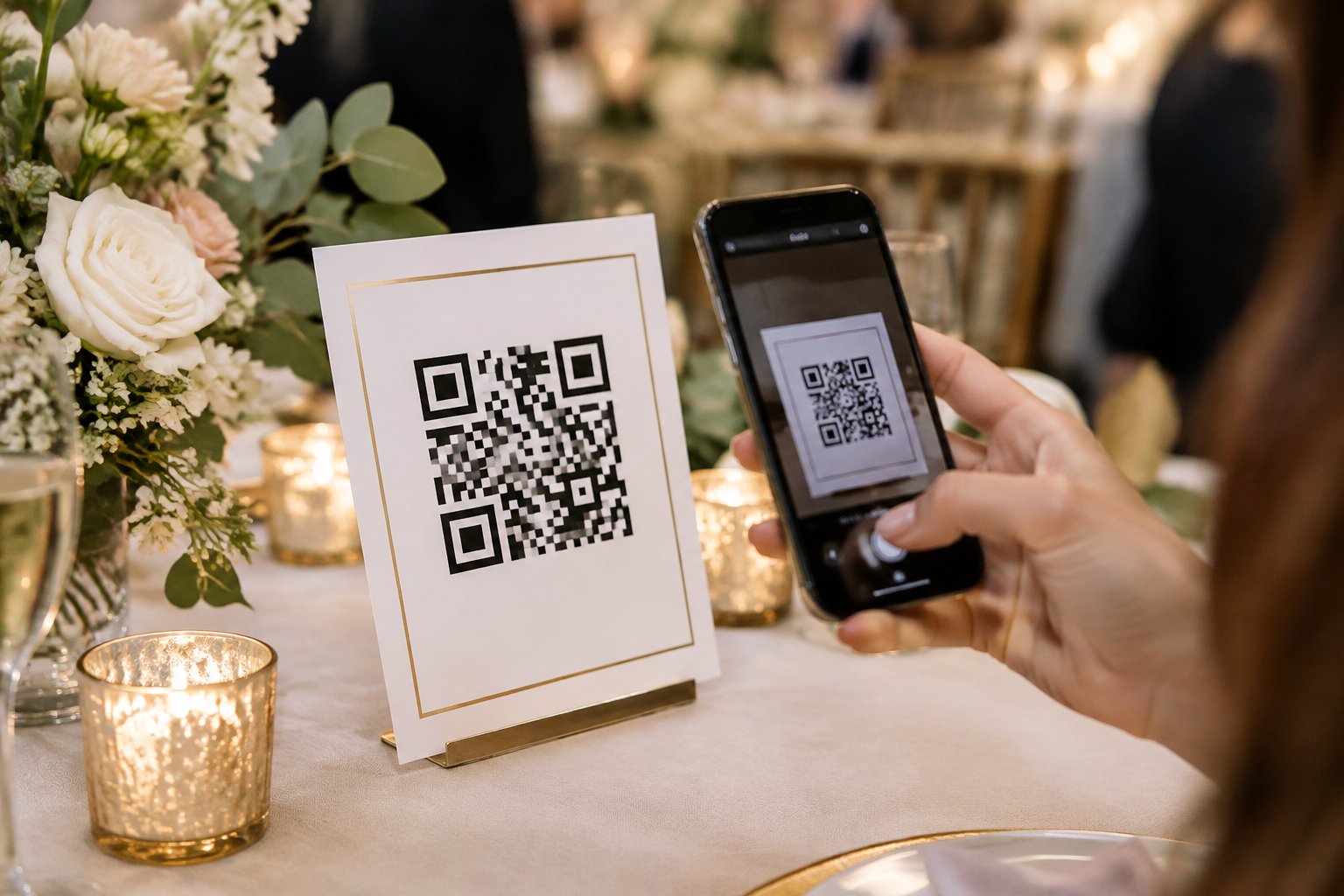
A honeymoon QR code sign displays a scannable pattern that opens a web page on a guest’s phone. You connect the code to your chosen registry or payment page, then print it on a sign guests can see at the reception.
The destination should load easily on a phone and make the next step clear. Keep the code large enough to scan and pair it with a short explanation of what guests will find.
What Guests Can Access After Scanning
After scanning, guests land on the page linked to your code. That might be a honeymoon registry with trip experiences, a wedding fund page, or a payment profile you use to receive gifts.
Check what the page asks guests to do. A clear name, a brief note about your plans, and simple contribution steps help guests feel confident they have reached the right place. If your page offers different ways to give, explain them in a few words on the page itself.
Which Registry or Wedding Link Should the Code Open?
Link directly to the page where you want guests to make or learn about a contribution. A dedicated honeymoon fund page gives you room to share your plans and explain how gifts will support the trip.
If you are weighing a cash fund against a traditional registry, your choice can reflect the gifts you would most enjoy receiving. Your wedding website can also host registry details and travel information, with the QR code leading guests to that page.
A dedicated destination keeps the scan journey focused. Keep the link current if you update your registry before the wedding.
What Should You Include on the Sign?
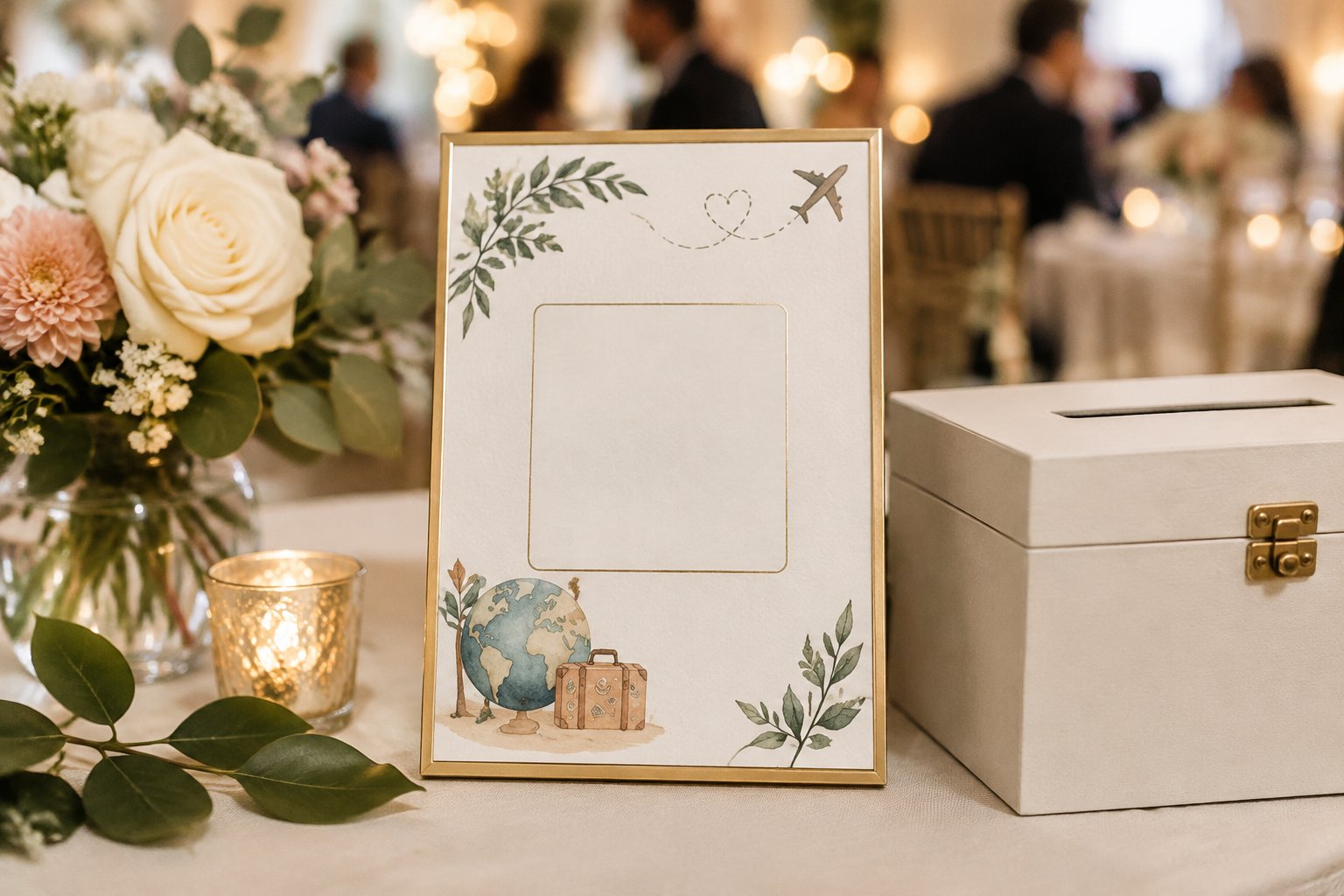
A useful sign pairs a short, gracious message with a QR code guests can scan at a glance. Add your names or a small honeymoon detail if you want the sign to feel personal, and provide a backup link for guests who prefer typing.
A Warm, Clear Contribution Message
Tell guests what the code opens and invite them to take part in a tone that sounds like you. For example: “Help us celebrate our next adventure. Scan to visit our honeymoon fund.”
A direct line such as “Scan to see our honeymoon registry” works well when you want a simple, polished look. Keep the message brief so it stays easy to read from a few feet away.
If you want a more personal tone, add a sentence about your destination or the experience you are saving for. You can find more inspiration in these wedding sign wording ideas.
A Backup Link for Guests Who Can’t Scan
Print a short web address below the code so guests have another way to reach your page. Use a link that is easy to type, and check that it works on a phone before printing the sign.
A backup link also helps guests who have trouble with camera scanning or prefer to enter a web address themselves. Keep it visually separate from the message, with enough space for guests to read each character.
How Do You Create and Customize a Sign?
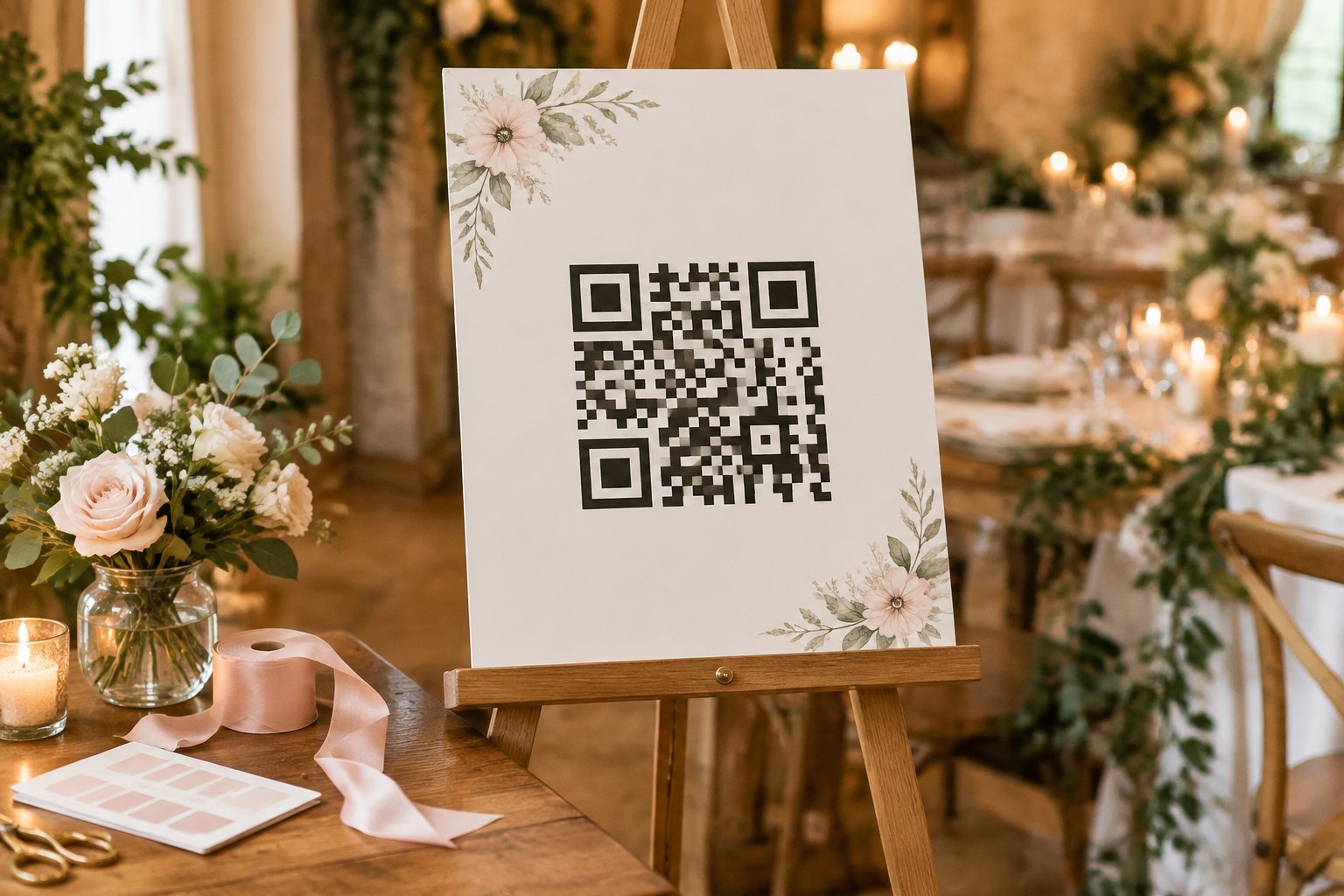
You can create a sign by choosing your destination page, generating its QR code, and adding the code to a template or print design. An editable digital download gives you a quick way to personalize the layout before printing.
Personalize the Wording, Fonts, and Colors
Choose wording that fits your relationship and the feel of your celebration. A playful line suits a relaxed reception, while a simple thank-you may fit a formal event.
Use a font guests can read easily and colors with strong contrast between the QR code and its background. Add your names or wedding date if they help the sign feel like part of your day.
Keep open space around the code so its pattern stays clear. You can explore different styles through these wedding sign ideas.
Choose Between a Digital Template and a Printed Sign
A digital template gives you control over the final look and lets you print at home or send the file to a print shop. Some templates offer an instant download, so you can begin editing soon after purchase.
Check the file format and printing instructions before you choose one. A finished printed sign saves you the design and printing steps.
Materials such as framed paper, acrylic, or cardstock each create a different look, so match your choice to the venue and the rest of your wedding decor. These acrylic wedding sign ideas can help you consider a clear, modern display.
How Can You Make Sure the QR Code Works?
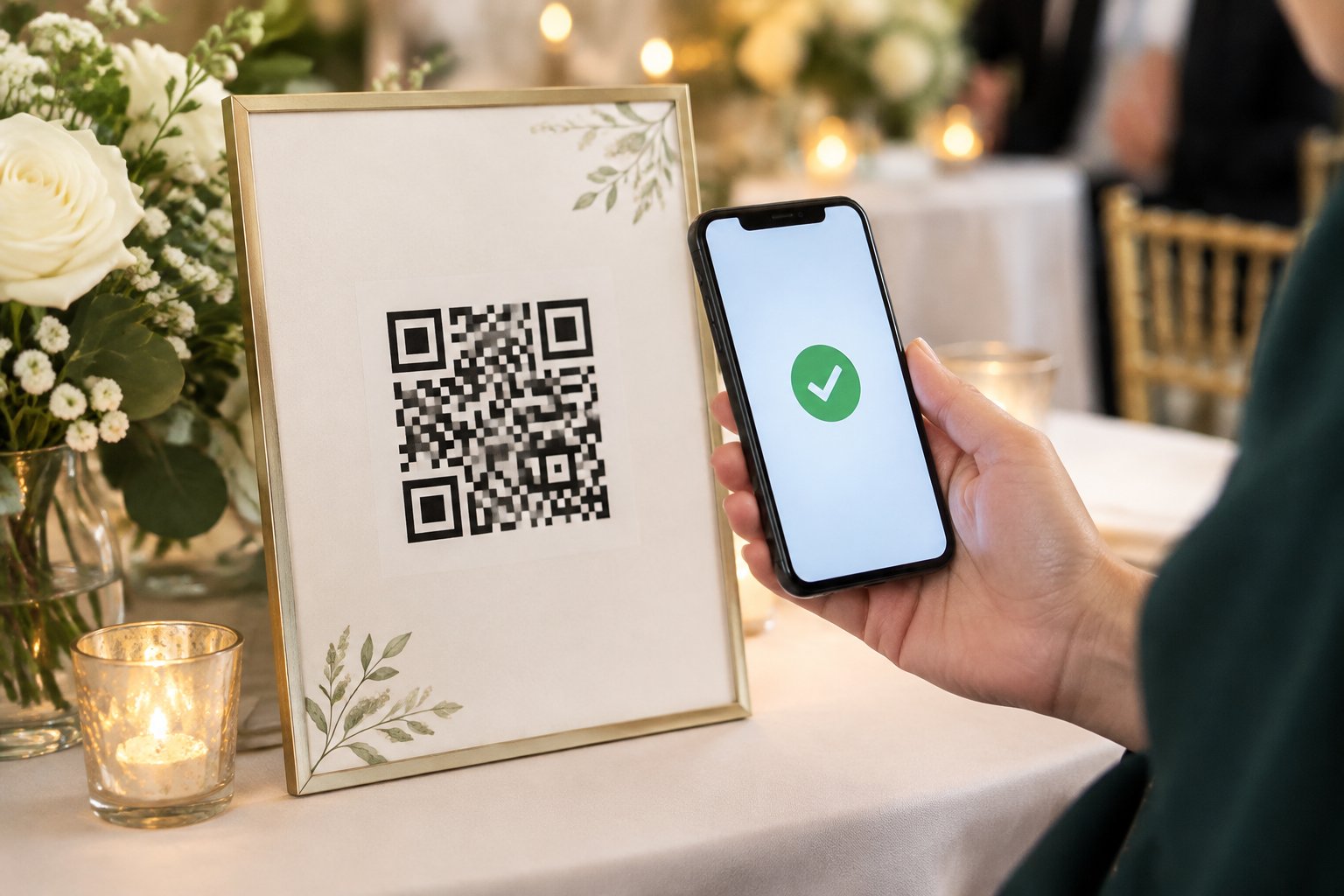
Test the finished code on more than one phone and confirm it opens the intended page. A successful scan should take guests to a working destination with clear instructions and no confusing extra steps.
Test the Code on Different Phones
Scan the code with several phones before sending the sign to print. Ask someone else to test it too, since a fresh scan can catch a wrong link or a code that only appears to work on your device.
Check the code at the size you plan to print. If you use a printed proof, test it in bright light and under the venue’s lighting if possible.
Keep the code crisp and make sure the background does not create glare.
Check the Destination and Guest Experience
After scanning, confirm that the page loads on a phone and displays the right registry or payment details. Follow the steps as a guest would, including any prompts for choosing a gift or entering information.
Review your page shortly before the wedding in case you have updated the link or details. Print a fresh code if the destination changes, then scan the new version before setting it out.
Where Should You Display the Sign?
Place your sign where guests can see it while they have a moment to pause, and choose a style that fits your wedding decor. A visible position and readable design help guests understand the invitation without interrupting the reception.
Choose a Visible Spot at the Reception
The gift table, welcome area, and guest book table are natural places for a honeymoon sign. Choose a stable surface with enough room for guests to stand and scan, and keep the code at a comfortable height.
For a large reception, a second sign near the bar or dining area can give guests another chance to notice it. Keep each display easy to reach and away from strong glare or heavy foot traffic.
Match the Sign to Your Wedding Decor
Use colors, fonts, and materials that coordinate with your wedding decor while keeping the QR code high-contrast and easy to scan. A small framed sign suits a table, while an easel display stands out in a larger welcome area.
Set the sign where flowers, candles, or other decorations do not cover the code or block the backup link. Check the view from a guest’s standing position before the reception begins.