
How Do I Invite for My Wedding on WhatsApp? Tips for Sending Perfect Wedding Invites
Inviting friends and family to your wedding has never been easier, especially with WhatsApp at your fingertips. To invite someone to your wedding on WhatsApp, make your message warm and personal by including key details like the date, time, and location. Adding photos or a sweet video can also make your invite stand out and feel special.
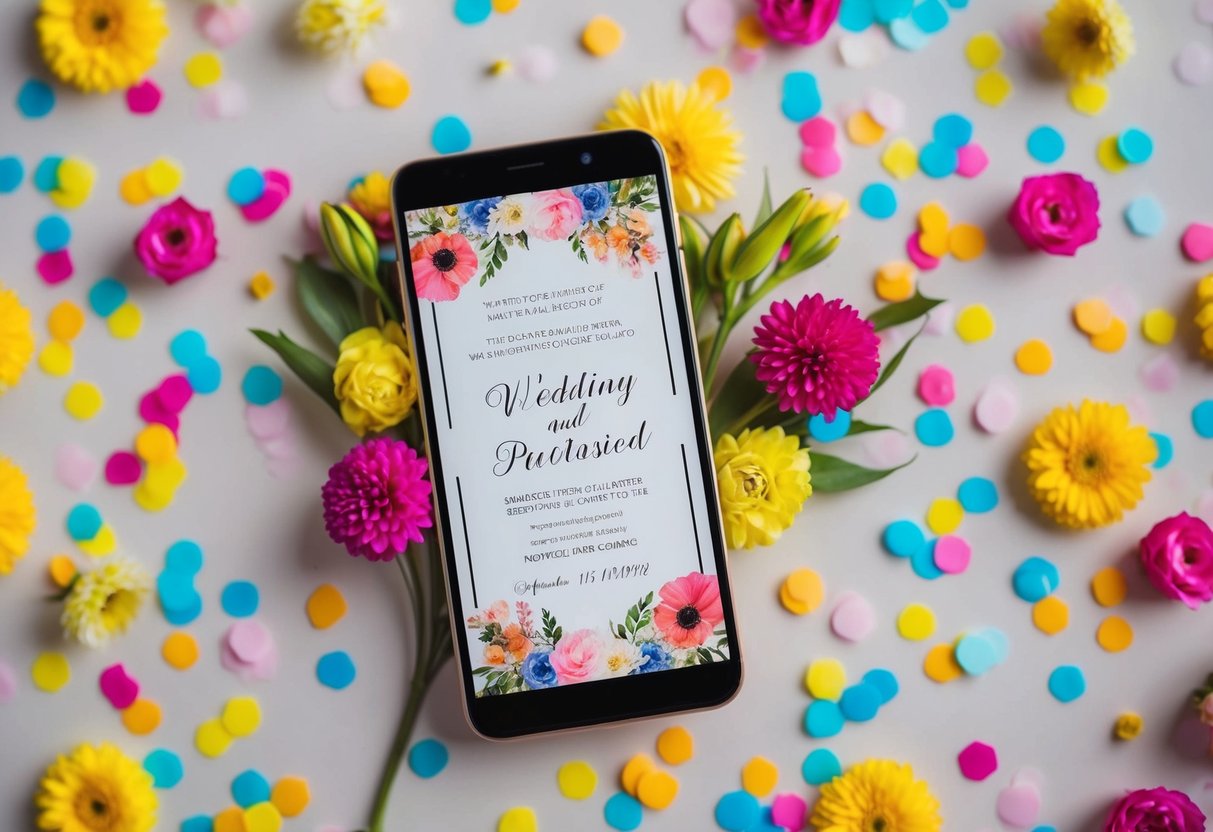
You can start with a friendly greeting, share your excitement, and explain why you’re reaching out. Remember, this is your big day, and personal touches will make your invitation memorable. Guests will appreciate the effort you put into making them feel involved in your celebration.
As you craft your message, think about how to express the joy of your upcoming event. With just a little creativity and thought, you can create an inviting and heartfelt invitation that will surely get everyone excited to celebrate with you.
Getting Started with Your Whatsapp Wedding Invitation
Creating a WhatsApp wedding invitation can be a fun and personal way to share your big day with loved ones. You’ll want to keep some important points in mind regarding etiquette, design, and crafting the perfect message.
Understanding the Etiquette of Digital Invitations
When using WhatsApp for invitations, it’s important to consider etiquette. Start with a warm greeting and personalize your message for each recipient whenever possible. This gives a special touch.
Make sure to send invites well in advance, ideally a month before the wedding. This allows guests to plan accordingly.
Also, consider whether your invitees are comfortable with digital invites. If there are close relatives or older friends, they might appreciate a printed option too. Respect their preferences.
Choosing the Right Wedding Invitation Design
Your invitation’s design should reflect your wedding theme and personality. You might want to explore tools that allow customization like Euphoriq and Wix, ideal for a neat digital wedding invitation.
Key design elements to consider:
- Typography: Choose clear fonts that are easy to read. Mixing two fonts can add flair but keep it simple.
- Colors: Use colors that match your wedding palette. This creates a cohesive look.
- Images: Consider adding a photo of you and your partner, or even the venue, which makes it more personal.
Make sure your design is not overcrowded. White space is important to help your message stand out.
Crafting the Perfect Wedding Invitation Message
The message you send is crucial. Start with a friendly tone. Use phrases like “We are thrilled to invite you to celebrate our wedding!”
Include these key details in your message:
- Date and Time: Clearly state when the event will be.
- Location: Mention the venue by name and address.
- RSVP Details: Let guests know how to respond, whether by WhatsApp or another method.
Feel free to add a personal touch—like a favorite memory with the guest. This makes your invite feel special. Don’t forget to double-check your spelling and details before sending.
By focusing on these elements, you’ll create a WhatsApp wedding invitation that’s not only informative but also heartfelt.
Personalizing Your Whatsapp Wedding Invites
Making your WhatsApp wedding invites special is about adding a personal touch. You want your guests to feel valued and excited to celebrate your big day. Below are some practical ways to customize your invites.
Customizing Text Invites
When creating your wedding invitation message, think about what reflects you as a couple. Start with a warm greeting, and then share the essential details: the date, time, and location of your wedding.
Consider adding a personal note to express your joy. For example, say something like, “We would love for you to join us as we start this new journey together!” This makes your message heartfelt.
You can even use emojis to add some flair, like a ring or heart. Remember to keep it clear and concise so your guests can easily find the information they need.
Incorporating Creative Media
Enhance your invite by incorporating creative media. Use photos that highlight special moments from your relationship. This could be a beautiful image of you both or a fun snapshot from an adventure together.
Videos are also a great way to share your excitement. You might include a short clip inviting guests to join the celebration. For a quick and effective invitation, think about adding a GIF that captures your joy.
Additionally, you can create a visually appealing invite with colorful graphics and backgrounds. Just ensure that the media complements your wedding theme and matches your personalities!
Using Video Invites for a Unique Touch
Video invites are a fantastic way to add a unique flair to your WhatsApp wedding invitation. You can film a short, fun video where you both invite your friends and family. It allows your excitement to shine through, making it feel more personal.
Include important details in the video, like the date and venue. You might even share a snippet of your love story or a fun memory.
Keep it casual and engaging. Remember, no need for fancy production—just be yourselves! This approach can create a memorable experience and get your guests excited to celebrate with you.
Organizing Your Guest List and RSVPs
Getting your wedding invitations out through WhatsApp is a smart choice. It allows you to keep your guest list organized and manage RSVPs with ease. Below are ways to set up group chats and track RSVP details effectively.
Setting Up Whatsapp Group Chats
Creating group chats is a great way to keep communication easy and fun. Start by making a WhatsApp group for your wedding planning. You can name it something like “John and Anna’s Wedding.”
Once the group is set, add your family and closest friends. This includes those you want to invite and anyone helping with arrangements. It’s helpful to share important dates, like RSVP deadlines and the wedding date, within the group.
Make sure to keep the chat friendly and engaging. Posting fun updates or sharing your excitement can keep everyone in the loop. You can also use the group to handle questions related to the wedding details.
Managing RSVP Details and Tracking
Tracking your RSVPs is easy with WhatsApp. You can ask guests to reply directly in the group chat, or you can create a Google Form for more privacy. If you choose the Google Form route, share the link in the group.
To keep things organized, consider creating a simple table to track responses. For example:
| Guest Name | RSVP Status |
|---|---|
| John Smith | Attending |
| Maria Garcia | Not Attending |
| Lisa Wong | Undecided |
Regularly update your table based on guest responses. This way, you won’t miss anyone. Plus, you can sort out seating arrangements once you know who is coming.
Additional Resources for Wedding Planning
As you plan your wedding, using helpful resources can make the process smoother. Here are some key ideas to enhance your planning experience, from creating a website to sending out save-the-date e-cards.
Creating a Comprehensive Wedding Website
A wedding website is a valuable tool for sharing all your wedding details in one place. You can include information about your venue, schedule, and travel details for guests.
Choose a user-friendly platform that allows customization. Add sections for your story, guest accommodations, and an RSVP feature. This can reduce the number of questions you get from guests.
Make sure to update your website regularly. Share your WhatsApp status to keep everyone informed on changes. You can also include links to your online gift registry for added convenience.
Selecting and Sending Save-the-Date E-Cards
Save-the-date e-cards are a modern way to let your guests know when your big day will be. They are easy to design and can be sent through various platforms, including WhatsApp.
Pick a template that aligns with your wedding theme. Customize it with your wedding date, location, and a personal message.
Use a service that allows for tracking RSVPs so you can see who is attending.
Sending these e-cards gives guests ample time to make travel arrangements. Plus, it adds a personal touch to your wedding stationery without the cost of traditional cards.