
How Do I Make a Digital Seating Chart for My Wedding? Easy Steps to Organize Your Guests!
Creating a digital seating chart for your wedding can make the planning process much smoother. To get started, choose an online tool or template that fits your style and needs. Many platforms offer customizable templates, allowing you to easily arrange your guests based on your preferences.
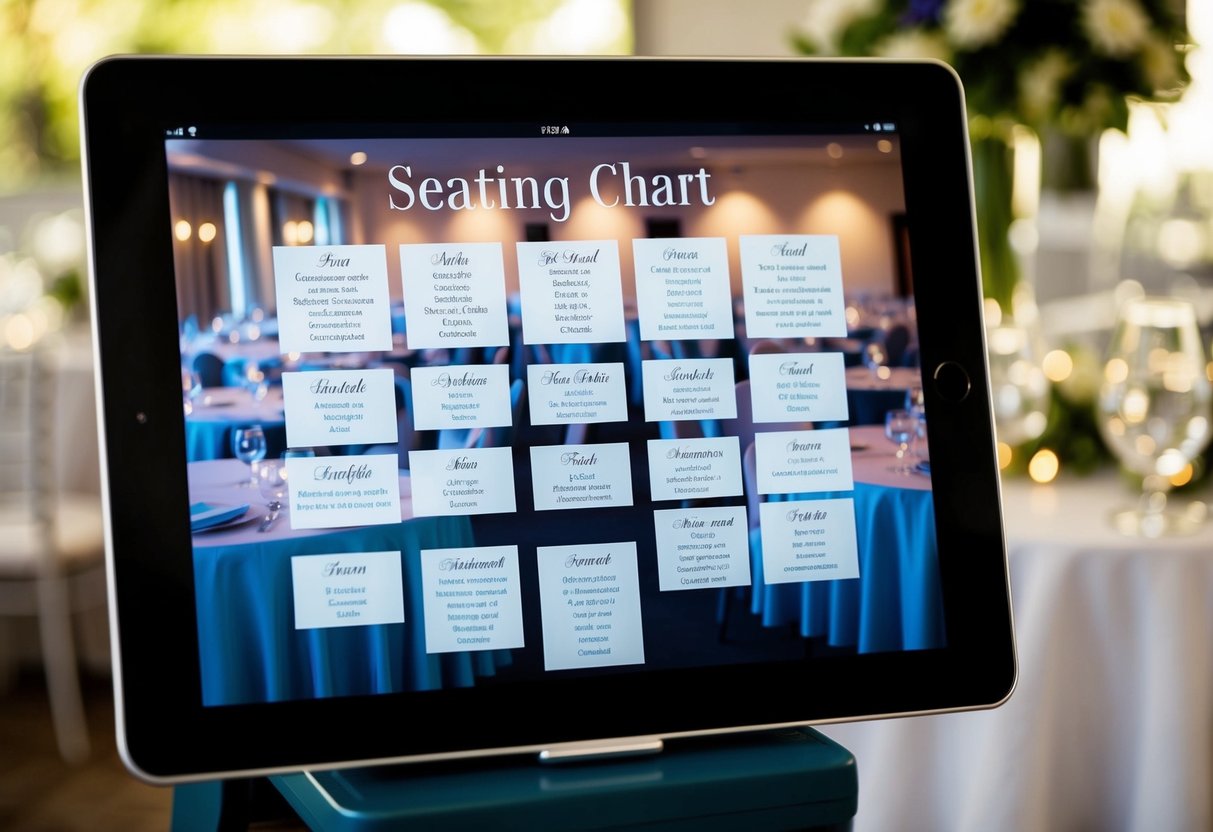
When you plan your wedding, having a clear seating chart helps everyone feel comfortable and welcomed. You can color-code tables, label relationships, and even adjust seating right up until the big day. This flexibility makes digital seating charts a popular choice among engaged couples.
As you dive into this process, remember that the right tools can turn a complicated task into a simple and enjoyable experience. Get ready to create a beautiful seating arrangement that reflects your vision for your special day!
Choosing the Right Seating Chart Tool
Selecting the right seating chart tool is crucial for planning your wedding. You want a solution that is user-friendly, efficient, and matches your specific needs.
There are various options available, from online tools to apps, each with unique features.
Explore Online Tools
Online tools for creating seating charts are popular because they offer flexibility and convenience. These tools typically allow you to design your seating arrangement directly in your web browser.
Look for a seating chart maker that offers drag-and-drop functionality. This feature makes it easy to place tables and guests without complicated steps. Many online options let you customize your chart to fit your venue.
Consider tools like RSVPify or SmartDraw, which provide user-friendly interfaces. You can also check DigiSeats for digital features that enhance your planning experience.
Free vs. Paid Seating Chart Makers
When it comes to choosing a seating chart tool, you’ll find both free and paid options. Free wedding seating chart tools can be a budget-friendly start. They often offer basic features to create a simple seating arrangement.
However, paid tools typically provide more advanced options, such as customization and extras like real-time collaboration. With a paid service, you often get tech support and more robust functionality.
Weigh the benefits: a free tool might work for small weddings, while larger events may need a more complex app.
Real-Time Collaboration Features
If you’re planning your wedding with family or friends, real-time collaboration can be a game-changer. It allows everyone involved to see and make changes to the seating chart simultaneously.
Choose a wedding seating chart tool that offers this feature. Tools like Eventbrite’s seating chart maker let you invite others to join in. This can help ease decision-making and create a smoother planning process.
Having multiple people contribute can bring fresh ideas and lessen your workload. Make sure to check if the seating chart app you choose supports easy sharing.
Setting Up Your Seating Chart
Creating a digital seating chart requires careful planning and organization. You need to manage your guest list effectively, understand your reception layout, and consider any special meal preferences or dietary requirements. Here’s how you can set everything up smoothly.
Importing Your Guest List
Start by gathering your wedding guest list. Most digital tools allow you to import an Excel or CSV file with guest details. Ensure your list includes names, contact information, and any notes that can help you with seating.
After importing, review your list for accuracy. Highlight guests who should sit together. Consider family dynamics and friendships to avoid any tension. This will make managing your seating arrangements easier.
Many digital seating chart tools also let you categorize guests by groups, like family, friends, or coworkers. This will help you visualize who goes where during the reception.
Understanding Table Shapes and Reception Layout
Next, get a clear picture of the reception layout. Know the shapes and sizes of available tables. Common configurations include round, rectangular, and square tables.
Each shape can affect how people interact. For example, round tables promote discussion, while rectangular tables might offer more space. Create a mock layout using your digital wedding seating chart tool to see how many tables you need and their arrangement.
Pay attention to the flow of the space as well. Ensure that your layout allows for easy movement. Guests should be able to access their seats and the buffet or bar without feeling cramped.
Managing Meal Preferences and Dietary Requirements
As you set up your seating chart, consider your guests’ meal preferences and dietary requirements. Note any allergies, vegetarian, or vegan options that guests may need.
When sending out RSVPs, include a section for meal choices. This will help you manage special requests early on.
You can then assign tables based on these preferences, ensuring that dietary needs are respected.
Organizing meal preferences helps create a comfortable atmosphere. It shows your guests that you care about their experience at your wedding. Be sure to communicate these needs with your catering team as well.
Designing Your Seating Plan
Creating your digital seating chart is an exciting step in planning your wedding. You’ll want to think carefully about how you assign tables and whether to include a special sweetheart table for yourself and your partner.
Deciding on Table Assignments
When deciding on table assignments, start by listing your guests. This helps you visualize who will sit where. Next, consider grouping friends, family, and those who know each other well.
Use a wedding seating chart template or a seating chart maker to help with this task. Many online tools let you drag and drop names, making it easy to create your seating chart.
Ensure you have a balanced arrangement by mixing personalities. This can lead to lively conversations and a welcoming atmosphere. If someone has a special need, like needing to be closer to the restroom, take that into account too.
Incorporating a Sweetheart Table
A sweetheart table is a lovely addition for you and your partner. It allows both of you to sit together while enjoying a bit of privacy during the reception.
You can use a wedding seating chart builder to designate this special table and make it more personalized.
Choose a location for your sweetheart table that provides a great view of the entire room. This creates a perfect backdrop for photos.
Consider the seating arrangements around it too. It’s nice to have close friends and family nearby, as they can share in your joy. Make sure to label this table clearly on your seating chart to help guests find you easily.
Integrating with Other Wedding Planning Tools
When creating a digital seating chart for your wedding, it’s important to connect it with other planning tools you’re using. This integration will save you time and make your planning process smoother. Let’s explore how to sync with your wedding website and coordinate with your catering team.
Syncing with Your Wedding Website
Many couples use a wedding website to keep guests informed. By integrating your seating chart with your wedding site, you can provide your guests with easy access to important information.
For example, platforms like WeddingWire often allow you to link your seating chart directly to the site. This means you can share guests’ names and their assigned tables in real-time.
Use tools like AllSeated or Social Tables for easy integration. When your seating chart updates, your wedding website reflects these changes automatically. This saves time and reduces confusion for your guests.
Coordinating with Catering and Venue Teams
You need to communicate effectively with your catering team and venue. Most catering companies need to know how many guests will attend your wedding. Sharing your digital seating chart with them helps clarify this.
By providing your chart, you can specify dietary needs or special requests for each table. This ensures that everyone receives the right meal promptly.
Using a digital seating chart also allows you to adapt quickly. If guest counts change, easily adjust your seating layout and immediately notify the catering team. This coordination creates a smooth experience for both your guests and the service staff. This helps your wedding day flow seamlessly.