
How Do You Announce Marriage on WhatsApp? Tips for Sharing Your Exciting News!
Announcing your marriage on WhatsApp is a modern and convenient way to share your exciting news with family and friends. To start, create a heartfelt message that includes both your names, the date, and any other important details about the wedding celebration. This personal touch helps your loved ones feel connected, even if they’re not there in person.

Using WhatsApp for your wedding announcement allows you to reach people quickly and easily. You can even enhance your message with images or videos that capture the joy of your big day. Consider using creative templates or graphics to add a special flair, making your invitation stand out.
Don’t be afraid to show your personality! Add a favorite quote or a fun line to make your announcement more memorable. Your friends and family will appreciate the thought you put into sharing such a significant moment in your life.
Crafting Your WhatsApp Marriage Invitation Message
Creating the perfect WhatsApp marriage invitation message is crucial for conveying excitement and essential details. You want it to be warm and inviting, ensuring that your loved ones feel special. Here’s how to make it memorable.
Choosing the Right Wording
The wording of your wedding invitation message sets the tone for your celebration. Start with a friendly greeting, perhaps using a nickname or phrase personal to the recipient. Introduce the big news with enthusiasm. For example, “I’m thrilled to announce that I’m getting married!”
Follow with essential details: the date, time, and venue. This information should be clear and easy to read. You might say, “Join us for the ceremony on [Date] at [Venue].” Avoid overly formal language; keep it conversational to match the platform. Incorporate a light touch of humor if it fits your style, ensuring it resonates with your friends and family.
Incorporating Personal Touches
Adding personal touches to your message makes it more heartfelt. You can mention special memories, like how much your friends mean to you. For example, “You’ve been with me through everything; I can’t imagine my big day without you.”
Consider including customized graphics or emojis to express your excitement visually. A little creativity goes a long way! Personalizing your message shows thoughtfulness and makes recipients feel cherished. You can also share a brief story about your relationship or a fun anecdote about your wedding plans, helping to engage the reader emotionally.
Selecting a Wedding Invitation Template
Using a template can simplify your digital wedding invitations. Look for designs that suit your style—modern, elegant, or playful. Choose a wedding invitation template that complements your wedding theme.
Make sure the typography is easy to read. A clean font and appropriate size can enhance your message’s clarity. You can find templates online that allow for personal adjustments. Once you’ve settled on a design, fill it with your crafted message, making sure it flows naturally.
Remember, the more unique the template, the more it reflects your personality. This not only captures attention but sets the tone for the celebration ahead.
Design and Aesthetics of Digital Wedding Invitations
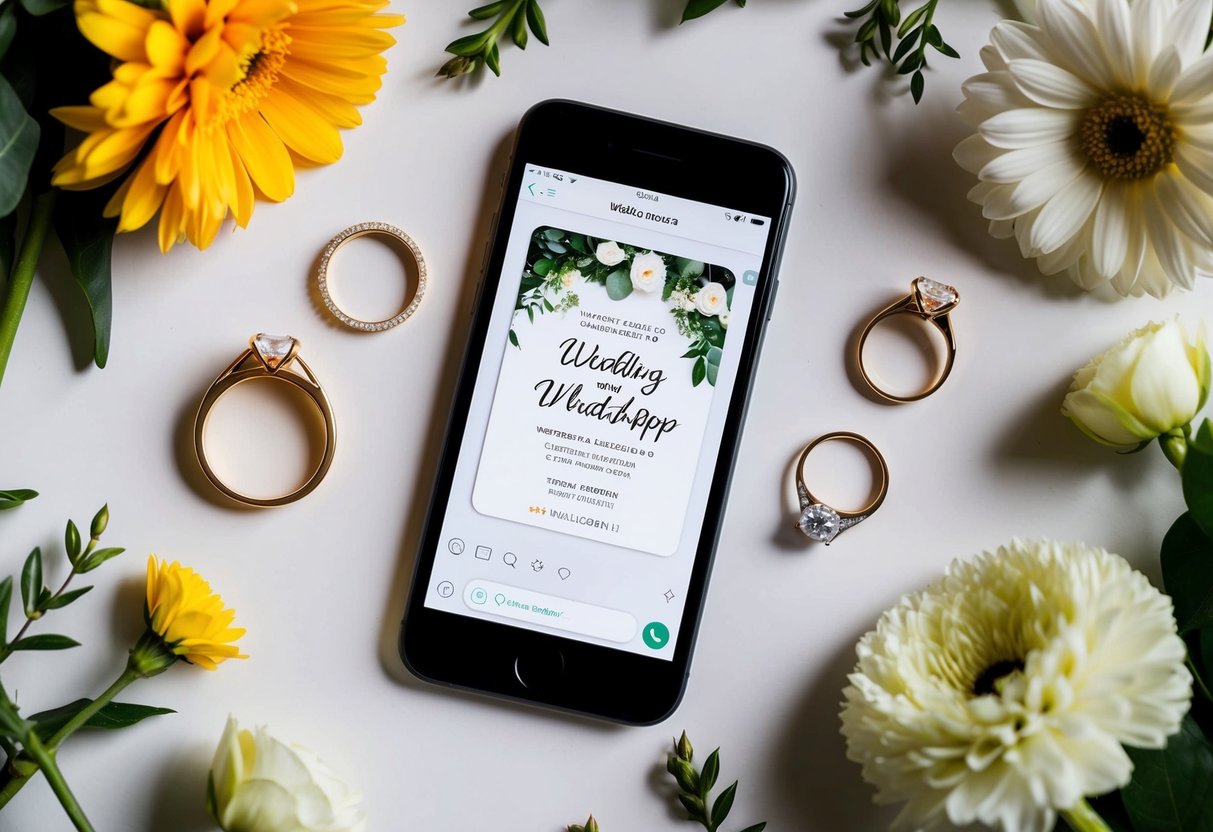
When creating your digital wedding invitation, the design and aesthetics play a crucial role. They help set the tone for your big day and reflect your personal style. Key elements such as visual components and typography can make your invitation stand out.
Selecting Visual Elements
Choosing the right visual elements is essential for your online wedding invitation. Start with a color palette that matches your wedding vibe and theme. Soft pastels create a romantic feel, while bold colors can convey a more festive atmosphere.
Images can enhance your invitation too. Consider adding graphics like flowers, rings, or even a personal photo. Rustic wedding invitations often include natural elements and earthy tones, which work well for outdoor ceremonies.
Lastly, ensure the layout is clean and easy to read. Avoid clutter, as it can distract from your message. Striking the right balance is important for creating an inviting digital invitation card that feels personal and special.
Understanding Digital Invitation Card Typography
Typography can greatly influence how your message is perceived. Choose fonts that align with your wedding theme. For a formal wedding, elegant serif fonts can add sophistication. If you’re going for a casual vibe, playful script fonts work better.
Mixing fonts can add interest, but limit yourself to two or three styles for harmony. Use larger font sizes for names and key details like the date and time. This helps ensure everything is easily readable on WhatsApp.
Finally, pay attention to spacing. Good letter spacing enhances readability, especially on mobile screens. A well-chosen font and clear presentation will leave a lasting impression on your guests.
Sending Out Your Wedding Invites
When it’s time to announce your marriage, sending out your wedding invitations on WhatsApp can be an easy and fun way to reach your guests. You can choose the right timing and keep track of RSVPs efficiently.
Deciding on the Timing
Choosing when to send your wedding invitations is key. Aim to send them 6 to 8 weeks before the big day. This gives guests enough time to plan and make arrangements.
If you want, consider sending a “save the date” message even earlier. This is especially useful if you have a lot of out-of-town guests. Informing them ahead helps ensure they don’t miss your wedding day.
Make sure to pay attention to your guests’ schedules. Avoid sending invites during major holidays or busy seasons. A little planning can go a long way in helping everyone join your celebration.
Managing RSVPs Via WhatsApp
Once you’ve sent out your wedding invites, managing RSVPs is next. You can create a group chat or send a personal RSVP message to each guest.
Keep your message friendly and clear. For example, you can say, “Hi! We’re excited to invite you to our wedding on [date]. Please let us know if you can make it!”
Encourage guests to respond promptly so you can plan accurately. This helps you organize seating arrangements and catering. Follow up with guests who haven’t responded after a week or two, just to check in.
Using WhatsApp makes tracking all responses easier and ensures you stay in touch with everyone leading up to your wedding day.
Best Practices for WhatsApp Wedding Announcements
When using WhatsApp to announce your marriage, it’s important to be clear and respectful. Follow these best practices to ensure your announcement is well-received and informative.
Etiquette and Tips for Group Chats
When sharing your wedding news in group chats, consider the size and dynamics of the group. Start with a warm greeting and then gently break the news. Use phrases like “I’m excited to share” to set a positive tone.
Keep your message concise but informative. Include essential details such as the date, venue, and any special notes. If you are inviting them to the wedding, include RSVP options. This could be as simple as asking them to reply with a thumbs up or down.
Using personalized messages for close friends and family can make your announcement feel even more special. For larger groups, stick to a more general message. Avoid sending too many messages, which can overwhelm your guests.
Creating a Wedding Website Link
Creating a wedding website is a practical way to share detailed information. Include the link in your WhatsApp announcement so guests can access everything in one place.
On your website, provide details about the ceremony, venue, accommodations, and a schedule. You can also share your love story, which adds a personal touch.
Make sure to highlight features like RSVP options and any other activities planned for the wedding weekend. Share the link clearly in your announcement. For example, you can say, “For more details, visit our wedding website: yourwebsite.com.”
This approach helps keep your guests informed and excited about the big day!