
How Many Pictures Should Be in a Wedding Slideshow? Tips for a Perfect Mix!
When planning a wedding slideshow, one big question often comes up: how many pictures should you include? The right number can make your photo montage engaging without dragging on too long. For a memorable wedding slideshow, aim for 30 to 75 pictures. This typically works out to about 5 to 10 minutes of viewing time. This range helps keep your guests’ attention while allowing them to enjoy the special moments captured.
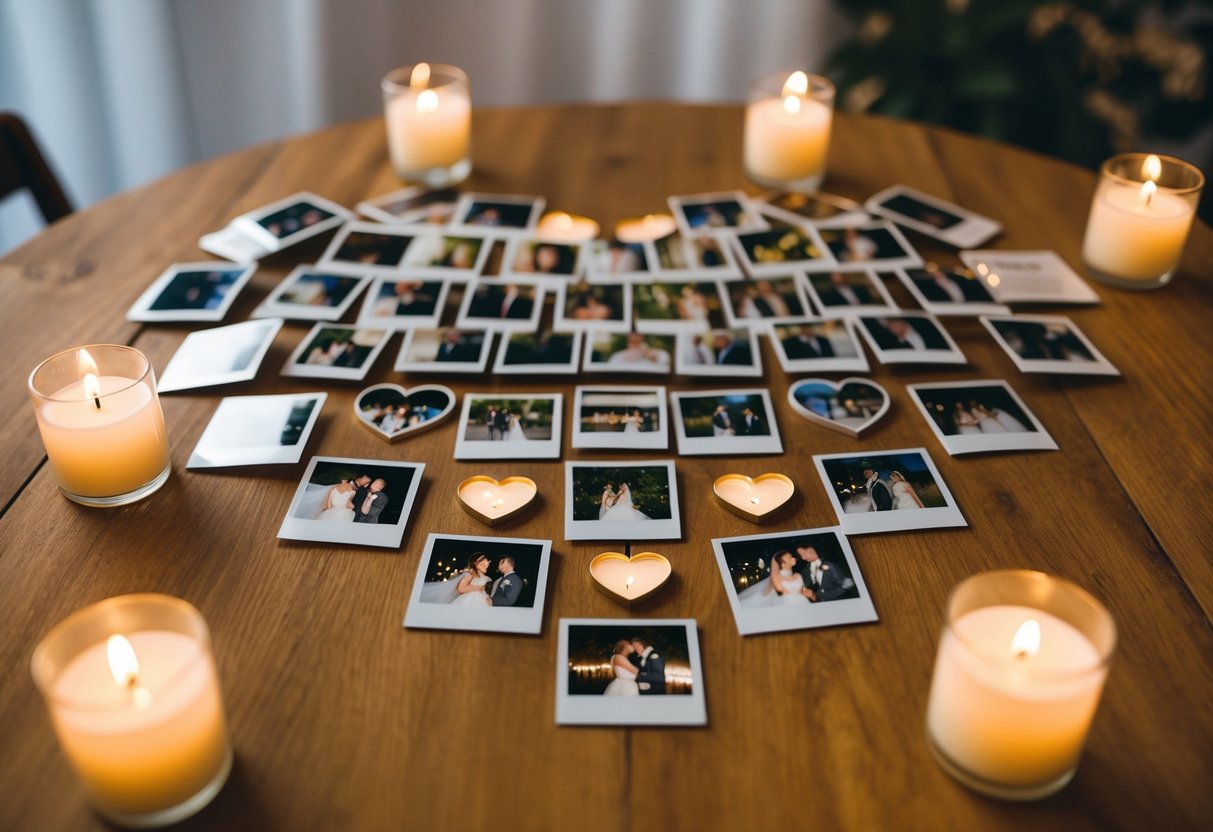
Choosing the right photos is just as important as the number. You might decide to feature more pictures from your childhood or key moments in your relationship. This variety can make your slideshow more relatable and heartwarming, giving everyone a glimpse into your journey as a couple.
As you create a wedding slideshow, remember that less can be more. Keeping it concise will help maintain energy and interest throughout the presentation, creating a fun and cherished experience for you and your guests.
Designing Your Wedding Slideshow
Creating a wedding slideshow is about balancing the number of photos, video clips, and smooth transitions. You want to keep your audience engaged without overwhelming them, ensuring your memories shine through.
Choosing the Right Number of Photos
The number of photos in your slideshow matters. A common guideline is the 10-20-30 rule, meaning aim for 10 photos per minute, with a total of 30 photos in about three minutes. This keeps the pace lively.
Another option is the 6 by 6 rule, which suggests using six photos from childhood and six from your life as a couple. This gives a comprehensive view of your journey. Try to choose photos that evoke emotions and memories.
It’s best to keep some variety; mix candid shots with posed photos. Too many pictures can tire guests. Aim for around 30 photos for a short yet sweet experience.
Incorporating Video Clips and Transitions
Adding video clips can enrich your slideshow. Ensure they are meaningful, like short clips from the ceremony or fun moments with friends.
When you choose video, keep them brief. A few seconds is plenty to capture a moment. This can make your slideshow more dynamic.
Transitions are another key element. Use smooth transitions between photos and clips to create a seamless flow. Avoid flashy effects that may distract viewers.
Simple fades or wipes are often most effective. This keeps the focus on the memories, enhancing the emotional impact of your slideshow.
Crafting the Narrative
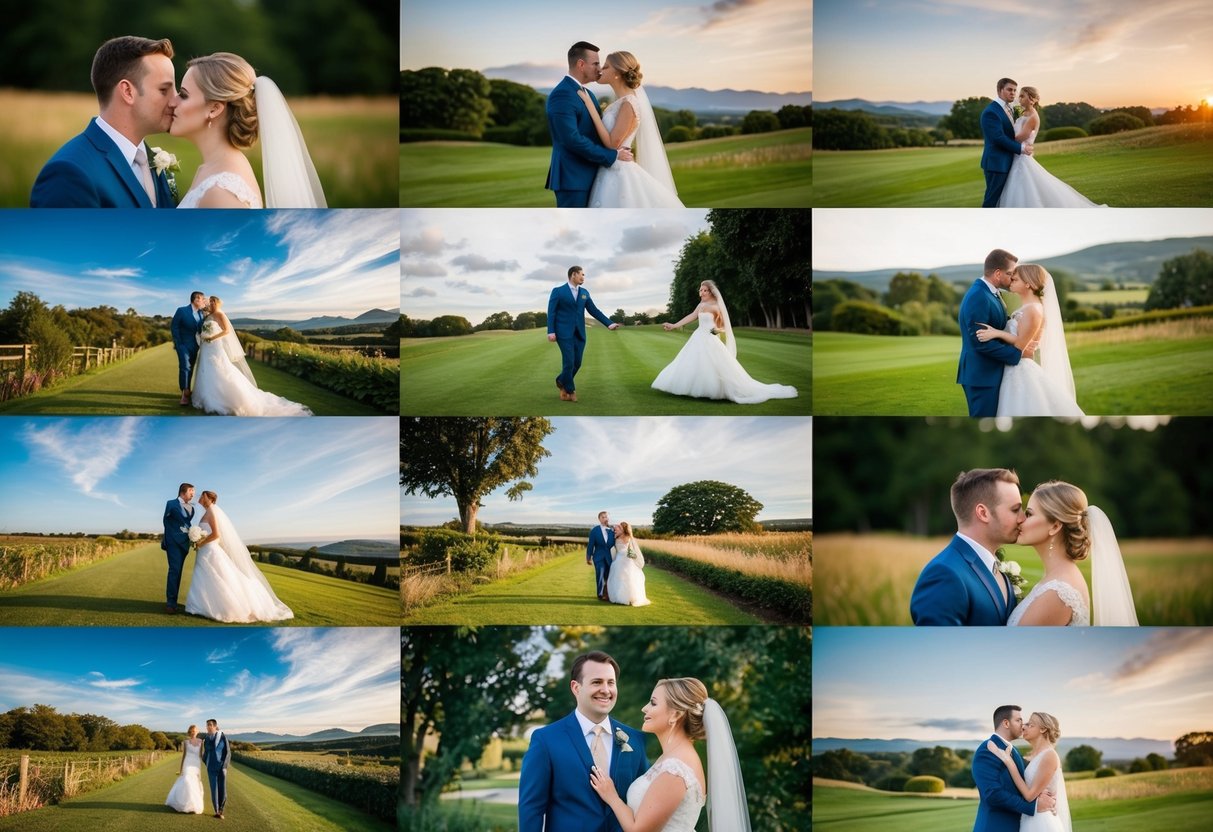
Building a wedding slideshow is not just about pictures; it’s about weaving a love story that captivates your guests. You want to highlight key moments from your journey together, keeping everyone engaged and smiling.
Creating a Compelling Love Story
Start with your early years. Include photos from childhood, teenage events, and first dates. This sets the stage for your love story. The guests will appreciate the backstory as they watch your relationship unfold.
Next, showcase milestones like engagements and trips. These moments add depth and context. It can be helpful to arrange photos chronologically. This way, viewers can easily follow along.
Consider including fun captions or quotes that match the photos. This adds a personal touch while keeping the vibe lively. The goal is to keep your guests engaged during the wedding reception with a heartfelt narrative that reflects your unique story.
Optimizing Slideshow Duration
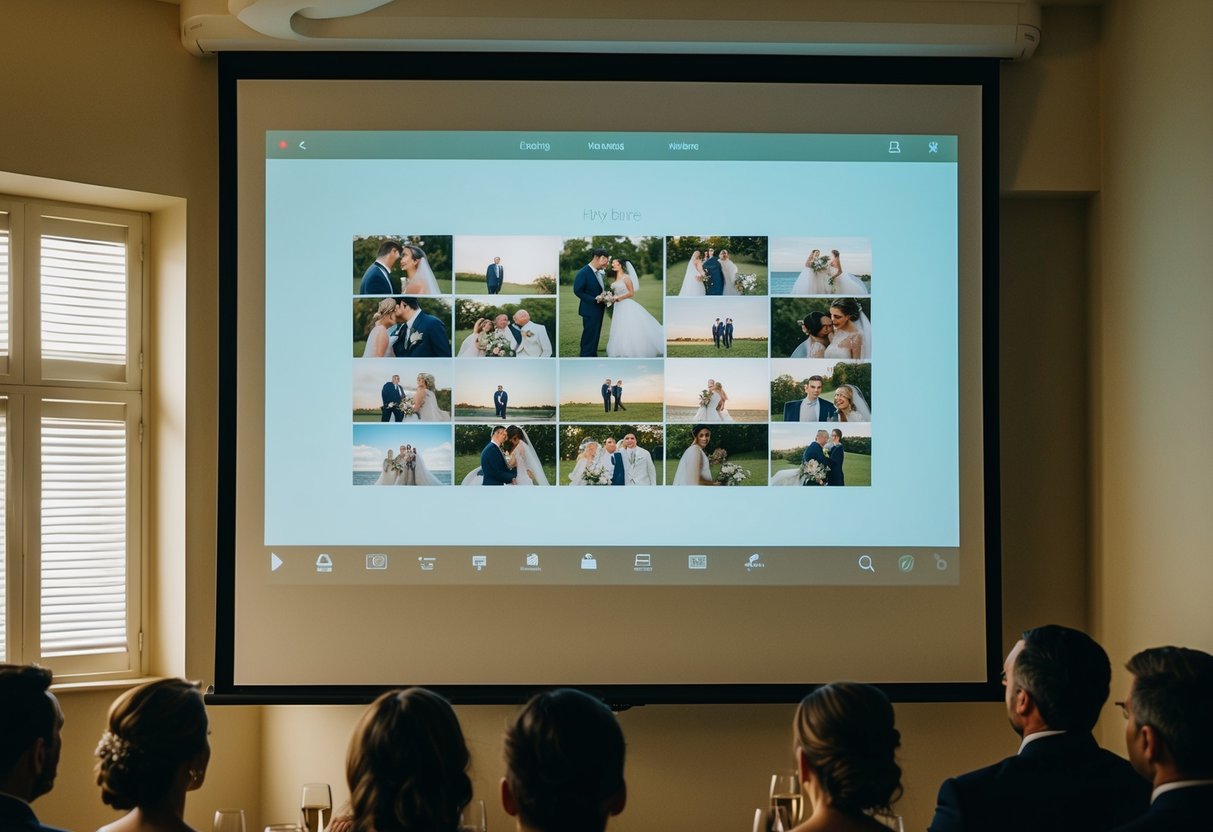
When creating a wedding slideshow, knowing the right length and number of images is important. You want your guests to enjoy the viewing experience without losing interest. Here are some essential tips to help you optimize the duration.
Understanding the Average Slideshow Length
The average wedding slideshow length is about 8 to 10 minutes. This allows enough time to share special moments without boring your guests.
To break it down further, you can expect to include about 10 to 12 photos per minute. This means for a full slideshow, you could use between 80 and 100 images.
If you’re aiming for a specific time, like 3 minutes, consider selecting around 24 to 27 photos. This gives each picture about 7 seconds to shine, including transition time. Keeping these averages in mind will make your slideshow enjoyable and engaging for everyone.
Applying the Optimal Photo Slideshow Ratio
To create a balanced slideshow, remember the ratio of images to time. You need to choose your photos wisely based on the total time you want your slideshow to run.
For instance, if you aim for a 5-minute video, include about 40 to 50 pictures. Each photo could then show for 6 to 8 seconds, which allows for nice transitions without rushing.
If you’re planning a 10-minute presentation, aim for around 80 to 100 pictures. This longer time allows each image about 8 to 10 seconds, ensuring that your guests can appreciate each one fully.
By keeping track of the number of images and slide duration, you’ll create a memorable experience that engages your audience throughout the celebration.
Final Touches and Presentation
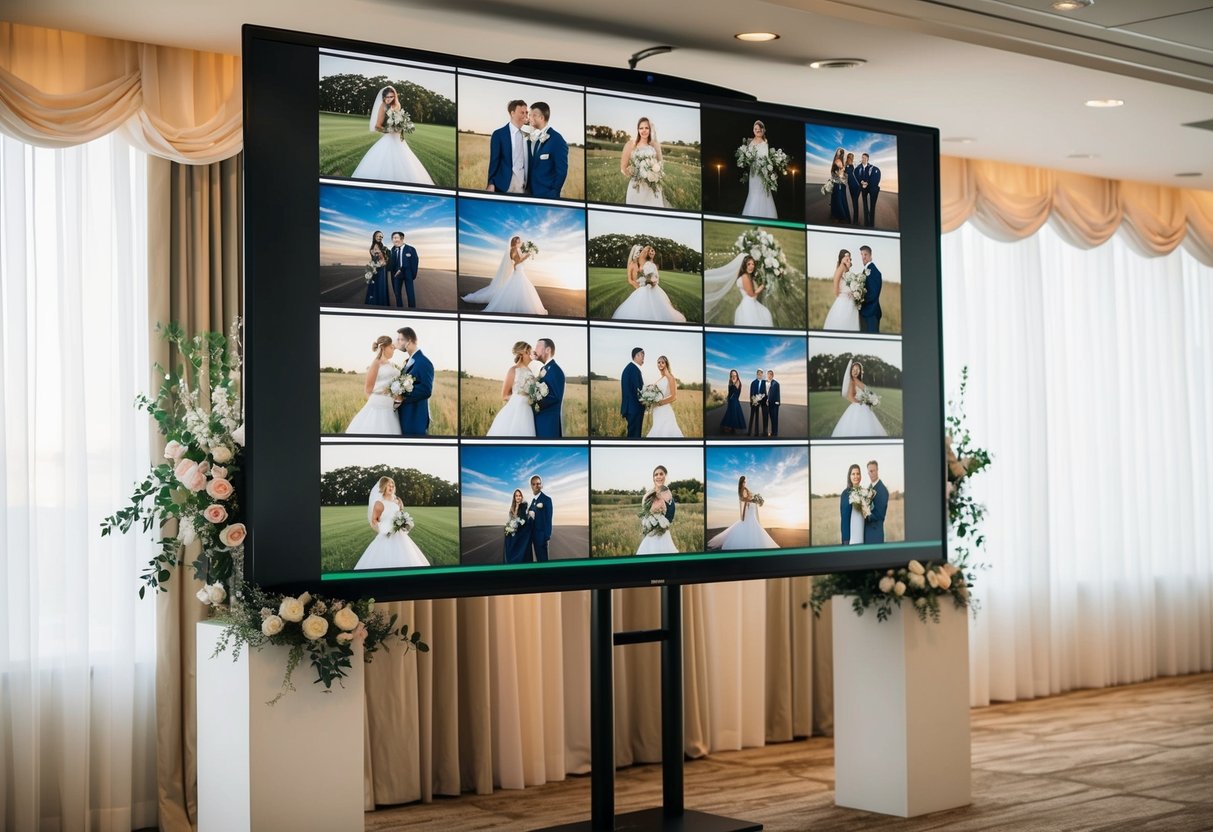
Creating a stunning wedding slideshow involves not just selecting the right photos but also making sure it looks polished and feels complete. The right tools and finishing details can elevate your presentation to a memorable experience for you and your guests.
Selecting the Right Slideshow Maker and Software
Choosing the right slideshow maker is crucial for a smooth presentation. There are many options available that cater to different needs. Some popular software includes Animoto, iMovie, and Adobe Spark. Each tool offers unique features like ease of use, customizable templates, and music integration.
When selecting software, consider your comfort level with technology. If you’re less tech-savvy, opt for user-friendly options. Most programs allow you to create engaging montages quickly. You may also find options that offer a free trial, so you can explore features without committing financially.
Adding Captions and Finishing Details
Captions can add personal touches to your slideshow. They allow you to share memories, like where a photo was taken or a funny story behind it. Keep captions short, around 1-2 lines, to maintain focus on the visuals.
You can also choose fun fonts and colors that match your wedding theme, enhancing the overall look.
Don’t forget to preview your slideshow before the big day. Make sure transitions are smooth and the pacing feels right. Rehearsing the presentation can help you feel confident.
If you’re incorporating a slideshow into your rehearsal dinner, ensure it’s appropriate and meaningful for your guests. A well-prepared slideshow will surely delight everyone at your celebration.