
How Much Does Paperless Post Cost Per Invite? A Simple Breakdown of Pricing
When planning a special event or gathering, you need to understand the costs involved. If you’re considering using Paperless Post for your invitations, you might wonder about the expenses. Each Paperless Post invite typically ranges from 1 to 2 Coins for premium elements, allowing you to customize your invitation experience.
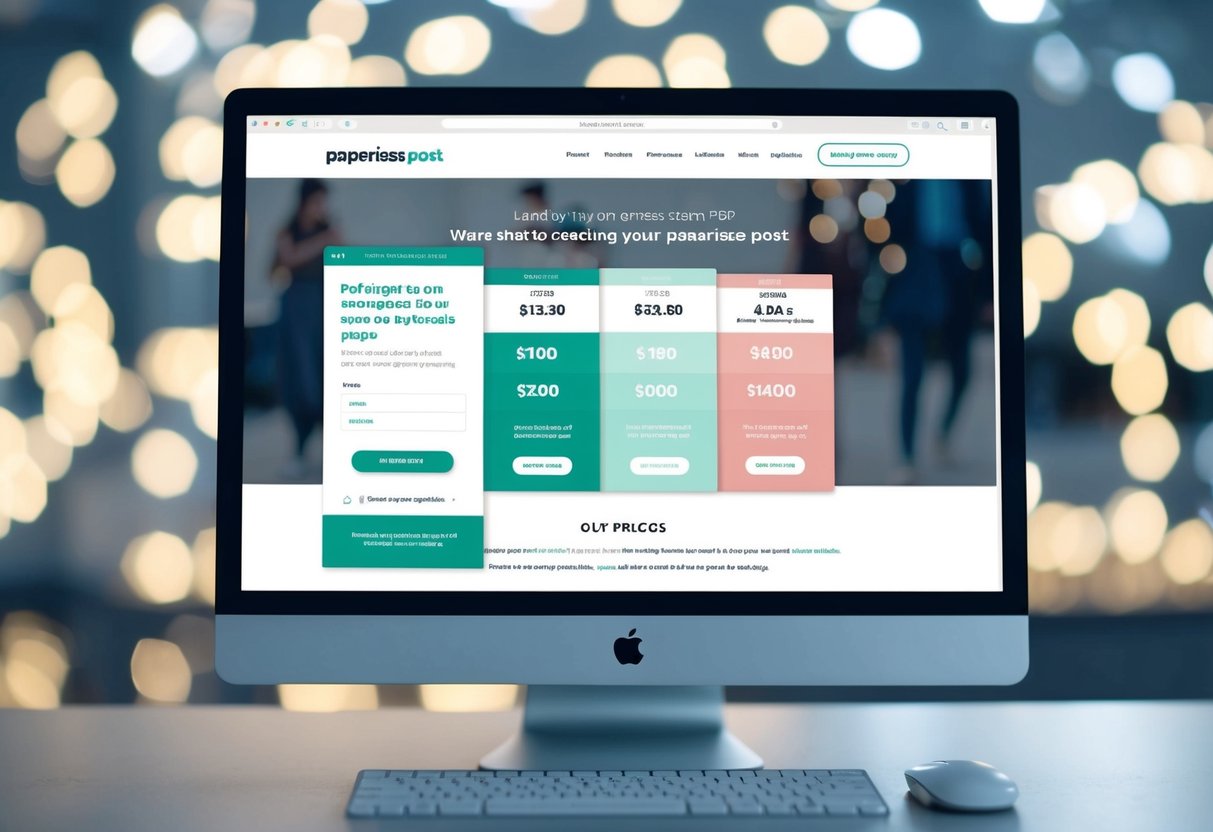
In addition to the Coins required for each invite, Paperless Post offers options for purchasing larger packages. These packages can vary in size, with costs going up based on the number of Coins you buy. For example, buying 200 Coins might cost around $35, making it a budget-friendly choice for sending out multiple invitations. With a mix of free designs and premium features, you can pick what best fits your needs without breaking the bank.
Understanding how Paperless Post functions can help you plan your event more effectively. You can send stylish invites while keeping an eye on your budget, making the process enjoyable and stress-free.
Understanding Paperless Post Pricing
When you plan to use Paperless Post, knowing the costs associated with sending invites can help you budget your event well. This section covers the basic pricing structure, how to buy coins, and details about the Paperless Post Plus subscription.
Basics of Paperless Post Costs
Every Paperless Post invitation costs a certain number of coins. The price in coins can vary based on the design and any extra features you choose. Typically, premium options may cost between 1 to 5 coins per invite.
To get a better idea of your costs, you can use the Coin Calculator. This tool lets you estimate how many coins you’ll need based on your guest list size. Simply enter the number of invites, and it will show the total cost.
Coin Packages and Value
You can purchase coins in different packages, making it easier to choose what fits your needs. For example:
- 100 coins for $22 (costing $0.22 each)
- 1,000 coins for $115 (costing $0.12 each)
Buying in larger quantities generally gives you better value. If you find you need more coins, simply head to the purchase section and choose a package that works for you. This flexibility helps you control your spending.
Subscription: Paperless Post Plus
For added features, consider the Paperless Post Plus subscription. This plan costs 200 coins per event and unlocks elevated guest management tools and customization options.
While designing your invites, look for the Paperless Post Plus logo. This will show you what additional features you can access. With this subscription, managing your guest list becomes easier, and you can customize your invites further to suit your event.
Types of Invitations and Costs
When choosing invitations on Paperless Post, understanding the costs and options available is essential. You can find a mix of free and premium designs, as well as different formats like digital and paper invites. Let’s explore these categories further.
Free vs. Premium Cards
Paperless Post offers both free and premium card options. Free designs provide a cost-effective way to send invitations. You can personalize them to suit your event without any fees.
Premium cards allow for enhanced creativity and features. Each premium element typically costs 1-2 Coins per invite. If you choose a premium design, the cost will vary based on the features you select. For example, if a design costs 3 coins per invite and you plan to send 60 invites, you would need 180 coins.
Digital Invitations vs. Paper Invites
Digital invitations are a popular choice for many events. They are quick to send and can reach a large audience instantly. With Paperless Post, you can send 50 invitations for free, making it an attractive option for budget-conscious users.
Paper invites, on the other hand, provide a more traditional touch. However, they typically incur printing and shipping costs, which can add up. For some events, like weddings, couples may prefer the elegance of paper invites despite the extra costs.
Custom Invitation Costs
Custom invitations allow you to create a unique design tailored to your event. Prices for custom invitations can vary widely depending on your design choices and the features you want.
For instance, adding special elements can increase the total cost. Be sure to consider how many guests you’re inviting, as this will affect your final calculation. Using a cost calculator on Paperless Post can help you determine the total based on your guest list. This way, you can make the best budget decisions for your special occasion.
Extras That Add to Your Invite

When planning your event, certain extras can enhance your invitations. These features not only add style but also improve functionality, making it easier for your guests to respond and engage with your event.
Premium Design Elements
You have the option to select premium design elements for your invites. These enhancements can include unique fonts, special graphics, or vibrant colors that make your card stand out.
Each premium element usually costs between 1 to 2 Coins per invite. For example, if you choose a premium design for 50 invites, you might spend an additional 100 Coins.
This investment can create a more impactful impression and elevate the overall aesthetic of your invitation.
Envelope and Stickers
Personalization doesn’t end with the card design. You can also upgrade your envelope liners and stickers. Adding a decorative envelope liner gives your invitation a polished look and creates excitement before guests even open it.
Stickers can be used for sealing envelopes or as fun embellishments on the card itself. These extras might have a small extra cost but can be worth it for that added flair. Using these features allows you to create a unique and playful invitation set.
Additional RSVP and Guest Management Features
Utilizing advanced RSVP tracking and event management tools can simplify your planning process. With these features, you can easily keep track of who’s coming and who can’t.
Guests can respond directly to their invites, and you can ask questions to gather more information, like meal choices. This level of engagement helps you organize your event better and ensures that you are well-prepared.
Investing in these extras may come with a few extra Coins, but they provide useful benefits that enhance your overall experience with Paperless Post.
Planning Your Invitations
Planning your invitations involves selecting the right card design, managing your guest list, and making the most of your existing credits. Each step is essential to ensure your invitation process is smooth and enjoyable.
Choosing the Right Card Design
Selecting the right card design is crucial for setting the tone of your event. You can choose from various themes and styles on Paperless Post. Consider the occasion, whether it’s a wedding, birthday, or corporate event.
Make sure to explore both free and premium designs. Premium options often come with unique features, like custom envelopes. Keep an eye on the cost, as each premium element may require 1-2 Coins per invite. Visit the design selection to see the Coins per invite indicator, which helps you estimate your total costs.
Managing Your Guest List Effectively
Your guest list is an important part of the invitation process. Begin by making a complete list of people you want to invite. You can then easily organize them into groups based on your event’s needs.
Using Paperless Post’s guest management features helps you keep track of RSVPs and questions from guests. You can also use the platform’s tools to add, remove, or edit guest information. If you want to save time, sort guests by categories, like family or friends, to streamline your invitations.
Maximizing Value with Existing Credits
To save money, it’s wise to maximize any existing credits you have on your Paperless Post account. Unused Coins can be very helpful when planning your invitations.
Check how many Credits you currently have and plan your design choices accordingly.
When sending multiple invites, combining your Coins for a larger package often leads to better value. For example, buying 200 Coins for $35 usually works better than purchasing them in smaller amounts.
Keep an eye on your spending to ensure you’re staying within budget while creating beautiful invitations.