
How to Ask Wedding Guests Not to Post Pictures: Tips for Maintaining Your Privacy on Your Special Day
Weddings are special moments that you and your partner want to cherish and enjoy. However, many couples face the concern of how to ask guests not to post pictures on social media during the event.
The key is to communicate your wishes kindly and clearly, making it known that this request is about preserving the intimacy of your day.
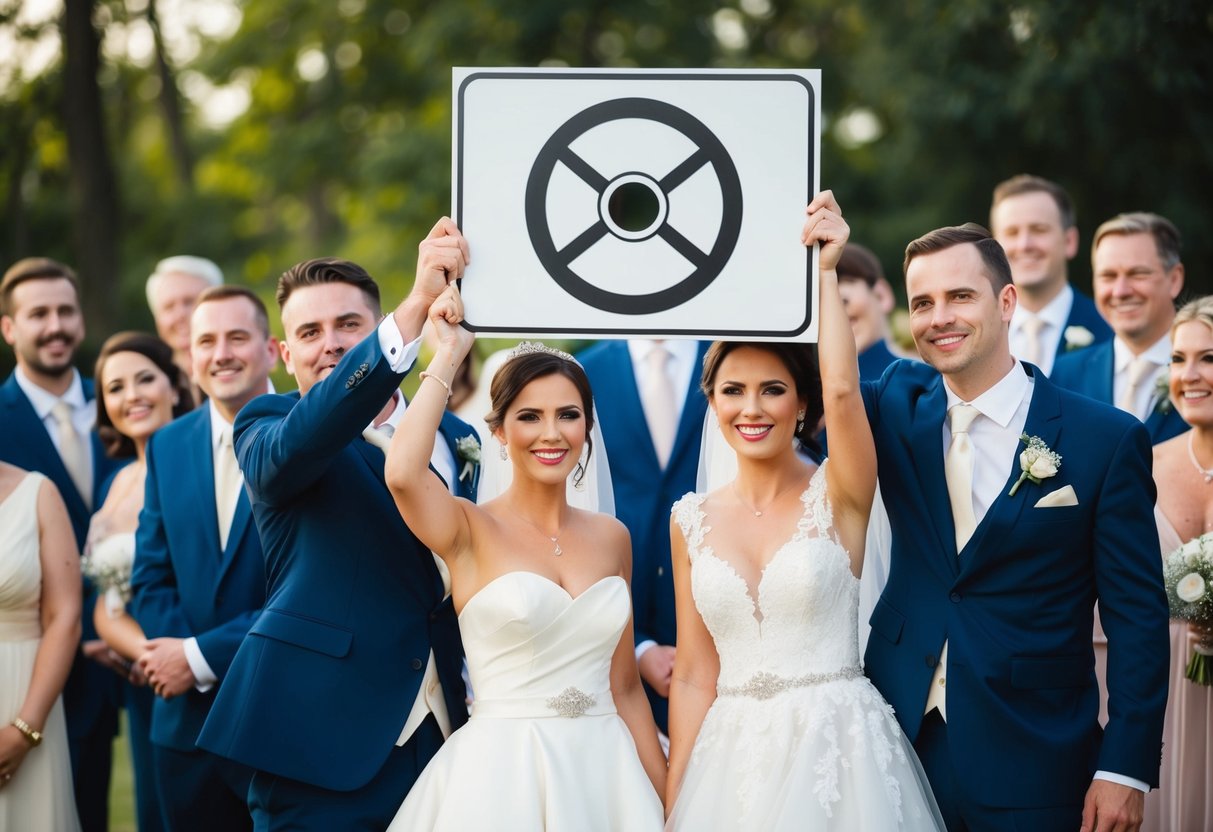
You can start by mentioning your preference on your wedding website or in invitations. This sets the tone early on and gives guests a heads-up without it feeling awkward.
You might also consider having your officiant share a gentle reminder during the ceremony to reinforce your wishes.
By approaching this topic with thoughtfulness, your guests are likely to understand and respect your request.
Setting Expectations Before the Wedding
Setting clear expectations about photo policies can help ensure your wedding day goes as planned. By communicating early, you can help guests understand your wishes and enjoy the celebration without distractions.
Addressing Photos in the Wedding Invitations
When sending out your wedding invitations, consider adding a note about your photography preferences. You can include a brief statement requesting that guests refrain from taking photos during certain moments, like the ceremony.
For example, you might say:
- “We kindly ask that you enjoy the moments and leave the photographing to our photographers.”
This approach sets the tone from the start. It can help avoid misunderstandings while showing appreciation for your guests’ cooperation.
Also, consider mentioning any specific social media guidelines, like using a wedding hashtag for any pictures they choose to share. This lets them know how you want to handle digital memories.
Creating a Wedding Website Communication Hub
A wedding website is a great tool for sharing more details about your big day. It allows you to expand upon the photo policy without cluttering your invitations.
On your site, dedicate a section to explain your wishes regarding photos. Make it friendly and clear. You can say something like:
- “We love that you want to capture our day! However, we ask that you hold off on taking photos during the ceremony.”
This provides guests a place to get all the information they need. Encourage them to share any memories using a specific hashtag or how to access the professional photos later on.
By setting up this communication hub, you help guests feel informed and involved while respecting your wishes.
Day-Of Wedding Communications
Clear communication on your wedding day is crucial. It helps guests understand your wishes about photography and ensures everyone embraces the moment together.
Signage for an Unplugged Ceremony
Using signage can effectively convey your desire for an unplugged ceremony. Place signs at the entrance of the ceremony site, indicating that you prefer guests to refrain from using electronic devices.
Tips for effective signage:
- Keep it simple: Use clear language like “We invite you to enjoy this special moment with us. Please turn off your devices.”
- Add a personal touch: Include your wedding date or a heartfelt message.
- Choose visible locations: Position signs where guests will easily see them, such as near the seating area or entrance.
This visual reminder can help set the tone before the ceremony begins and remind guests to be present.
Announcements by the Officiant
Having your officiant make an announcement can reinforce your request.
Ask your officiant to take a moment before the ceremony to remind guests about your unplugged wishes. A simple statement like, “The couple has requested no photos during the ceremony, so please enjoy this moment without your devices,” can be effective.
Encouraging all guests to put away their phones creates a more intimate atmosphere. This also allows your professional photographer to capture the ceremony without interruption from electronic devices.
Managing Guest Behavior Tactfully
Keeping the focus on your wedding day can be challenging, especially when guests want to capture special moments. You can handle this gracefully by using some straightforward strategies.
Assigning a Photo Monitor
One effective way to manage guest behavior is to assign a photo monitor. This person can be a trusted friend or family member who ensures the focus stays on the ceremony and reception.
You can ask them to remind guests of the no-photo policy if needed.
Having a specific person dedicated to overseeing photography helps guests understand your wishes more clearly. Position them near areas where guests are likely to take pictures, like the aisle during the ceremony or the dance floor during the reception.
Make sure to communicate your plan to the photo monitor ahead of time. This way, they know what to say and can respond calmly. A friendly approach can help keep the mood light while still emphasizing your preferences.
Providing an Alternative with a Wedding Hashtag
You can also encourage guests to join in the fun without taking away from your special day by creating a wedding hashtag. This allows them to share wedding photos online after the event without interrupting the ceremony.
Choose a unique and easy-to-remember hashtag that incorporates your names or wedding date. Place signs at the reception with the hashtag so guests know how to use it. You can even include it on wedding programs or at the tables.
With a wedding hashtag, guests can enjoy capturing moments while also respecting your wish for privacy during the ceremony. Afterward, everyone can share and access photos in one place, creating a fun way to relive your wedding day without distractions.
After the Wedding Photos are Taken
Once the wedding photos are taken, you’ll want to think about how to manage those images, especially when it comes to sharing them with your guests. Setting clear privacy settings will help protect your memories while allowing others to enjoy the day.
Sharing Photos with Privacy Settings
When you share wedding photos, you need to control who can see them. You might consider using platforms that allow specific privacy settings.
-
Create Private Albums: Use services where you can upload photos and invite only those who attended your wedding. This keeps the photos secure.
-
Limit Access: Make sure to adjust privacy settings so only invited guests can view the albums.
-
Communicate Clearly: Let your guests know about the privacy measures you’ve put in place.