
How to Create an Online Invitation for Free: A Simple Guide for Any Occasion
Creating an invitation for your next event has never been easier or more fun! Various free online invitation makers are available, and you can design beautiful and personalized invitations that fit your style and theme. All you need to create an online invitation for free is an internet connection and a little creativity.

You can choose from many templates that suit any occasion, whether it’s a birthday party, wedding, or baby shower. These online invitation makers allow you to customize the look of your cards by changing colors, fonts, and layouts. This way, your invitation will reflect your personality and set the right tone for your event.
Once you are happy with your design, you can easily send it out to your guests online or print it out for a classic touch. With these tools, making an inviting invitation is simple, quick, and budget-friendly!
Choosing the Right Online Invitation Maker
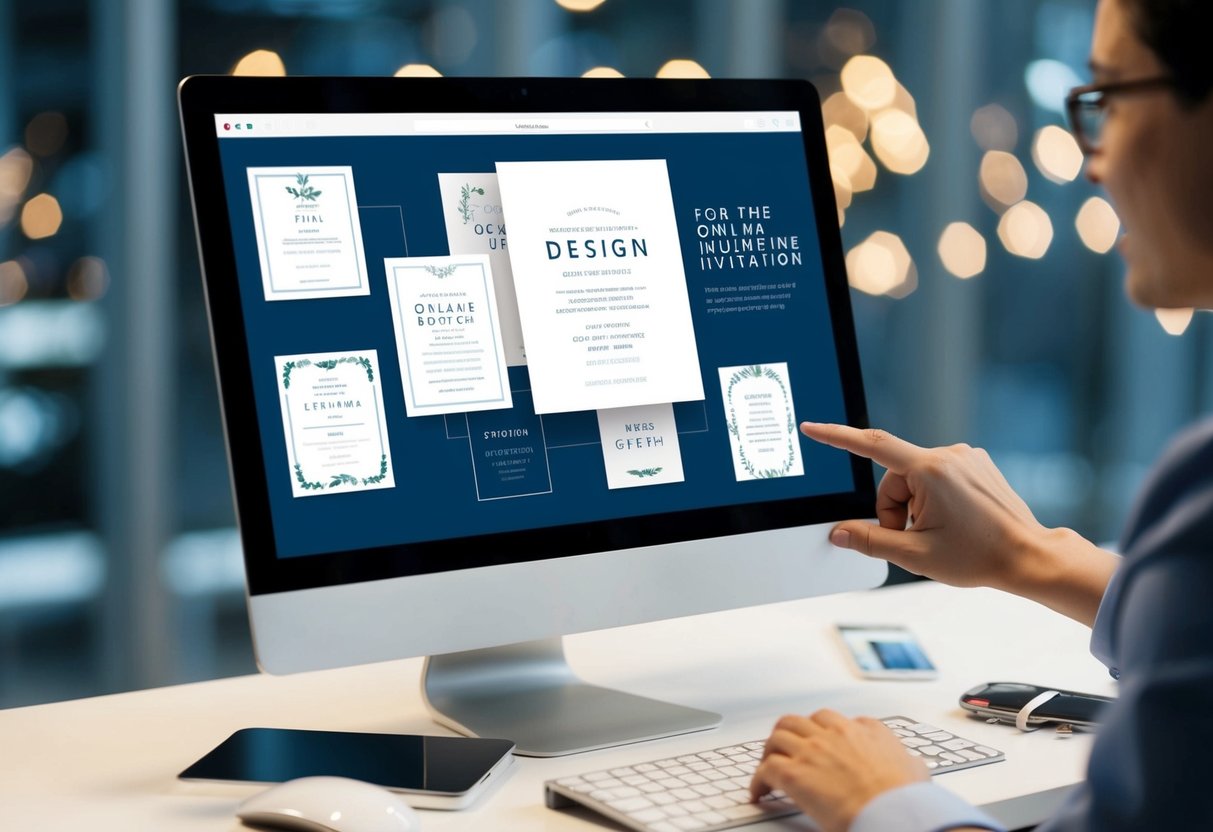
Finding the right online invitation maker can make a big difference in how your invitations turn out. You want a platform that is user-friendly and offers great templates. It’s also helpful to choose a service that allows for customization so you can make your invitations unique.
Popular Platforms and Their Features
Several platforms stand out when it comes to creating online invitations. Canva is one of the most popular options. It offers a wide range of customizable templates for any occasion. You can easily drag and drop your images and text to create the perfect invitation.
Jotform has hundreds of ready-made designs. You can personalize them without needing any design skills. Their user-friendly interface helps you create adorable invites in minutes.
Another option is Paperless Post. This site focuses on digital invitations with a classy touch. You can pick from various stylish designs to suit your event.
Understanding the Value of Free Templates
Using free templates saves you time and effort. Many online invitation makers, like DesignCap and Picsart, provide a rich library of templates, which means you’ll find something that fits your event perfectly.
With free templates, you can experiment without worrying about costs. They offer a great starting point. After choosing a template, you can add your details and even customize colors and fonts to match your theme.
Free options can be as stylish as paid ones. This allows you to create a beautiful invitation without breaking the bank. So, explore these online tools and enjoy making your invites!
Designing Your Invitation
Creating an inviting and attractive design is essential when you make your invitation. You’ll want to pick the right template and customize it to fit your event. Consider your choice of typography, colors, and sizes to ensure your invitation stands out and conveys your message clearly.
Selecting the Perfect Template
Choosing the right template can set the tone for your invitation. Look for templates that match your event type, like weddings, birthday parties, or other celebrations. Websites like Canva offer a variety of invitation templates to choose from.
When you find a template you like, check if it fits your theme and colors. Using a template makes the design process easier, allowing you to focus on personalization rather than starting from scratch.
Customizing Your Invitation Design
Once you have selected a template, it’s time to customize it. You can add your own images, change colors, and modify layouts. Make sure to choose images that resonate with your event theme. For instance, use bright colors for birthday invitations and elegant designs for weddings.
Incorporate elements like borders, icons, and illustrations that enhance your design. Websites such as Picsart provide tools to create unique designs, allowing you to express your style effectively.
Typography and Color Choices
Typography and color significantly affect how your invitation is perceived. Choose fonts that are easy to read, like sans-serif for modern events or elegant scripts for formal occasions. Ensure your font sizes are distinct for the event name, date, and other crucial details.
Colors can evoke emotions. Use warm tones for a fun party vibe and soft pastels for a wedding. Tools in platforms like Adobe Express help you pick color schemes that work well together. Remember that contrasts can improve readability as well.
Standard Invitation Sizes and Formats
The most common standard invitation size is 5 x 7 inches, which works well for a variety of events. This size fits nicely into standard envelopes. However, square invitations, like 5 x 5 inches, can also add a unique touch.
When designing, ensure your dimensions fit the printing method you choose. Some websites allow you to download in formats like PNG or PDF, which are both good for digital sharing and printing. Verify your selected print shop’s requirements to avoid any surprises.
Managing Invitations and RSVPs
Managing your invitations and RSVPs is key to ensuring your event runs smoothly. Clear communication about event details will help your guests feel informed and excited. Additionally, keeping track of who will attend allows for better planning.
Effective Event Detail Communication
Start by providing all necessary event details in your invitation. Include the date, time, location, and any special instructions. Use clear and simple language. You can break this information into bullet points for easy reading.
Consider sending your invitations through email or text message. This allows you to reach guests quickly and ensures they can access the information anytime. If using an online platform, templates can help present your details professionally.
Encourage guests to respond promptly. You can use phrases like “RSVP by [date]” to create urgency. Friendly reminders about the event can also be sent as the date approaches. Keep communication open and friendly to make your guests feel valued.
Tracking RSVPs and Guest Confirmations
Keeping track of RSVPs is essential for event planning. Use a simple spreadsheet or online tool to manage your guest list and track responses. Create columns for guest names, contact information, and their RSVP status.
Make sure to check for confirmations regularly. If some guests have not responded, a gentle nudge can help. A quick message or text reminding them to RSVP can work wonders.
For larger events, consider using an online invitation service. Platforms like RSVPify or Eventbrite automatically collect and organize RSVPs for you. This saves time and helps you manage communication more effectively.
Sharing Your Invitation
Once you have created your online invitation, it’s time to share it with your guests. You can easily distribute your invitation via email or social media, or use downloadable formats for offline sharing. This way, you reach your audience wherever they are, making it convenient for everyone to RSVP.
Distribution via Email and Social Media
Email is a straightforward way to send your invitation directly to your guests. Many online invitation platforms allow you to insert email addresses for easy distribution. Just add a personal message along with your invite to make it feel special.
Social media is also a great option for sharing. You can post a link to your invitation on platforms like Facebook, Instagram, or Twitter. This not only reaches your friends but also lets them share it with others. Using hashtags related to your event can help spread the word even more.
Using Downloadable Formats for Offline Sharing
Some platforms let you download your invitation in printable formats like PDF. This is perfect if you want to go the traditional route with a physical invitation.
You can print and mail your invitation as a “save the date” card or hand it out in person. If you’re having a smaller gathering, this can add a personal touch.
Just ensure the design looks nice after printing, so your invitation stands out.
Options like these make sharing easy and adaptable to your needs.