
How to Create Wedding Invitation Video for WhatsApp Free Online: A Step-by-Step Guide
Creating a wedding invitation video can be a fun and creative way to invite your friends and family to your special day. With just a few clicks, you can use free online tools to make a stunning video that captures your love story.
You can easily create a beautiful wedding invitation video for WhatsApp using free online video makers.
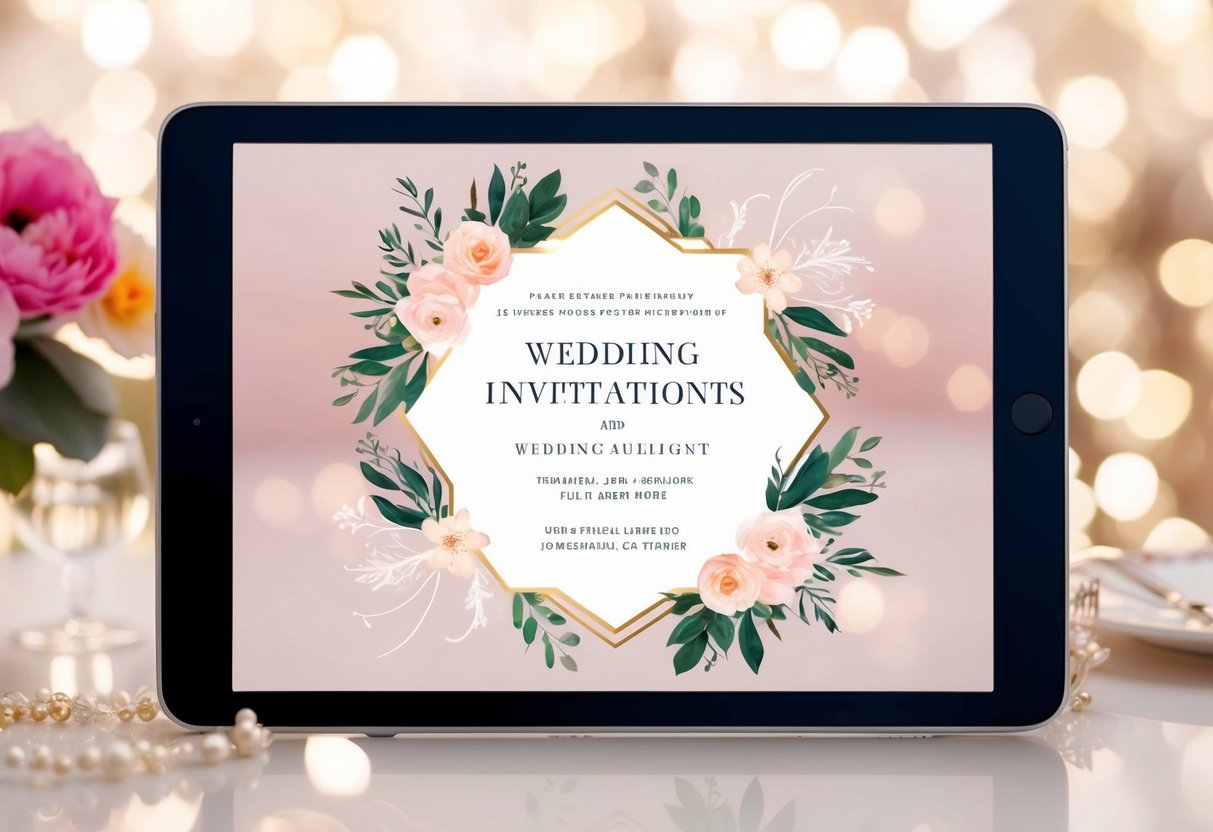
These tools often come with various templates and design options to help you make something truly unique. You can add photos, music, and heartfelt messages to personalize your invitation. This way, you can share your excitement and set the tone for your wedding celebrations in a memorable way.
Whether you are tech-savvy or new to video editing, these platforms are user-friendly. Just follow a few simple steps, and you’ll have an engaging invitation video ready to share on WhatsApp in no time!
Choosing the Right Video Maker Platform
To create a beautiful wedding invitation video for WhatsApp, you need to pick the right video maker platform. The right choice will make the process easy and enjoyable. Here are some key options and benefits to guide you in your decision.
Exploring Online Wedding Invitation Video Maker Options
When searching for an online wedding invitation video maker, consider platforms that offer user-friendly interfaces and customizable video templates. Look for options that let you edit your video directly in your browser without needing to download software.
Some popular choices include Canva, Adobe, and FlexClip. They provide a variety of templates tailored for wedding invitations. This allows you to create something special that reflects your style.
Ensure the platform supports features like adding music, text, and photos. This will help your invitation stand out. Also, check for free options to keep costs down. Finding the right tool can make your invitation creation a fun task.
Benefits of Using Canva for Your Invitation
Canva is an excellent choice for creating wedding invitation videos. Its user-friendly design makes it easy for anyone to get started. You can choose from hundreds of customizable video templates specifically for weddings.
With Canva, you can personalize your invitations with your own photos, favorite songs, and text. The platform provides a library of images and music to enhance your video.
Additionally, Canva’s features allow you to download your video quickly and easily. You can then share it directly on WhatsApp. The flexibility to edit on the go, using their mobile app, makes it even better. This way, you can add final touches anytime before sending.
Customizing Your Wedding Invitation
Customizing your wedding invitation video is an exciting step that lets you express your unique love story and theme. By selecting the right template, adding personal touches, and incorporating media and music, you will create an invitation that truly reflects your relationship.
Selecting the Perfect Template
Choosing the right template is essential for setting the tone of your wedding invitation video. Look for designs that represent your wedding theme, whether it’s traditional, modern, or whimsical. Websites like FlexClip offer a variety of beautifully crafted wedding invitation templates.
Make sure to pick one that resonates with both of you. Pay attention to colors, fonts, and layouts. These elements can convey feelings associated with your love story. You can also explore options that allow for easy customization, making it simple to change colors or add your personal details.
Personalizing the Love Story and Theme
Once you’ve chosen a template, start by personalizing the text to reflect your love story. Include your names, wedding date, and venue. You can also add a brief message about what your relationship means to you.
Think about the theme of your wedding. For a vintage theme, using classic language can enhance the feel. If your wedding is more modern, playful language might be fitting. Adding elements that represent your journey together can make your invitation feel special and intimate.
Adding Media and Music to Evoke Emotion
To truly engage your guests, consider adding media and music. You can insert photos or short clips that capture meaningful moments from your relationship. Use images from your first date, trips taken together, or memorable events. This personal touch helps tell your unique story.
Music is another powerful element. Choose a song that holds significance for both of you. It could be your first dance song or a tune that brings back fond memories. Music helps evoke emotion and sets the mood for your wedding invitation video, creating excitement for your big day.
Editing and Enhancing Your Video
In this part, you’ll learn how to make your wedding invitation video more appealing. You can change font styles and colors, add animated elements, and include illustrations or icons to create a personal touch. Let’s dive into the details!
Adjusting Font Styles and Colors
Choosing the right font style and color is crucial for making your video inviting. Start by selecting a font that matches the theme of your wedding. For example, you might want a classic script or a modern sans-serif.
Next, consider the color palette. Pick colors that complement your wedding theme. For instance, if you’re using pastels, opt for soft hues that are easy to read. Contrast is also important—ensure your text stands out against the background.
You can easily adjust these settings in most video makers. Experiment with different styles and colors until you find the perfect combination that represents your unique style.
Incorporating Animated Elements and Text
Adding animated elements can bring your video to life. You can use features like animated text to draw attention to important information, such as the date and location of your wedding. This adds excitement and keeps viewers engaged.
When choosing animations, make sure they match the tone of your invitation. Subtle animations work well for elegant weddings, while fun, vibrant animations may suit a more casual celebration.
Check the video editing tool you use for animated templates. Many platforms offer ready-to-use animations that can be customized with your colors and fonts, making the process effortless.
Including Illustrations and Icons
Illustrations and icons can enhance your video by adding visual interest. Think about including elements like floral designs, wedding rings, or heart icons. These can help convey the theme and emotion of your wedding.
You can find many free illustrations and icons online. Select ones that match your style and fit the overall design of your invitation video. Be mindful not to overcrowd your video—balance is key.
Consider placing your illustrations in the corners or as subtle backgrounds. This way, they will supplement the information without distracting from it. Using the right visual elements can create a polished and appealing final product.
Sharing Your Digital Invitation on WhatsApp
Once you’ve crafted your stunning wedding invitation video, sharing it on WhatsApp is seamless. By understanding how to export your video correctly and optimizing its content, you can ensure your loved ones receive a memorable invitation that captures your special moments.
Exporting the Final Wedding Video Invitation
To share your wedding invitation on WhatsApp, start by exporting your final video. Most video makers provide an export option. Choose a format that is compatible with most devices, such as MP4. This format ensures great quality while remaining easy to share.
When exporting, adjust the resolution. A 720p resolution is usually sufficient for WhatsApp and keeps the file size manageable. After selecting the desired settings, click export and wait for the process to finish.
Once your video is ready, save it directly to your phone or cloud storage. From there, you can easily access it when you’re ready to share it with friends and family.
Optimizing Video Content for WhatsApp Sharing
Improving engagement with your wedding invitation video is key.
Start by keeping the video short. Aim for a duration of 30 to 60 seconds. This length holds attention while sharing essential details.
Use compelling visuals and background music to create an inviting atmosphere.
Make sure your video clearly shows the names, date, and venue. Adding a personal touch, like a short message or favorite memory, adds warmth.
When you’re ready to share, open WhatsApp and select your contacts.
You can also create a group chat to invite multiple guests at once. Simply attach your video, add an engaging message, and hit send!
Your loved ones will appreciate the thoughtful and creative way you share your special day.