
How to Make Your Own Wedding Invitations Online for Free: A Step-by-Step Guide
Planning your wedding can be both exciting and a bit overwhelming. You want everything to be perfect, starting with your invitations, which set the tone for your special day. Making your own wedding invitations online for free is a simple and creative way to personalize this important detail without stretching your budget.
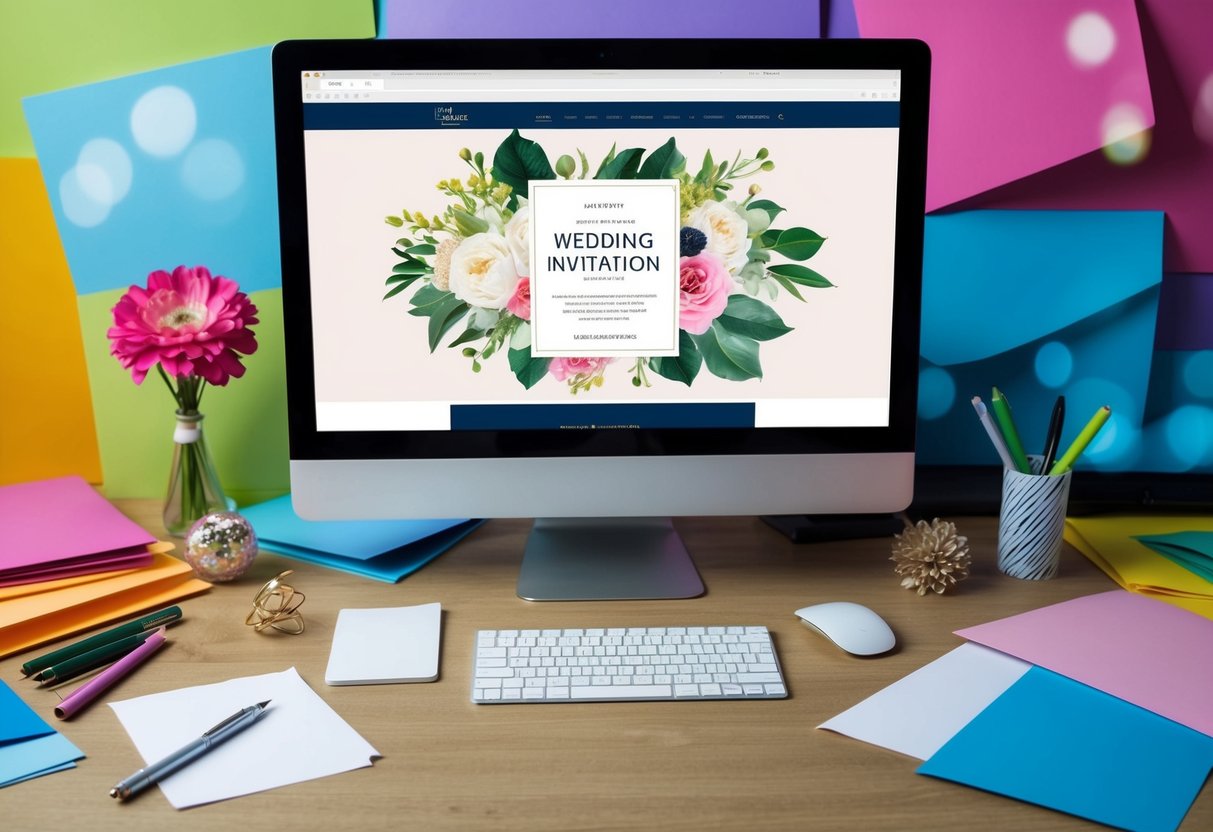
With a few easy steps, you can design beautiful DIY wedding invitations tailored to your style and theme. There are various online tools and templates that let you create stunning invitations that will impress your guests and make your wedding feel even more special.
You don’t need to be a design expert to get started. Your invitations can reflect your personality and taste, making the planning process even more enjoyable. Dive into the world of online wedding invitation creation and discover how easy it is to add a personal touch to your big day!
Choosing the Right Template
Finding the ideal template for your wedding invitations sets the tone for your big day. You want something that reflects your style and fits well within your wedding theme. Here are some important factors to consider when choosing your template.
Exploring Free Templates
There are many platforms offering free templates that can help you design your wedding invitations. Websites like Canva and Adobe Express have extensive libraries of customizable options. Browse through various styles, from elegant to modern, until you find one that resonates with you.
When exploring these templates, make sure to consider the customization features. Look for options to change colors, fonts, and images, so your invitations feel personal and unique. You’re not just selecting a template; you’re creating a keepsake for your guests.
Wedding Theme Alignment
Your wedding theme plays a crucial role in choosing the right invitation template. Whether your theme is rustic, beachy, or vintage, the invitation should complement it. Think about colors, motifs, and styles that suit the overall look of your wedding.
For example, if you’re going for a bohemian theme, flowers and earthy tones would be perfect. For a classic wedding, consider elegant fonts and soft colors. Ensuring that your invitation aligns with your wedding theme will give your guests a cohesive experience from the start.
Size and Layout Considerations
Before settling on a template, consider the size and layout of your invitations. Common sizes for wedding invitations include 5″x7″ and 4″x6″. Ensure that your chosen template accommodates the important details, like names, dates, and venue information, without looking crowded.
Also, think about whether you want a portrait or landscape layout. Some templates allow for multiple folds or layers. Selecting the right size and layout not only enhances the look of your invitations but also ensures they fit within your mailing envelopes. The right dimensions will give your invitations a polished and professional appearance.
Designing Your Invitation
Creating your own wedding invitations online can be a fun and creative task. You have the chance to design something that reflects your personality and style. With the right tools, you can make stunning invitations without spending a lot of money.
Using Online Design Tools
Online design tools like Canva and Adobe Express are perfect for creating your wedding invitations. These platforms offer drag-and-drop features, making it easy to arrange your elements. You can choose from a wide array of templates specifically designed for wedding invitations.
Both tools allow you to access stock images and photo editing tools. You can enhance your images or backgrounds with filters and effects. This ensures that your invitation looks professional and polished. Don’t hesitate to explore different options until you find something that resonates with you.
Adding Personal Touches
Personalizing your invitations is where the magic happens. You can add meaningful symbols that represent you and your partner. This could be anything from a favorite flower to a special location.
Consider incorporating your favorite colors and fonts to make the design truly yours. You might also choose to add embossed text or even gold foil accents for a touch of elegance. Remember to add text elements, like your names and wedding details, in a legible way. Keep it balanced to ensure that your invitation is visually pleasing.
Previewing and Revising
Once you’ve designed your invitation, it’s crucial to preview it carefully. Both Canva and Adobe Express offer options to see how your design will look when printed. This helps you catch any mistakes and make necessary adjustments.
Take time to revise your text for spelling and clarity. You can even ask friends or family for feedback. Sometimes, a fresh pair of eyes can spot things you might have missed. Don’t rush this process; a well-thought-out invitation reflects the joy of your special day.
Finalizing and Downloading
After designing your wedding invitation, you’re nearly ready to share it with your guests. This stage focuses on choosing the right format for your download and making the most of the free plan available.
Selecting the Best Format
When it’s time to download your invitation, consider what you need. Common formats include PDF and PNG.
PDF is great for printing because it keeps all the details intact. You can use it for professional printing or your home printer. PNG is useful for sharing online, like through email or social media.
Most design platforms, like Canva, allow you to choose from these formats. Just go to the download option and select your preferred format. Ensure your design looks perfect on screen before hitting download. You want your invitation to impress!
Utilizing the Free Plan
If you’re using a free plan, there are plenty of options available to you. Platforms like Canva offer a mix of free templates and tools to customize your invitation.
Browse through their library and pick the design that suits your style. Many features are accessible without cost, making it easy to create something beautiful.
Once your design is finished, check for any watermarks. If you want a clear copy, simply download it as specified in their guidelines. Don’t forget to explore printing options, like Canva Print, where you can print your invitations easily if needed. Enjoy creating!
Sharing Your Invitations
Once you’ve created your wedding invitations online, it’s time to share them with your guests. You can conveniently email your invitations, announce them on social media, and manage RSVPs online. These methods make it simple for your guests to receive information and respond to your event.
Emailing to Guests
Emailing your guests is a popular and quick way to send out invitations. You can use an email platform or your custom invitation to send a beautiful digital invite. Make sure to include all essential details like the date, time, venue, and any dress code.
Don’t forget to personalize your message! Use your guests’ names and express how excited you are to celebrate with them. You can attach a digital version of your wedding invitation or include a link to where they can view it online.
Keep your email short and sweet. You want to grab their attention but also make sure they have all the necessary information. Use clear language, and if you’re collecting RSVPs, consider adding a button or link to make it easy for them to respond.
Social Media Announcements
Social media is a fantastic way to share your wedding news! You can post your wedding invitation on platforms like Facebook or Instagram, where friends and family can easily view and share it.
Design a captivating post that showcases your invitation. Use an attractive photo of the invitation and couple, and write a brief message about your wedding. Include important details like the date, location, and how to RSVP.
Remember to encourage your friends to share the post. This can help reach guests who might not check their email regularly. Don’t forget to check privacy settings to ensure the right audience sees your announcement.
Managing RSVPs Online
Collecting RSVPs can be a breeze when you do it online. Most invitation platforms offer RSVP features that allow you to easily track guest responses.
Make sure to include a clear link or button in your invitation for guests to RSVP. This could direct them to a form where they can easily say if they’ll attend or not.
Having a central place for RSVPs helps you stay organized. You can set a deadline for responses to make planning easier.
Consider using a simple spreadsheet to monitor who has replied and who hasn’t. This ensures you have accurate headcounts for seating and catering.