
How to Organise a Zoom Wedding: Simple Steps for a Memorable Celebration
Planning a Zoom wedding can feel like a unique adventure, but it can be just as joyful as a traditional ceremony. Start by choosing the right time, technology, and creative ideas to include your loved ones. With a few simple steps, you can ensure your special day is both memorable and inclusive.
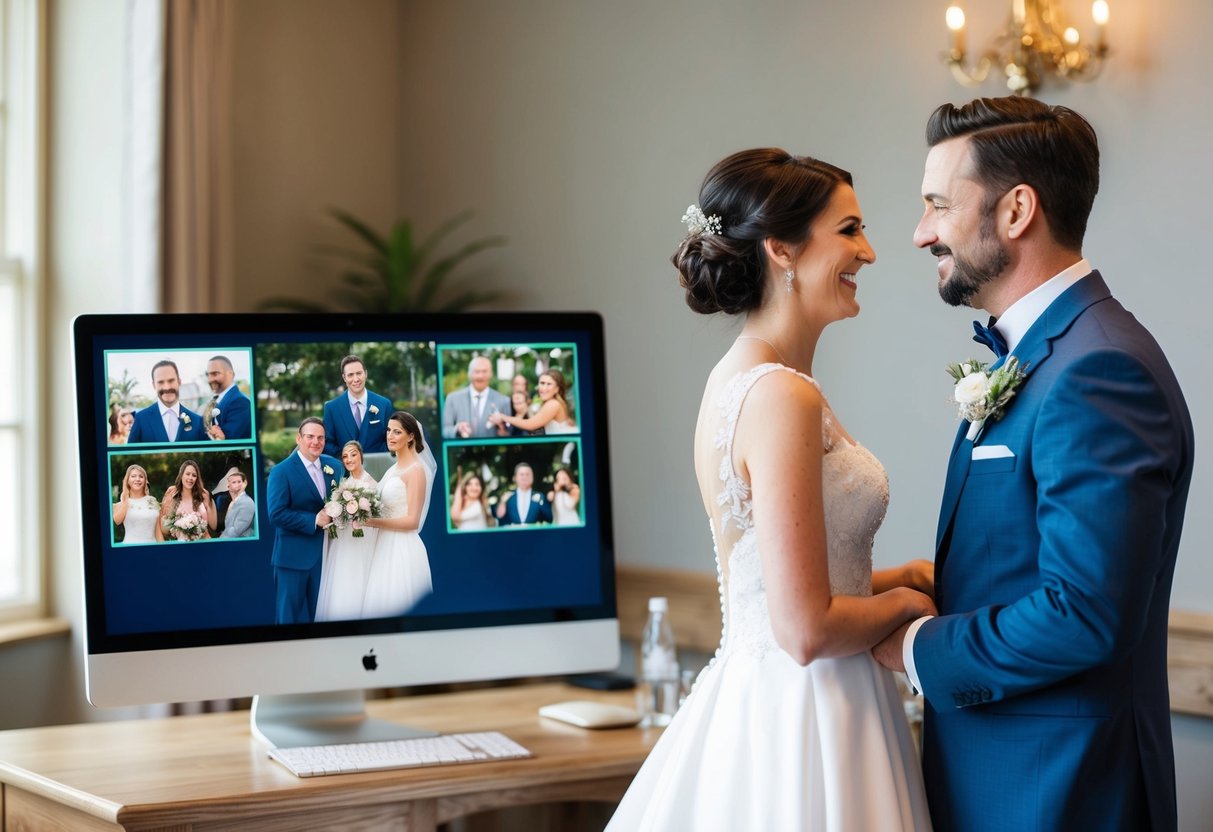
Imagine celebrating with family and friends from around the world without the stress of travel. You can incorporate traditions like cake cutting or toasts, all from the comfort of your home. Making a checklist will help you stay on track and turn your virtual event into a heartfelt celebration.
Whether you’re hoping to keep it simple or want to add special touches, this guide will help you navigate through the process. Get ready to make your virtual wedding a beautiful and unforgettable experience!
Planning Your Zoom Wedding
Organizing a Zoom wedding can be a unique experience. You want everything to go smoothly, from the platform you choose to having a detailed timetable. Here are some essential tips to help you get started.
Selecting the Right Platform
Choosing the right platform is key to your Zoom wedding success. Although Zoom is popular, consider other options like Google Meet or Microsoft Teams if they better fit your needs.
Check the number of guests each platform allows. For a larger guest list, ensure you pick one that accommodates everyone. You also want to verify the platform’s video and audio quality. A good connection can make your ceremony feel more personal.
Prepare for technical issues. Share a guide with your guests. Include simple steps to join the call and troubleshoot common problems. This ensures everyone can easily log in when it’s time to celebrate.
Hiring a Virtual Wedding Planner
A virtual wedding specialist can ease your planning stress. They have experience organizing online events and can handle technical details. This includes setting up your video call and ensuring everything runs smoothly.
Discuss your vision with them. Share your ideas about the ceremony style, themes, and guest interactions. They’ll guide you in creating a memorable experience, like arranging virtual gifts or surprise performances during the event.
Make sure to check their credentials and read reviews. A skilled planner can save you time and help avoid common pitfalls that come with planning a virtual wedding.
Creating a Detailed Timetable
A detailed timetable is essential for your Zoom wedding. It helps coordinate all the moving parts. Start by outlining each segment of the event, including the ceremony, speeches, and any special moments.
Assign specific times for each part. Communicate this schedule to your guests. Include time zones if you have friends and family from different locations. This avoids confusion and ensures everyone knows when to log in.
Consider sending reminders a few days before the wedding. These reminders can reassure guests and help them feel prepared. You might also want to have a test run to iron out any technical issues before the big day.
Legal Considerations and Documentation
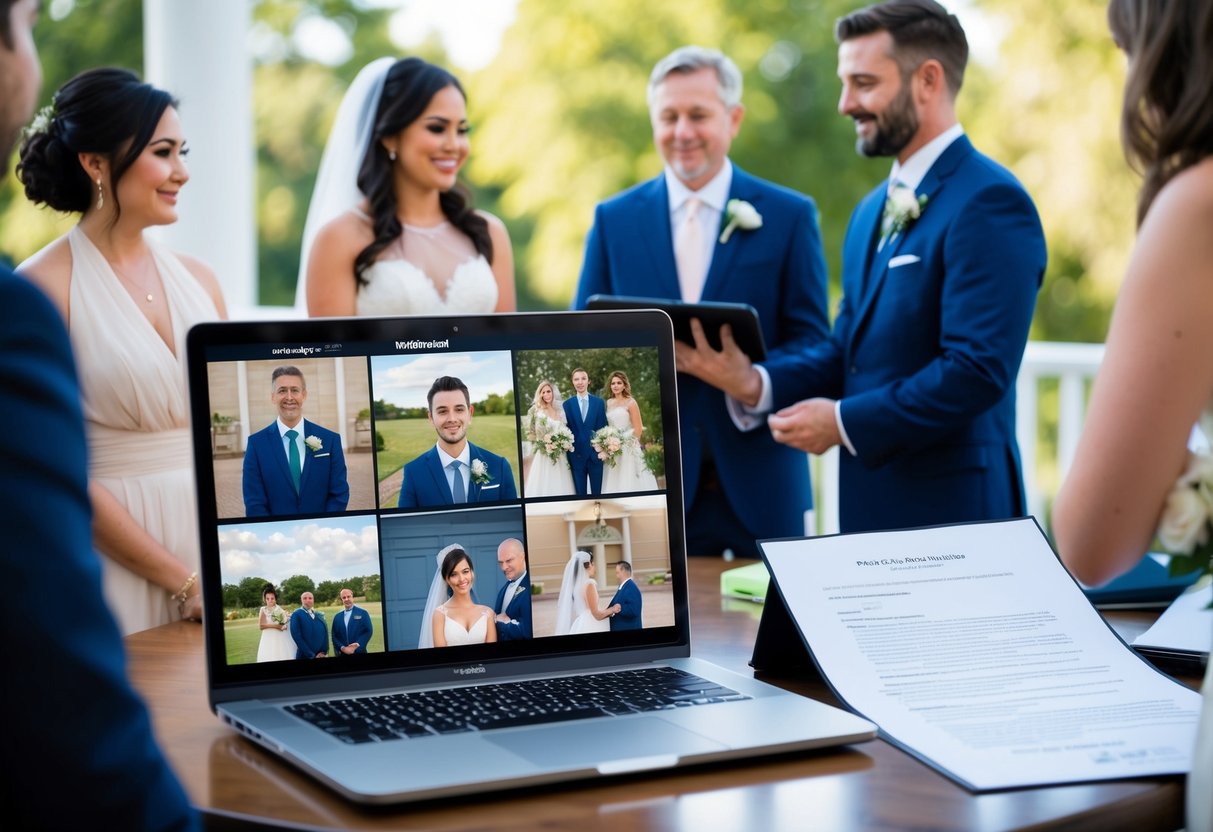
When planning a Zoom wedding, it’s essential to understand the legal steps you must take. This includes knowing the requirements for a marriage license and the process for obtaining your marriage certificate. These steps ensure that your online wedding is recognized legally.
Understanding Marriage License Requirements
Before you can tie the knot, you need to obtain a marriage license. This is a legal document that allows you to get married. Each state has different requirements, so check your local rules.
Here’s what you typically need:
- Identification: Bring valid ID, like a driver’s license or passport.
- Forms: Complete any required forms at your clerk’s office.
- Fees: Be prepared to pay a fee, which varies by location.
- Waiting Period: Some places have a waiting period before the license becomes valid.
Many counties now allow virtual appointments, so you may not need to visit in person. Always confirm your county’s specific rules before starting your application.
Obtaining a Marriage Certificate
After your Zoom wedding, the next step is to get your marriage certificate. This document is proof that you are legally married. To obtain it, follow these steps:
- Complete Your Ceremony: Make sure your ceremony meets any legal requirements set by your state.
- Sign the License: You, your officiant, and any witnesses should sign the marriage license.
- Submit the License: File the signed license with your local clerk’s office. You may be able to do this online or via mail.
Once your application is processed, you can request copies of your marriage certificate. Be aware that there might be a fee for this, too. Having these documents in hand helps ensure everything is officially recognized.
Personalizing the Virtual Ceremony
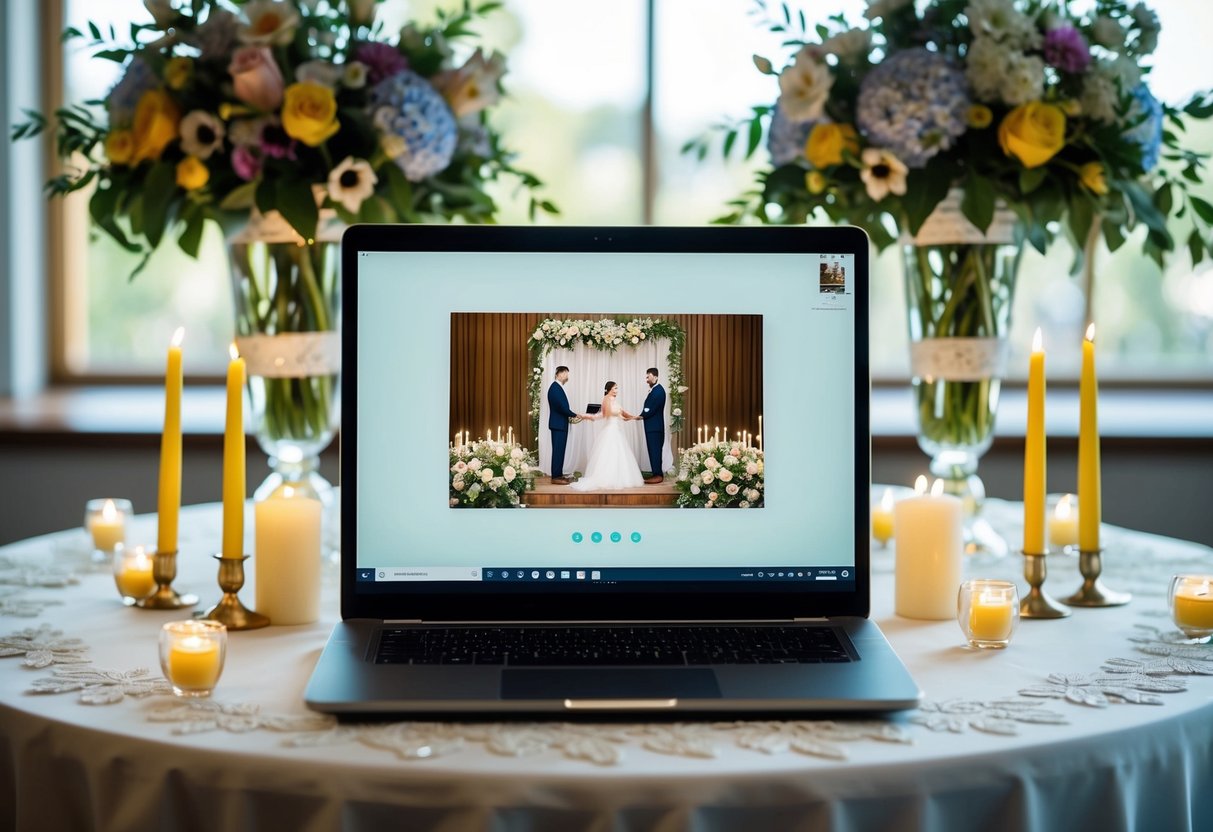
Creating a unique and memorable virtual wedding ceremony involves thoughtful choices. Personalizing the experience makes it more intimate and special for you and your guests. Here are some key areas to focus on.
Curating the Guest List
Start by determining who you want to invite to your virtual wedding. Consider immediate family and close friends who support you both.
You can use a simple list or a spreadsheet to keep track of names and contact information. With a Zoom wedding, you can invite guests from anywhere in the world.
Tip: Send out a quick poll to check availability, especially if there are different time zones to consider.
Designing Digital Invitations
Digital invitations are a great way to set the tone for your virtual ceremony. Use online design tools to create something beautiful and reflective of your personality.
You can choose a theme, color scheme, and include key details like the date, time, and Zoom link. Platforms like Canva offer templates that are easy to customize.
Don’t forget to: Include a note on attire, like dress code, to make it feel more like a traditional wedding.
Arranging a Virtual Rehearsal
A virtual rehearsal can help ensure everything runs smoothly on the big day. Schedule a video call with your officiant and key participants to practice.
Use this time to go over important details like the order of events and technology checks. Make sure everyone knows how to join the call and any roles they have, such as reading or giving toasts.
Helpful Tip: Record the rehearsal, so you can revisit it as needed. This will help everyone feel more comfortable and confident when it’s time for the ceremony.
Enhancing the Virtual Experience
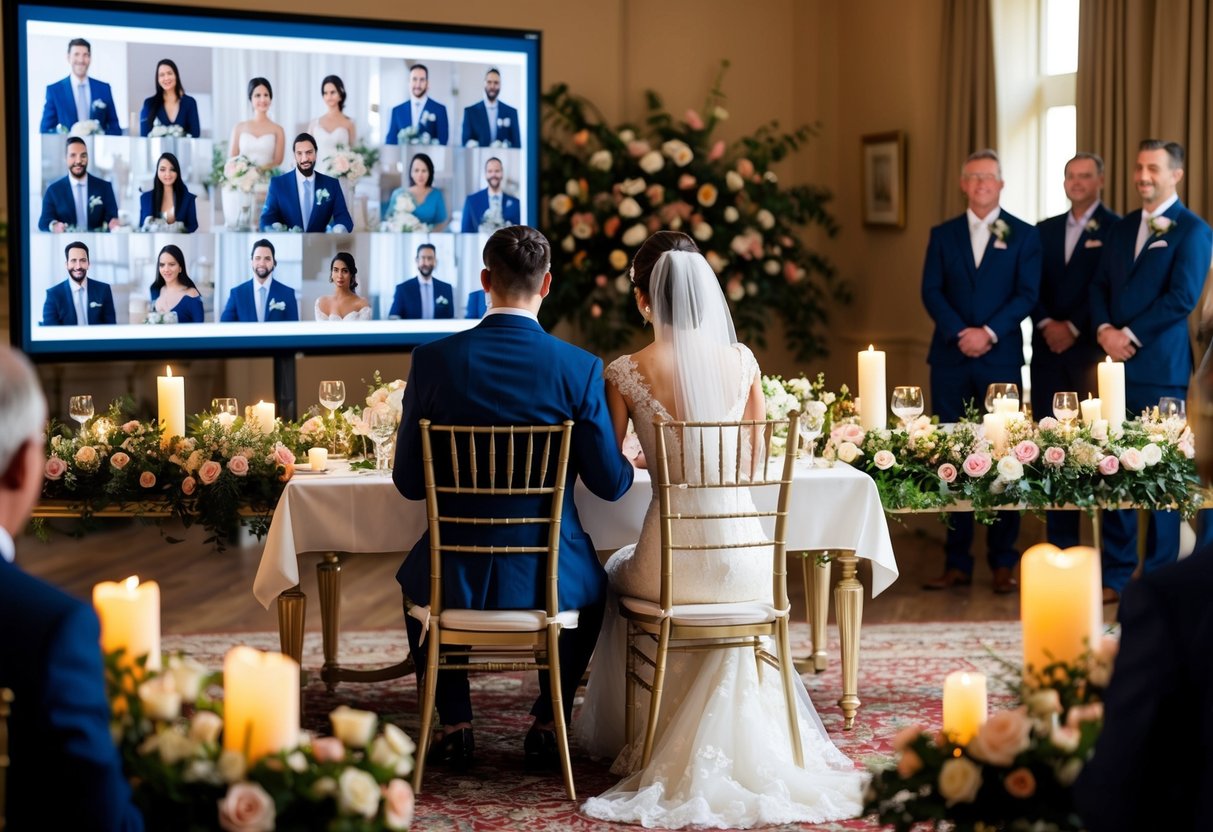
To make your Zoom wedding memorable, focus on video and sound quality, coordinate effectively with a videographer, and create a virtual guestbook. These elements can significantly enhance the overall experience for you and your guests.
Optimizing Video and Sound Quality
Good video and sound quality are key to a successful Zoom wedding. Start by choosing a well-lit space with minimal background noise. Natural lighting can enhance your appearance, while a quiet room helps guests hear every moment, especially during your first dance and virtual toasts.
Invest in a decent webcam and microphone. Using an external microphone improves sound quality significantly. If possible, conduct a test run a few days before the wedding. This allows you to check the connection and fix any issues.
Consider uploading the wedding cake’s photo in advance, so guests can appreciate it on screen during the ceremony. Good visuals make the experience more enjoyable for all.
Coordinating with a Videographer
Hiring a professional videographer is a smart move for your Zoom wedding. They can help capture every moment, ensuring nothing is missed. Discuss the flow of the day with them, especially key moments, like your vows and the first dance.
The videographer can set up additional cameras to provide different angles. They can also live stream the event on Zoom, allowing remote guests to join seamlessly. Make sure to check the quality of your internet connection, as this will affect the live stream.
Provide the videographer with a list of shots you want. This way, they know exactly what to focus on, making your virtual experience even more special.
Setting Up a Virtual Guestbook
A virtual guestbook is a fun way to collect messages and photos from your guests. You can set up a simple online form where guests can share their thoughts and wishes. Encourage them to upload fun pictures as well.
During the ceremony, remind guests to sign the guestbook. You might even ask them to share their favorite memory with you. This can add a personal touch and create lasting memories for you to enjoy later.
After the wedding, compile the entries into a digital album. Having all those heartfelt messages and images in one place will be a wonderful keepsake.