
How to Send a Wedding Invitation on WhatsApp? A Simple Guide for Lovebirds
Sending a wedding invitation through WhatsApp is simple and effective. You can create a beautiful digital wedding invitation and share it instantly with your friends and family. This method not only saves time but also allows for a more personal touch compared to traditional invitations.
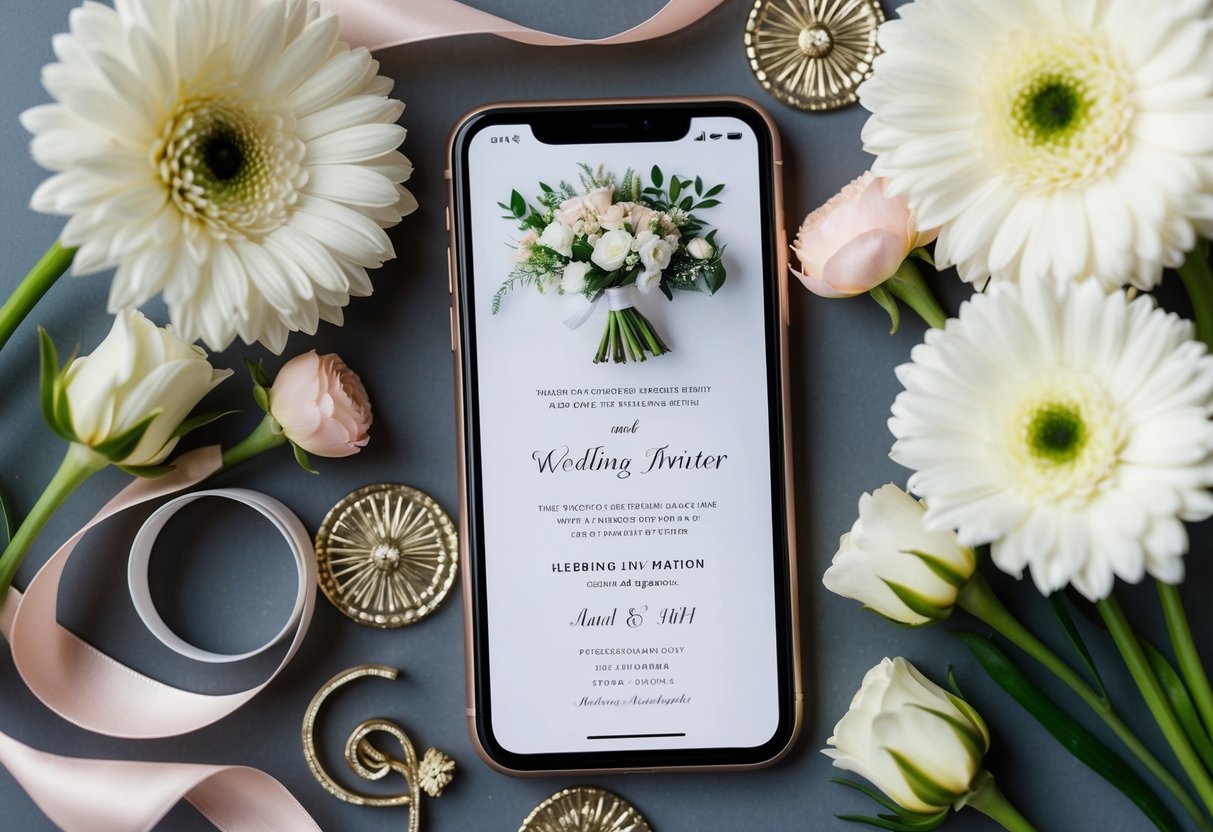
With WhatsApp invitations, you can easily add images, videos, and even RSVP buttons, making it engaging for your guests. People appreciate the convenience of receiving invites directly on their phones, which fits perfectly into our busy lives. Plus, you can reach a larger audience without the hassle of mailing physical cards.
Whether you’re sharing a lovely message or a fun video, using WhatsApp for your wedding invitations helps set the tone for your special day. It’s a modern approach that blends tradition with technology, capturing the excitement of your upcoming celebration!
Crafting Your Wedding Invitation Message
Creating the right message for your wedding invitation is key to setting the tone for your special day.
Choosing the Right Wording
When writing your invitation, think about the overall vibe of your wedding. Is it formal or casual? For a formal wedding, use traditional wording, such as “Mr. and Mrs. [Your Last Name] request the honor of your presence…” For a casual event, something like “Hey friends! Join us as we tie the knot…” works better.
Make sure to include essential details: the date, time, and venue. For example: “Saturday, June 10, 2025, at 4 PM at [Venue Name].” Don’t forget an RSVP request, such as “Please let us know if you can make it!”
Incorporating Personal Touches
Adding a personal touch makes your invitation feel special. Use the recipient’s name in the greeting to make it feel more intimate. You can share a little story or fun fact, like how you met or what your favorite moment together has been.
Consider including a quote or saying that reflects your relationship. Something simple like, “Together is a wonderful place to be,” can resonate well. Personal touches show your loved ones that they matter, making them feel truly invited to your big day.
Video and Creative Media Options
Don’t hesitate to think outside the box! Video invitations are a fun, modern option. You can create a short video where you and your partner share your excitement and invite guests personally. This adds a special flair that text alone can’t convey.
Creative media options include using playful graphics or animations. You might design an engaging e-invite with RSVP buttons for easy responses. Whichever style you choose, these creative elements can make your invitation memorable and enjoyable for your guests!
Designing Your Digital Invitation
Creating a digital wedding invitation involves choosing the right design and including essential details. This helps set the mood for your special day while ensuring guests have all the information they need.
Selecting a Template or Custom Design
When selecting a template, look for one that reflects your wedding theme and style. Many platforms, like Canva or Euphoriq, offer a wide range of wedding invitation templates. Choose a design that matches the formality of your event.
Consider using personalized graphics or colors that represent you as a couple. If you prefer, you can create a custom design from scratch. This approach allows for more creativity. Make sure your design is clear and easy to read, as guests should quickly grasp the details.
Adding RSVP Details and Wedding Website Link
Including RSVP details is crucial for planning your wedding. Clearly state how guests can reply, whether it’s through WhatsApp, a phone call, or an email. Adding a deadline for RSVPs can help you finalize the guest list.
Don’t forget to link to your wedding website. This can provide guests with more details, like the location, dress code, and registry information. Use a short URL for easy access. A simple reminder in your invitation can guide your guests to find all the necessary information without overwhelming them.
Sending Your Invitations via WhatsApp
When you decide to send your wedding invitations via WhatsApp, you have several effective options. From creating groups for your guests to managing RSVPs, these methods can help make your invitation process smooth and engaging.
Creating a WhatsApp Group for Guests
Creating a WhatsApp group for your guests is a great way to keep everyone informed. You can add all your friends and family members who are invited to the wedding. This way, everyone can chat and share excitement about your big day.
To create a group, open WhatsApp, tap on “New Group,” and select contacts from your list. Be sure to choose guests who know each other to make the group dynamic lively. You can share the wedding date, venue, and other important details in one go.
Make it fun by using group chat features like polls or shared photos. Also, remind guests to turn on notifications so they don’t miss any updates.
Utilizing Broadcast Lists for Privacy
If you prefer more privacy for your guests, using WhatsApp broadcast lists can be beneficial. A broadcast list allows you to send a message to multiple people without creating a group chat. This means your guests won’t see each other’s responses, keeping it personal.
To create a broadcast list, go to the chat screen, tap on “Broadcast Lists,” then “New List.” Select your guests and send your wedding invite.
You can use this feature for reminders as well, ensuring your guests have all the necessary information without the noise of a group chat. It’s perfect for maintaining privacy while still keeping everyone in the loop.
Managing RSVPs and Follow-Ups
Managing RSVPs is crucial for your wedding planning. With WhatsApp, you can easily track who will attend. In your group or broadcast list, simply ask guests to reply with their attendance.
You can also use the poll feature to make it easier for guests to respond. As replies come in, keep a list of the confirmed attendees. This helps you plan your seating and catering effectively.
Don’t forget to follow up with anyone who hasn’t replied. A friendly reminder can go a long way in ensuring everyone gets back to you. Keeping track of responses in WhatsApp can make your planning process much easier and organized.
Updating the Guest List with Additional Announcements
As your wedding date approaches, you need to keep your guest list updated with any changes. Make sure to note any regrets or confirmations you receive.
You can easily communicate any updates through a WhatsApp group chat or direct messages.
If you have any additional announcements, like changes to the ceremony time or reception details, use WhatsApp to relay this information quickly. This method keeps everyone informed and helps maintain excitement.
Additionally, direct guests to your wedding webpage. There, they can find more details about the itinerary, dress code, and more.
Being proactive with communication can help avoid confusion and ensure a smooth experience for you and your guests.