
How to Send a WhatsApp Wedding Invitation: A Simple Guide for Couples
When you plan your wedding, sending invites can feel overwhelming. Thankfully, using WhatsApp makes this task easier and more personal. With just a few taps, you can create and send beautiful WhatsApp wedding invitations. This allows you to share your special day with family and friends instantly.
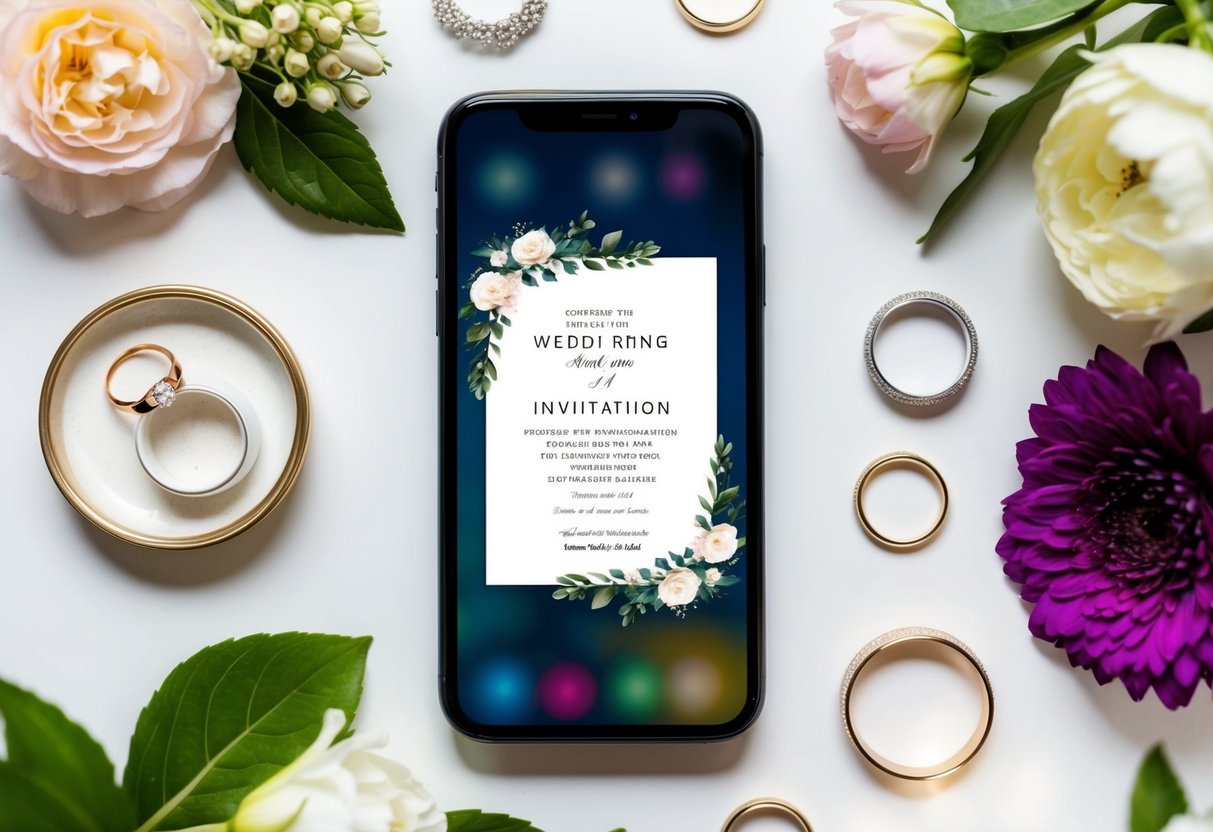
Digital wedding invitations are not only convenient but also give you the chance to add a personal touch. Whether you want to include a heartfelt message, stunning graphics, or even a special video, WhatsApp makes it simple. By using this platform, you can engage guests in a fun way that fits right into modern wedding planning.
From using the WhatsApp Business app to creating a broadcast list of your contacts, there are many ways to make your wedding invitation stand out. With this guide, you’ll learn everything you need to know to send your WhatsApp wedding invitation with style and ease!
Getting Started with Your WhatsApp Wedding Invitation

Sending a wedding invitation through WhatsApp can be simple and effective. It allows you to reach many guests quickly while adding a personal touch to your message. Let’s explore how to choose the right format and craft the perfect marriage invitation message.
Choosing the Right Format
When sending WhatsApp wedding invitations, you have various options. Digital invitations can have different styles, including formal and informal formats.
For a formal invitation, you might want to use elegant typography and design to match the occasion. Consider using backgrounds that are fitting for your wedding theme.
If your wedding is more casual, informal invitations can look fun and lively. Personal photos or GIFs can enhance these invitations, making them feel more personal and inviting.
Remember, the format should align with your wedding’s vibe. You can also include interactive elements like RSVP buttons for ease of response. Whatever you choose, make sure it represents you as a couple!
Crafting the Perfect Marriage Invitation Message
The wording of your marriage invitation message needs to be clear and heartfelt. Start with a warm greeting that captures your personality.
For formal invitations, you could say, “We request the honor of your presence at our wedding.” For more casual invites, you might write, “Join us for our big day!”
Include essential details like:
- Date and time
- Venue address
- Dress code (if any)
- RSVP information
Adding a personal touch, such as a short love story or theme of your wedding, can make a difference. It’s essential to keep it brief but meaningful. Your goal is to convey excitement and essential details without overwhelming your guests.
Designing Your WhatsApp Invitation

Creating an eye-catching WhatsApp wedding invitation is key to exciting your guests. You can add personal touches, align the design with your wedding theme, and choose the right templates. All these elements will make your invitation stand out.
Adding Personal Touches
To make your wedding invitation special, add personal elements. Start with a heartfelt message that captures your love story. Include details like how you met or your engagement.
Consider adding a personal photo of you and your partner. This can create a warm, inviting feel. You might also want to include video messages to share your excitement.
Don’t forget to use emojis to lighten the tone! Celebrating your love should feel joyful. Personal touches make your WhatsApp marriage invitation more memorable for everyone who receives it.
Selecting a Wedding Theme
Your wedding theme sets the tone for your entire celebration. It’s essential to reflect this theme in your invitation design. Choose colors, fonts, and images that align with your wedding’s look and feel.
For instance, if you’re having a beach wedding, use soft colors, seashell images, or tide patterns. Romantic themes can feature floral designs and elegant scripts. Think about how you want your guests to feel when they receive your invitation.
This kind of attention to detail will enhance your overall wedding stationery. A well-designed invitation will excite guests and prepare them for the big day ahead!
Using Wedding Invitation Templates
Using wedding invitation templates can save you time. Many options are available online to match your style. Websites like Canva offer customizable templates specifically for WhatsApp invitations.
Pick a template that fits your theme. You can easily change colors and fonts to make it your own. Add your details, like the date, venue, and RSVP information.
Don’t forget to preview how it looks on a smartphone. This will help ensure everything fits well. By using templates, you can focus on personalizing your message without worrying about layout issues.
Digital Invitation Enhancements

Adding digital enhancements to your wedding invitation can make it more engaging and informative. You can create a unique experience for your guests by using a wedding website and incorporating multimedia elements. Here are some ways to elevate your WhatsApp wedding invitation.
Creating a Wedding Website
A wedding website serves as a central hub for all your wedding details. You can include important information like the date, location, and schedule of events.
Consider adding sections for guest accommodations and gift registries.
You can even offer a dedicated area for “Save the Date” cards. This way, guests can easily find your wedding info in one place.
Make the website visually appealing with photos and your wedding theme.
It’s also a great idea to include links for RSVPs, so you can manage guest responses more efficiently.
Incorporating Multimedia
Using multimedia can bring your WhatsApp wedding invitation to life. You might create a WhatsApp wedding invitation video that shares your love story or showcases your personalities.
Include fun clips or a slideshow of memorable moments together.
Video invites can also convey the theme of your wedding, making it more exciting for guests.
Consider adding background music to enhance the emotional connection.
Multimedia elements like GIFs and images will catch your guests’ attention.
This personal touch can make your digital invitation stand out and be more memorable for everyone involved.
Sending Out Your Invites

When planning your wedding, sending out invitations is a key step. WhatsApp invites can make the process easier and more personal for your guests. Here’s how to ensure your invites are well-timed and that you manage responses effectively.
Scheduling and Follow-ups
Timing is essential when sending out your WhatsApp invites. Start by setting a date for sending your invitations. Aim to do this at least six to eight weeks before your wedding day. This allows guests ample time to make arrangements.
Consider these tips:
- Create a guest list: List all your friends and family you want to invite.
- Personalize your messages: Add a personal touch, like a little note or photo, to make your invite stand out.
- Use reminders: Schedule follow-ups one or two weeks before your wedding. A friendly reminder can help people finalize their plans.
Avoid sending invites too early or late. You want your guests to be excited, not forgetful!
Managing Responses and Attendance
Once you send your invites, the next step is managing responses. WhatsApp makes it easy to track who has seen your invites.
Here’s how to handle responses:
- Ask for RSVPs: Make sure to include a clear RSVP deadline in your invite. This helps you plan for the wedding ceremony and ensure you’re ready for everyone attending.
- Create a group chat: For smaller weddings, you can create a group chat with attendees. This allows for easier communication about wedding details.
- Confirm attendance: A few days before the wedding, you should check in with guests who have not responded. Polite follow-ups can show you care and help you finalize your headcount.