
How to Share Wedding Photos with Family and Friends: Easy Tips for a Beautiful Memories Gallery
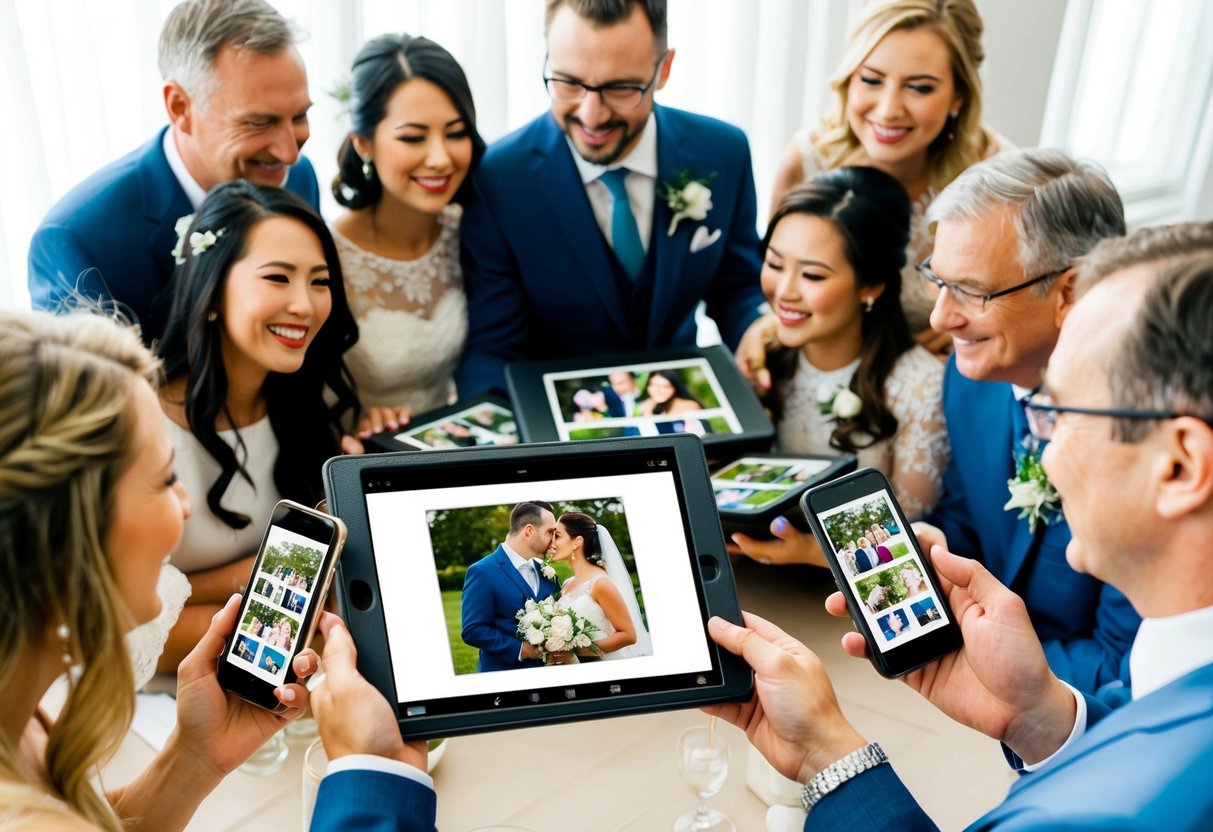
Sharing your wedding photos can be a joyful way to let family and friends relive your special day with you. The best methods to share these precious memories include using online photo albums, social media platforms, and photo-sharing apps. These make it easy for everyone to view and download images. Whether you’re sharing a sneak peek or a complete album, each method has its perks, and you can choose what works best for you.

When planning how to share your wedding photos, consider the preferences of your loved ones. Many people enjoy the interactive experience of social media, while others might prefer a more private setting. Taking the time to think about how your family and friends want to engage with your memories can enhance their experience and make your wedding even more memorable.
Remember that sharing these moments not only showcases your beautiful day but also strengthens the connections with those who supported you. Enjoy the excitement of sharing your joy and reliving the happiness with everyone who celebrated alongside you.
Choosing the Right Platform
Picking the right platform for sharing your wedding photos is important in keeping your memories safe and accessible. You have several options, each with unique benefits. Consider using social media, dedicated photo sharing apps, or creating a wedding website to showcase your special day.
Social Media Sharing
Social media platforms like Facebook and Instagram are popular choices for sharing wedding photos. You can create a unique hashtag for your big day, making it easy for guests to share their pictures.
Be mindful of privacy settings. You can control who sees your album to protect your memories. Facebook allows you to create private groups where only invited guests can post and comment. This can help create a more intimate sharing experience.
Dedicated Photo Sharing Apps
Dedicated photo sharing apps are another great choice. Apps like Veri or Wedding Photo Swap focus on easy sharing among friends and family. They allow guests to upload their photos in one place.
These apps often prioritize privacy. Group albums can be set up, so only invited users can view or add pictures. This ensures that all your candid moments are safe and shared with those who matter most.
Creating a Wedding Website
Creating a wedding website is a fantastic way to compile all your wedding photos in one place. Many platforms let you easily add photo galleries. These sites can also include other details about your wedding.
With a website, you can customize how your photos are displayed. Add a section for guests to upload their images. This keeps all memories organized and allows everyone to connect by sharing their experiences from the day. A wedding website can be a lasting keepsake for years to come.
Organizing Your Wedding Album
Creating an organized wedding album is essential for sharing your special day with family and friends. You can make your memories more meaningful by arranging photos thematically and curating those candid moments that capture the joy of your celebration.
Arranging Photos Thematically
When organizing your wedding album, consider creating themed albums. This makes it easier for your loved ones to relive specific parts of the day. Start with major events like the ceremony, reception, and first dance. You can also include themes such as “getting ready,” “family moments,” and “fun with friends.”
Using tools like digital keepsakes allows you to drag and drop photos into these categories. Choose a cover photo for each theme that reflects its spirit. This approach helps highlight important moments, making them accessible for everyone involved. By categorizing your wedding photos, you provide a structured way for your guests to enjoy the memories.
Curating Candid Moments
Candid moments often capture the most genuine expressions and feelings. Try to showcase these natural interactions in your album. They tell the story of the day beyond the posed shots. Include photos of laughter, happy tears, and funny surprises from your guests.
Make sure to go through all your photos and select those that best represent the vibe of your wedding. You might want to combine candid shots with posed ones within each themed album. This blend creates a fuller depiction of your day. Sharing these warm, candid photos can connect your family and friends even more, making your album a treasure trove of memories.
Managing Privacy and Permissions
When sharing wedding photos, it’s important to manage privacy and obtain permission from your guests. This helps protect their images and ensures everyone feels comfortable.
Setting Up Album Privacy
You can control who views your wedding photos by adjusting the privacy settings on your chosen platform. Most services offer options to create private albums. This means only invited guests can see the images.
To set this up, first create an album and name it something like “Wedding Memories.” Then, invite specific people by entering their email addresses. If you have a unique wedding hashtag, encourage your guests to use it. This way, they can share their photos with you privately.
Consider platforms like Google Photos or Flickr, which let you set expiration dates for shared links. This adds an extra layer of security, limiting how long the album is accessible.
Obtaining Consent from Guests
It’s best to ask for consent before sharing photos featuring your friends and family. You can do this during your wedding planning. One simple way is to include a note in your invitations or on your wedding website. Let everyone know how you plan to share photos.
During the event, remind guests to let you know if they are okay with their pictures being shared. Afterward, reach out personally or via social media. Notify them about where the photos will be posted, and give them a chance to opt-out if they prefer. Open conversation helps maintain trust and respect.
Collecting and Sharing Memories
Capturing and sharing memories from your wedding can be both fun and meaningful. You want to gather those treasured moments not just from your photographer, but also from your guests. Here are some effective ways to collect and share those special photos.
Using Hashtags to Collect Photos
Creating a unique wedding hashtag is a simple and creative way to gather photos. Choose something catchy, like #SmithWedding2025, and share it with your guests on invitations and at the venue. This helps guests remember to use it when posting.
When your guests share their pictures on social media with the hashtag, you can easily find and collect these memories. You can search the hashtag on platforms like Instagram or Facebook to view all the posts. It can create a wonderful mix of perspectives that enhance your wedding album.
Leveraging Cloud Storage
Using cloud storage is an efficient way to collect and store your wedding photos. Services like Google Photos, Dropbox, and Flickr allow you to create shared folders for guests to upload their images.
Platforms like Weduploader enable features for unlimited uploads, making it easy for guests to contribute. This method not only saves space but also keeps all your images organized and accessible.
After the event, you can create beautiful wedding photo albums or online galleries to share with family and friends.