
How to Throw a Virtual Bridal Shower: Tips for a Fun and Memorable Celebration
Planning a bridal shower while keeping everyone safe can be a challenge, but it doesn’t have to be dull. With creative ideas and a little planning, you can ensure that the bride-to-be and your guests have a fun experience, no matter where they are.

When hosting a virtual bridal shower, utilize video calls and online games to engage your friends and family. Set a theme, send digital invitations, and consider fun activities like virtual trivia or a shared toast. This way, you can maintain the excitement of a traditional celebration while respecting social distancing guidelines.
Whether it’s a cozy gathering or a larger online event, a virtual bridal shower can be just as joyful and heartfelt. With the right tools and ideas, you can create an atmosphere filled with laughter, love, and lasting memories. Dive into ways to personalize your virtual celebration and make it truly special for the bride!
Planning Your Virtual Bridal Shower
Planning your virtual bridal shower involves choosing a platform, setting a date, creating a guest list, and sending invitations. These steps will help you create a smooth and enjoyable experience for everyone involved.
Selecting the Right Platform
Choosing the right platform for your virtual bridal shower is crucial. Options like Zoom, Skype, Google Hangouts, and FaceTime each have their own features.
- Zoom is popular for its easy use and can accommodate many guests at once.
- Skype connects well with smaller groups and is user-friendly.
- Google Hangouts allows you to integrate other Google services easily.
- FaceTime is great for Apple users but limits calls to those with Apple devices.
Consider your guest’s tech skills and preferences when deciding.
Setting the Date and Time
Pick a date and time that works for the bride and most of the guests. Weekends usually work best, but consider different time zones if your guests are spread out.
Try using a poll to find the best date. This is helpful to see what times work for most people.
Once you pick a date, send a save-the-date message to avoid confusion. Make sure to confirm the timing as the day approaches, as schedules may change.
Creating a Guest List
When creating your guest list, think about who the bride wants to invite. Include family, friends, and any important people in her life. Keep in mind her wishes about who should be part of this special moment.
It can be beneficial to keep the group a manageable size. This way, everyone can interact easily. Use a simple spreadsheet to list names and contact details.
This will help you track RSVPs and ensure no one is left out.
Sending Digital Invitations
Digital invitations are both eco-friendly and convenient. You can choose platforms like Paperless Post or even create custom invites through websites like Canva.
Make sure your invitation includes important details such as:
- Date and time
- Platform link (e.g., Zoom link)
- RSVP instructions
- Any special requests, like bringing a favorite drink or a game
Personal touches in the invitations will make guests feel more connected. Don’t forget to follow up with reminders as the date gets closer!
Theming and Decorations
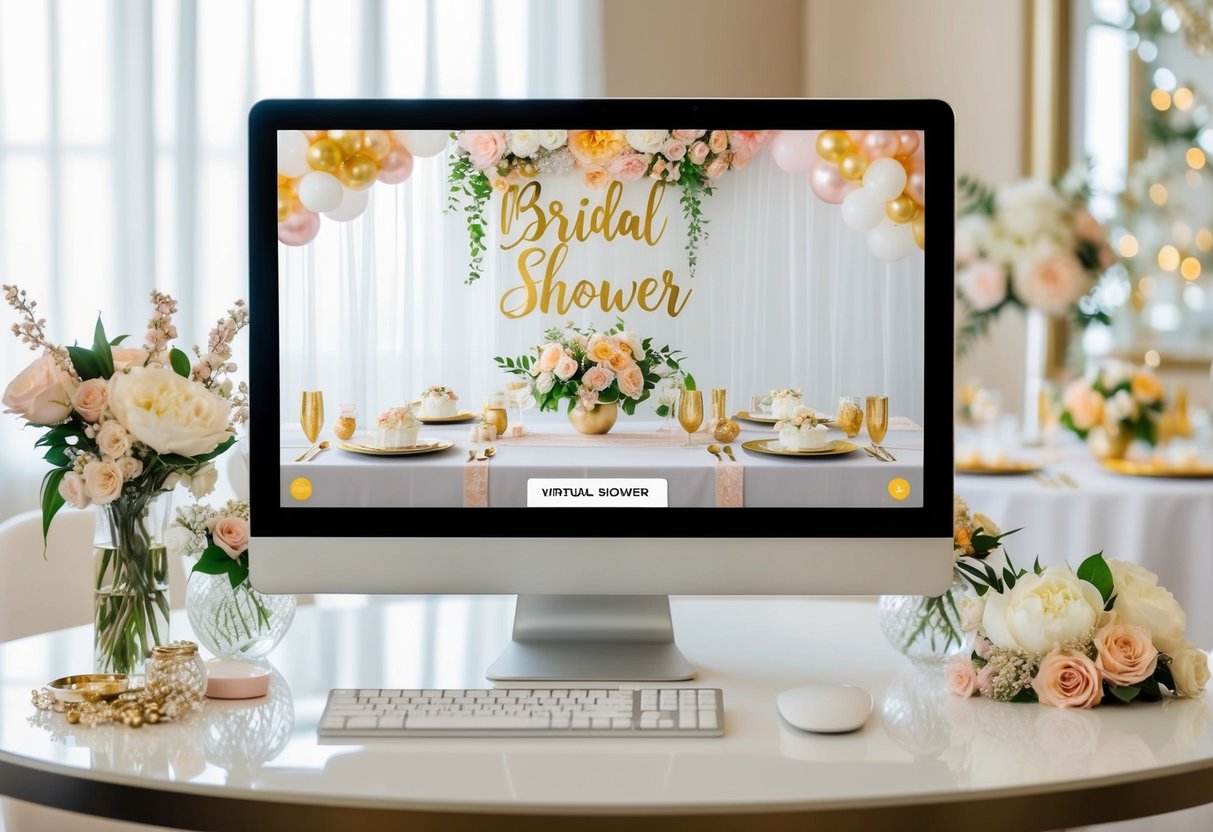
Creating the right atmosphere for your virtual bridal shower is key to making it memorable. This involves choosing a fun theme, setting up engaging virtual backgrounds, and deciding on a dress code that brings everyone together. Let’s dive into these aspects to ensure your celebration shines.
Choosing a Theme
Selecting a theme adds excitement and focus to your virtual bridal shower. Think about the bride’s personality and interests. Popular themes include garden parties, retro vibes, or even a favorite movie. Once you have a theme, make sure to communicate it clearly to your guests.
Create a list of related decorations, food, and activities. For example, if you choose a “Tropical Escape” theme, suggest fruity cocktails, floral decorations, and beachy background music. This helps everyone get into the spirit of the occasion.
Virtual Backgrounds and Decor
Your virtual background is an essential part of the event. It sets the tone and helps everyone feel connected despite the distance. Consider using a themed Zoom background that matches your chosen theme.
You can create custom graphics or find free options online. Furthermore, encourage guests to use similar backgrounds. It keeps the party looking cohesive.
Also, think about your own physical space. Add real decorations, like fresh flowers or themed banners, behind you to elevate the atmosphere. Remember, small touches can make a big difference!
Dress Code and Attire
Encouraging a specific dress code adds fun to the celebration. Suggest attire that aligns with your theme, which makes the event more engaging. For a “Glam Night” theme, ask guests to dress up in their best outfits. For a cozy theme, comfy pajamas or sweats would work well.
You might also consider a color scheme, like pastels or bold colors, to make the gathering visually appealing. Remind guests to capture screenshots of their outfits for fun memories afterward. An exciting dress code can enhance everyone’s experience and build a sense of community.
Entertainment and Activities
To make your virtual bridal shower fun and memorable, include a variety of games, activities, and opportunities for guests to connect. Engaging entertainment keeps spirits high and encourages everyone to participate.
Organizing Games and Activities
Start with interactive games to break the ice. You might try classic bridal shower games like bridal bingo, where guests fill out cards with gifts that the bride might receive. As each gift is opened, players mark their cards for a chance to win small prizes.
Another popular option is “Guess the Dress.” Send out a graphic before the shower, and during the event, have guests guess which dress belongs to the bride. You can also include virtual bridal shower games like trivia about the couple or charades to keep everyone entertained.
Virtual Toast and Speeches
Setting aside time for heartfelt speeches and toasts adds a personal touch. Encourage close friends and family to share their favorite memories with the bride. You can create a schedule to allocate time for each speaker to ensure everyone has the spotlight.
Don’t forget to raise a toast! Consider creating a signature drink or mocktail for the occasion. Share the recipe beforehand so everyone can join in. This makes for a fun moment where everyone can celebrate together, even from a distance.
Online Group Activities
Incorporate online group activities for a more interactive experience. Cooking classes are a fantastic option. Hire a chef to guide everyone through a simple recipe. Guests can cook along and enjoy their creations together.
Another fun idea is creating a Netflix party. Choose a romantic movie that ties in with the bridal theme, and watch it as a group. Use the chat feature to discuss scenes as you go.
Lastly, consider a spa day. Invite guests to bring their favorite face masks and pampering items to relax together over video. This creates a soothing atmosphere and allows everyone to unwind while sharing beauty tips.
Gifts and Gift-Giving Etiquette
When planning a virtual bridal shower, gifts are a key part of the celebration. Guests usually aim to choose thoughtful bridal shower gifts that the bride will love.
Gift Registry:
Encourage the bride to create a gift registry. A gift registry helps guests know what she wants. It can also help avoid duplicate gifts.
Gift Options:
Here are some popular bridal shower gift ideas:
- Kitchenware
- Home décor
- Personalized items
- Experience gifts, like cooking classes
Etiquette Tips:
- Purchase from the Registry: Aim to buy gifts from the bride’s registry.
- Include a Card: Always add a card with a personal note. This adds a special touch.
- Send Gifts Ahead of Time: Ask guests to send their gifts to the bride before the shower. This way, she can open them during the event.
Opening Gifts Virtually:
During the virtual shower, the bride can open her gifts on camera. This lets everyone share in the excitement. Make sure to plan a time for this in your schedule.