
How to Word a Room Block on Your Wedding Website
You can word a room block on your wedding website by naming the hotel, explaining how guests can book, and giving the confirmed rate and reservation deadline. Keep the wording warm and direct, with every booking detail guests need in one easy-to-find place.
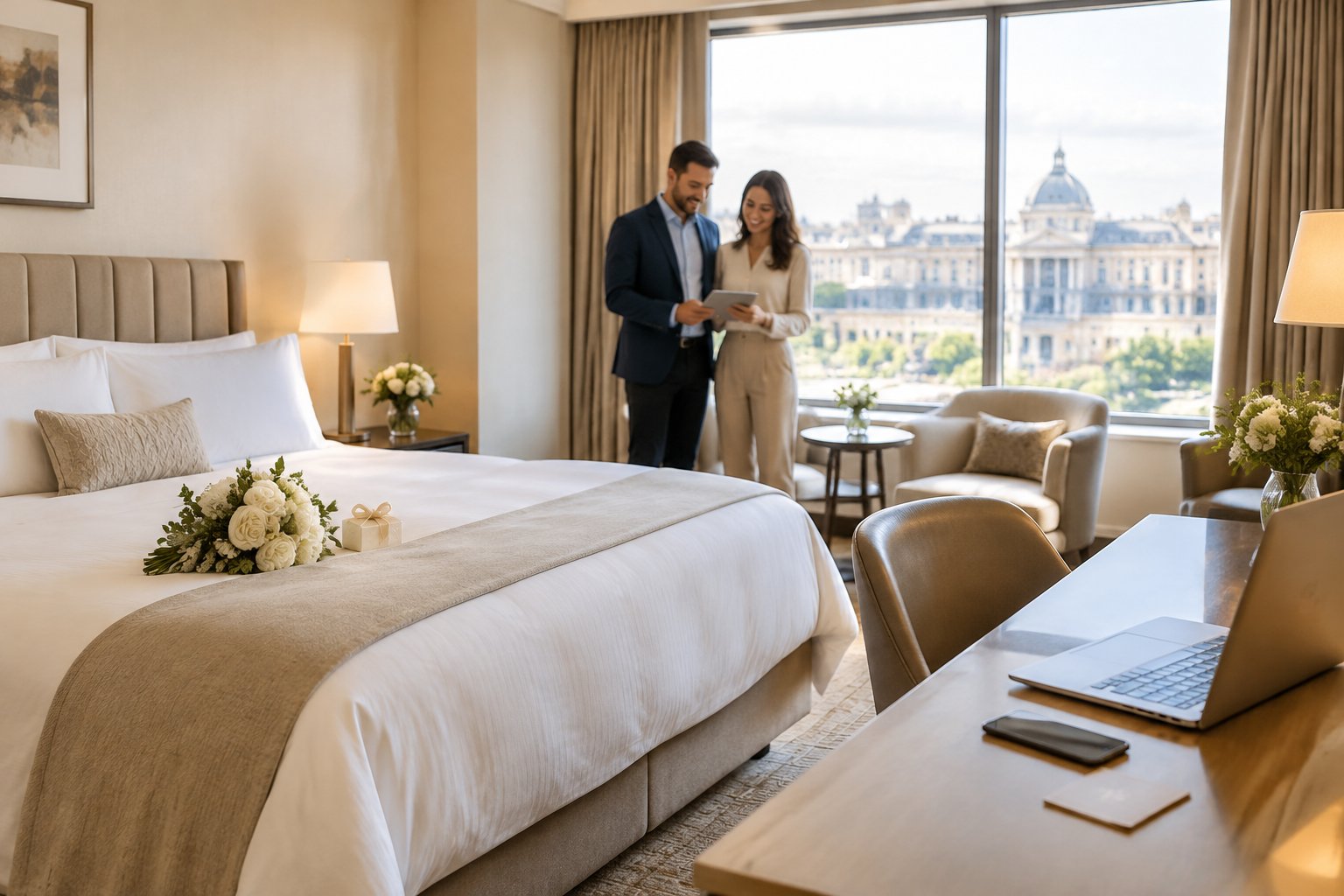
Use the hotel’s exact booking link, group code, or phone number, and check each detail with the hotel before you post it. Add the finished wording to your wedding website once the information is confirmed, then share the website address with your guests.
What Details Should Guests See?
Guests need the hotel’s name and location, a clear way to reserve a room, and the rate deadline. Include only details the hotel has confirmed so guests know what to expect when they book.
Hotel Name and Location
Write the hotel’s full name and city so guests can identify the right property. Add its street address if you list multiple hotels or the location may be hard to find. A brief note about the distance from your venue also helps guests compare stays.
Booking Link, Code, or Phone Number
Give guests the booking method the hotel provided. Add a direct link when available; if guests need to call, include the phone number and tell them which wedding group or code to mention.
Check that the link opens the right booking page and that the code works before you publish it. If the hotel offers both online booking and phone reservations, list both options.
Group Rate and Reservation Deadline
Share the group rate only after the hotel confirms it, and state the exact date guests need to book by to request that rate. The hotel’s cutoff date may also affect room availability, so use the date the hotel gave you.
Guests pay for their own rooms unless you have made a different arrangement. Encourage them to review the hotel’s current price and booking terms when they reserve.
How Can You Phrase the Room Block?
Use a short, welcoming note that gives guests the booking steps without burying the details. Your wording can stay the same across your wedding website and printed accommodation information.

For additional help with the invitation suite, you can use these wedding invitation wording ideas to keep your printed details clear and consistent.
Wording for One Hotel Block
Use this copy-ready example and replace the bracketed details:
Hotel accommodations
A block of rooms is available at [Hotel Name] in [City]. Book at [booking link] or call [phone number] and mention [group name or code]. Reserve by [date] to request the group rate of [rate], subject to availability.
If the hotel uses a code, place it close to the booking link or phone number so guests can spot it quickly.
Wording for Multiple Hotels
Give each property its own listing when you have more than one room block. That makes rates, locations, and booking steps easy to compare.
Hotel accommodations
[Hotel Name], [City]
Rate: [confirmed rate]
Book at [booking link] with code [code] by [date], or call [phone number].[Hotel Name], [City]
Rate: [confirmed rate]
Book at [booking link] with code [code] by [date], or call [phone number].
Add each hotel’s distance from the venue if location will help guests choose.
Wording for a Casual or Destination Wedding
A friendly line can make the lodging note feel personal while keeping the booking steps clear. For a destination celebration, include the dates guests may need to stay and any travel details that affect their plans.
We’re looking forward to celebrating with you. A room block is available at [Hotel Name] in [City]. Book at [booking link] with code [code] by [date] to request the group rate.
Where Else Should You Share Lodging Details?
Share key lodging information in print when guests need it early, then use your wedding website as the place for complete details and updates. Keep printed wording brief and point guests to the relevant website page.
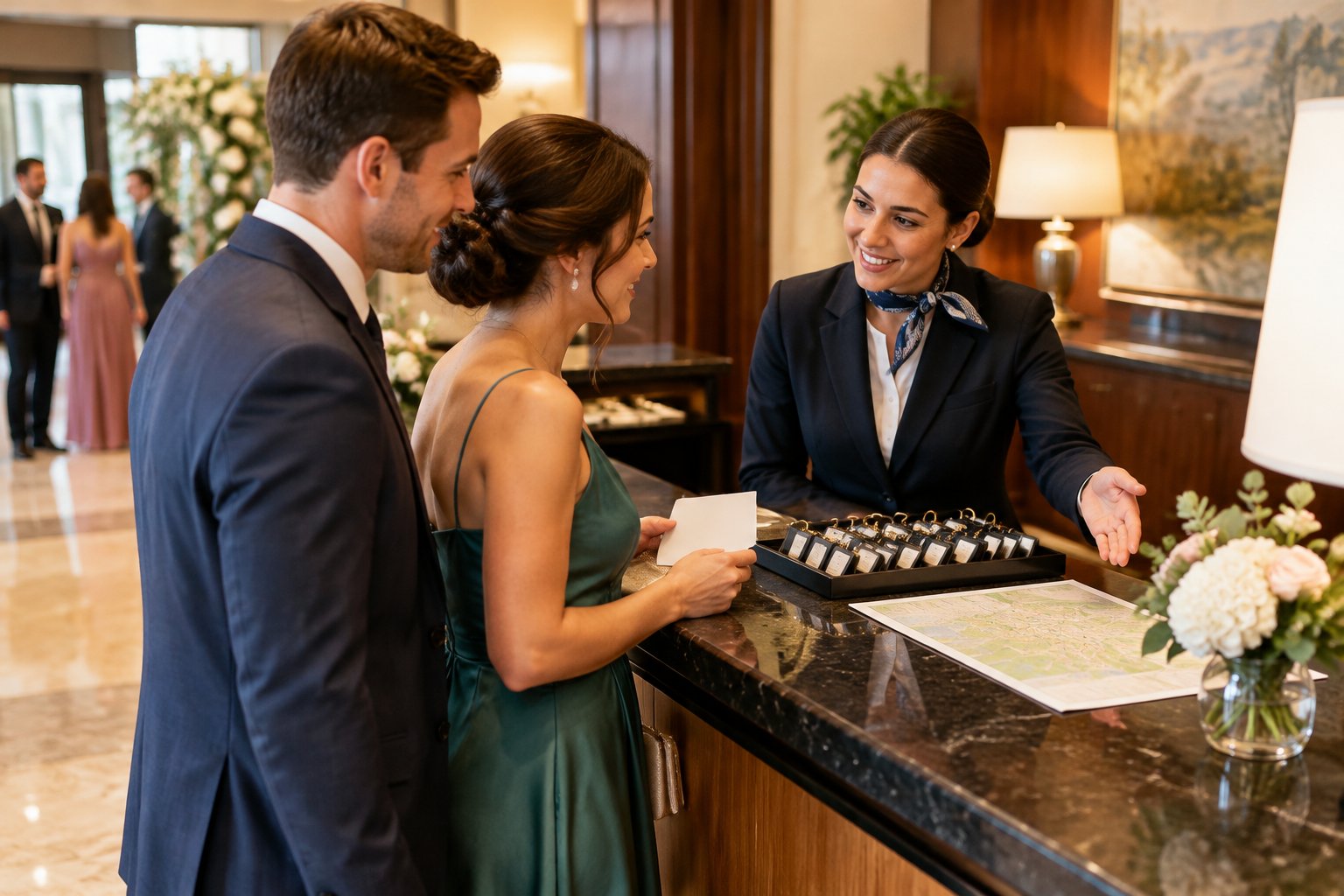
Save-the-Dates and Invitation Inserts
If guests will travel, add your wedding website address to your save-the-date so they can start planning. When the room block is ready, include a short note on an accommodation insert or details card with the hotel name and booking deadline.
Your main invitation can stay focused on the wedding date, time, and venue. Direct guests to your website for the booking link, full address, and any travel notes.
Linking Guests to Your Wedding Website
Make the website address easy to find on your printed materials, and link directly to the travel or accommodations page when you send digital updates. Guests should be able to reach the booking instructions without searching through unrelated pages.
If you use a QR code, test it on a phone before printing. Keep the typed website address nearby for guests who prefer to enter it themselves.
When Should You Share and Update the Information?
Publish confirmed lodging details as soon as guests need them to plan travel, and keep the page current through the booking deadline. A timely reminder helps guests find the reservation link before the group rate expires.

Sharing Details as Early as Possible
Add the room block details to your wedding website once the hotel confirms the booking information. If you send save-the-dates before the block is ready, include the website address and add the lodging details when they become available.
Early notice gives guests more time to compare travel plans and reserve a room.
Reminding Guests Before the Booking Deadline
Send a friendly reminder before the hotel’s cutoff date. Repeat the booking link or phone number, the group code, and the exact deadline so guests can act without searching old messages.
Make clear that the group rate applies only under the hotel’s stated terms and availability.
Updating Changed Hotel or Booking Details
Update the website promptly if the hotel changes a link, code, rate, or deadline. If the block fills, remove the outdated booking instructions and share another option only after you confirm it with the hotel.
Check any changes with the hotel before sending a reminder or changing printed information.
What If Guests Need Other Places to Stay?
Offer a few nearby lodging suggestions so guests can choose a stay that fits their budget and travel needs. Label each option clearly as a room block or a recommendation, and tell guests how far it is from the venue.
Suggesting Nearby Hotels at Different Price Points
List hotels at a range of price points, with each property’s location and website. If you have a room block at one hotel, mark it clearly; describe the other properties as recommendations so guests know they book on their own.
You can also note nearby vacation rentals or other lodging choices when they suit your destination. Ask guests to confirm rates and availability directly with the property.
Adding Venue Distance and Transportation Notes
Include the approximate distance or travel time from each hotel to your venue. Add useful details about parking, shuttle service, public transit, or rideshare access when you have confirmed information.
If you are providing a shuttle, list its pickup location and schedule on your wedding website so guests can plan their stay around the ride.