
Is There a Free Invitation App? Discover the Best Options for Your Events!
When planning an event, you want to create excitement by sending out invitations. Luckily, you don’t have to spend a lot of money on fancy cards. Several free invitation apps are available that make designing and sending invitations easy and fun.

Whether you’re hosting a birthday party, a wedding, or just a casual get-together, these apps offer a variety of designs and templates to fit your style. You can customize your invitations and share them via email or social media, making it simple to reach your guests.
With options like Canva, Greetings Island, and Adobe Express, you can create professional-looking invites without any cost. Each of these platforms provides user-friendly tools that let you unleash your creativity while saving you time and money.
Exploring Free Invitation Apps
Finding the right free invitation app can enhance your event planning. These apps not only simplify the invitation process but also provide creative options to make your invites stand out.
Benefits of Using an Invitation App
Using an invitation app offers many advantages. First, these apps are usually free to download, making them accessible for everyone. You can create beautiful invitations without spending money.
Many apps, like Canva, provide a range of templates. These templates allow you to customize your designs easily, adjusting colors, fonts, and images to match your event.
With an invitation maker, you can save time. Sending invitations through an app is quicker than printing and mailing them. Plus, you can track RSVPs directly in the app. This feature helps you manage your guest list effectively.
Popular Free Invitation Apps
Several free invitation apps are worth considering. Punchbowl is a favorite. It not only allows you to create stunning invitations but also offers event planning tools, such as managing guest lists and sending reminders.
Another great option is Greetings Island. This app is an invitation card maker that has a range of customizable templates. You can create invitations for any occasion, from birthdays to weddings.
Poply stands out for reinventing online invitations. It uses modern technology to make sending invites simple. You can send invitations via text or email, making it easy for your guests to respond.
These apps make planning your event easier and more enjoyable!
Creating Your Invitation
When planning an event, making the right invitation can set the tone. Choosing a design and personalizing it makes your invitation stand out and reflect your unique style.
Choosing the Perfect Design
Start with selecting an invitation template that matches your event type. Whether it’s a wedding, birthday, or baby shower, there are many options available.
Look for designs that capture the spirit of your celebration. You might prefer floral patterns for a garden wedding or whimsical themes for a child’s birthday party.
Many platforms offer easy-to-use tools for this process. You can browse through hundreds of invitation designs until you find one that feels just right. Don’t forget to consider color schemes that reflect the theme of your event!
Customization and Personalization
Once you have your design, it’s time to make it yours. Begin by adding your event details, such as the date, time, and location. Also, include RSVP information for your guests.
Use the customization features to change fonts and colors according to your style. If it’s a wedding, elegant fonts might work best, while fun, colorful text is great for kid’s parties.
Adding personal touches, like a favorite quote or a photo, can make your invitation even more special. This not only reflects your personality but also engages your guests. Tools like Picsart allow you to easily edit and personalize your invitation cards, making the process enjoyable.
Managing Invitations and RSVPs
Keeping good track of your invitations and RSVPs is crucial for a successful event. It helps ensure you know who is coming and how many people you need to plan for. Proper management can make your party planning smoother and more enjoyable.
Keeping Track of RSVPs
Tracking RSVPs can be simple with the right tools. Many free invitation apps, like RSVPify, allow you to send out digital invites and collect responses in real-time. You can easily see who has accepted, declined, or not yet responded.
Some helpful features include:
- Instant updates: Get notifications when guests RSVP.
- Custom messages: Allow guests to send notes with their responses.
- Deadline settings: Set RSVP due dates to keep your planning on schedule.
Using these tools helps avoid the hassle of traditional methods, like paper invites, giving you more time to enjoy planning your event.
Guest List Management
Managing your guest list is essential for successful party planning. Start by organizing guests into categories, such as family, friends, or work colleagues. This can help streamline your planning and seating arrangements.
With free invitation apps, you can:
- Edit guest details: Update names or contact info easily.
- Send reminders: A quick nudge can prompt late responders.
- Export lists: Download your guest list for use in other planning tools.
Effective guest list management ensures that you stay on top of your invitations and creates a more enjoyable experience for both you and your guests at your birthdays or any special event.
Sharing Your Invitations
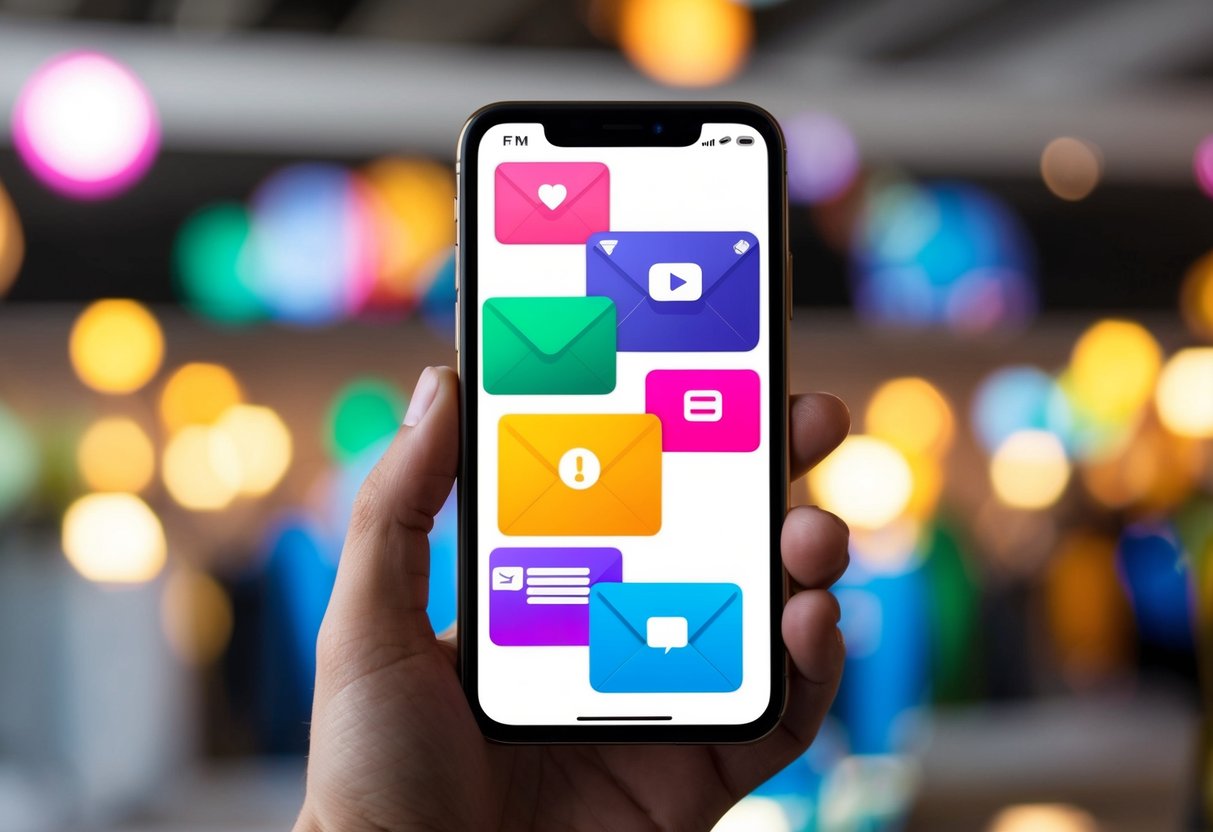
When it comes to sharing your invitations, you have a variety of options. These methods allow you to reach your guests quickly and conveniently. You can choose between digital sharing or going the traditional route with prints.
Digital Sharing Options
Digital sharing makes it easy to reach your guests instantly. You can send invitations via email, ensuring they land right in your friends’ inboxes. Many apps even let you customize messages to make them special.
Social media is another popular choice. You can post your invitations on platforms like Facebook or Instagram. This not only shares with your friends but can also invite others in your network.
Text messaging is perfect for immediate invitations. Just type a quick message with a link to your online invitation. This way, it is seen faster. Some apps allow sharing directly to messaging services, making it seamless.
Print and Physical Distribution
If you prefer a personal touch, printed invitations are still a great option. You can create beautiful flyers or cards with designs that reflect your event’s theme. Many apps let you print directly from their service.
After printing, you can mail them out or hand-deliver them to guests. This personal effort shows you care. Plus, receiving a physical invitation often feels more special.
Don’t forget about local gatherings! You can bring printed invites to parties or community events. It’s a wonderful way to spread the word and share your excitement.