
LEGO Overwater Bungalow: Build Ideas and Design Tips
You can build a LEGO overwater bungalow with a raised cabin, sturdy stilt supports, and a deck above brick-built water. A small footprint gives you room to focus on the details that make the scene feel tropical, from a layered roof to a ladder reaching the water.
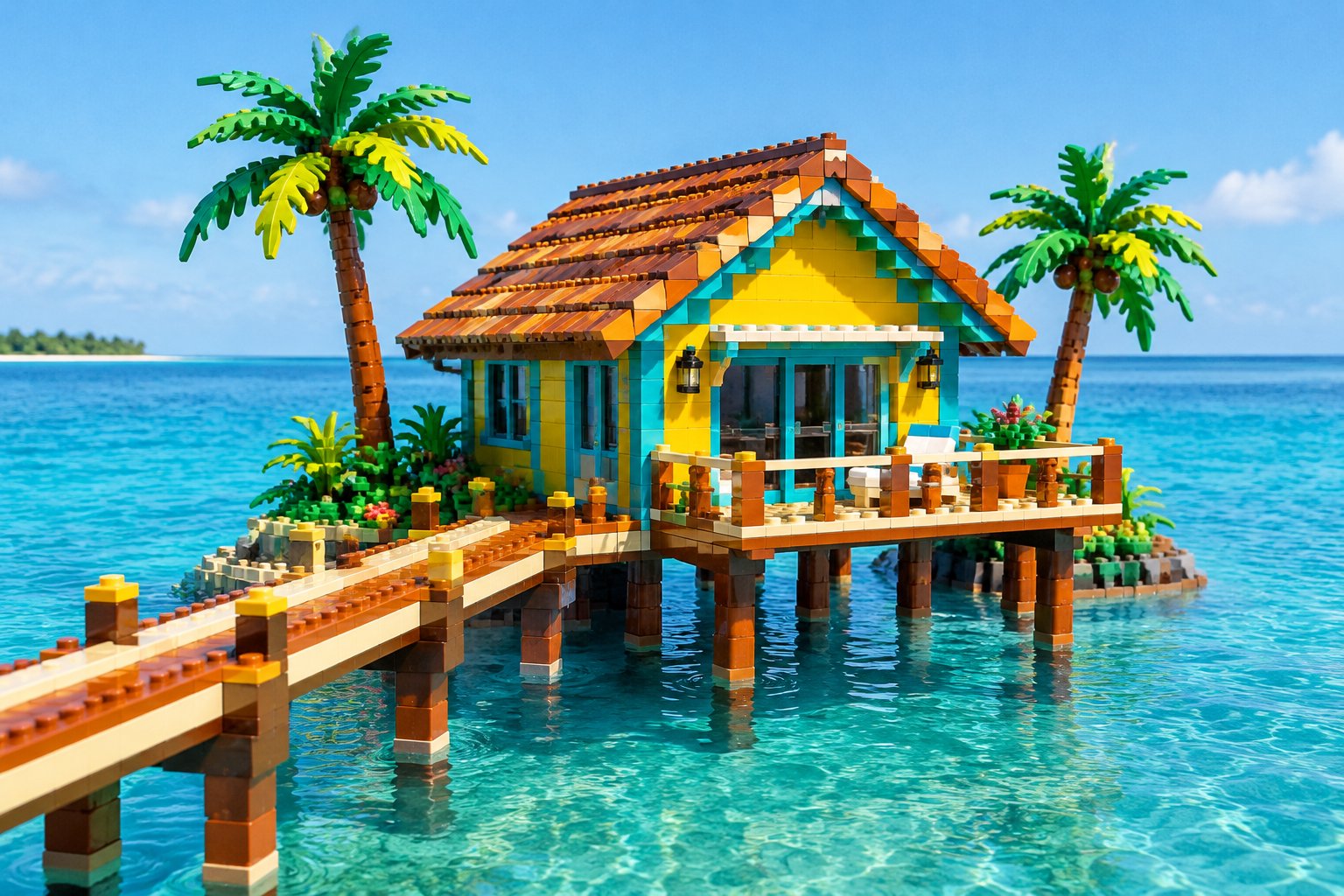
Start with a simple base and add features as your design takes shape. You can sketch the layout on paper or test it in a digital builder before sorting the bricks for a physical model.
What Makes an Overwater Bungalow Build Work?
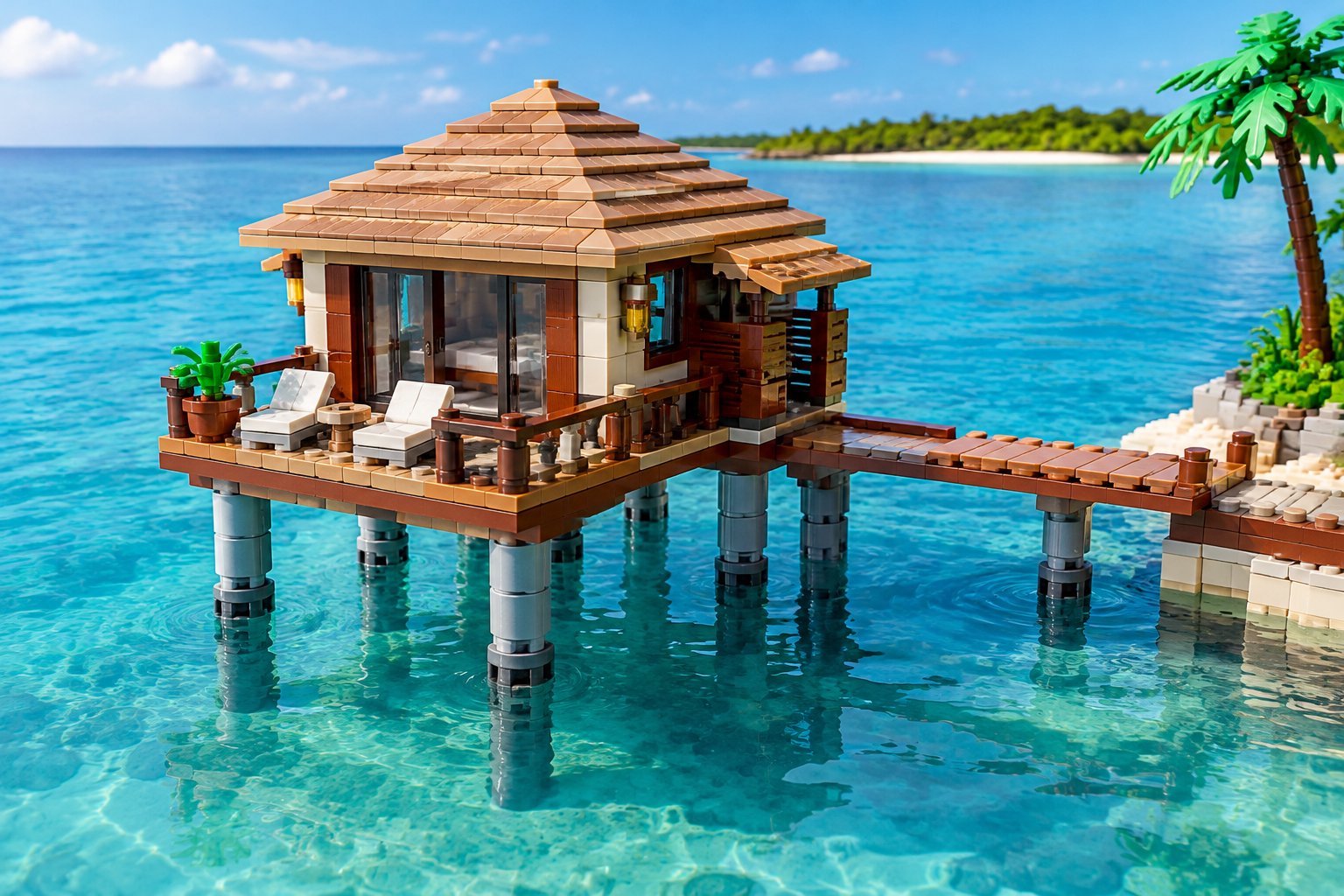
A successful bungalow build pairs a stable support frame with colors and textures that clearly separate the home from the water. A few repeated details, such as matching posts or roof tiles, help the model feel planned and sturdy.
Designing Stilt Supports and a Stable Base
Build the base first, then connect the stilts to it before adding the cabin. A broad plate or layered base gives you a firm platform for the supports and water.
Keep the stilts evenly spaced, with extra support beneath corners and any deck section that extends beyond the walls. Use bricks, plates, or bars that lock together securely. Cross-bracing between the posts adds visual strength and helps the frame read clearly.
If your model is tall, test the structure before adding the roof or furniture; small adjustments are easier while the build is still open. For a realistic layout, vary the post lengths slightly if the water base has different heights.
Add a short walkway from the shore or a dock to show how you reach the entrance. A glass-floor detail can suggest a view beneath the deck, inspired by features found in a Bora Bora overwater bungalow with a glass floor.
Choosing Colors for Water, Wood, and Island Details
Choose a limited palette so the bungalow stands out against the water. Blue and teal tiles create a calm lagoon; transparent blue pieces add depth, while white or light-blue accents suggest ripples.
A few scattered pieces in different shades keep a broad water base from looking flat. For the house, combine tan, brown, and reddish-brown pieces to evoke timber. A green or sand-colored roof gives you a tropical look, and small pops of coral, yellow, or white brighten the scene.
You can borrow roof and color ideas from a Fiji overwater bungalow while shaping the design to fit the pieces you have.
How Can You Design the Interior and Exterior?
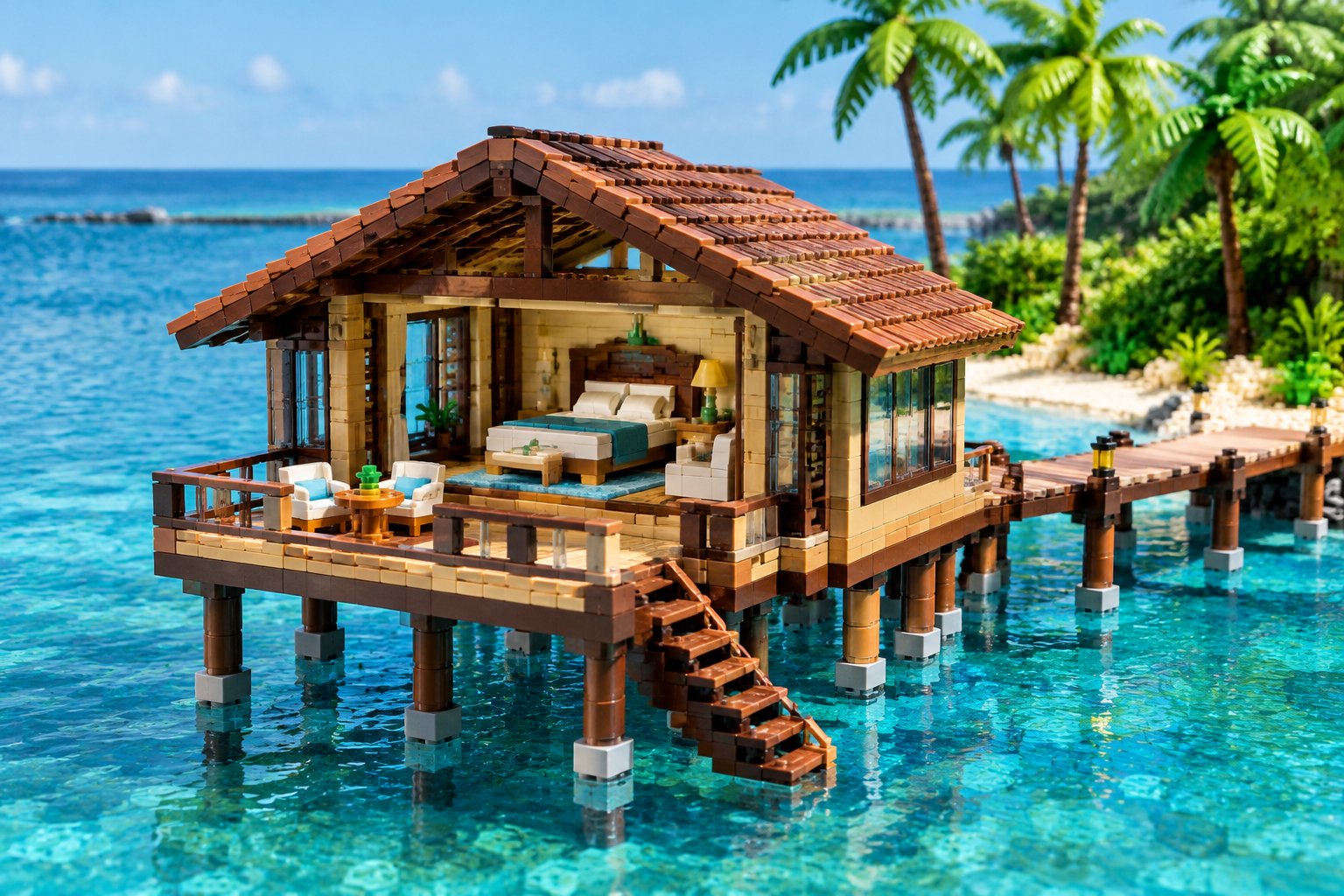
Plan the room layout around the cabin’s footprint, then use the deck and shoreline to add space for play. Open walls or a removable roof make the interior easier to reach and show off.
Adding a Bedroom, Living Area, and Deck
A compact cabin can hold a bed, a small table, and a chair or sofa. Place the bed along one wall and keep a clear path from the doorway to the deck.
If your build has room, add a kitchenette with a counter and a couple of colored tiles for dishes or food. Use a removable roof or hinged wall to make the room visible. A window facing the water gives the interior a clear focal point.
On the deck, add a railing, lounge chair, or ladder. You can use a bright accent color for cushions or towels to make those small details easy to spot.
Creating a Boat, Dock, or Tropical Landscaping
Extend the scene with a dock that lines up with the bungalow’s entrance. A narrow walkway made from plates or tiles gives you a clear route across the water, while a small boat adds a play feature.
For a resort-inspired touch, look at the layout of Belize overwater bungalows and adapt the ideas that suit your model’s scale. Palm trees, flowers, and shoreline plants help frame the build.
Place taller plants toward the back so they do not hide the house. If you want an extra playful feature, a slide running from the deck into the water takes inspiration from a Bora Bora overwater bungalow with a slide. Keep the landing area clear so the feature reads at a glance.
Where Can You Find LEGO Bungalow Inspiration?
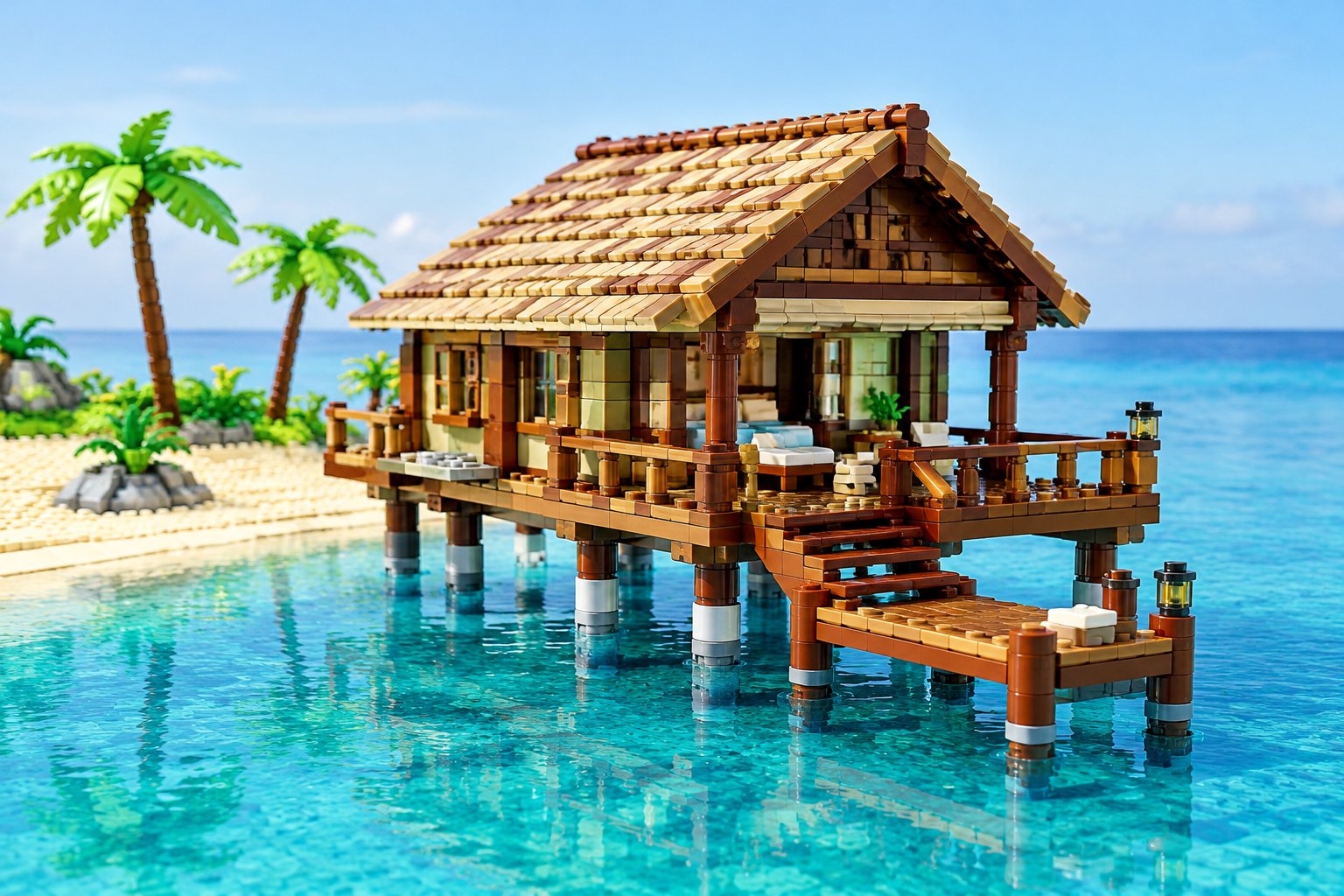
LEGO Ideas projects and fan-made MOCs offer useful references for shape, scale, and small scene details. Use them to spark your own design choices, then check that your final structure works with your bricks and preferred building style.
Exploring LEGO Ideas Builds
Search LEGO Ideas for bungalow, tropical house, island, or water villa projects. Compare how builders handle raised floors, roofs, walkways, and outdoor features.
Pay attention to the way a small number of repeated colors helps separate the building from the setting. You can also look at real resort layouts for architectural cues. A Chairman’s overwater bungalow can give you another reference point for planning the relationship between a cabin, deck, and surrounding water.
Treat those details as inspiration for your own brick-built interpretation.
Using MOCs and Other Fan Designs as References
MOCs, or “My Own Creations,” show how builders solve design problems with different parts and scales. Look for clear views of the underside and support structure, as well as finished views of the roof and interior.
If instructions or a parts list are available, use them to understand how the model is assembled. Sketch a few changes before you build: move the entry, widen the deck, or shift the roof shape. Giving your design a distinct layout helps it feel personal, even when you start from familiar tropical-house ideas.
How Can You Improve Your Digital Build and Render?
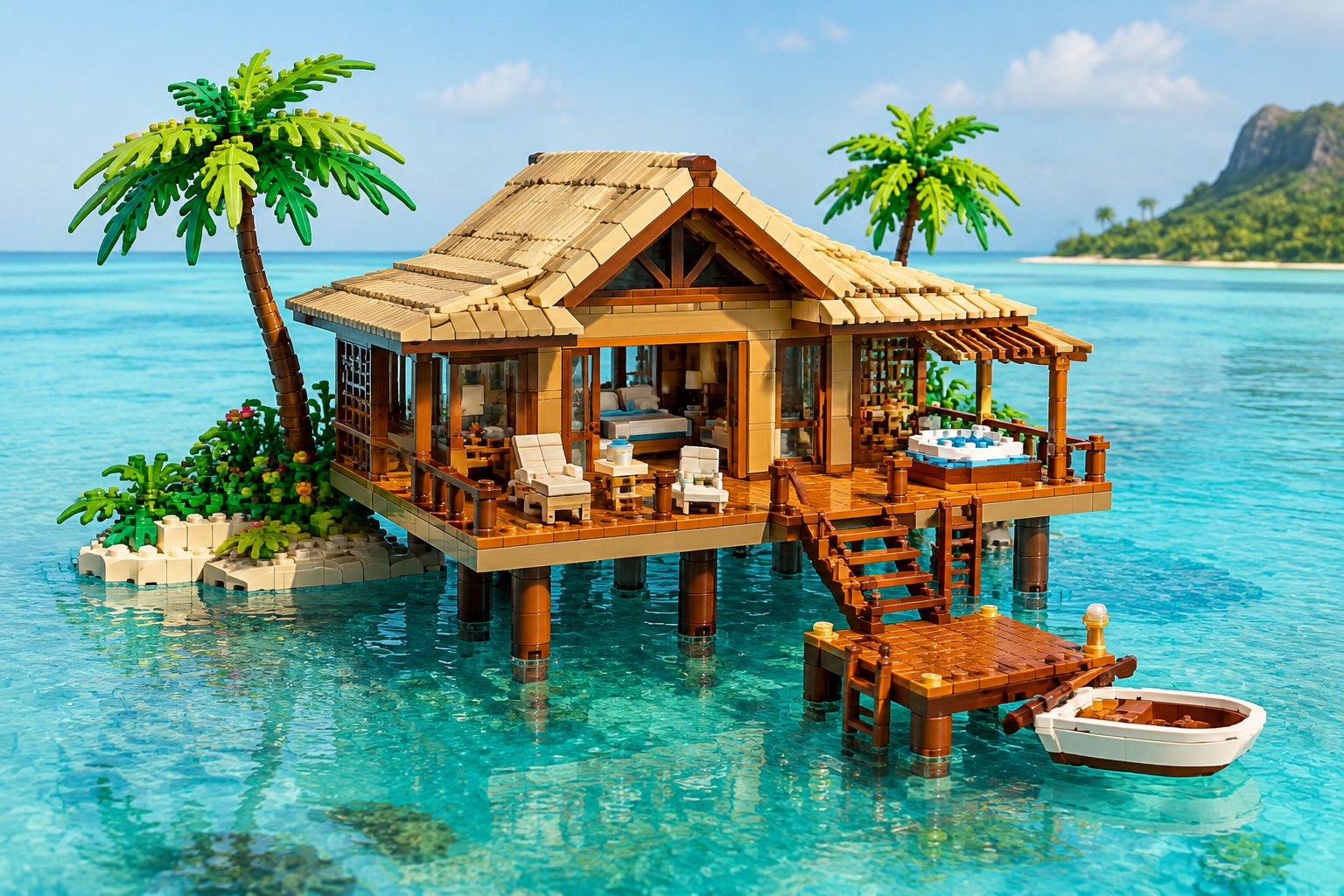
A digital builder helps you test proportions and revise a design before you gather physical bricks. A careful camera view and balanced lighting then make the finished render easier to read.
Planning the Build in Studio
In BrickLink Studio, place the supports and base before building the cabin. Check that the posts line up with the corners and that the deck connects securely to the main structure.
Use the model view to inspect the underside and rotate the bungalow from different angles as you refine it. Keep a simple record of part colors and counts as you work. If the digital model will become a physical build, check that each connection uses parts you own or can source.
Test the roof and wall layout in stages so you can adjust the interior without rebuilding the whole model.
Lighting the Interior and Creating a Background
Set a camera angle that shows the stilts, deck, and at least one interior feature. Soft lighting can reveal the wood tones and roof shape without washing out the water colors.
Add a lamp or bright accent inside if the room looks dark in the render. A plain background keeps attention on the build. You can add a few simple environmental details, such as a shoreline or palm tree, as long as they do not block the bungalow.
Render a test image, review the colors and shadows, then adjust the camera or lights before saving the final version.
What Should You Know Before Sharing a Build on LEGO.com?
Before you share a build, review the personal data and privacy choices connected to your LEGO account. Cookies and targeted advertising can involve separate settings, and the choices available to you may reflect applicable U.S. privacy laws.
Reviewing Account and Privacy Choices
Check the current LEGO privacy information and your account settings before you post. Review what personal data you provide, how your account profile appears to other users, and any available controls for communications or advertising preferences.
Share only details you are comfortable making public, and keep private information out of project descriptions and images. Privacy rights vary by state, so read the options that apply where you live.
If you have questions about how LEGO handles your information, use the contact and request instructions in LEGO’s privacy materials.
Understanding Browser-Based Privacy Settings
Your browser may offer cookie controls or a Global Privacy Control (GPC) setting. GPC sends a privacy signal to websites that recognize it. How that signal applies can depend on the site and the laws that cover your request.
Review your browser’s privacy settings and the cookie choices shown on LEGO.com. You can also revisit those controls when you return, since browser settings and site preferences may change.