
Should I Share Wedding Photos on Facebook? What You Need to Consider
Sharing your wedding photos on Facebook can be tempting after an unforgettable day. You should definitely share some of your best moments, but it’s important to do it thoughtfully.
Instead of posting every single shot, consider creating a special album with your favorites to capture the essence of your celebration without overwhelming your friends and family.
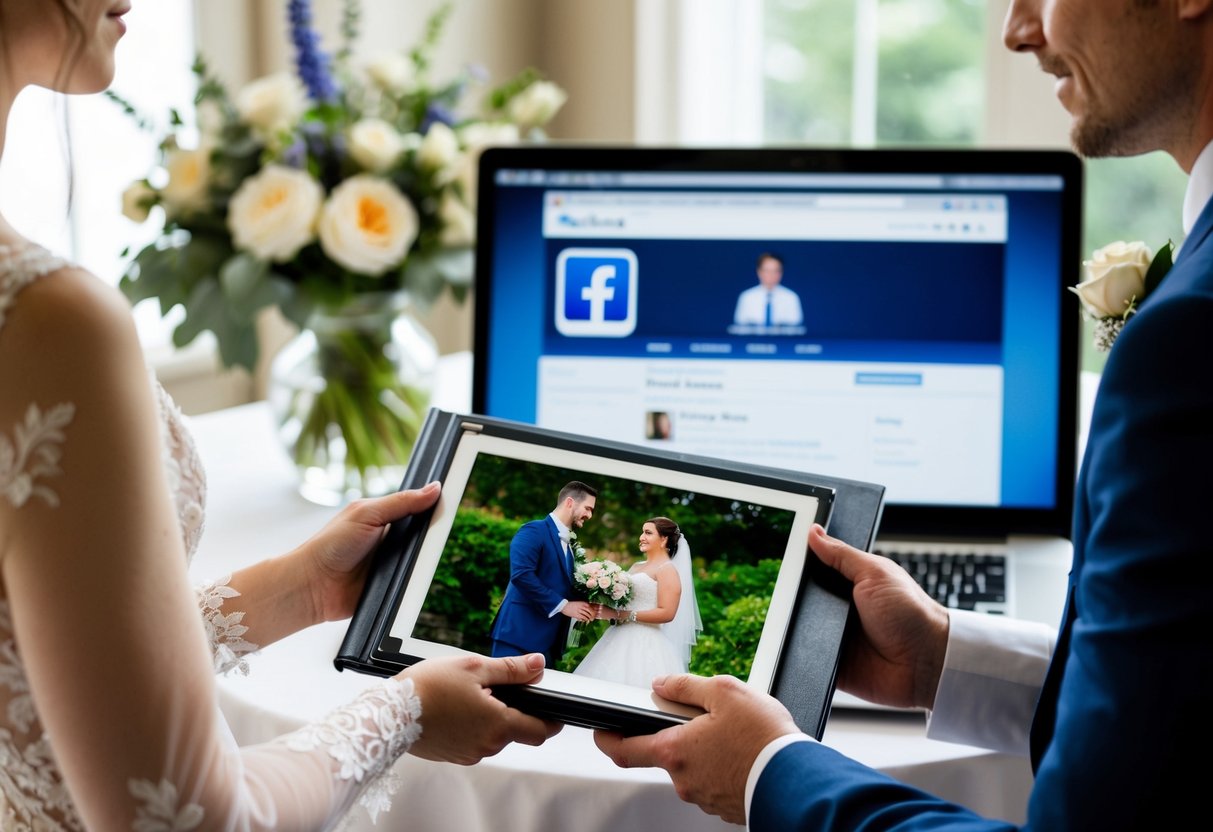
Make sure to wait until you have permission from your photographer before posting. This way, you’ll ensure that your images are well-edited and ready for the spotlight.
Balancing your wedding album with other content on your profile is also key. You want to share your joy without making it seem like it’s the only thing happening in your life.
As you prepare to post, think about how your wedding photos can connect you with loved ones, allowing them to celebrate your happiness alongside you. By following a few simple guidelines, you can share your beautiful memories on Facebook while keeping your social media experience enjoyable for everyone.
Deciding to Share Your Wedding Photos
Sharing your wedding photos can be a fun way to celebrate your special day, but it’s important to consider several factors first.
Think about your privacy, which platform to use, and how to navigate social media etiquette.
Evaluating Privacy Concerns
Before sharing pictures, take a moment to think about your privacy. Consider what photos you want to share and who can see them. Some guests may prefer not to be posted online.
You can control privacy settings on platforms like Facebook and Instagram. Set your album to private or share only with specific friends or family.
Remember, once a photo is online, it can be challenging to remove it completely.
Also, think about sensitive moments. If a photo is too personal for public viewing, it may be better to keep it private or share it through a secure link on a platform like Shutterfly.
Choosing the Right Platform
Each social media platform has unique features.
Facebook is excellent for sharing updates with friends and family. You can create private albums and tag guests, which helps everyone feel included.
Instagram is more about visuals. Use it to share your favorite moments through posts or stories that disappear in 24 hours. It’s a great way to show off stunning shots without overwhelming your followers.
Pinterest can help you curate your wedding inspiration. While it’s not a traditional sharing method, creating a board can help you share ideas and photos with those planning a wedding. Platforms like Flickr offer cloud storage for a more private approach while still allowing sharing.
Understanding Social Media Etiquette
When sharing wedding photos, consider the feelings of your guests. Don’t overload your friends’ feeds; a few choice photos often say more than dozens.
Make sure to tag friends and family in any photos they appear in. This promotes connection and appreciation.
It’s polite to wait for your photographer’s go-ahead before sharing professional photos. This ensures they receive credit for their work and preserves quality. Also, be mindful not to post photos of someone’s child without permission.
Being considerate can make your sharing experience enjoyable and respectful for everyone involved.
Preparing Your Wedding Photos for Sharing
Sharing your wedding photos on Facebook can be exciting. You want to ensure your memories are showcased beautifully. Focusing on a stunning album and using hashtags effectively will enhance the experience for you and your guests.
Creating a Stunning Wedding Album
Start by selecting your favorite wedding pictures. Choose a mix of candid shots and posed portraits that capture the essence of your day. Aim for around 20 to 30 photos for a balanced album.
Consider using cloud services like Google Photos or Dropbox to store and share your album. These platforms allow easy access for family and friends.
After picking your photos, arrange them in a sequence that tells a story. You might want to start with getting ready moments, then the ceremony, and finally the reception. This makes viewing enjoyable.
Once your album is ready, post it on Facebook. You can create a dedicated album or share a highlight video for a fun twist!
Using Wedding Hashtags Effectively
Creating a unique wedding hashtag can enhance your sharing experience. This allows you and your guests to collect and share photos easily. Think of something catchy that reflects your personalities or your wedding theme.
When using a hashtag, encourage your guests to use it when posting their pictures. This way, all photos shared by friends and family will be easy to find.
Make sure to include your hashtag in posts. This helps to connect everyone’s memories in one place. It also serves as a fun reminder for your guests to participate.
Plus, you can search your hashtag later to relive those beautiful moments. It’s a great way to see your day from different perspectives!
Best Practices for Sharing Wedding Photos on Facebook
When sharing wedding photos on Facebook, it’s important to consider both your audience and the timing of your posts. Engaging with your guests online also plays a vital role in how your memories are shared and enjoyed.
Curating Photos for Your Audience
Think about the kinds of wedding pictures you want to share with your guests. Select images that capture the joy and love of the day. You might want to include photos of the ceremony, reception, and candid moments with the bridal party.
Consider creating a special album for your wedding photos. This way, guests can easily find and tag themselves in pictures. Avoid over-posting; instead, pick a few favorites to keep your feed interesting.
Ask close friends and family what they’d like to see. This can help you decide which moments to share and which might be more personal. Respect any requests from guests who prefer not to have their photos online.
Timing Your Posts Strategically
Timing is key when sharing your wedding photos.
Posting live updates during the ceremony can spoil the experience for guests who are away from social media. Instead, wait until after your ceremony to share photos of the dress or the venue.
You can build excitement by sharing sneak peeks shortly after the wedding. Consider waiting a few days before posting more photos to give everyone time to enjoy the day.
Schedule your posts to keep the celebration alive over time. You can even share photos on anniversaries or special events, adding depth to your wedding story online.
Engaging with Your Guests Online
Engagement is essential when posting wedding photos.
Encourage your guests to share their photos too, perhaps by creating a unique wedding hashtag. This helps everyone connect and adds more memories to your wedding photo collection.
Be sure to comment on and react to the photos your guests post. This shows appreciation for their contributions and strengthens your connections. You might also consider having a wedding photo swap after the event to share more moments.
Creating a Facebook group for your wedding guests can be a fun way to engage. Here, everyone can share their pictures and stories. This fosters communication and keeps the joy of your wedding alive long after the day ends.
Alternatives to Facebook for Wedding Photo Sharing
If you’re looking for ways to share your wedding photos beyond Facebook, there are plenty of options. You can explore various social media platforms, create a personal website, or utilize dedicated photo sharing services. Each choice offers unique benefits for making your memories last.
Exploring Other Social Media Platforms
Besides Facebook, other social media platforms can effectively showcase your wedding photos.
Instagram is a top choice, allowing you to create a beautiful visual story with your images. By using a unique wedding hashtag, your friends and family can share their photos too.
Pinterest lets you compile boards of wedding inspiration, where others can see and save your pictures for their future events. Don’t forget about Extra and similar platforms, which focus on event sharing. These options can reach a broader audience in a fun and engaging way.
Creating a Personal Wedding Website
Creating your own website is another great option for sharing your wedding photos. This allows you to have a dedicated space for all your memories.
Visitors can easily navigate through different sections, such as ceremony photos, reception highlights, and guest contributions. You might also include a gallery for guests to upload their favorite pictures. This way, everyone can be part of the storytelling process.
Having all your photos in one place makes it easier for guests to reminisce. Plus, it offers a more personal touch that social media can’t quite match.
Utilizing Photo Sharing Services
You and your guests can save wedding photos using photo sharing services. Popular choices include Eversnap and Cluster. With these apps, you can create shared albums for all your guests to contribute their photos.
Creating a link is simple; just send it to your guests. They can view, download, and upload photos. This ensures you capture every memorable moment, even the ones you might have missed.
These services take away the stress of sorting through countless pictures on social media and provide you with a collection that’s easy to organize.