
What is the Easiest Way for Wedding Guests to Share Photos? Simple Solutions for a Memorable Day
Finding a simple way for wedding guests to share photos can make your big day even more memorable. The easiest option is to create a private online album where guests can upload their pictures effortlessly. This not only allows you to gather all the snapshots from your celebration but also lets your loved ones contribute to the memories captured during the event.
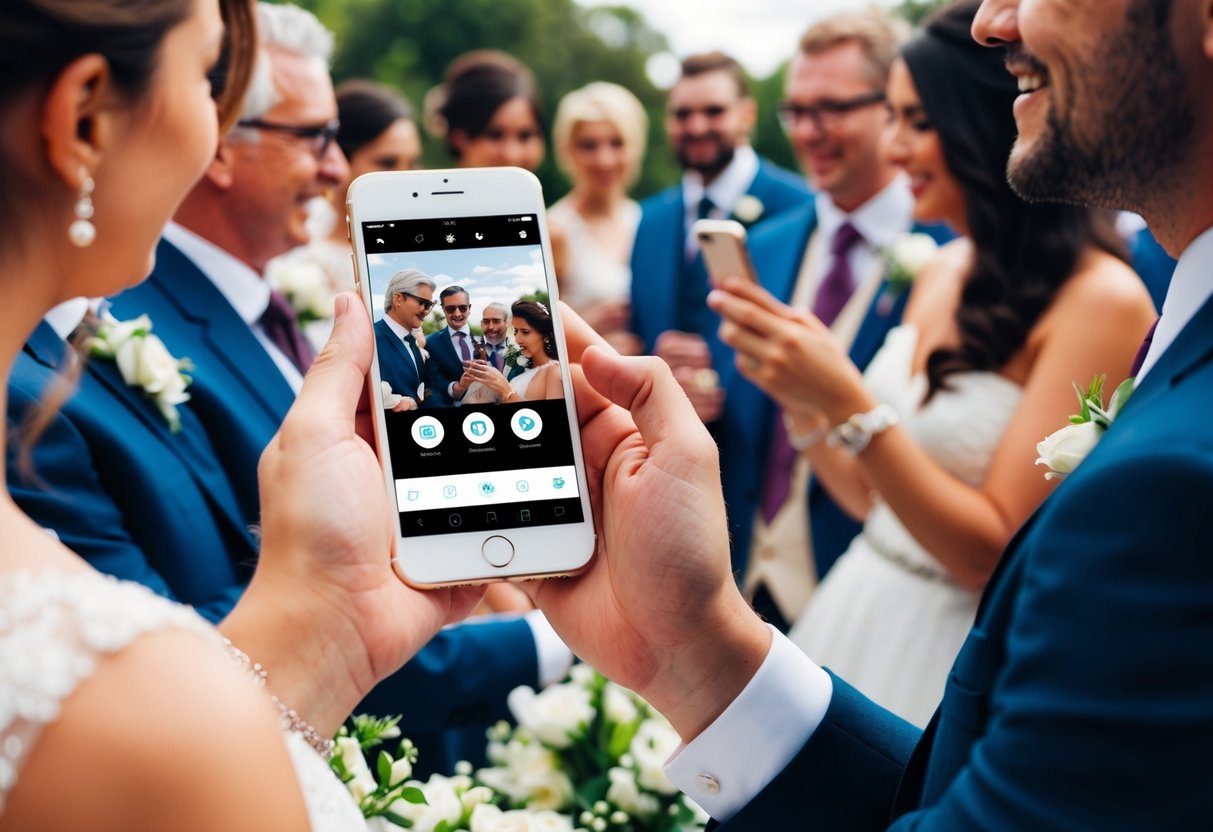
As you plan your wedding, consider using platforms that allow photo sharing with minimal fuss. Many services offer QR codes or apps that guests can use without any hassle.
This way, everyone can easily join in the fun of sharing their favorite moments, ensuring you don’t miss a single smile or candid shot.
By including this feature in your wedding planning, you’ll create a collaborative experience that brings everyone together. Guests will feel more involved, and you’ll have a treasure trove of images to look back on for years to come.
Choosing the Right Photo Sharing Platform
Selecting the right platform for your wedding guests to share photos is crucial. You want something that is easy to use and accessible for everyone. Here are a few options you can consider.
Popular Social Media Services
Many guests may prefer to use popular social media sites like Facebook and Instagram. These platforms allow guests to easily upload and share photos. Guests can tag each other and add fun captions.
Facebook has a group feature where you can create a private group for your wedding. This keeps the photos organized in one place. On Instagram, you can create a specific hashtag for your wedding. This way, all the pictures with the same hashtag will be gathered together.
Dedicated Wedding Photo Sharing Apps
There are apps specifically designed for sharing wedding photos, such as WedUploader. These apps let guests upload their photos directly to a personal online gallery.
Using a dedicated app means you won’t have to sift through social media feeds. Most apps also allow features like sorting by event, making it easier to find specific memories.
Another solid choice for this purpose is Shutterfly. Not only can guests upload images, but you can also order prints directly from the same site.
Cloud Storage Options
Cloud storage services like Google Photos and Dropbox are excellent options for collecting wedding photos.
With Google Photos, you can create a shared album where guests can upload their pictures directly. This album can be easily accessed by anyone with the link. Plus, Google Photos offers unlimited storage for photos taken on your phone, which is a great perk.
Dropbox works similarly but focuses more on file management. You can create a shared folder for guests to upload their photos securely. It’s seamless, and you can also give guests access to upload videos as well.
Streamlining the Sharing Process
Facilitating easy photo sharing during your wedding is key for capturing all the special moments. You can make the process seamless by using a wedding hashtag, creating a wedding website, and utilizing QR codes. These methods will help your guests upload their photos conveniently.
Setting Up a Wedding Hashtag
Creating a unique wedding hashtag is a fun way for guests to share their photos. Choose something memorable, like your names and the wedding date. Make it clear and easy to spell.
Encourage your guests to use this hashtag when posting on social media. This way, all photos will be grouped under one tag. You can even display the hashtag at the wedding venue so guests remember to use it.
You might also want to create a printed card with the hashtag for each guest. This ensures everyone knows how to participate. It’s a simple yet effective way to collect and enjoy all the photos your guests capture.
Creating a Unified Wedding Website
A wedding website is a great tool for sharing info and collecting photos. Add a section where guests can upload their pictures directly. Use platforms like Google Drive or photo-sharing apps to simplify this process.
Make sure to include clear instructions for your guests. Let them know how to access the photo upload section. Provide a link to the site in your invitations or on social media.
Keep the design of the website simple and user-friendly. This encourages more guests to contribute. Plus, it serves as a central hub for all your wedding details.
Utilizing QR Codes for Easy Access
QR codes are a modern and easy way for guests to share photos. Create a QR code that links to your wedding website or a photo-sharing app. Print this code on cards or signs around the venue.
Guests can scan the code with their phones to access the upload page instantly. This saves time and helps gather all the pictures in one spot. It’s a simple solution everyone can use.
You can make multiple QR codes for different sections, like the hashtag and photo upload site. This way, guests can easily contribute their memorable moments, making it convenient for everyone involved.
Ensuring Privacy and Quality
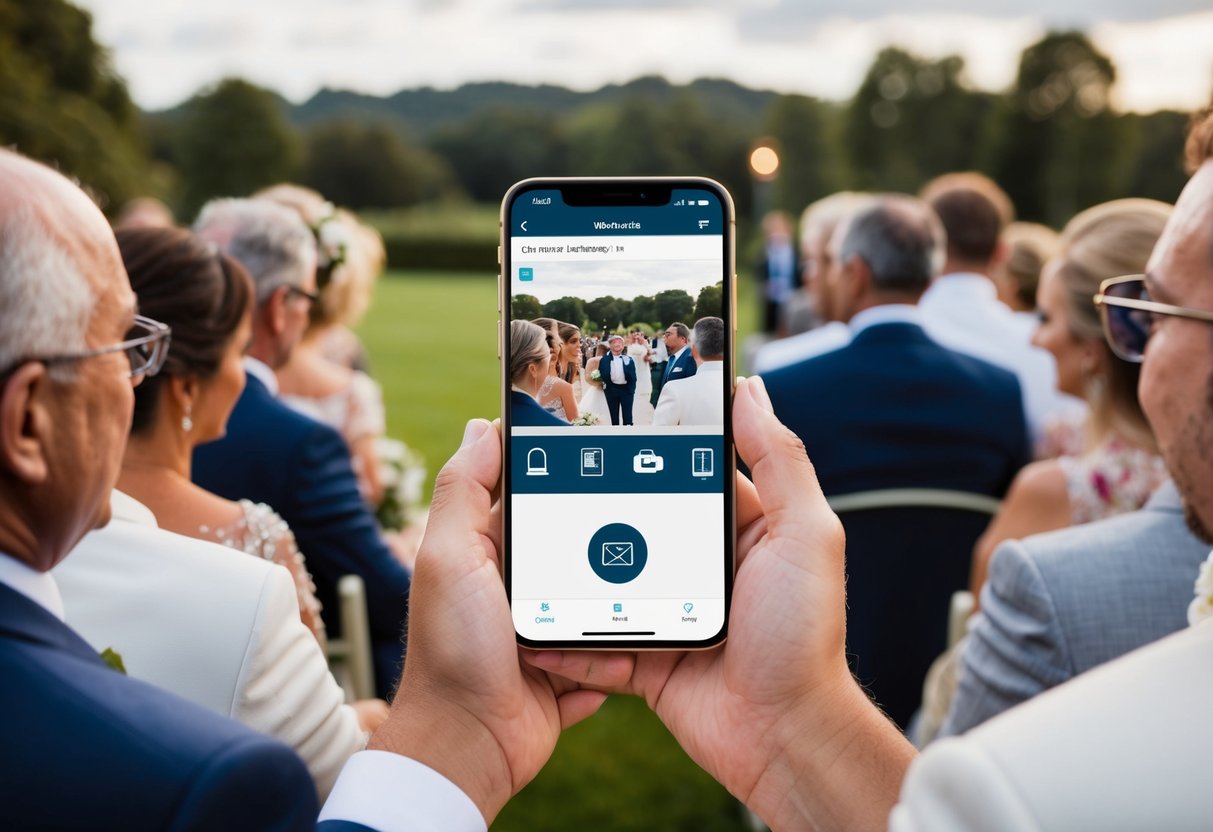
When you allow your wedding guests to share photos, it’s important to focus on privacy and the quality of the images collected. This helps keep your memories safe while ensuring that the visuals look great.
Managing Privacy Settings
To protect your wedding photos, you should set up privacy controls. Choose a platform that allows you to password protect your photo gallery. This way, only invited guests can upload and view the images.
Make clear rules about what can be shared and where. For example, limit access to just family and friends. You might also encourage guests to use a specific hashtag so everyone can easily find the photos that are meant to be shared.
Additionally, consider using platforms that allow for tailored privacy settings. This helps you manage who sees your photos without worrying about unwanted viewers. Clear communication about privacy can ensure a more enjoyable sharing experience for all your guests.
Maintaining High-Resolution Photos
Quality matters when it comes to your wedding memories. Encourage guests to upload high-resolution photos to capture every detail perfectly.
Make sure you choose a photo-sharing platform that supports high-resolution uploads. This ensures that images remain sharp and vibrant, preserving the beauty of your special day.
A good method to collect these photos is through a liveshare platform. This way, guests can view and download quality images, ensuring everyone can enjoy the best versions of your wedding moments.
After the Wedding
Once the wedding day is over, it’s time to gather all those beautiful moments captured by you and your guests. Creating a stunning wedding album and sharing your appreciation through thank you notes are two important ways to cherish those memories.
Creating the Ultimate Wedding Album
Start by gathering all the wedding photos from your guests. You can ask them to upload their favorite shots to a shared online gallery.
Many photo-sharing apps allow for unlimited uploads, making it easy to collect everything from candid shots to professional photos taken by your wedding photographer.
Once you have all the images, select the best ones to showcase in your wedding album. Consider arranging the photos in chronological order to tell the story of your day.
You can include fun moments from the photo booth alongside heartfelt moments from the ceremony. Using a mix of iOS and Android friendly platforms can help you create a digital album or a printed version that you can treasure forever.
Sharing Memories with Thank You Notes
Sending thank you notes is a lovely way to express your gratitude to everyone who celebrated with you. You can also include a small print or digital link to a shared gallery. This lets your guests relive the day by browsing through all the shared wedding photos.
When writing your notes, mention specific moments you enjoyed together. This personal touch shows you value their presence and contributions. Don’t forget to highlight any favorite candid shots or memories that involve them. Including these personal touches in your thank you notes creates a deeper connection and leaves a lasting impression.