
Can a DJ Use Spotify at a Wedding? Exploring the Pros and Cons
Using Spotify at your wedding can be an appealing option for your big day. Many couples wonder if hiring a DJ is necessary or if they can manage the music themselves. The good news is that you can absolutely use Spotify to DJ your wedding, but it comes with some considerations.
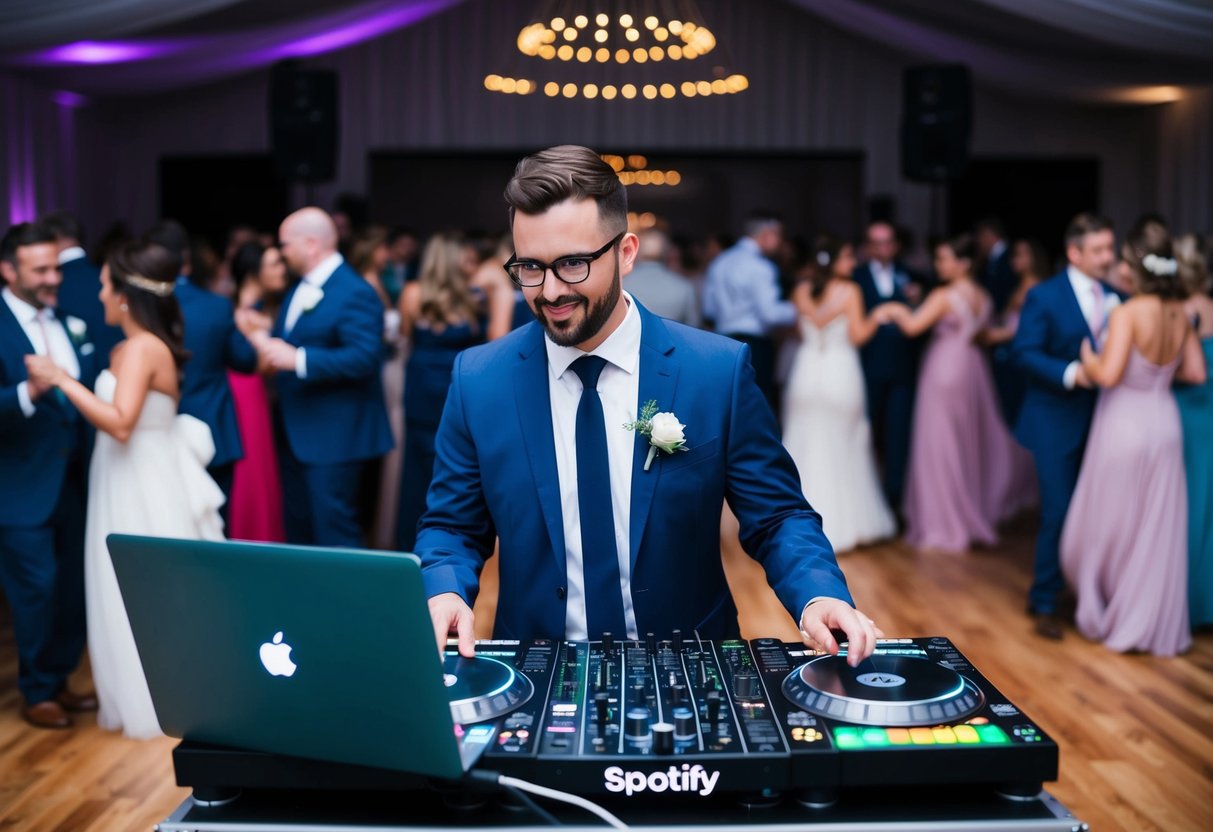
If you decide to go this route, you will need to plan ahead. Creating playlists that fit the mood of your ceremony and reception is key.
You’ll want to ensure that you have the right equipment and possibly a backup plan in case of technical issues, especially since WiFi may be needed for streaming.
While Spotify can save you money, remember that a professional DJ brings experience and skill that can enhance the atmosphere. There are benefits to both options, and choosing the right one depends on your comfort level and event needs.
Understanding the Role of Spotify in Wedding Celebrations
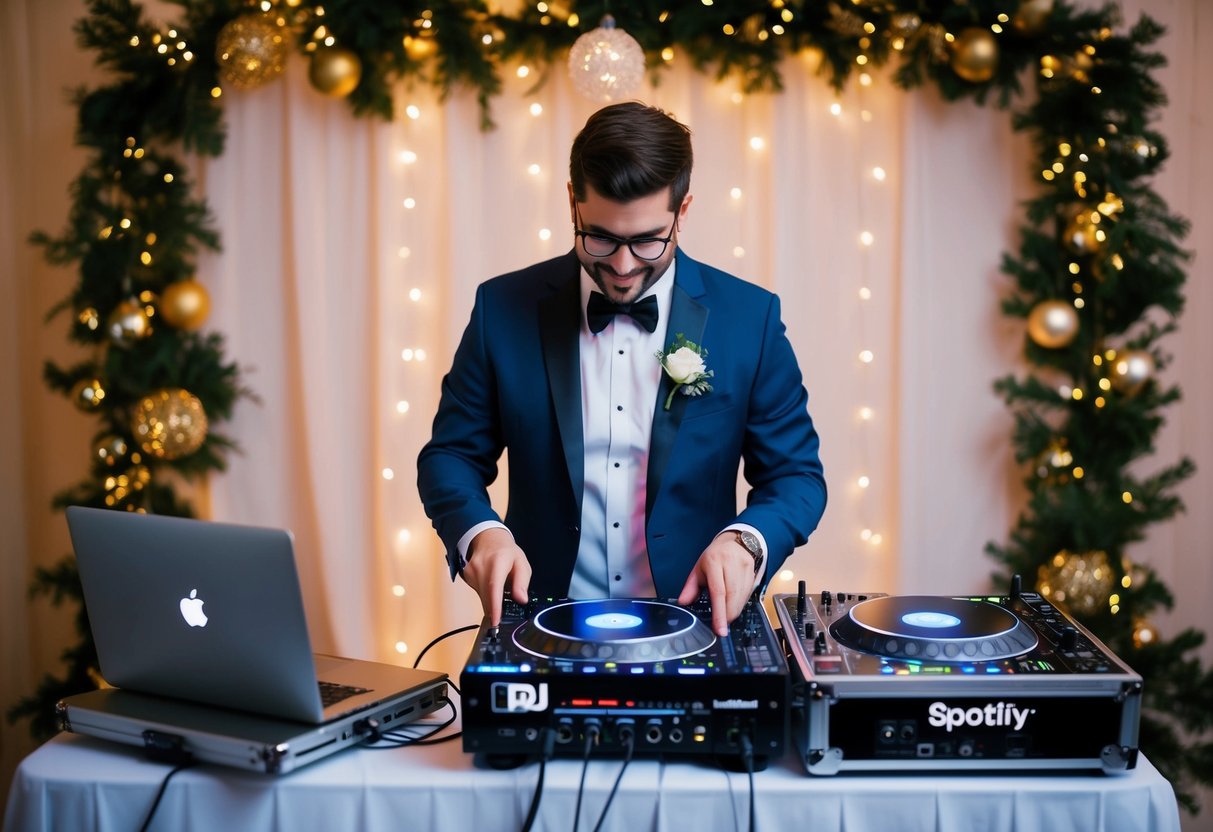
Using Spotify at your wedding can be a fun and budget-friendly option. You can enjoy a wide range of songs and create custom playlists. Yet, there are some key differences between using Spotify and hiring a professional DJ.
Differences Between Spotify and a Professional DJ
When you choose Spotify, you have control over your music selection. You can create multiple playlists that fit different moods throughout the reception.
However, a professional DJ brings skills that enhance the experience. A DJ knows how to read the crowd and adjust the music in real time. They have equipment like mixers and microphones that can connect to your venue’s sound system. DJs also handle announcements and can keep the flow of the event smooth.
Pros and Cons of Using Spotify for Your Wedding Reception
Using Spotify has a mix of advantages and disadvantages.
Pros:
- Cost-effective: You can save money by not hiring a DJ.
- Personalized playlists: You choose the exact songs you want to play.
- Wide selection: With a vast library, you can find almost any song.
Cons:
- No live mixing: You miss out on the live energy a DJ provides.
- Technical issues: Streaming services can have hiccups, including poor internet connections.
- Less crowd control: Without a professional, it’s harder to know what songs will get your guests dancing.
These factors are important to consider when planning your wedding music.
Setting Up Your Wedding Music Using Spotify
Using Spotify for your wedding can create a memorable atmosphere. You can craft a special playlist that suits your preferences. It’s important to keep in mind the technical aspects and setup to ensure everything runs smoothly.
Ensuring a Seamless Experience with Spotify Premium
To get the best experience, you need a Spotify Premium account. The paid version lets you listen without ads and download playlists for offline use. This is helpful in case your internet connection is unstable at the venue.
Signing up is easy. Just use your email address to create your account.
A Premium account will allow you to skip songs and have more control during the wedding, making sure your music flows perfectly for each moment, like the first dance.
Creating the Perfect Wedding Playlist
Creating a wedding playlist is an enjoyable task. Start by including songs that are meaningful to you as a couple. Include tracks for key moments, like your entrance, first dance, and cake cutting.
Use Spotify’s features to help. You can browse by mood, genre, or even occasions.
Combine romantic ballads with upbeat dance tracks to keep your guests entertained. You might want to organize your playlist into sections, such as “Ceremony,” “Dinner,” and “Party Time,” so you can easily find the right songs at the right moments.
Technical Requirements for Spotify at Your Wedding
To set up Spotify at your wedding, you’ll need a few technical items. A laptop or a mobile device with your Spotify Premium account will be essential for playing music.
Connect your device to a quality sound system. Whether you use a portable speaker or a larger setup, sound quality is important.
Ensure the speakers are loud enough for your venue size. If you have DJ gear, integrate it with your setup to manage transitions smoothly.
Make sure everything is charged and ready. Check internet connection availability ahead of time and consider having a backup option, like downloaded playlists, to avoid any hiccups during your special day.
Equipment Essentials for DJing with Spotify at a Wedding
Getting the right equipment is key to DJing your wedding with Spotify. You need to focus on quality sound and a solid setup to ensure everything runs smoothly during your special day. Here are the essentials you’ll need.
Must-Have DJ Gear for a Spotify-Centric Setup
For a successful Spotify DJ setup, start with a DJ controller. This piece combines a mixer and software interface, making it easy to manage your playlists and transitions. Look for controllers that are compatible with Spotify to streamline your setup.
Next, consider your DJ booth setup. A sturdy table is essential to hold your gear securely. You’ll also want a laptop stand to keep your device at eye level, making it easier to control your music.
Don’t forget your quality speakers. Investing in good DJ speakers will significantly improve sound quality. Aim for speakers that can handle the size of your venue.
Finally, have a reliable mixer. This allows you to mix tracks smoothly, adjust levels, and create the right audio quality for your guests to enjoy.
Delivering High-Quality Sound for Special Moments
Sound quality is everything at a wedding. You want crystal-clear audio for those important moments, like the first dance or speeches.
Start with high-quality speakers that can deliver deep bass and clear highs.
Consider adding a subwoofer to your setup. A subwoofer enhances the low-end frequencies, making music sound richer. Ensure your sound system is powerful enough for the venue size.
Using an audio interface can also improve sound quality. It connects your laptop to the speakers, ensuring the signal stays strong, with minimal interference.
Lastly, do a sound check before the event begins. This can help you adjust settings based on the venue’s acoustics. By prioritizing sound quality, you ensure a memorable experience for everyone.
Alternatives to DJing Your Own Wedding
When planning your wedding, you may consider options beyond DJing your own event. Hiring professionals or choosing live music can enhance your celebration and alleviate potential stress.
Hiring a Professional DJ for a Memorable Celebration
Hiring a professional DJ can be a great choice to ensure a memorable celebration. DJs bring experience and can keep the music flowing smoothly. They have the right equipment and knowledge to handle technical difficulties that may arise.
A DJ can also create a custom playlist tailored to your tastes and manage transitions between songs and special moments. You can communicate your preferences and any must-play or do-not-play songs, ensuring your vision is realized. If you want to enjoy the night with your guests, hiring a DJ allows you to relax while they take care of the music.
Considering Live Bands and Other Music Streaming Options
Live bands can add a unique and lively atmosphere to your wedding. They provide entertainment and create a vibrant setting that recorded music may not match. You can choose from various genres, such as jazz, rock, or classical, depending on your theme.
If you prefer a more personal touch, platforms like Pandora or Spotify allow you to create custom playlists. You can curate the perfect mix for your wedding celebration. However, DJing your own wedding means you are responsible for managing the playlist and any technical difficulties.
Having friends or family help can ease some of the pressure, but hiring a band or DJ can ensure a more seamless experience.