
Can I Use Spotify as a DJ? Exploring Your Mixing Options with the Streaming Service
If you love music and want to bring that energy to a party or event, you might be wondering about using Spotify as a DJ. Yes, you can use Spotify to DJ, and it offers several features that can make your set enjoyable and engaging. With a Spotify Premium account, you can avoid interruptions from ads and access high-quality sound to keep the vibe going.
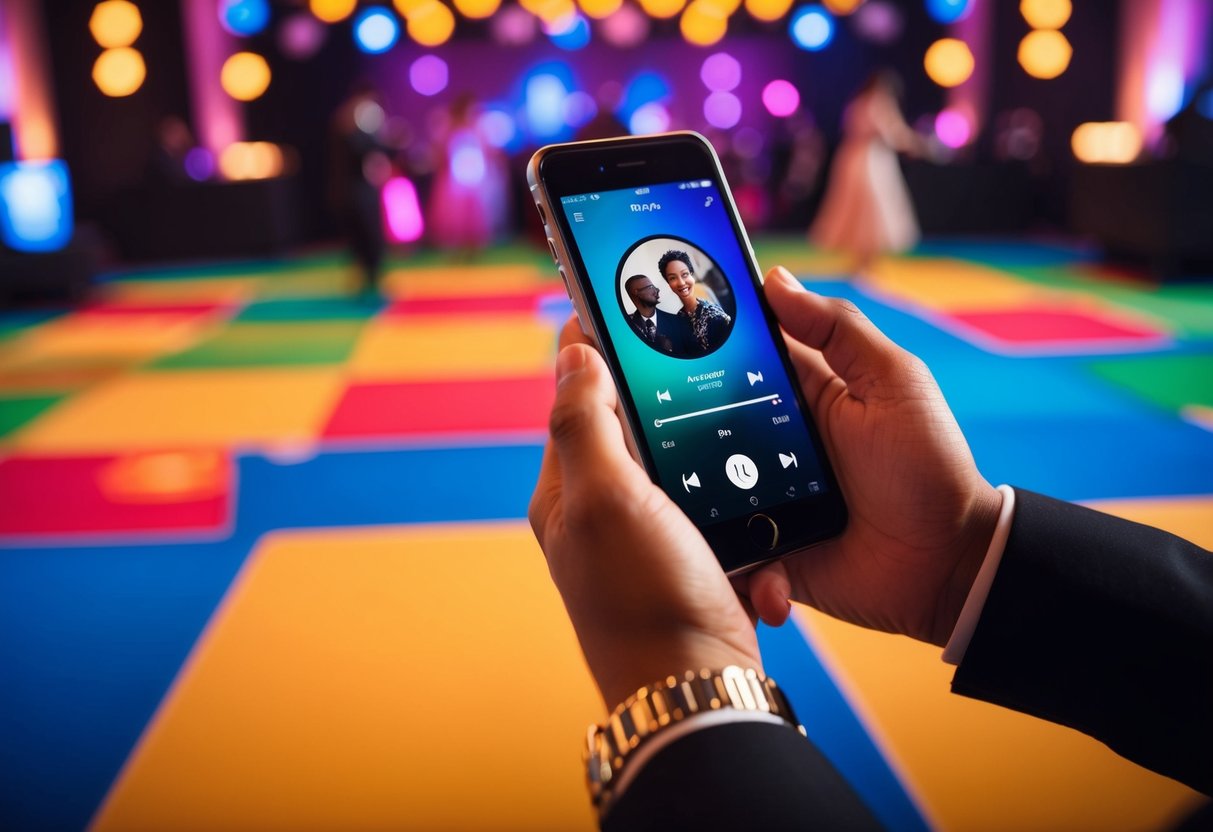
Using Spotify as a DJ is easier than you might think. You can create playlists, mix songs, and even use tools like Spotify DJ mode for smooth transitions.
Whether it’s a house party, a birthday bash, or just a casual get-together, you’ll find that Spotify can help you put together a great musical experience.
Get ready to explore the different ways you can use Spotify for your DJ needs. From basic setups to more advanced techniques, this guide will help you make the most of your Spotify account and impress your friends with your music choices.
Getting Started with Spotify for DJing
Using Spotify for DJing can be an exciting way to explore a vast music library and create unique sets. Getting started involves understanding Spotify DJ Mode, setting up your account, and building your first set.
Understanding Spotify DJ Mode
Spotify DJ Mode allows you to mix tracks using the Spotify app and compatible DJ software. With this mode, you can access millions of songs, making it easy to find the right vibe for your audience.
A Spotify Premium account is needed to use this feature, as the free version does not support DJing capabilities. Just be aware that you may experience some latency when streaming music, which can affect your mixing.
Setting Up Your Spotify Account
To begin, you’ll need to sign up for Spotify if you don’t already have an account. During the sign-up, choose a Premium plan for the best experience. This gives you access to all Spotify features tailored for DJs.
Once you have your account, download the Spotify app and log in. Make sure your internet connection is stable, as you’ll need it to stream songs while performing. This will ensure smooth playback of your set and help avoid interruptions during your mix.
Building Your First DJ Set on Spotify
Start creating your DJ set by exploring your music library. Use the search function in the Spotify app to find tracks that fit the mood you’re aiming for.
You can create playlists for different themes or events. Add songs you like and rearrange them to create a flow. It’s helpful to familiarize yourself with the songs beforehand to understand their structure and energy levels.
When you’re ready, use DJ software that supports Spotify integration. This software will help you with mixing and transitions between tracks. Make sure to practice your set to build confidence before your performance.
Creating and Managing Your Playlists
Building and managing playlists is essential for using Spotify as a DJ. A good playlist sets the mood and keeps the energy up. You can easily craft the perfect party playlist, collaborate with friends, and leverage Spotify’s smart music recommendations.
Crafting the Perfect Party Playlist
To create a party playlist, start by selecting a theme or mood. Think about the atmosphere you want to create. Is it upbeat and energetic or more relaxed?
Next, gather tracks that fit your theme. You can search for your favorite artists or explore genres. Aim for a mix of popular hits and lesser-known gems to keep things interesting.
Make sure to pay attention to the flow of your playlist. Start with tracks that warm up the crowd. Then build to more energetic songs to get people dancing. Use Spotify’s crossfade feature for smooth transitions.
Remember to keep your audience in mind. You know what they love to dance to, so include those favorites!
Collaboration and Shared Playlists
Collaborating can take your playlist to the next level. You can create a collaborative playlist where friends can add their favorite songs. This not only diversifies your music but also gets everyone involved in shaping the vibe of the party.
To set up a collaborative playlist, go to your Spotify playlist and select the option to make it collaborative. Share the playlist link with your friends so they can join in.
Another cool feature is “Party Mode.” This lets friends join and add songs while you’re DJing. It creates a fun and interactive experience during your event, keeping things fresh and exciting!
Leveraging Spotify’s Music Recommendations
Spotify has built-in music recommendations that can save you time. Based on your listening history, Spotify suggests tracks that fit well with your existing playlists.
You can find these recommendations on the “Made for You” page. It suggests playlists and songs tailored to your taste.
Using these features can help you discover new artists and tracks you may not have considered.
You can also use features like “Discover Weekly” and “Release Radar” to find fresh music. This keeps your playlists dynamic and up-to-date, so your DJ sets stay engaging. Plus, these recommendations help you tap into popular trends, keeping your playlist relevant.
Technical Setup for a Flawless Performance

To achieve a smooth DJ performance using Spotify, you need to focus on the right gear, effective software settings, and ensuring your connection is stable. This setup makes a huge difference in your ability to mix tracks seamlessly.
Gear and Software Integration
Choosing the right gear is crucial. Start with reliable DJ software compatible with Spotify, like Virtual DJ. Ensure your DJ controller integrates well with the software so you can easily manage track selection, volume levels, and effects.
To connect your Bluetooth speaker, check the compatibility with your DJ software. A good speaker enhances sound quality, making your performance enjoyable. If you’re using the Spotify mobile app, ensure your smartphone is charged and has enough space for smooth streaming.
Optimizing Audio Settings for DJing
Optimizing your audio settings will elevate your DJ skills.
In your DJ software, adjust the equalizer settings for better sound balance. Experiment with bass, mid, and treble to match the venue’s acoustics.
Additionally, using the crossfade feature helps create smooth transitions between tracks. Set crossfade to a comfortable duration to avoid abrupt changes. This will keep the energy flowing and your audience engaged while you mix.
Offline Mode and the Importance of an Internet Connection
Using Spotify’s offline mode can save you from interruptions. Download your playlists beforehand for a backup. This is especially useful in case of internet issues during your gig.
A stable internet connection is still essential if you’re streaming live. Ensure your venue provides reliable Wi-Fi, or use mobile data if necessary. Having a backup plan for connectivity issues will give you peace of mind as you focus on your performance.
Enhancing Your DJ Skills Using Spotify

Spotify is a powerful tool that can help you take your DJ skills to the next level. By mastering transitions and staying updated with the latest music trends, you can create memorable DJ sets that keep your audience engaged.
Mastering Transitions and Beatmatching
To make smooth transitions between songs, take advantage of Spotify’s crossfade feature. This allows you to blend tracks seamlessly, creating a continuous flow in your sets.
You can adjust the crossfade duration in the settings, which gives you control over how long songs overlap.
Keeping Up with Music Trends through Spotify
Spotify is excellent for tracking music trends. You can explore new albums, popular playlists, and trending tracks easily.
Listen regularly to discover fresh sounds that resonate with your listening habits.
Utilize the Spotify charts to see what’s hot right now. Incorporating these trending tracks into your sets can help you keep your audience engaged.
You can also check out curated playlists related to genres like hip-hop or electronic. Pay attention to how these tracks are arranged and consider how you might include them in your own DJing with Spotify.
Make sure to keep your playlists updated to reflect current trends!