
Can You DJ a Wedding with Spotify? Tips and Tricks for a Great Celebration
Planning a wedding can be both exciting and overwhelming. One question you might have is whether you can DJ your own wedding using Spotify. Yes, you can definitely use Spotify to DJ a wedding. Many couples choose this route to save money while still enjoying their favorite tunes.
Using Spotify allows you to create custom playlists that fit the mood of your wedding. From romantic ballads for the ceremony to upbeat tracks for the reception, you can design the perfect soundtrack for your special day. Just keep in mind that you’ll need the paid version of Spotify to avoid ads and ensure seamless music play.
While it’s a cost-effective solution, it does require some preparation. Think about the equipment you’ll need and how to prevent any interruptions during your event. With a little effort, you can create a memorable experience without hiring a traditional DJ.
Preparing Your Spotify Wedding Playlist
Creating the perfect Spotify wedding playlist involves careful music selection and thoughtful consideration for special moments throughout the day. You want to make sure your playlist fits the vibe of your celebration and resonates with you and your guests.
Selecting the Right Music
Start by gathering your favorite songs and those that are significant to you and your partner. Consider your music preferences and try to mix genres to please a diverse crowd. Think about including classics, upbeat tracks, and romantic songs.
Make sure to create a mix that flows well. Some key categories to include are:
- Ceremony Music: Songs for walking down the aisle.
- Cocktail Hour: Chill tunes for mingling.
- Reception Dance Tracks: Upbeat songs for dancing.
Using Spotify Premium will give you access to a wider selection, allowing for better music variety. Don’t forget to check for any explicit content to ensure a family-friendly atmosphere.
Crafting a Playlist for Special Moments
Your wedding playlist should highlight special moments. Start with an emotional song for your first dance; this will set the mood for the evening. Next, include tracks that signify important events, like the cake cutting and bouquet toss.
Consider whether there are songs that will prompt guest participation—these can be crowd favorites that everyone knows.
Make sure to create separate playlists for each segment of the event:
- Ceremony: Slow and meaningful songs.
- Cocktail Hour: Soft, relaxing tunes.
- Dance Floor: High-energy tracks to keep guests dancing.
Setting Up Crossfade for Seamless Transitions
To keep the atmosphere lively, use Spotify’s crossfade feature. This allows songs to blend together smoothly, eliminating awkward pauses between tracks. You can adjust the crossfade duration to find the right match for your playlist.
To enable crossfade, go to your Spotify settings and click on “Playback.” From there, you can slide the crossfade settings to your preferred length.
Making these small adjustments will ensure that your music flows effortlessly throughout the night. Remember to test your setup before the big day to confirm everything runs smoothly!
Equipment Essentials for DJing Your Wedding
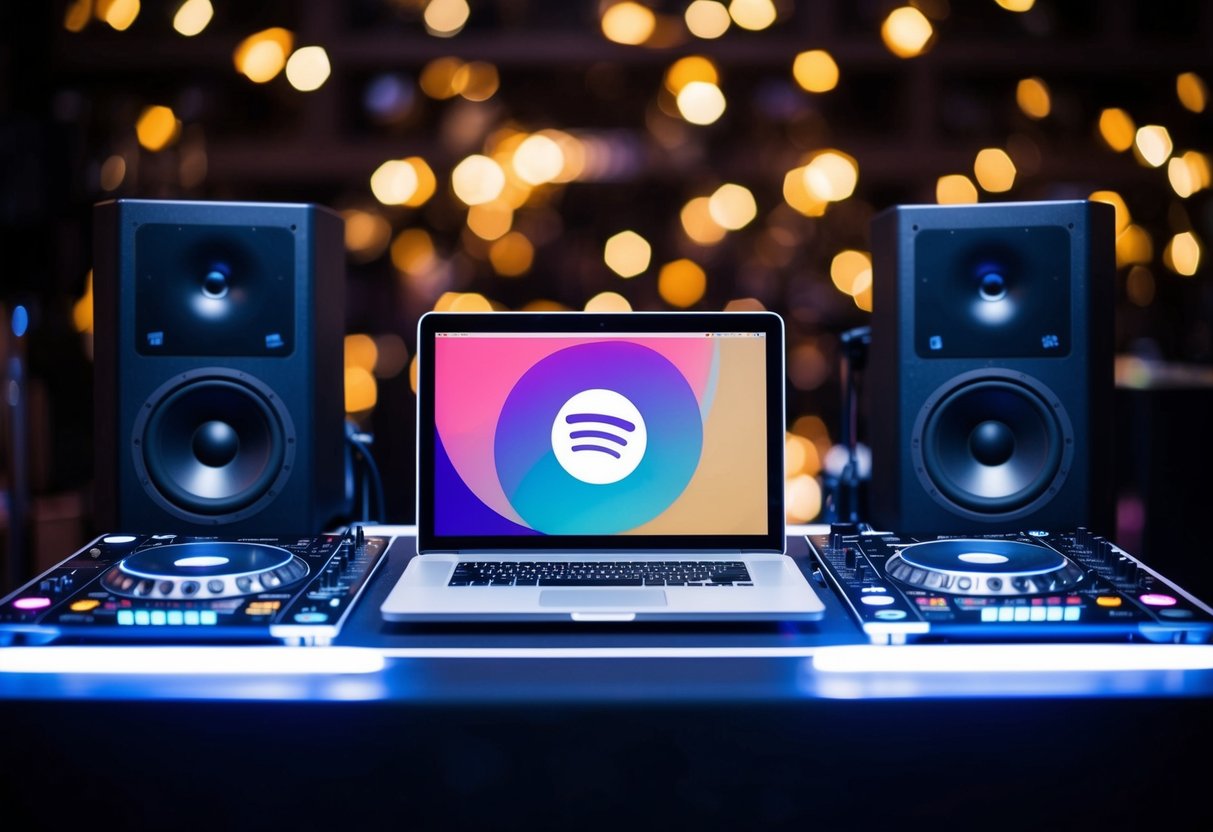
To create a great audio experience at your wedding, choosing the right equipment is crucial. With the right sound system and DJ gear, you can keep the party going and make lasting memories.
Choosing the Best Sound System
Your sound system is the heart of your DJ setup. Start with high-quality speakers to ensure everyone enjoys clear music. Look for DJ speakers that offer robust sound and can fill the venue.
Consider using a pair of powered speakers, as they have built-in amplifiers, which simplifies setup.
Make sure to test the speakers at your venue. You want to check for clarity at different volumes. Good sound quality will keep the energy up, so don’t skimp here!
DJ Gear: What You’ll Need
You’ll need specific DJ gear to handle your wedding music. A DJ controller is key for mixing tracks smoothly. Look for one that’s user-friendly, especially if you are a beginner.
A mixer is also essential. It allows you to adjust volume levels and transition between songs.
Don’t forget headphones for cueing tracks and monitoring sound. It’s great to have a DJ booth to keep your equipment safe and organized.
Finally, always have extra cables and backup gear ready. This will save you from any last-minute issues. Being prepared means you can focus on having fun!
Technical Aspects of DJing with Spotify
When DJing your wedding with Spotify, understanding the technical side is essential. This includes managing your Spotify account, using the right tools, and preparing for any potential issues. Here’s a closer look at these key areas.
Managing Your Spotify Account and Connectivity
To DJ with Spotify, you need a Spotify Premium account. This allows you to access a larger music library without ads. Make sure your account is set up and ready to go before the event.
A stable internet connection is also crucial. A strong Wi-Fi signal ensures that your streaming is smooth. Consider downloading playlists in advance, so your music is accessible even if the internet fails.
If you’re using a DJ controller, ensure it’s compatible with Spotify. Connecting your controller via USB and following the setup instructions will allow you to access your playlists directly.
Spotify DJ Mode and Software Alternatives
While Spotify does not have a dedicated DJ mode, you can use DJ software that integrates with it. Options like Djay Pro and Serato offer features such as crossfading and beat-matching, which are important for seamless transitions between songs.
You can create a perfect playlist before the wedding, but practicing with your setup can help. Spend time learning how to use your software and any DJ controllers. Knowing where everything is can help you stay calm during the event.
Overcoming Possible Technical Difficulties
Technical difficulties can happen, so it’s wise to prepare. Have backup options ready, like a spare device or an offline playlist, just in case your main setup fails.
Make a checklist of things to check before the event. Ensure your sound equipment, such as speakers and microphones, is working properly. Then, test your connections and do a sound check to adjust the sound quality.
If you’re using a live band alongside your DJ setup, coordinate with them. This can prevent issues related to sound interference during transitions. Being prepared can make your wedding’s music experience enjoyable for everyone.