
Does Excel Have a Budget Planner? Discover Its Features and Benefits
If you’re looking for an easy way to manage your finances, you might wonder if Excel has a budget planner. Yes, Microsoft Excel offers several features and templates that allow you to create a budget planner tailored to your needs. This makes it a great choice for anyone wanting to track income and expenses without the need for complicated software.
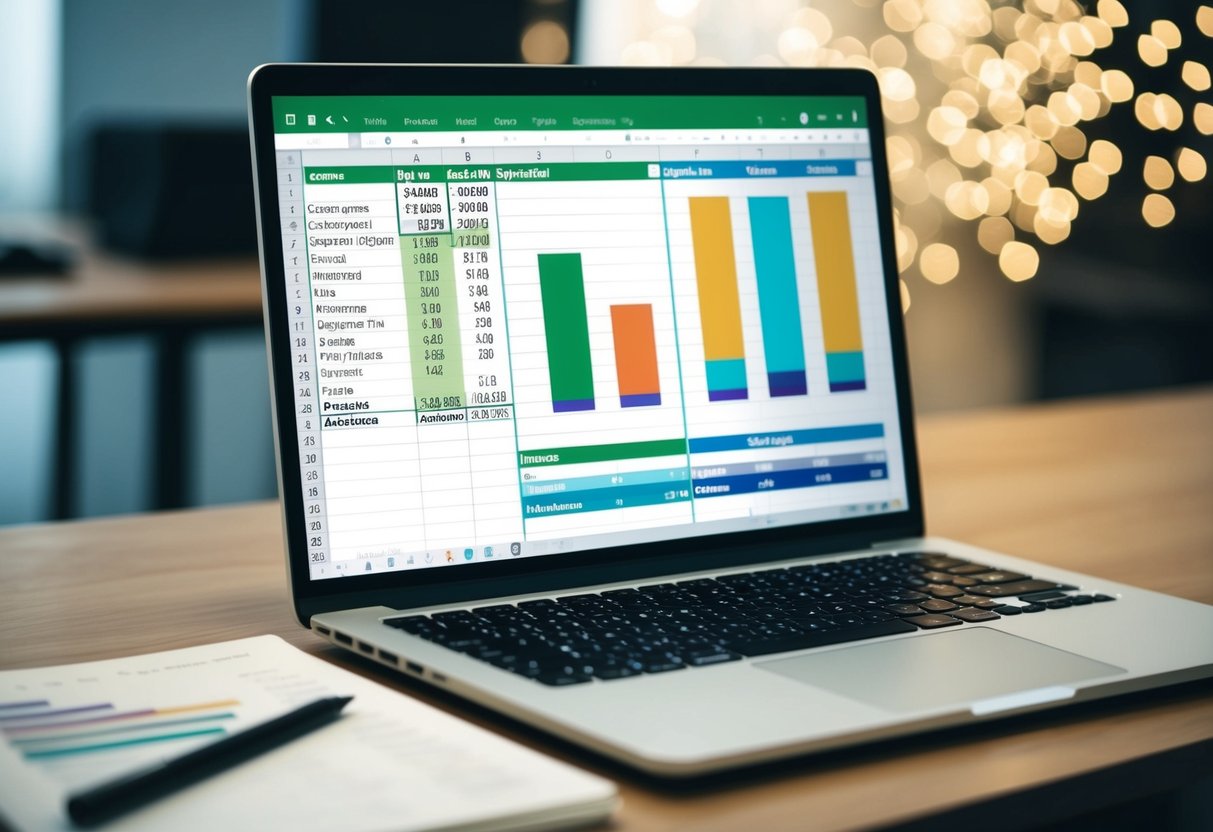
With Excel, you can choose from various pre-made budgeting templates or create your own from scratch. This flexibility allows you to customize your budget planner to suit your specific financial situation. Whether you want to save for a vacation or simply keep an eye on monthly spending, Excel can help you stay organized and on track.
Getting started is simple! You can find budgeting templates by searching within Excel, making it easy to begin your financial planning journey. Once you dive in, you might be surprised at how insightful it can be to visualize your spending habits and savings goals.
Understanding Budget Planners in Excel
Using Excel for budgeting can help you create a personal budget or household budget that suits your specific needs. With its customizable options, you can track your spending and savings effectively. Excel budget templates provide a structured way to manage your finances.
Benefits of Using Excel for Budgeting
Excel offers numerous benefits for managing your finances. First, it allows for flexibility. You can create a personal budget template tailored to your specific income and expenses. This means you have complete control over your financial data.
Second, Excel makes it easy to perform calculations. Automatic formulas help track totals, averages, and spending categories effortlessly.
Third, you can visualize your budget using charts and graphs, making it easier to see where your money goes.
Lastly, Excel is both accessible and user-friendly, letting you update your budget anytime.
Key Features of Excel Budget Templates
Excel budget templates come with various key features that enhance your budgeting experience. They often include preset categories such as income, savings, and expenses. You can customize these categories based on your personal budget needs.
A well-designed Excel budget template may also offer built-in formulas for calculating totals. This simplifies tracking monthly expenses and comparing them to your budget.
Additionally, many templates include sections for notes or financial goals. This helps you plan your savings more effectively.
Creating a Custom Budget Planner in Excel
Creating a custom budget planner in Excel is straightforward. Start by opening a new workbook. Name your first sheet “Budget.”
Next, set up columns for different budget categories, such as income, fixed expenses, and variable expenses. You can use cells to input your monthly income and expenses.
Consider adding a summary section at the bottom for quick insights. This could show totals and remaining balances.
You can also format cells with colors or borders to make your planner visually appealing.
Don’t forget to use Excel’s chart features to visualize your financial data. This adds clarity to your spending patterns and savings goals. With your custom budget planner, you can monitor and manage your finances easily.
Setting Up Your Budget
Setting up your budget is an important step in managing your finances. You will learn how to calculate your total income, define your expense categories, set savings goals, and manage your variable expenses effectively.
Calculating Total Income and Expenses
Start by gathering information about all your income sources. This includes your salary, freelance work, or any side jobs. Add these amounts together to find your total income.
Next, look at your total expenses. Track your spending over a month.
List fixed expenses such as rent, utilities, and insurance. Then, include variable expenses like groceries, dining out, and entertainment.
A simple table can help you visualize this:
| Income Sources | Amount |
|---|---|
| Salary | $3,000 |
| Freelance Work | $500 |
| Total Income | $3,500 |
| Expense Categories | Amount |
|---|---|
| Rent | $1,200 |
| Utilities | $300 |
| Total Expenses | $2,000 |
By comparing total income to total expenses, you can see how your financial health stands.
Defining Expense Categories
Once you’ve calculated your income and expenses, it’s time to define expense categories. Group your expenses into specific categories such as housing, food, transportation, and entertainment.
This organization helps you identify where you might be spending too much. For example, if your grocery bill is high, consider meal planning to reduce costs.
You can use a simple list format:
- Housing: Rent or mortgage
- Food: Groceries and dining out
- Transportation: Gas and public transport
- Entertainment: Movies and events
This clear breakdown makes it easier to track and adjust your monthly spending.
Setting Savings Goals
Now, think about your savings goals. Determine how much you want to save each month. Consider emergencies, vacations, or future investments. A common target is to save at least 20% of your income.
To help visualize your savings, you can create a chart:
| Savings Goal | Target Amount | Monthly Contribution |
|---|---|---|
| Emergency Fund | $5,000 | $250 |
| Vacation Fund | $2,000 | $100 |
Setting specific targets keeps you focused and motivated. Regularly check your savings progress to ensure you stay on track.
Managing Variable Expenses
Variable expenses can change each month, making them a bit tricky to manage. These include spending on things like groceries, entertainment, and dining out.
Begin by reviewing past spending for these categories. Then, set a reasonable limit based on your income and overall budget.
Consider making a checklist to track your spending in real-time:
- Weekly Grocery Trips
- Dining Out Once a Week
- Limit Entertainment Expenses
By being mindful of your variable expenses, you can make adjustments as needed, ensuring your budget aligns with your financial goals.
Tracking and Analyzing Financial Data
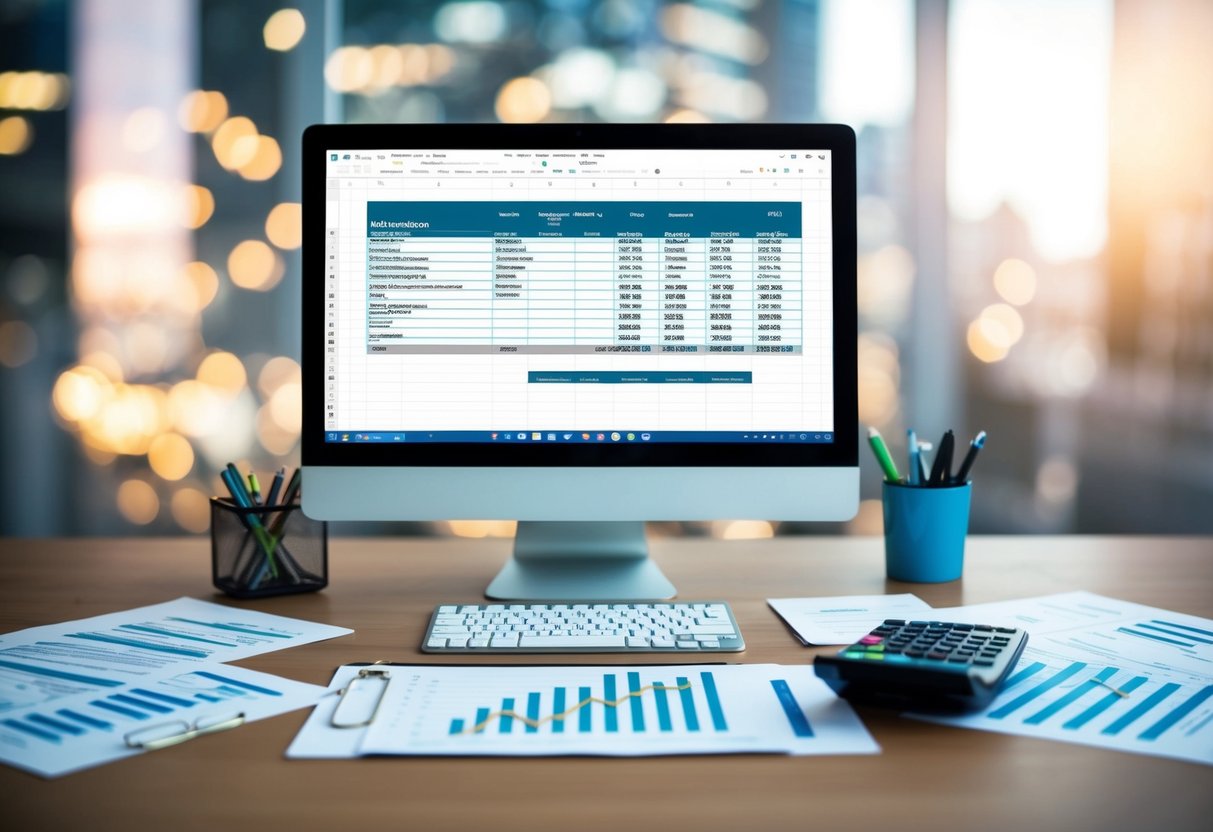
Tracking and analyzing your financial data in Excel can help you understand your spending habits and savings goals. By monitoring your budget, you can make informed decisions about your personal finances and ensure you stay on track.
Using Excel to Track Spending and Savings
You can create a detailed Excel budget to track your spending and savings. Start by listing your actual expenses and projected income in a table.
Organize your data by categories, such as housing, groceries, and entertainment.
Using formulas like SUM, you can calculate totals easily. This will let you see where your money is going each month.
Ensure you include a section for total savings to keep an eye on how well you meet your savings goals. A well-organized summary sheet helps you visualize your financial progress.
Visualizing Data with Charts and Graphs
Excel makes it easy to create visual representations of your financial data. You can turn your budget data into charts and graphs to spot trends quickly.
For instance, a pie chart can show how much of your budget goes to different categories.
Bar graphs can help compare your monthly budget to your actual income and expenses. This visual approach allows you to see where adjustments are needed.
Use colors and labels to make your graphs clear and engaging. Visual tools enhance understanding and make reviewing your financial situation more enjoyable.
Reviewing Monthly and Yearly Budgets
Regularly reviewing your monthly and yearly budgets is crucial for effective financial management.
Set aside time each month to compare your actual expenses against your budgeted amounts. This helps you identify any areas where you might overspend.
At the end of the year, compile data to evaluate your overall financial health. Look at trends in your spending and total savings throughout the year.
This review allows you to adjust your plans and set better goals for the next year. By staying proactive, you can ensure your personal finance strategies remain effective.
Making Smart Financial Decisions
Making smart financial decisions involves adjusting your budget, planning for unexpected costs, and evaluating your financial goals. These steps can help you stay on track and avoid overspending.
Adjusting Budgets to Prevent Overspending
You may find that your initial budget isn’t working as planned. Regularly reviewing your income and expenses helps you spot areas where you might overspend.
Consider using budget templates in Excel to easily track your spending. Create categories like dining out, groceries, and entertainment.
Then, apply conditional formatting to highlight areas where you exceed your limits.
If you see that your spending on dining out is higher than expected, adjust your budget to allow for less frequent meals at restaurants. This proactive approach helps prevent overspending and keeps your finances healthy.
Planning for Emergency Fund and Short-Term Goals
Setting aside money for an emergency fund is crucial for financial security. Aim for three to six months’ worth of expenses.
Use your budgeting tool to set specific savings goals. You might decide to save a certain amount each month. Build this into your financial plan.
Short-term goals, such as vacations or new electronics, should also be prioritized. With a clear budget, you can allocate funds to these goals without derailing your savings plans.
Evaluating Financial Goals and Financial Future
Take time to assess your financial goals regularly. What do you want in the short and long term?
Create a list of your top goals, from buying a house to retirement savings. This can help you focus your budgeting efforts.
Your financial future depends significantly on the decisions you make today. Monitoring your progress can help you adjust your plans as needed.
If credit card debt is holding you back, make it a priority to pay it down.
Understanding and adjusting your financial strategy can lead to a more secure future.