
Does Paperless Post Cost Money? Here’s What You Need to Know!
When planning your next event, you might wonder about the cost of using Paperless Post. Some features are available for free, but sending certain cards and flyers typically does come with a cost. Understanding this can help you decide if it fits your budget and needs.
Many people enjoy using Paperless Post for its elegant designs and convenient features. You can send free cards if you choose specific options, but premium designs often require you to purchase Coins. These Coins are used for sending invitations, and prices can vary based on the card you select.
If you’re looking for a stylish way to invite guests without breaking the bank, Paperless Post offers flexible pricing plans that cater to different needs. From simple free options to beautiful premium choices, there’s something for everyone!
Understanding Paperless Post Pricing
When using Paperless Post, it’s important to know how their pricing structure works. The platform primarily uses a coin system, where each design element you choose affects the total cost. You can also opt for special features that enhance your cards.
Cards and Coin System
When you create a card or flyer, you’ll see that each design element has a specific coin value. The price per coin can vary based on the complexity of your design. For example, a premium card might cost more coins than a simple design.
You can purchase coins directly through the website. Often, new users get some free coins to try out the service. If you want to design an elaborate card, the total coin cost is calculated based on the number of recipients. Use the coin calculator on their site to estimate your total expenses before sending.
Special Features Pricing
Paperless Post also offers special features that can enhance your invitations. For instance, you might want to add a beautiful envelope liner or fun stickers. Each of these popular features may require additional coins.
If you’re looking for advanced options like RSVP tracking or guest questions, they might also cost you extra coins. Consider your budget when selecting these designs. Remember, the premium designs come with a higher price tag, so keep an eye on your total as you customize.
Paperless Post Free and Premium Offerings
When navigating the options for invitations and cards on Paperless Post, it’s important to know the difference between free and premium offerings. You’ll find various choices depending on your needs and budget.
Free vs. Premium Options
You can browse many free invitations and greeting cards on Paperless Post. To find these, use the ‘free’ filter when searching.
However, if you want to access premium designs, these often come with additional costs. Premium options include special features like upgraded colors or unique designs. Removing premium elements can turn a paid card into a free card. All components must be free to send at no charge.
In addition, each card sent might require a fee if you choose to include elements that are marked premium. So, it helps to look closely at what you are selecting. Keep this in mind while planning your invitations.
Paperless Post Plus Subscription
The Paperless Post Plus subscription offers even more value. With this subscription, you can unlock additional premium design elements. It allows for free sending of cards, making it a great choice if you send invitations often.
Subscribing can also provide perks like exclusive designs and discounts on coin costs. Remember that cards with premium features might still require coins for sending, even with a subscription.
You can sometimes find promo codes to reduce costs further. Overall, if you access a lot of premium features, the Paperless Post Plus might pay for itself.
Additional Services and Enhancements
When you plan an event, using Paperless Post can offer you some valuable options. You can choose from various design services and event management features that can make your experience smoother and more enjoyable.
Design Services and Paperless Post Pro
With Paperless Post, you have access to a range of design services for your invitations, including trendy templates for weddings, birthdays, and more. You can customize your invitations to reflect your style.
If you upgrade to Paperless Post Pro, you get extra benefits. This includes premium designs and unique features, like personalized email templates. You can also add your own photos to create a more memorable touch.
Pricing for these upgrades varies, but they can be well worth the investment for special occasions like weddings or milestone events.
Event Management Features
Paperless Post offers helpful event management features that keep your planning organized. You can track RSVPs easily and manage guest lists all in one place.
The platform allows you to create custom event pages where guests can find all the details. You can also collect information with options like Guest Questions to better prepare for your event.
Additionally, you can share your event link on social media, making it easy for guests to RSVP. For non-profit events, Paperless Post often provides discounts, helping you save while planning a wonderful occasion.
Making the Most Out of Your Purchase
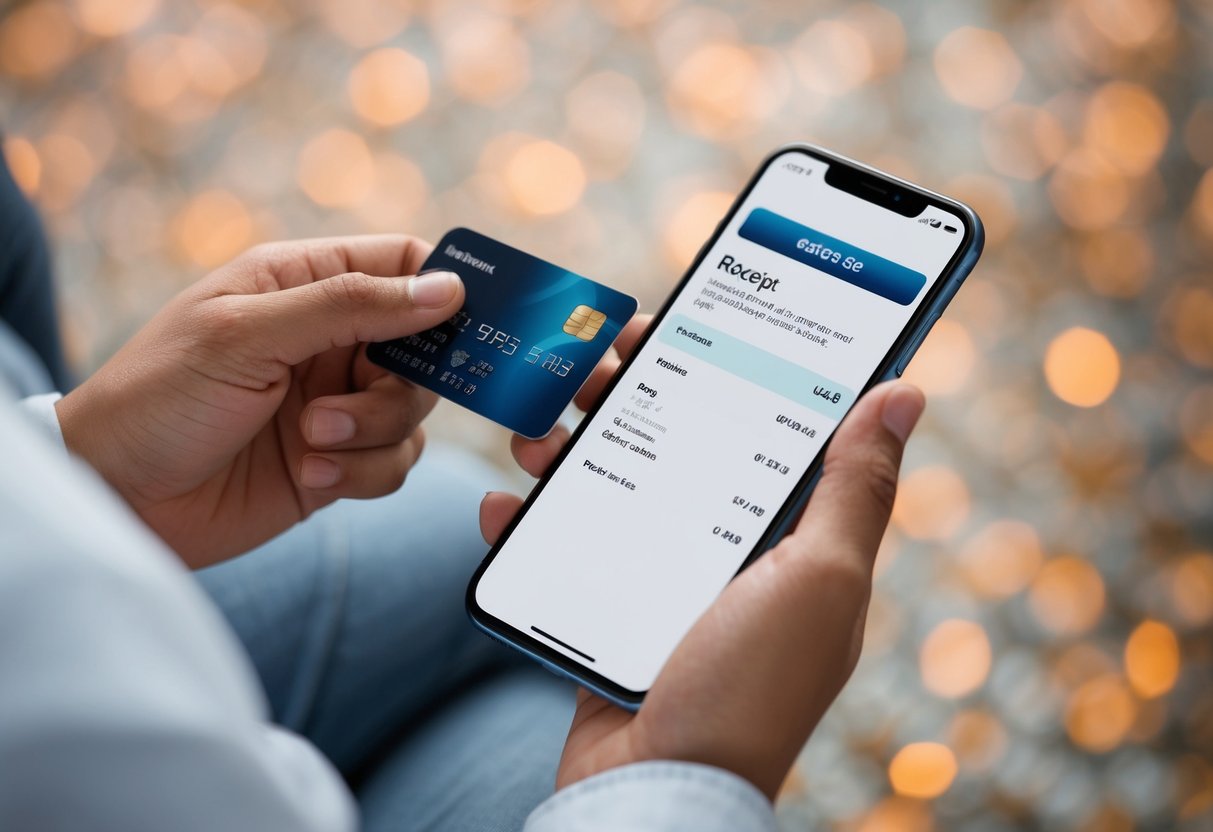
To maximize your experience with Paperless Post, it’s important to understand how to save on costs and manage any unused coins effectively. Being smart about your purchases can make a big difference.
Saving on Costs
When using Paperless Post, you can stick to your budget by taking advantage of free designs. They offer a variety of options, including wedding invitations and birthday cards, at no cost.
If you need extra features, consider buying coins in bulk. Purchasing larger amounts often provides better value, whether in USD or GBP. Check the help center before you buy, as they sometimes have promotions that can save you additional money.
Also, don’t forget to explore the Paperless Post Plus features, which can help upgrade your invitations for a flat rate of 200 coins per event. This might be worth it if you have a special occasion coming up.
Handling Unused Coins and Credits
You might have extra coins after sending out your invitations. If you find yourself with extra coins, consider how to best use them for future events.
Coins typically don’t expire, so you can save them for later. Make sure to check your account regularly to see your balance.
If you wish to buy more coins, use the checkout process to purchase the right amount.
Learn how to track your coins effectively. Keeping a record allows you to budget for future designs, making the experience more enjoyable and worry-free.