
How Do I Announce a Wedding on Facebook? Tips for a Heartfelt Announcement
Announcing your wedding on Facebook can be an exciting way to share your joy with friends and family. You can create a heartwarming post that expresses your happiness, shares a meaningful message, or even includes a fun photo from your special day. Once you post, your loved ones can celebrate with you, leaving their well wishes in the comments.
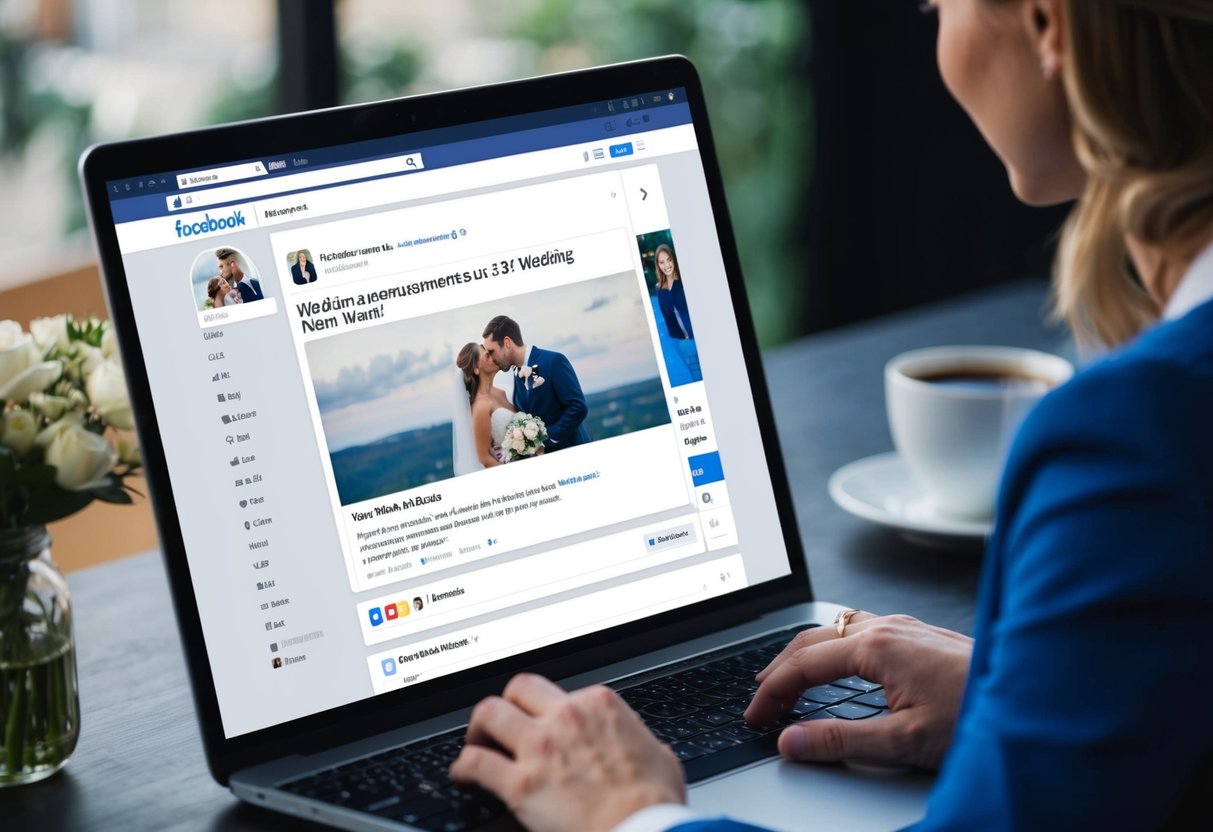
Choosing a wedding hashtag can also make your announcement stand out. It serves as a fun way for guests to share their own photos and memories from your ceremony. This lets everyone stay connected and keeps the celebration alive, long after the big day.
Your wedding announcement is a personal touch to your celebration. With a little creativity and thoughtfulness, you can make it memorable for everyone who sees it.
Crafting the Perfect Wedding Announcement
Creating a wedding announcement on Facebook is an exciting way to share your happiness. It’s important to consider what you want to say, how to express it, and what visuals you might want to include. Here’s how to make your announcement special.
Deciding What to Share
When crafting your wedding announcement, think about the key details you want to include. Start with the essential information like:
- Your names
- Wedding date
- Location of the wedding
You might also want to mention if it was a small gathering or an elopement. Including a heartfelt message thanking guests or expressing your joy adds a personal touch. You can share how you feel about getting married and what it means to you. Make sure the details reflect your unique story.
The Art of Wedding Announcement Wording
Choosing the right words is crucial for your announcement. Aim for a personalized message that captures your emotions. Some ideas for wording could be:
- “We said ‘I do’ on [date]!”
- “We are thrilled to share our wedding day with you!”
Keep it simple and joyful. Avoid long sentences so your friends can quickly grasp the message. It helps to be clear and concise while still showing your excitement. Make your announcement feel warm and inviting, just like your wedding celebration.
Incorporating Photos and Visuals
Visuals can make your wedding announcement stand out. Consider including a beautiful wedding photo or a fun picture from your special day. This adds a personal touch and helps tell your story.
You might also want to create a custom graphic that includes your names and wedding date. Using colors and themes from your wedding can tie everything together nicely. Just be sure your visuals complement your wedding announcement wording. With the right photo or graphic, your friends will feel a part of your joyful moment.
Timing and Etiquette
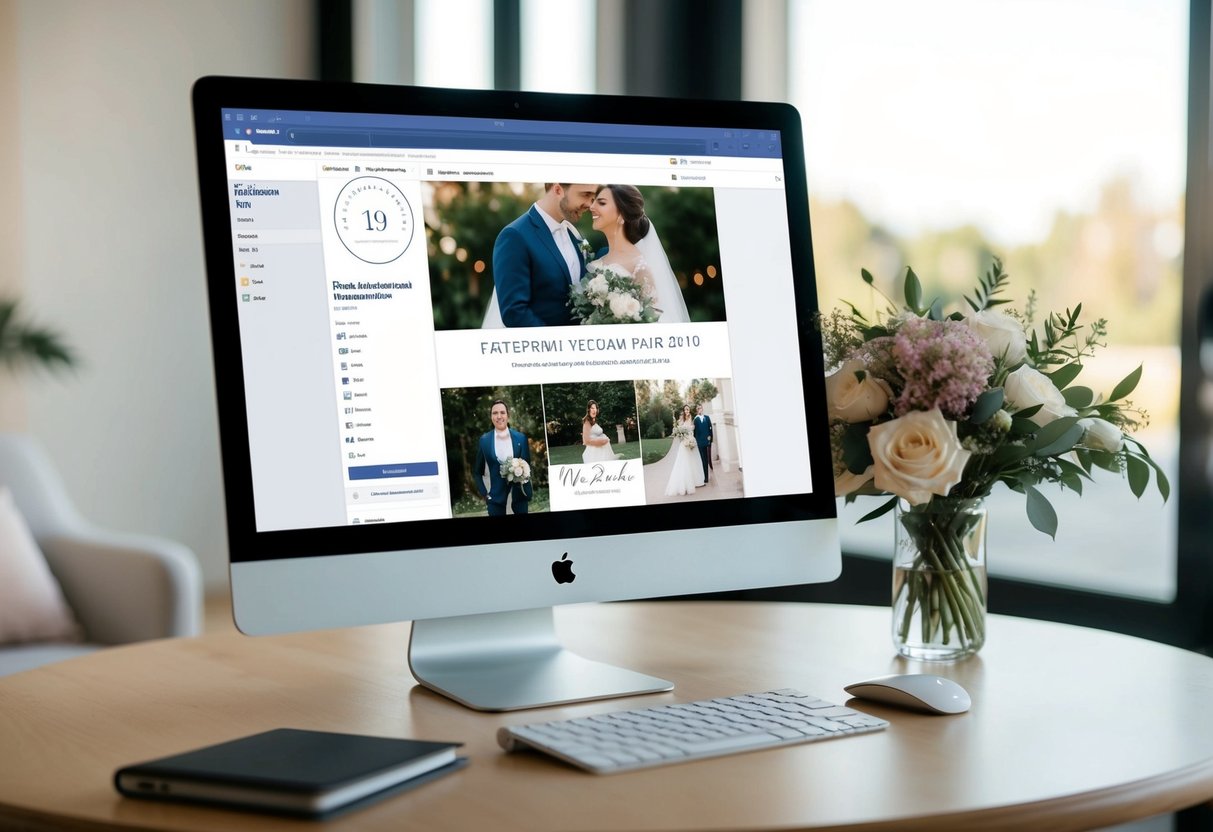
Making your wedding announcement on Facebook requires some thought about timing and proper etiquette. Knowing when to share your news and how to do it respectfully can lead to a joyful experience for you and your loved ones.
When to Announce
Deciding when to share your marriage announcement is important. Many couples choose to announce immediately after the wedding for a direct approach. You can also wait a few days or even weeks. This gives you time to choose a meaningful photo to share.
If you eloped and want to keep it intimate, consider sharing the news with close friends and family first. Once they are informed, posting on social media can feel more special. Keep in mind any cultural or family preferences when making your decision.
Understanding Wedding Etiquette on Social Media
When it comes to wedding day announcements, it’s essential to follow some etiquette rules. Always thank your guests for being part of your special day. This shows appreciation and kindness.
If you have shared the news online, be mindful of others’ privacy. Respect those who might not want their image shared. It’s a good idea to ask before posting group photos.
Using a wedding hashtag can help organize posts and let everyone join in the celebration. However, not every picture needs a hashtag. Just share what feels right for you! Follow these simple guidelines to ensure your announcement is well-received.
Engaging Your Audience
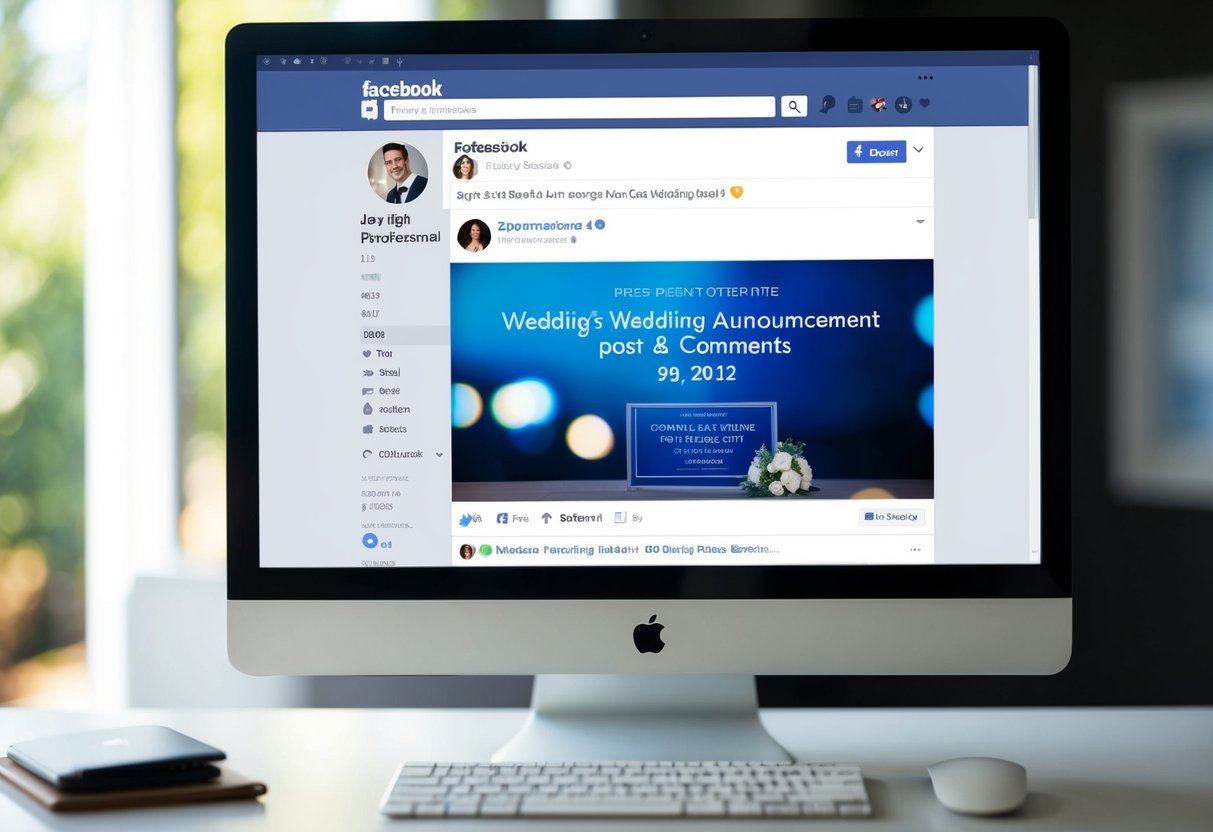
To truly connect with your friends and family on Facebook when announcing your wedding, focus on writing an engaging caption and encouraging responses. These elements can bring your community into your joy and excitement.
Writing a Celebratory Caption
Start your announcement with a short and heartwarming message. A thoughtful caption helps express your happiness as a couple. Consider phrases like “We’re excited to announce our wedding!” or “Join us as we start our happily ever after!”
You can add a personal touch. Share a memory or a shared favorite quote. For example, “After years of adventure, we’ve decided to tie the knot!” Including a fun emoji or two can also brighten the post and catch attention.
Keep it concise but lively. Your friends will appreciate the enthusiasm! Ending with a question or invitation for thoughts can prompt engagement. Don’t forget to tag your partner to highlight the happy couple!
Encouraging Congratulatory Messages
Encourage friends and family to share their happiness with you. You can do this by prompting them for messages in your post. Phrases like “We’d love to hear your best wishes!” can invite responses.
Consider asking for advice as newlyweds. A line like “What’s your best wedding advice?” can spark friendly conversations in the comments.
Their thoughts can make your post feel much more personal.
Remember, engaging with responses is key. Reply to messages to show appreciation. This two-way interaction makes your announcement memorable and fosters a sense of community around your big day!