
How to Record a Wedding Without a Videographer: DIY Tips
You can record your wedding without a videographer by assigning a trusted person to film key moments, setting up a phone or camera on a tripod for the ceremony, and collecting guest clips for extra perspectives. A simple plan helps you capture the vows and celebration without asking one person to film every minute.
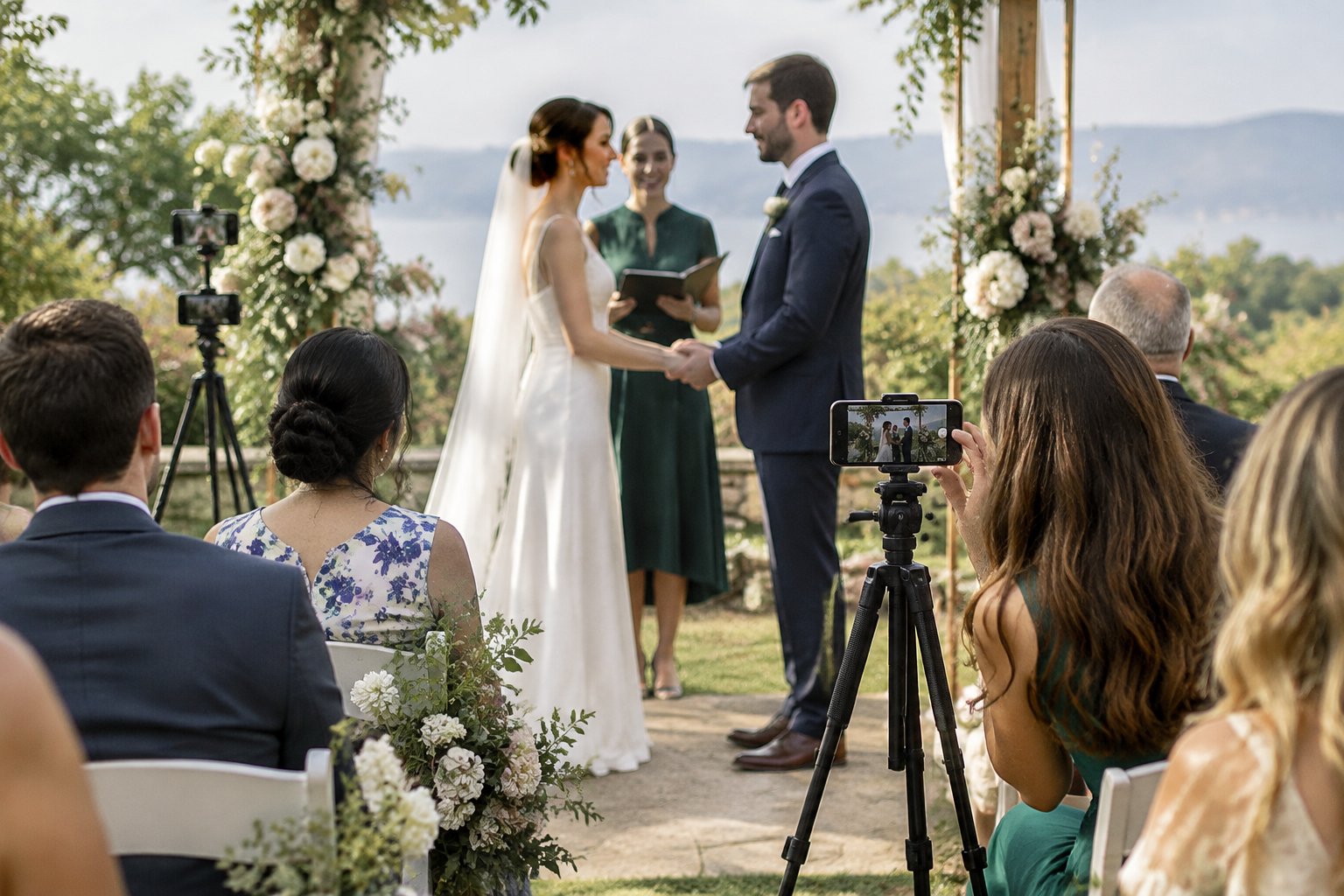
Choose the moments you most want to revisit, then build your recording plan around them. Add filming cues to your wedding timeline so your helpers know when to be ready.
Before the day, ask a friend to test the phone, tripod, and sound at your venue or rehearsal. A quick check gives you time to adjust the setup and enjoy the celebration.
Who Should Be in Charge of Recording?
Choose one reliable person to lead your DIY wedding videography, and give them a clear plan for the key events. A short shot list and realistic expectations help your helper capture the important moments while still being part of the day.
Choose a Reliable Friend or Family Member
Pick someone who is comfortable using a phone or camera and can follow your timeline. Ask them directly before the wedding, and explain how much filming you expect. You can also ask a second guest to capture a few informal clips during the reception.
Your main helper should know where to stand and who to contact if the schedule changes. If you want that person to enjoy the celebration, limit their assignment to a few key moments, such as the ceremony and toasts.
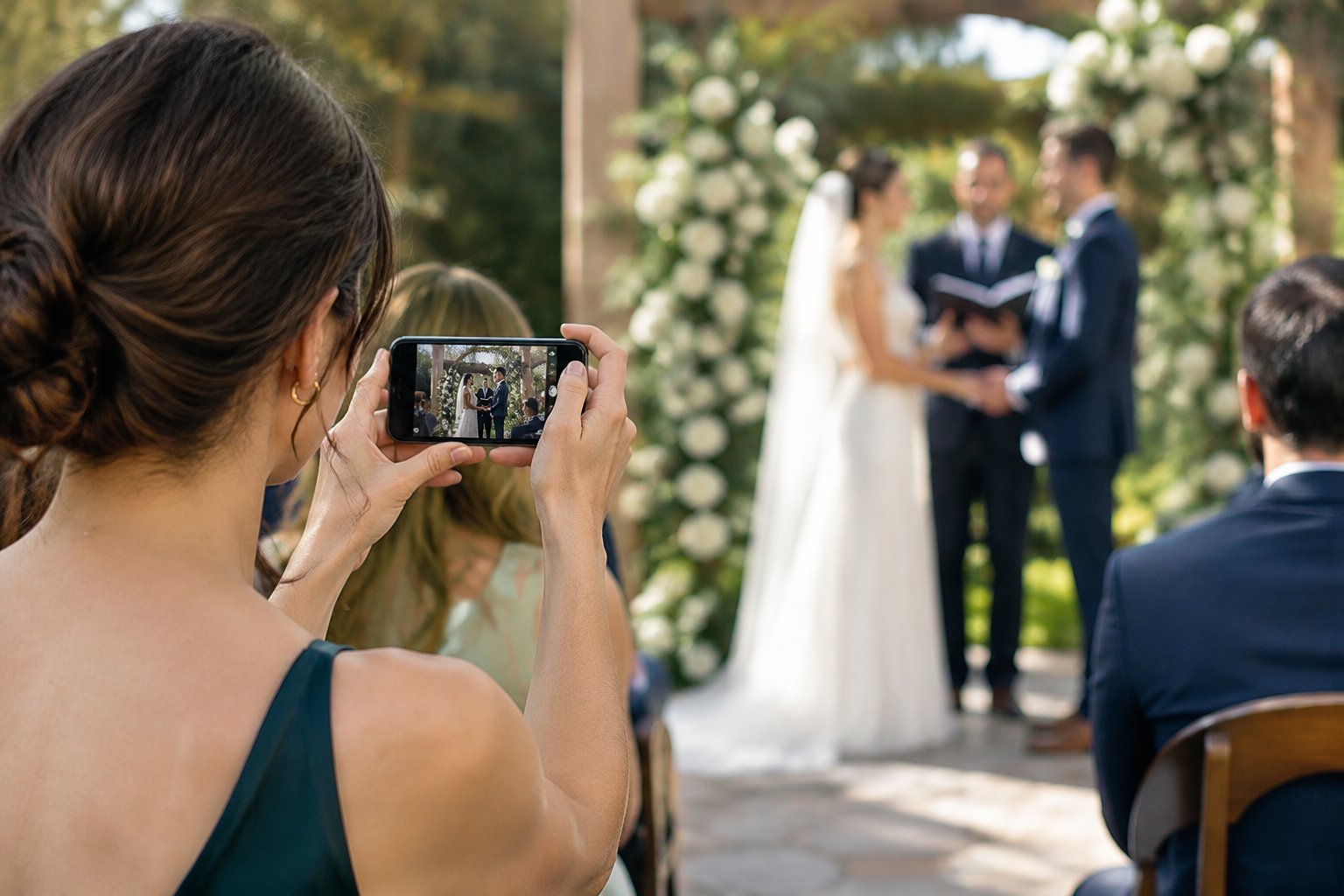
Share a Simple Shot List in Advance
Write down the moments you want captured in order, with a note about where the camera should be. Include the processional, vows, ring exchange, first kiss, and any meaningful traditions.
Share the list with your helper several days ahead so they can ask questions and get familiar with the equipment. A short list is easier to use during a busy day.
Include practical cues, such as “start recording before the processional” and “keep the camera on through the recessional.”
Set Realistic Expectations for DIY Coverage
DIY wedding videography can preserve the moments you care about, though one phone cannot capture every angle and reaction. Decide whether your priority is a full ceremony recording, a short collection of highlights, or a mix of both.
This choice helps you assign tasks clearly. Your main camera can record the ceremony from a fixed position while other guests capture brief clips of the reception.
What Equipment Do You Really Need?
A smartphone, a stable tripod, and enough battery and storage cover the basics of wedding videography. Add an external microphone or gimbal when your setup and budget call for one.
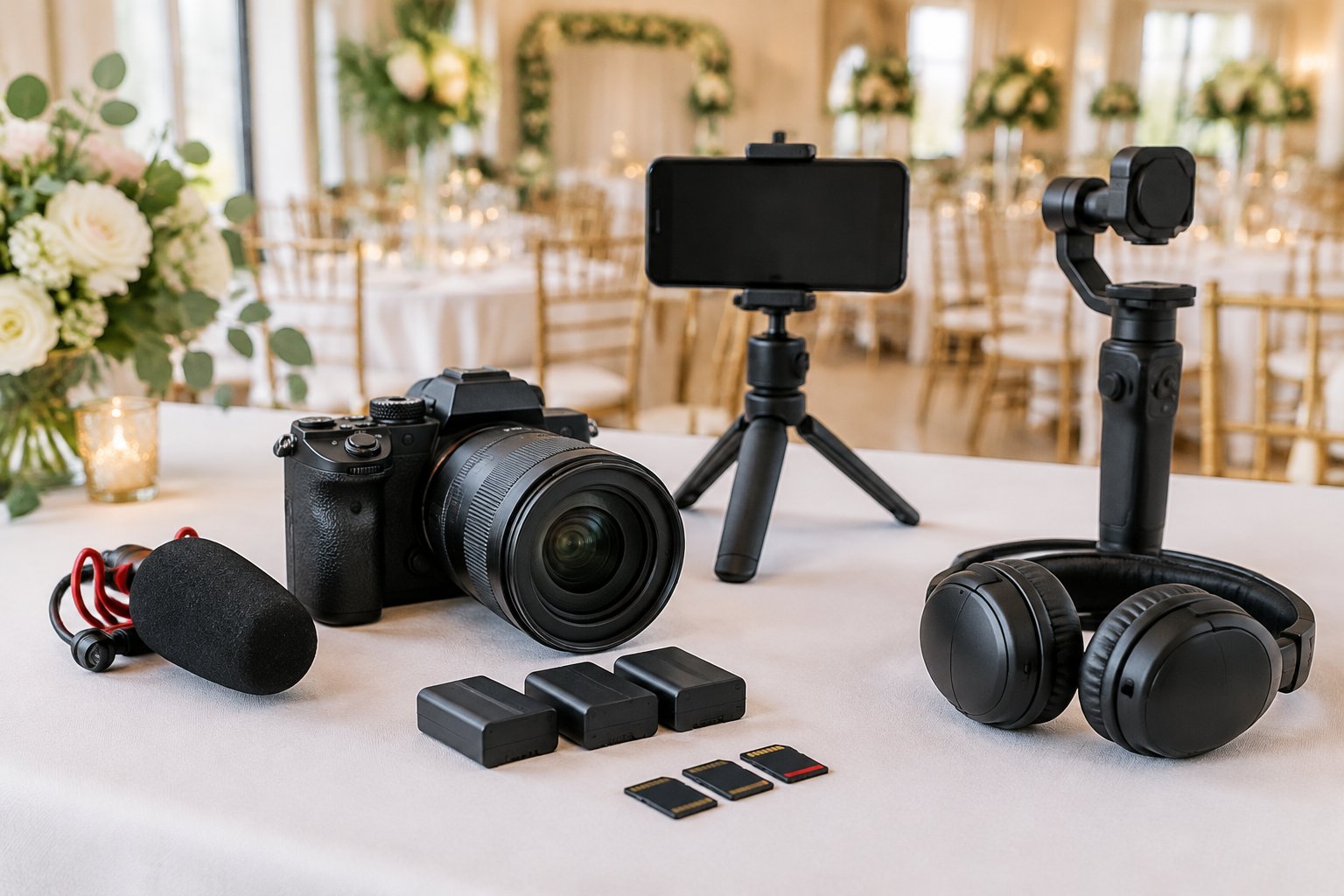
Use a Smartphone or Camera You Already Own
A recent smartphone can record clear video, so start with a device you know how to use. Clean the lens, set the camera to landscape, and test the video quality before the wedding.
A familiar camera is easier for your helper to operate under time pressure. If you have access to a second phone or camera, you can use it for a backup angle.
A two-camera wedding video setup works best when each device has a specific position and purpose.
Stabilize Important Shots With a Tripod
Place a tripod where it has a clear view of the couple and the officiant. Set the camera at about eye level, check the frame, and lock the tripod before guests arrive.
A fixed shot is useful for vows and speeches because it keeps the image steady while the camera records.
When to Use an External Microphone or Gimbal
An external microphone can help capture vows and speeches more clearly, especially when it is placed near the speaker. Ask your venue or DJ whether they can provide an audio feed, and confirm how your recording device can connect to it.
A gimbal helps steady footage when your helper needs to walk or follow people. For a stationary ceremony recording, a tripod is simpler to set up and operate.
Check Storage, Battery Life, and Lighting
Free up storage before the wedding and bring a charger or power bank. Test how long your phone records before its battery runs low, then start with a full charge.
Check the ceremony space at the same time of day if possible, since lighting changes the way faces and details appear on camera.
Which Wedding Moments Should You Prioritize?
Prioritize the ceremony, first kiss, toasts, and first dance, then leave room for candid guest moments. A focused list gives you a useful wedding video without requiring someone to record continuously.
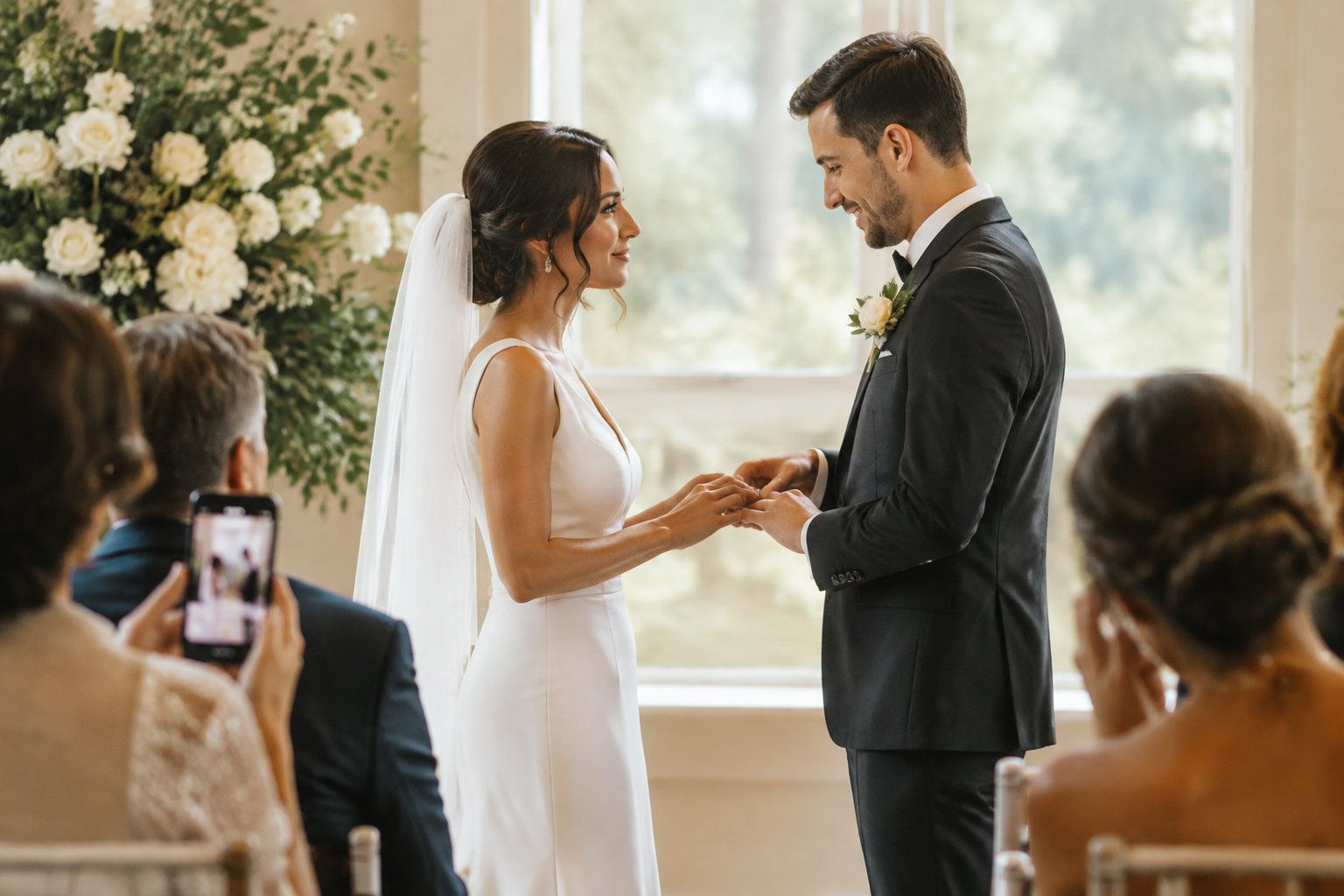
Record the Ceremony and Vows From a Clear Position
Set the camera before guests take their seats, with an unobstructed view of the couple. Start recording before the processional and let the camera run through the recessional.
That gives you the full ceremony, including entrances and the moment you walk back down the aisle. If the ceremony is long, confirm that your phone or camera has enough battery and storage for the full recording.
Consider asking the officiant or venue coordinator about camera placement before guests arrive.
Capture the First Kiss and Guest Reactions
Keep the camera trained on the couple for the first kiss, then give your helper time to capture a few guest reactions. Faces in the audience add a personal sense of the moment.
For more ideas on deciding what deserves your attention, consider the most memorable part of a wedding.
Film Toasts, the First Dance, and Candid Moments
Ask your helper to record each toast from a spot with a clear view of the speaker. Keep the couple in frame when possible, since their reactions are part of the memory.
For the first dance, set the camera before the music starts and hold a wide shot that includes the dance floor. Ask a few guests to record brief candid clips during the reception.
Short clips of greetings, laughter, and dancing can add variety to the final edit.
How Can You Keep Footage Steady and Sound Clear?
Use a stable tripod for key moments, choose a clear camera position, and plan how you will capture spoken words. A steady frame and clean sound make your footage easier to watch and edit.
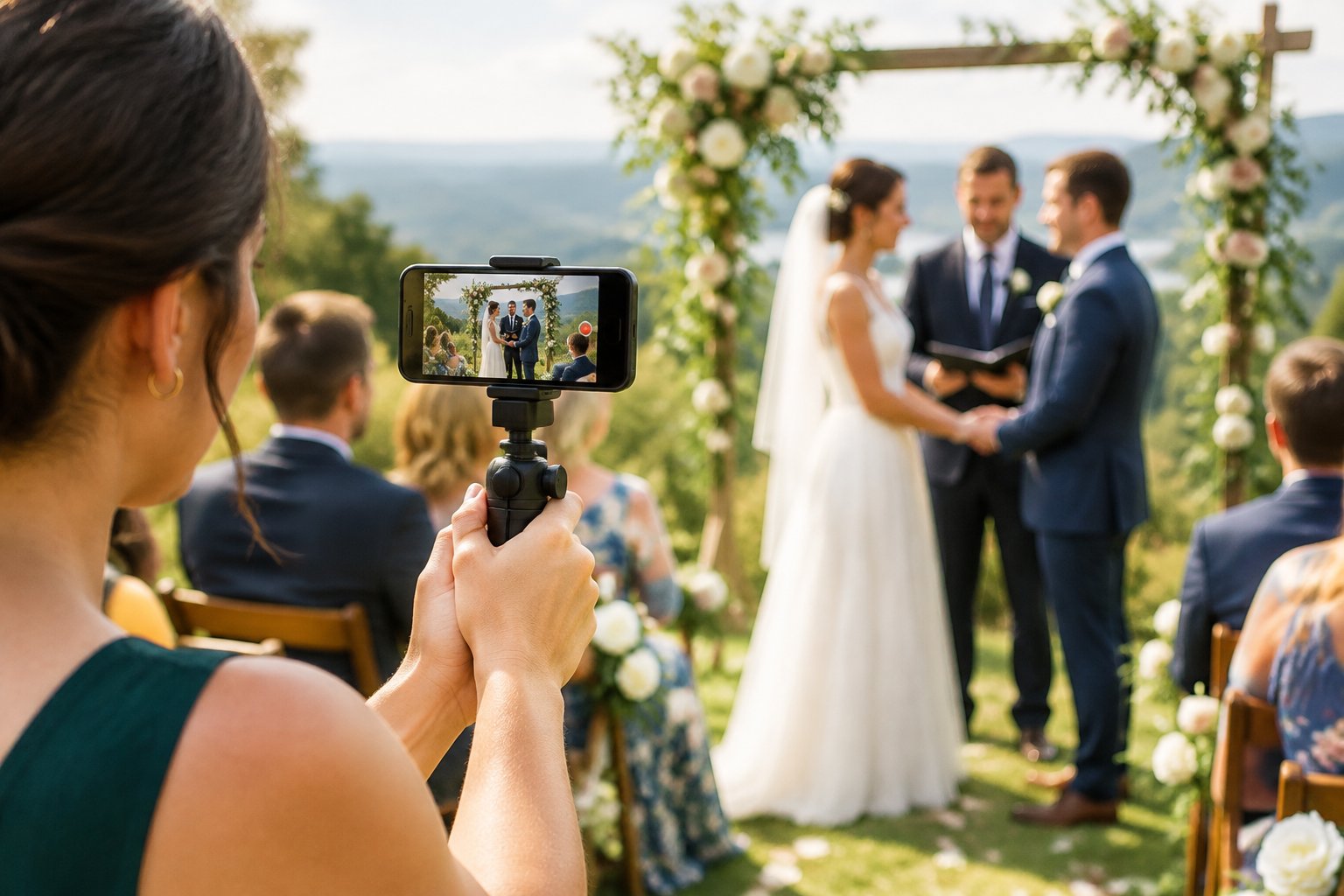
Frame Each Shot and Avoid Unnecessary Movement
Before recording, check that the couple’s faces are visible and the camera is level. Leave some space around the edges of the frame, then keep the phone still.
Use a tripod for the ceremony and speeches; handheld clips work well for short reception moments when your helper can hold the phone steadily.
Coordinate Camera Placement With the Photographer
Talk with your photographer before the wedding about where cameras and tripods can go. Agree on a position that gives your video a clear view without blocking the photographer’s shots or guests’ sightlines.
Share the ceremony schedule so each person knows when the key moments are coming.
Record Clean Audio Near Speakers
Place an external microphone near the speaker when you can do so safely and with permission. If your venue or DJ can record sound from the ceremony microphone, ask how you can receive that audio file after the event.
These tips for getting good audio at your wedding can help you plan where to place the recording device. Check the sound during a rehearsal or setup test.
Listen for clear speech and lower background noise by choosing a spot away from speakers, fans, or busy walkways.
How Do You Turn Clips Into a Finished Film?
Gather every recording soon after the wedding, back up the files, and edit them into a short story with clear sound. A simple sequence of meaningful moments is easier to finish and share.
Collect and Back Up Videos After the Wedding
Ask your helper and guests to send their clips within a few days. Save the original files in one folder, then make a second copy on a separate drive or cloud storage.
Sort clips by event, such as ceremony, toasts, and dancing, to make editing easier.
Edit With iMovie or Adobe Premiere
Use iMovie for a straightforward edit on an Apple device, or Adobe Premiere if you want more control over your timeline and audio. Import your clips, place them in the order of the day, and trim long pauses or shaky starts.
Save a working copy before making major changes.
Choose Music and Keep the Final Cut Simple
Let the vows, speeches, and natural sounds lead the story. Add a song that fits your celebration, and keep its volume low when people are speaking.
Use clean cuts or a few gentle fades, then watch the full video once to check the pacing and sound before you export it.