
QR Photo for Wedding: Simple Guest Sharing
A QR photo for wedding guests gives you one scannable link where friends and family can upload pictures from their phones. Their candid moments gather in one gallery, so you can revisit the day through your guests’ eyes.
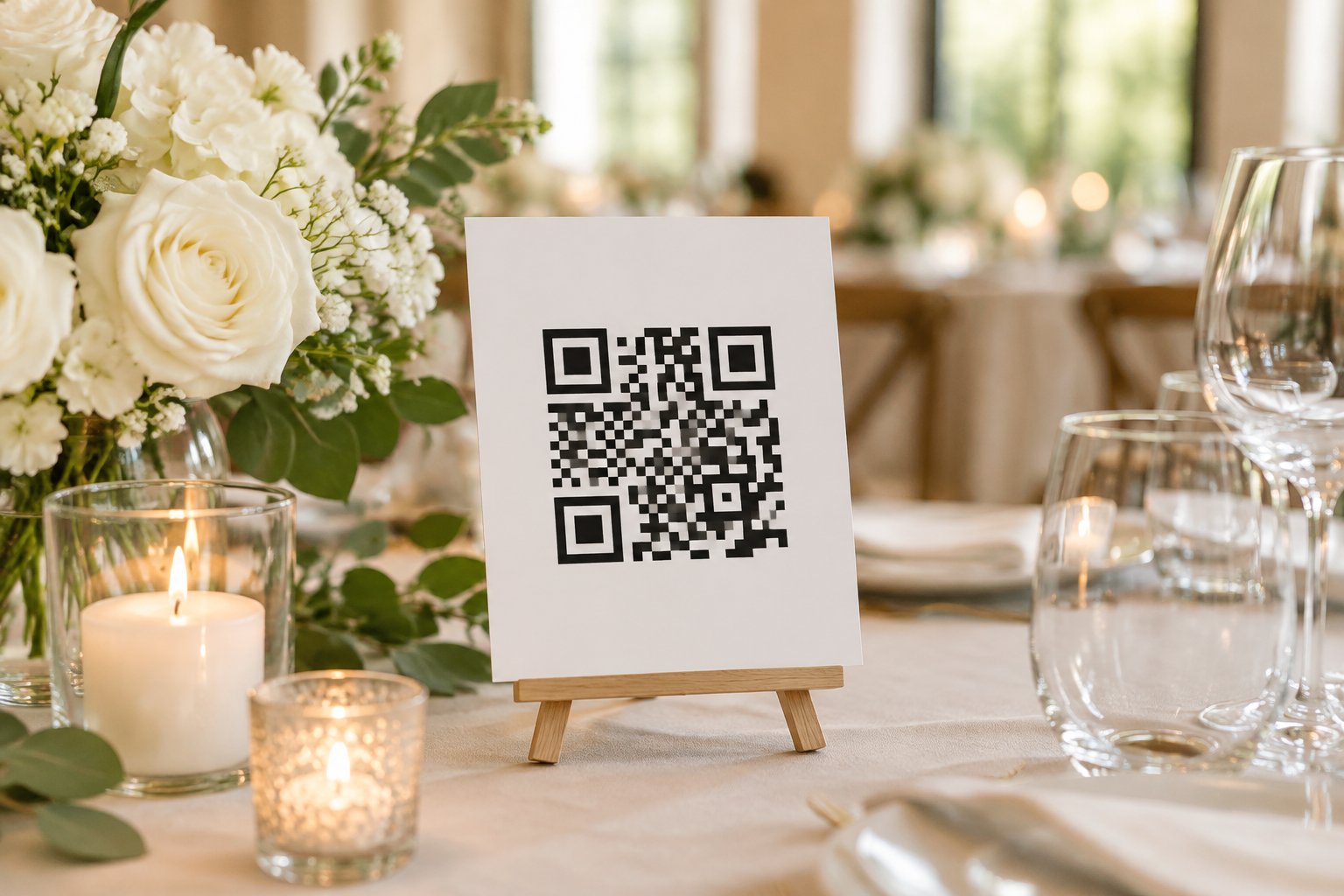
To get more contributions, make the upload steps clear and place the code where guests will notice it. You can invite wedding guests to upload their photos by setting up a gallery before the celebration, then testing the code on a few phones. Create your gallery and try a scan before you print the cards.
How Does Guest Photo Collection Work?
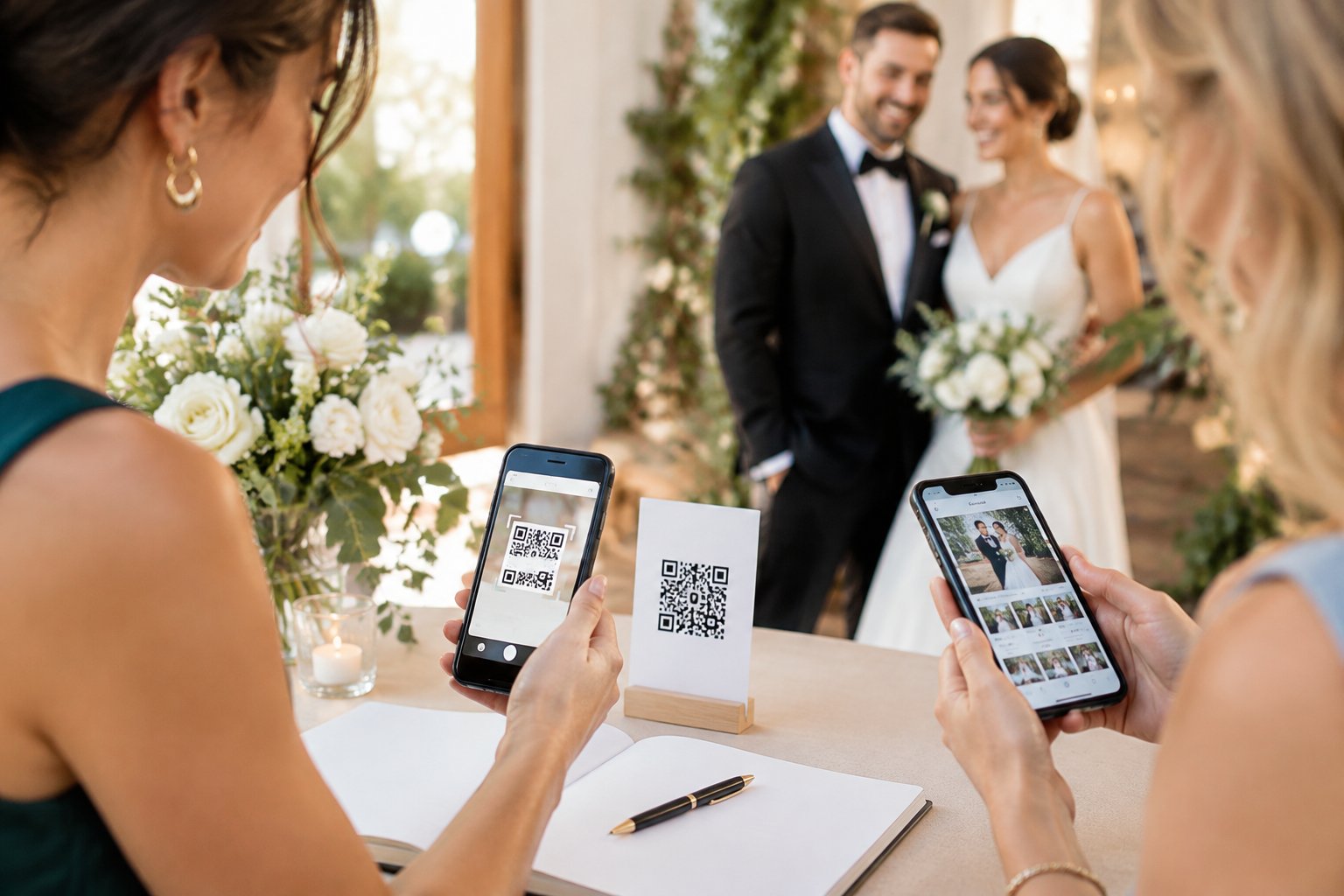
A wedding QR code connects your guests to an online gallery where they can share pictures and videos. The right setup makes each step clear, from scanning the code to downloading your wedding memories.
What Happens When Guests Scan the Code?
Guests point their phone camera at the code and tap the link that appears. It opens a gallery in a web browser, where they can follow the upload instructions. Depending on the service, guests might also be able to browse pictures already shared.
Choose a service that creates a code for the gallery itself, then test the full path from scan to upload. A QR code that opens a general page can leave guests guessing about what to do next. Add a short prompt, such as “Scan to share your photos,” beside the code.
What Can Guests Upload?
Your guests can contribute the photos and videos they took during the wedding, including candid moments you may not have seen. Some services also let guests leave voice messages or written notes alongside their uploads.
Check the gallery’s file limits and upload rules before you share the code. If guests can upload both pictures and videos, mention that on your sign so they know what the gallery accepts.
How Is This Different From a Professional Photographer?
Guest uploads add personal viewpoints and spontaneous scenes to the photos from your professional photographer. Your photographer can focus on planned portraits and key moments, while friends and family capture what they experience from their seats and around the reception.
You can keep both sets of pictures in one place or organize them into separate albums. A guest gallery complements your photographer’s coverage and gives you more angles on the day.
Where Should You Display the Code?
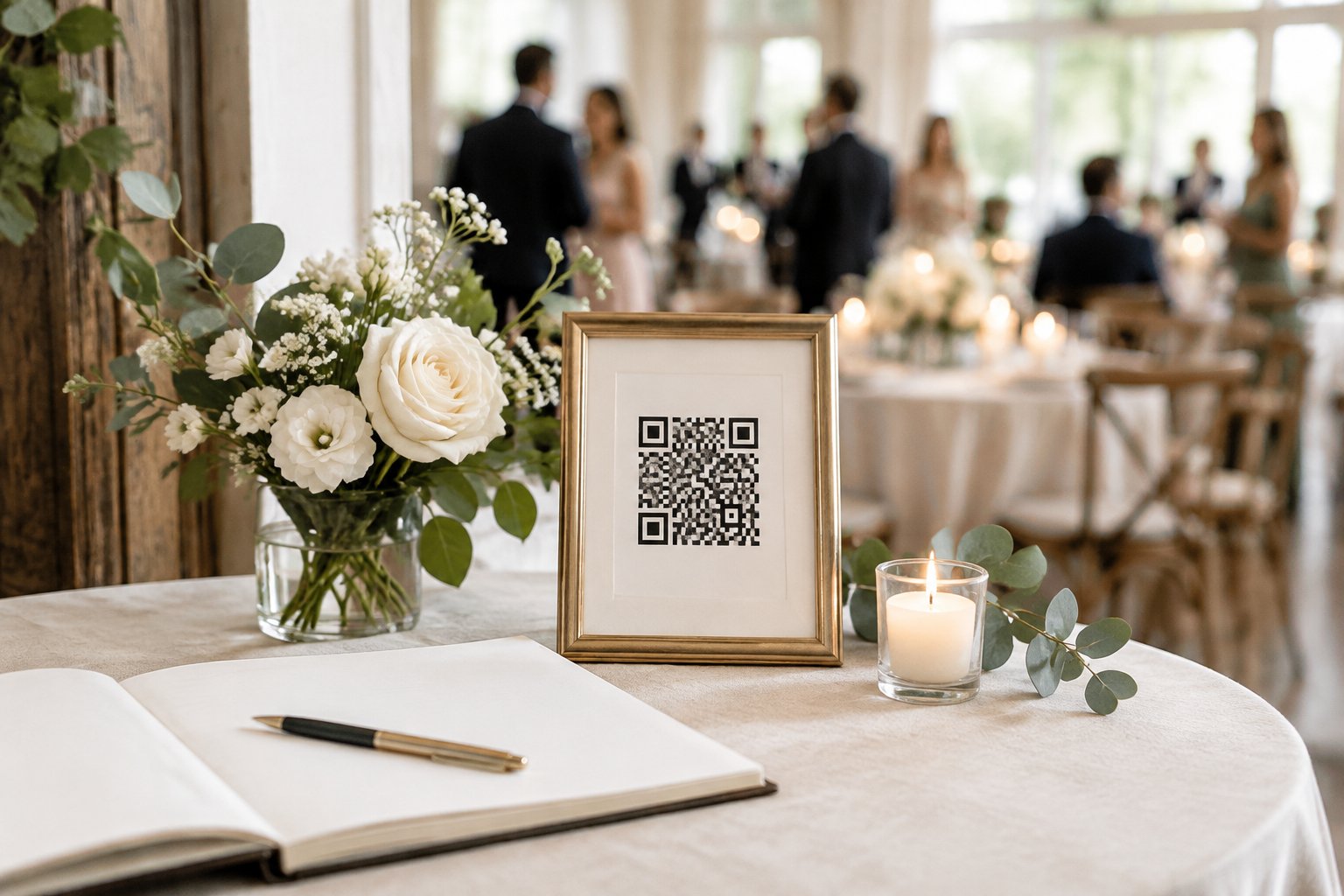
Place the code where guests have a moment to scan it, such as the welcome table or reception tables. Repeating it in a few useful places gives guests more chances to contribute. A clear note on your wedding website can reach them before the event.
Which Printed Signs and Stationery Work Best?
A welcome sign introduces the gallery as guests arrive, and small table cards keep the code within reach during dinner. You can also add it to ceremony programs or a bar-area sign. Choose a high-contrast design and leave enough space around the code for phone cameras to read it.
Add a brief instruction beside the code, such as “Scan to add your wedding photos.” Print a test copy and scan it from the distance guests will stand. For more ways to make wedding photos part of your reception decor, explore these wedding photo display ideas.
Can You Share the Code Before or After the Wedding?
Yes. Share the gallery link through your wedding website or a message before the event, then display the QR code at the venue. A post-wedding reminder gives guests another chance to upload pictures they took but did not share during the celebration.
You can also include the link in a thank-you message. Keep the same gallery link handy so guests can return to it after the reception.
How Can You Keep Sharing Simple and Private?
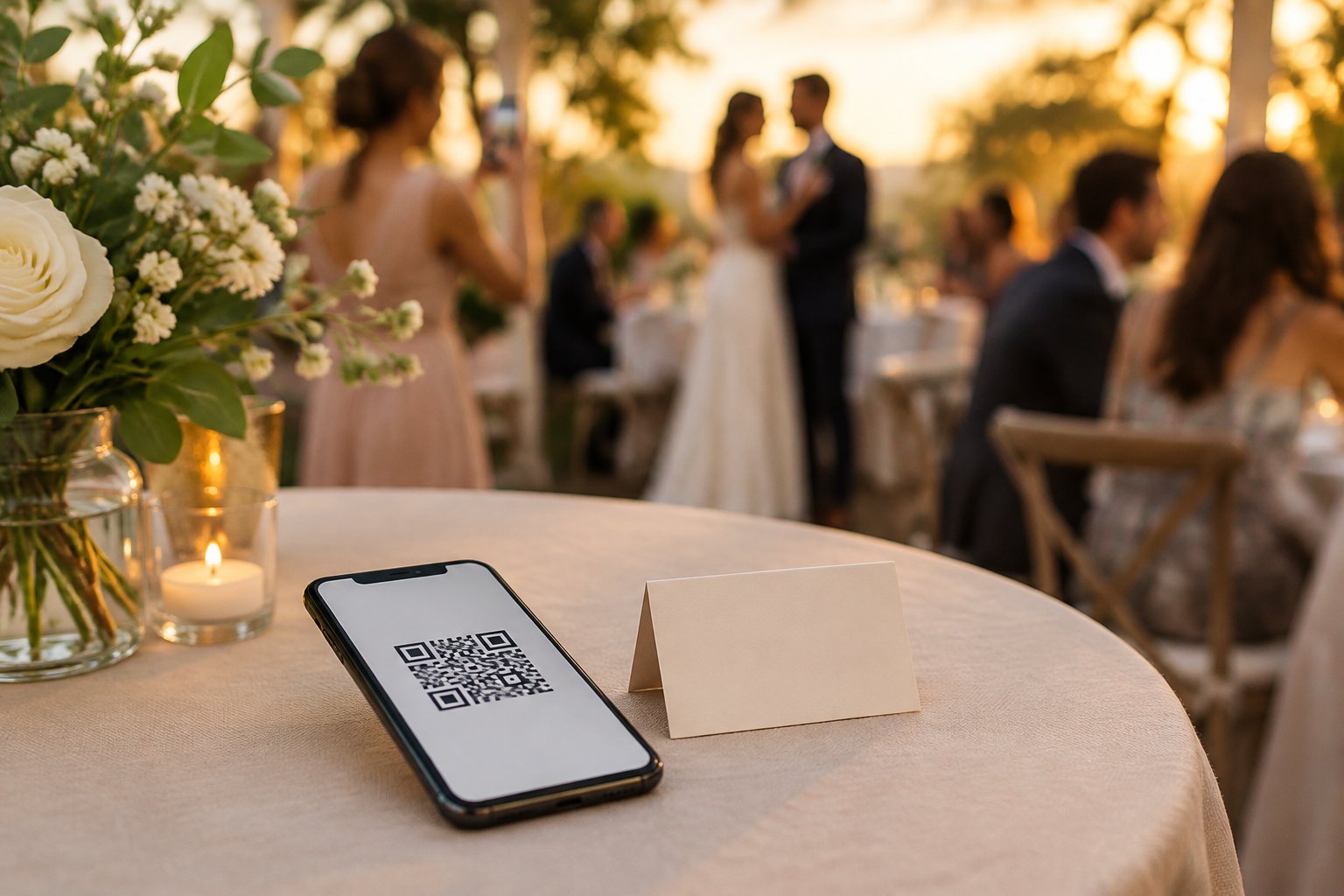
A low-friction upload process helps guests share photos, while clear access settings help you manage who can view the gallery. Check how the service handles guest access, upload dates, and your own downloads before you print the code.
Do Guests Need an App or Account?
Many wedding photo services let guests upload through a browser, with no app installation or account setup. That means guests can scan the code, open the gallery, and choose photos from their phone.
Confirm the steps on an iPhone and an Android phone before the wedding. If guests need to sign in or download an app, include that detail with the QR code instructions.
Who Can View the Gallery?
A private gallery usually uses a link or QR code for access. Check whether anyone with the link can view and upload, or whether the service lets you set separate permissions. Tell guests how their photos will be shared, especially if you plan to show uploads on a screen at the venue.
If you want a keepsake beyond the photo collection, a digital gallery can pair well with a traditional guest book. You can also compare wedding guest book ideas as you plan how guests will leave messages.
How Long Can Guests Upload and Couples Download?
Upload and storage periods vary by service and plan, so check both dates before choosing. Some galleries close to new uploads before stored files become unavailable. Wedding Studio, for example, states that guests can upload and couples can download full-resolution files for 24 months.
Set a reminder to download your gallery before its storage period ends. If you want guests to add photos after the wedding, choose an upload window that gives them enough time.
What Should You Compare Before Choosing a Service?
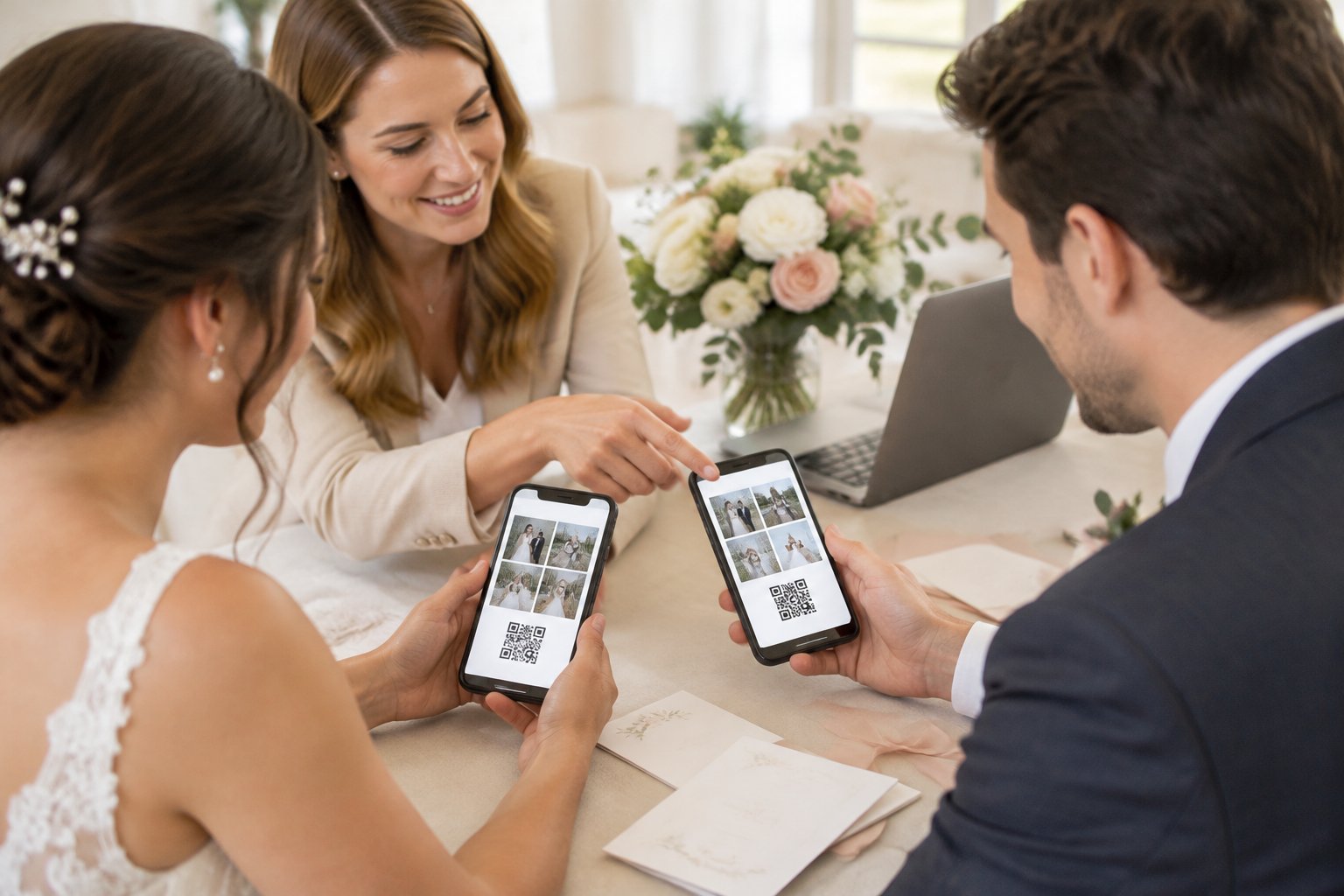
Compare how each service handles uploads, privacy, storage, and guest access before you settle on one. Reviewing the plan details can help you choose a service that fits your guest count and the way you want to keep your wedding photos.
Which Upload, Storage, and Download Features Matter?
Check whether guests can upload both photos and videos, and whether files keep their original resolution. Look at how you can download the collection, whether the service offers a bulk download, and when access to files expires.
A private gallery is useful when you want one place for guest uploads. Some services also offer features such as photo categories, duplicate detection, or a live slideshow. Compare those tools with your plans for the event, then share your wedding photos with family and friends after you have downloaded them.
How Do Pricing and Guest Limits Differ?
Check the full price and what each plan includes. Some services set guest or upload limits, while others offer plans with unlimited contributions. Look for extra charges tied to storage time, video uploads, or access to full-resolution downloads.
Match the plan to your expected guest count and the number of wedding events you want to include. If you are comparing wedding photo-sharing apps, review their guest limits and upload windows side by side before you pay.
Are Printed QR Cards or Custom Designs Included?
Some services provide printable templates, while others sell printed QR cards or offer custom designs. Check whether the price includes delivery and whether you can personalize the sign with your names, date, or wedding colors.
Whichever format you choose, scan the final print before the event. Confirm that the code opens the correct gallery and that the printed instructions are easy to read.
How Can You Capture Memories Beyond Photos?
You can gather more than pictures by making it easy for guests to contribute and giving them clear prompts. A QR code can connect guests across a wedding weekend, while an audio guestbook adds spoken messages to your collection of wedding memories.
What Helps Guests Remember to Contribute?
Put the code where guests will see it and explain what happens after they scan. Ask your DJ or emcee to mention the gallery during the reception, then include a reminder in a message after the wedding. If you want ideas for friendly wording, these examples of how to ask wedding guests to upload photos can help you write a short prompt.
A welcome sign and table cards give guests repeated reminders without interrupting the celebration. Keep the instruction direct, and make sure the code is large enough to scan from nearby.
Can a QR Code Support a Destination Wedding?
Yes. Share the gallery link before guests travel, then use the same code at wedding-week events. You can collect photos from a welcome party, ceremony, or reception in one place, or create separate galleries for each gathering.
Guests may take pictures throughout the trip, so check how long the gallery accepts uploads. For activity ideas that help guests connect during the trip, browse these suggestions for what to do with guests at a destination wedding.
How Can an Audio Guestbook Add a Personal Touch?
An audio guestbook lets guests record spoken wishes, stories, or toasts for you to revisit later. Some photo-sharing services include voice messages in the same gallery, while others offer a separate recording option.
Add a short prompt that gives guests an easy starting point, such as asking them to share a favorite memory or offer a wish for your future. You can keep those recordings with the photos so the gallery holds both the images and the voices from your celebration.