
Where Can I Stream My Wedding for Free? Tips to Share Your Special Day Online
Streaming your wedding for free can be a wonderful way to share your special day with loved ones who can’t attend in person. Platforms like Facebook, Zoom, or YouTube allow you to broadcast your ceremony at no cost. These options allow your guests to join in on the fun and celebrate your joy from anywhere in the world.
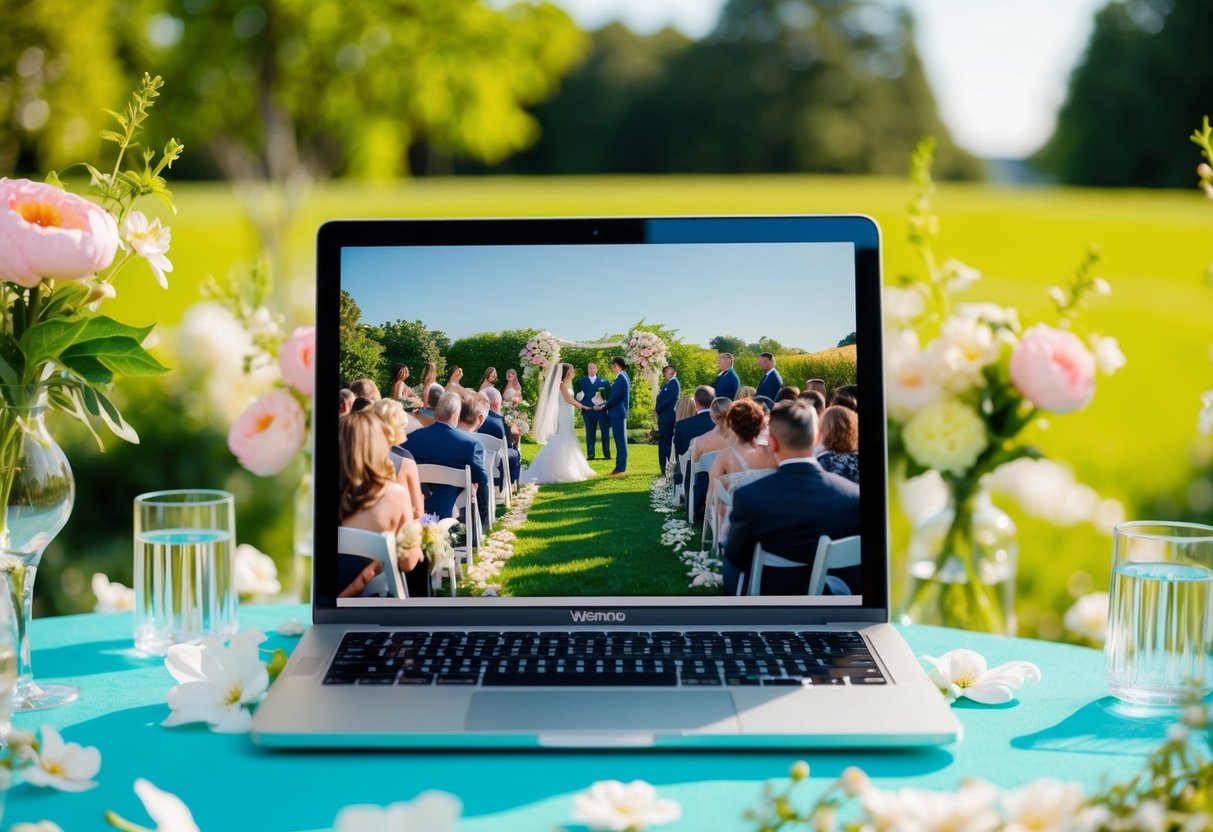
Setting up a live stream is generally straightforward. All you need is a device, an internet connection, and a bit of planning. Many couples find that a simple setup can make their virtual wedding feel just as special as an in-person event, bringing together friends and family through this modern touch.
With so many accessible platforms available, you’re sure to find one that suits your needs. This will make it possible for everyone to witness and enjoy the love and happiness of your big day, making your celebration truly unforgettable.
Choosing the Right Streaming Platform
Selecting a streaming platform for your wedding can make a big difference in how your special day is shared with loved ones. There are various options available, each with its unique features and benefits. Understanding these options can help you find the best fit for your needs.
Popular Platforms for Wedding Live Streaming
Several well-known platforms are great for streaming your wedding. Facebook Live, Instagram Live, and YouTube Live are free and easy to use. You can set up a private event on these sites and invite your guests to join. Each platform has its own strengths:
- Facebook Live allows you to connect with friends and family instantly, while
- Instagram Live is ideal for a more casual setting.
- YouTube Live provides a wider audience reach and better video quality.
For those looking for added features, platforms like Lovestream and Wedfuly offer specialized services like multiple camera views and virtual guest books, making your wedding more interactive.
Comparing Full-Service Platforms vs DIY Options
When deciding on a streaming platform, consider if you want a full-service option or a DIY approach. Full-service platforms like Lovecast or EventLive cater specifically to weddings. They provide professional equipment and support, ensuring a smooth broadcast.
DIY options like Zoom and the basic versions of Facebook Live or YouTube Live let you save money. You may set things up on your own, choosing how to promote your livestream. While these options are budget-friendly, they may require more planning on your part.
Ultimately, think about your comfort level with technology and the experience you want to provide for your guests when making a choice.
Technical Set-Up for Live Streaming
Setting up your live stream for your wedding does not have to be complicated. You only need some essential equipment and a stable internet connection to ensure your guests can enjoy the event from anywhere.
Essential Equipment for Quality Streaming
To get started, you’ll need a few key items. First, a smartphone is often the simplest choice. Most smartphones have high-quality cameras and built-in streaming capabilities.
Consider using an external microphone to improve audio quality. Sound is just as important as video, so a good mic ensures your vows and speeches are crystal clear.
A tripod can help stabilize your phone, preventing shaky footage. If you want a more professional setup, a camera with streaming capabilities can be an excellent option.
Think about having tech support on hand. It can be a friend or family member who understands the equipment and can assist if something goes wrong during the live stream.
Setting Up a Stable Internet Connection
A reliable internet connection is crucial for a smooth streaming experience. Use a high-speed connection whenever possible. If you’re streaming from a venue, check if they provide Wi-Fi and if it’s strong enough for video streaming.
You can also use your smartphone’s data if the internet is lacking; just be mindful of data limits. If there’s a chance of weak signals, consider setting up close to the router.
Test your connection before the event. Do a trial run to see if the video and audio work well. This step can prevent issues on your wedding day, ensuring your loved ones won’t miss any special moments.
Engaging Your Virtual Guests
Engaging your virtual guests is key to creating a memorable wedding experience. By using interactive features and coordinating well with RSVPs, you can make everyone feel included, whether they are near or far.
Interactive Features to Include in Your Live Stream
Consider using live chat during your wedding ceremony. This allows guests to share their thoughts in real time. They can send messages, congratulations, or even ask questions.
You can also use polls or quizzes related to the couple. This encourages guests to interact and share their feelings. Another fun idea is to create a virtual guest book where attendees can leave messages for you.
Don’t forget about incorporating wedding videos into your stream. Short clips featuring family messages or highlights from your relationship can engage viewers.
All these features will help your guests feel like they are part of the day, making it special for everyone involved.
Virtual RSVPs and Wedding Day Coordination
Set up a straightforward way for guests to send their RSVPs. Utilize an online platform to capture their responses. This helps you keep track of who will attend your live stream.
On the wedding day, coordinate the virtual attendance. Make sure to share important information in advance, like the livestream link and start time. You can create a group chat or email list to keep everyone informed.
Additionally, consider someone to help manage the stream. They can handle any technical issues that arise and interact with viewers through live chat. This support allows you to focus on your special day while ensuring your guests feel connected and included, no matter where they are.
Promoting Your Wedding Live Stream
To ensure your wedding live stream reaches all your loved ones, it’s important to promote it effectively. Use clear invitations and announcements, and create buzz on social media to engage your guests.
Invitations and Announcements
Start by sending digital invitations that include details on how to access your live stream. You can use platforms like a wedding website to provide all necessary information.
Be sure to mention the date, time, and link for the live stream. If you’re using a private Facebook live stream or YouTube live stream, include the platform and any access requirements.
You might also consider sending out announcements through personal messages or emails. This will help ensure your guests know they can join you virtually, even if they can’t be there in person.
Creating a Hashtag and Social Media Buzz
Creating a unique hashtag for your wedding can help generate excitement and encourage guests to share their experiences online. Make sure it’s easy to remember and relevant to your wedding day.
Encourage friends and family to use the hashtag when posting about the bridal shower or any pre-wedding events. This creates a sense of community and class around your celebration.
You can also use social media platforms like Instagram and Facebook to post reminders leading up to your wedding day. Share behind-the-scenes content, like how you’re preparing for the big day.
Promote your live stream as a great way for friends and family to join in celebrating, no matter their location.