
Can I Stream My Wedding on YouTube? Tips for a Perfect Live Experience
Streaming your wedding on YouTube is a great way to share your special day with friends and family who can’t be there in person. You can stream your wedding live on YouTube, giving loved ones the chance to watch the ceremony in real-time from anywhere. With the right tools and planning, you can set everything up smoothly.

You might wonder about the technical side of things. Consider using your phone with a streaming app or a dedicated camera for better quality. Setting up a few weeks in advance ensures that you have everything ready, from testing your equipment to checking your internet connection.
Don’t forget to think about the details, like copyright issues with music, as this can affect your stream. With some planning and creativity, you can make sure that your wedding is a memorable event for everyone, whether they are there physically or watching from a distance.
Planning Your Wedding Live Stream
When planning your wedding live stream, several key factors will contribute to its success. Choosing the right platform, understanding the technical requirements, and incorporating live streaming into your wedding plans can make a big difference. Let’s explore these important areas to help you prepare.
Choosing a Live Streaming Platform
Selecting a suitable live streaming platform is vital for your event. Popular options include YouTube, Facebook Live, and specialized services like Eventlive and Lovestream. Each platform offers unique features.
YouTube is great for accessibility and wide reach. It allows anyone to tune in, even if they don’t have a YouTube account.
Facebook Live connects you with social media followers directly, making it easy for them to share your special day.
Specialized platforms like Lovestream offer custom features designed specifically for weddings, ensuring a more tailored experience.
Technical Requirements for Live Streaming
To live stream your wedding, you need to meet basic technical requirements. First, ensure you have a reliable internet connection. A wired connection is best, but strong Wi-Fi can work too.
Next, invest in quality equipment. A good smartphone or a dedicated camera will improve the video quality. Consider using a tripod to keep the camera steady.
Don’t forget audio quality! Use an external microphone for clear sound. Conduct a test run before the big day to troubleshoot any issues.
Wedding Planning with Live Streaming in Mind
Integrating live streaming into your wedding planning can enhance the experience for remote guests. Start by informing your guests about the live stream in your invitations. This way, they can plan on joining.
Next, set up a designated area for the live stream. Choose a good backdrop that looks nice on camera. Make sure it’s away from distractions that could interrupt the broadcast.
Finally, consider hiring a professional live streaming service for a polished look. They can handle the technical aspects, allowing you to focus on enjoying your wedding day.
Executing a Successful Live Stream on the Day
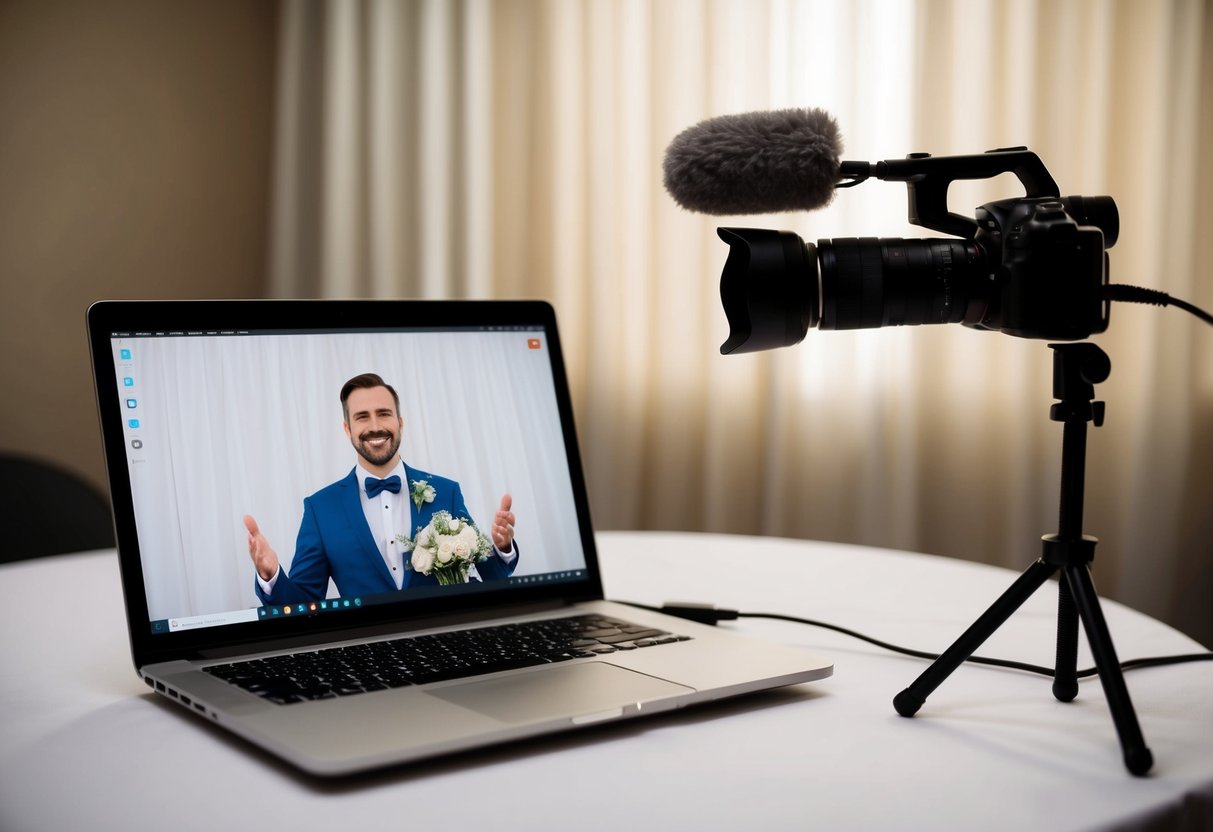
To ensure your wedding live stream goes smoothly, focus on three key areas: setting up your camera and audio, ensuring internet connectivity, and managing your virtual guests. Careful preparation in these areas can make a big difference for both in-person and online attendees.
Setting Up the Camera and Audio
For a great live stream, start with your camera setup. Use a tripod to keep the camera steady. Position it at eye level for the best view of the ceremony. If you have more than one camera, consider angles that capture both the couple and guests.
Audio quality is equally important. Use external microphones if possible. This helps capture vows and speeches clearly. Test everything ahead of time, including sound levels. A test run can help you find and fix any issues before the big moment.
Ensuring Reliable Internet Connectivity
A strong internet connection is vital for streaming. If you can, use a wired internet connection instead of Wi-Fi. Ethernet connections provide stability and reduce the chance of buffering. Check your internet speed ahead of time to make sure it can handle live streaming.
If wired internet is not an option, consider a mobile hotspot or secondary internet service. Keep backup plans in place. Having extra data on your phone can help in a pinch. This ensures that your guests can enjoy the ceremony without interruptions.
Managing Your Virtual Guests
Engaging with your virtual guests is key to a successful live stream. Prior to the event, send out clear instructions on how to join the stream. This makes it easier for them to log on and feel included during the ceremony.
You may want to designate a friend or family member as a moderator for the online guests. This person can manage chat questions and messages. They can also assist in troubleshooting any issues that may arise, helping ensure that everyone feels part of your special day.
Interacting with Guests Online
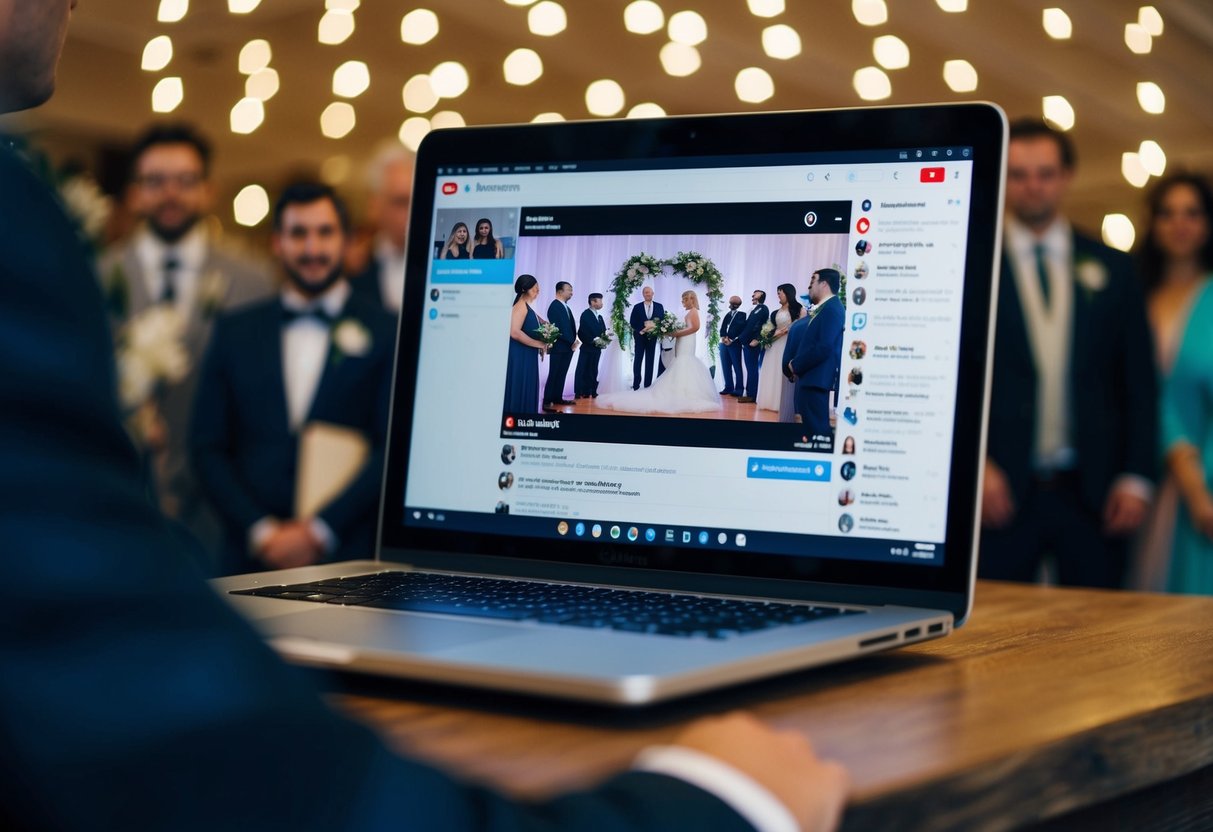
When you stream your wedding, it’s important to keep your virtual guests engaged. This can make them feel like they are part of your special day, even from afar. Here are ways to include them in your ceremony and enhance their experience.
Including Virtual Guests in Your Ceremony
To include your virtual guests in the ceremony, consider creating a dedicated livestream channel, like on YouTube Live or Facebook Live. Share the link with your loved ones ahead of time. This way, they can join the event easily.
You can also set up multiple cameras to give a better view of the ceremony. Make sure you’ve tested the connections and angles before the big day.
Don’t forget to include a segment just for your online guests! Take a moment during the ceremony to acknowledge their presence. A simple wave or a shout-out can make them feel special.
Virtual Audience Engagement
Engaging with your virtual audience is key to a memorable experience. Start by encouraging guests to send messages during the livestream. Designate someone to read these out loud so you can respond in real-time.
Using platforms like Zoom can also help. You can invite some guests to join via video for a more personal touch.
Additionally, consider running polls or fun quizzes through social media platforms while streaming. This keeps everyone involved and adds a layer of fun to your celebration.
Legal and Technical Considerations for Live Streaming
When planning to stream your wedding on YouTube, it’s essential to address both legal and technical aspects. You need to understand copyright issues, especially with music. Additionally, knowing how to enable live streaming on YouTube is crucial for a smooth event.
Navigating Copyright Issues with Music
Using music during your live wedding stream can be tricky. Many songs are protected under copyright laws. If you play copyrighted music without permission, your stream could be muted or even taken down.
To avoid this, consider using royalty-free music or platforms that provide licensed wedding tracks. You can also explore services like YouTube’s Audio Library, which offers free music for creators.
Be sure to check the terms of use for any music, as requirements may vary. Playing live music performed by a band or DJ can also carry risks, so confirm they have the right licenses in place.
How to Enable Live Streaming on YouTube
Before you can live stream your wedding, you need to enable live streaming on your YouTube account. Start by ensuring your account is verified and has no live streaming restrictions.
To enable live streaming, go to your YouTube settings, then click on “Create” and select “Go Live.” You can choose between a public or private live stream. A private stream is great for sharing with only selected guests.
Make sure you have reliable streaming software, like OBS Studio or Streamlabs. Test your setup ahead of time to ensure everything works smoothly. Check your internet connection and perform a practice run to iron out any issues before the big day.