
How to Calculate How Many Guests Will Attend a Wedding: Guide
You can estimate how many guests will attend your wedding by multiplying each group of invited people by its expected attendance rate, then adding the results. Your estimate gives you a working headcount for early choices, while confirmed RSVPs will set the final number.

Start with people, not envelopes, and sort your list by how far each group must travel. Make a first pass at your guest list and assign a rate to each group to get a useful starting estimate.
Start With the Expected Attendance Formula
Use the expected attendance rate to turn your invited wedding guest count into a forecast of the people who may attend.

Separate local invitees from guests who must travel, then calculate each group before adding the estimates together. For a broader approach to calculating your wedding guest count, keep the same people-based count throughout your planning.
What Is the Basic Calculation?
Multiply the number of invited people in a group by that group’s expected attendance rate. The formula is:
Expected guest count = invited guests × expected attendance rate
For example, if you invite 100 local guests and use an 85% planning rate, your estimate is 85 attendees. The rate is a planning assumption, so treat the result as a forecast until guests reply.
If you have groups with different travel needs, calculate them separately and add their estimates. A simple spreadsheet can keep the invitee count, rate, and projected attendance clear for each group.
How Does a Local and Out-of-Town Estimate Work?
A separate calculation for local and out-of-town guests gives you a more useful forecast than applying one rate to everyone. Suppose you invite 100 local guests and estimate an 85% attendance rate, then invite 40 out-of-town guests and estimate 60%.
Your projection is 85 local guests plus 24 travelers, or 109 attendees. Use the same method to estimate how many RSVPs will show up, updating your assumptions as replies arrive. Keep the groups distinct in your worksheet so a change to one rate does not affect the rest of your estimate.
Choose a Realistic Attendance Rate
Choose rates that reflect your guests’ travel plans and the effort required to attend, then use them as estimates until you receive replies.
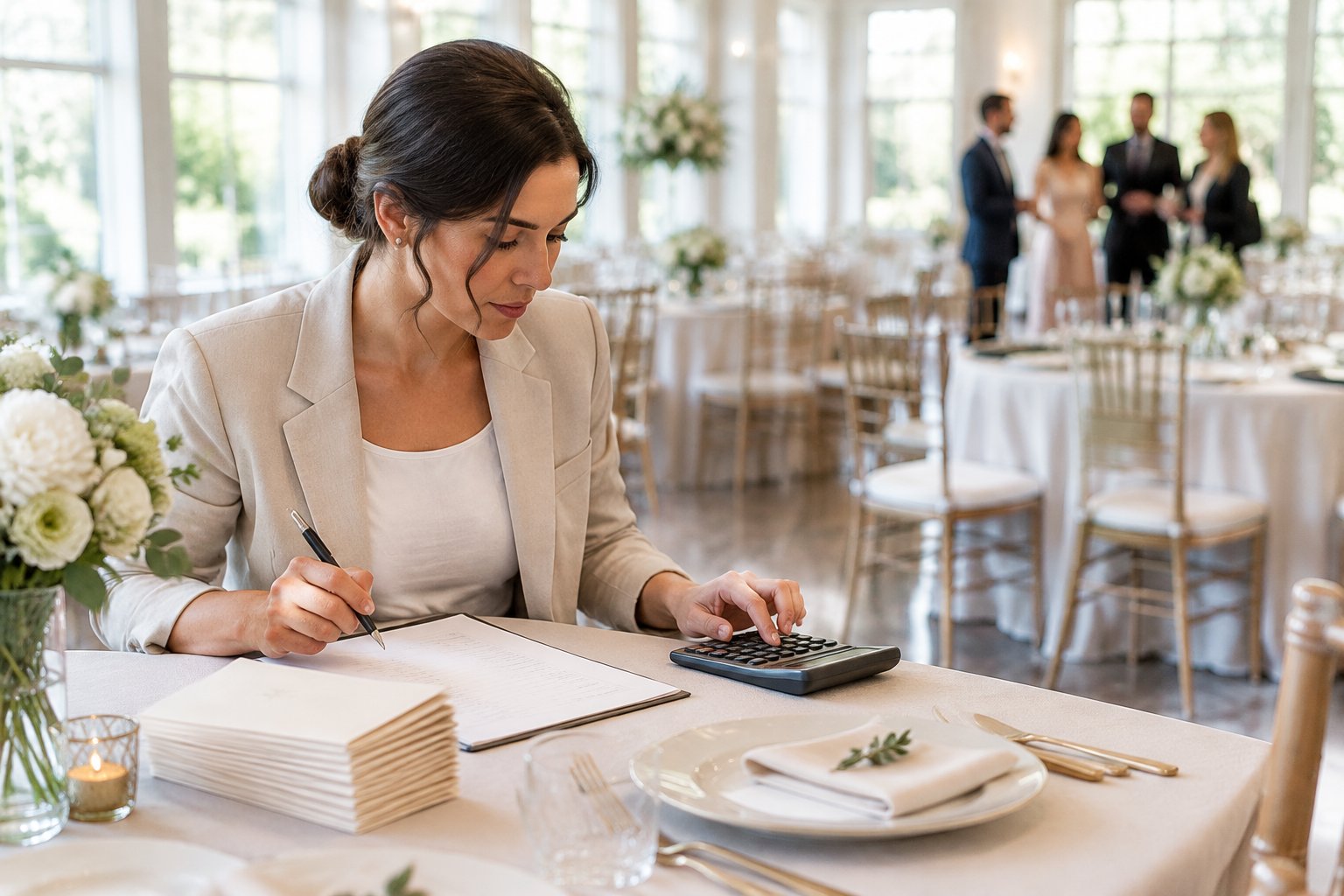
A local wedding and a destination celebration can draw different shares of your invited guests. Your date, travel costs, and the amount of notice you give also shape the forecast.
How Do Local and Destination Weddings Differ?
Local guests have fewer travel steps, so you might begin with a higher attendance estimate for them than for guests who need flights or overnight stays. For a destination wedding, use a lower starting rate and adjust it based on how many guests live nearby, travel costs, and lodging options.
You can also compare your estimate with guidance on destination wedding attendance rates. Choose rates as planning estimates, not promises. If you have records from a previous family event or know that a group has already discussed travel, use those details to refine your assumptions.
What Other Factors Can Change the Estimate?
Your wedding date and location affect how easy it is for guests to attend. A weekday date, a holiday weekend, limited travel options, or short notice can make attendance harder for some invitees.
Consider each group’s connection to you as well. Close family and friends may have a stronger reason to make the trip, while coworkers or casual acquaintances may have other commitments. Adjust your estimate in small steps and note why you changed a group’s rate, so you can revisit the choice when replies come in.
Count Plus-Ones, Children, and Households
Build your wedding guest list as a count of individual people, including the plus-ones and children you plan to invite.

An invitation may cover one person, a couple, or a family. Track those invited people separately from the number of envelopes you send.
How Should You Count Plus-Ones and Children?
Count a plus-one as one potential attendee when you have offered that guest an extra invitation. Add the plus-one to your estimate only when your attendance calculation includes that person.
Clear guest-list rules help you set limits on wedding plus-ones while keeping your headcount and budget aligned. List children as individual guests, with their own attendance status. If your invitation includes a family, record each adult and child so your projected meal and seating totals reflect the people invited. A guide to including children in wedding guest numbers can help you keep that count consistent.
Why Count People Rather Than Invitations?
Your invitation total measures households or mailing pieces, while your headcount measures individual attendees. One family invitation could represent two adults and two children, so treating it as one guest would leave your estimate short by three people.
For each household, record the names of everyone invited and note any allowed plus-one. Then calculate attendance from the people on the list. This gives you a clearer basis for meals, chairs, place cards, and venue capacity.
Use a Calculator to Explore Scenarios
A wedding guest list calculator helps you compare possible headcounts by changing your invitee totals or expected attendance rates.

A guest calculator works best when your entries match the way you organize your list. Keep local guests, travelers, plus-ones, and children in clear categories so each estimate has a practical meaning.
What Should You Enter in a Wedding Guest List Calculator?
Enter the number of individual people you plan to invite, not only the number of invitations. If the calculator accepts separate groups, add local and out-of-town guests on their own lines, then enter a rate for each group. Include children and plus-ones in the appropriate guest totals.
Check the labels before entering numbers. Some calculators ask for invited people, while others ask for households or invitations. Make sure your rates and totals use the same unit, or your projected headcount will be off.
How Can a Guest Calculator Help Set Your Headcount?
Use a wedding guest calculator to compare a low, middle, and high attendance scenario. For example, you can lower the rate for travelers in one version and raise it in another to see how the projected headcount changes.
Those scenarios help you assess whether your venue and early budget can support a range of outcomes. A calculator gives you a quick way to test assumptions; your current RSVP responses should replace estimates as guests reply.
Apply the Forecast to Your Budget and Vendors
Use your projected guest count to estimate per-person costs and check whether your venue can accommodate the likely headcount.
Food, beverages, rentals, and some service charges rise as the number of attendees grows. Your venue may also have a firm capacity, so keep that limit in view as your guest list takes shape.
How Does Guest Count Affect the Wedding Budget?
A higher headcount increases costs tied to each attendee, including catering and place settings. Other costs, such as venue rental or photography, may stay fixed across a range of guest counts. Use both types of expenses when you plan how to allocate your wedding budget.
Ask vendors how they calculate charges and which count they need. Your caterer may request meals by guest type, while your rental company may need totals for chairs, tables, and linens. Keep vendor meals on a separate line so they do not get mixed into your guest RSVP count.
When Should You Replace Estimates With Confirmed RSVPs?
Use your estimate for early planning, then update it as each RSVP arrives. Set an RSVP deadline that gives you time to follow up with guests and meet your vendors’ deadlines for meal counts, seating, and rentals.
Once replies are in, compare the confirmed yes responses with your forecast and contact guests who have not answered. Send the final headcount by the date each vendor requests, and keep separate totals for guests, children, and vendor meals.